

ImageKit
1.5K posts

ImageKit
@ImagekitIo
Real-time media processing APIs and Digital Asset Management to help tech, marketing & creative teams to deliver, manage & collaborate on media assets at scale.
India Se unió Temmuz 2016
448 Siguiendo1.2K Seguidores
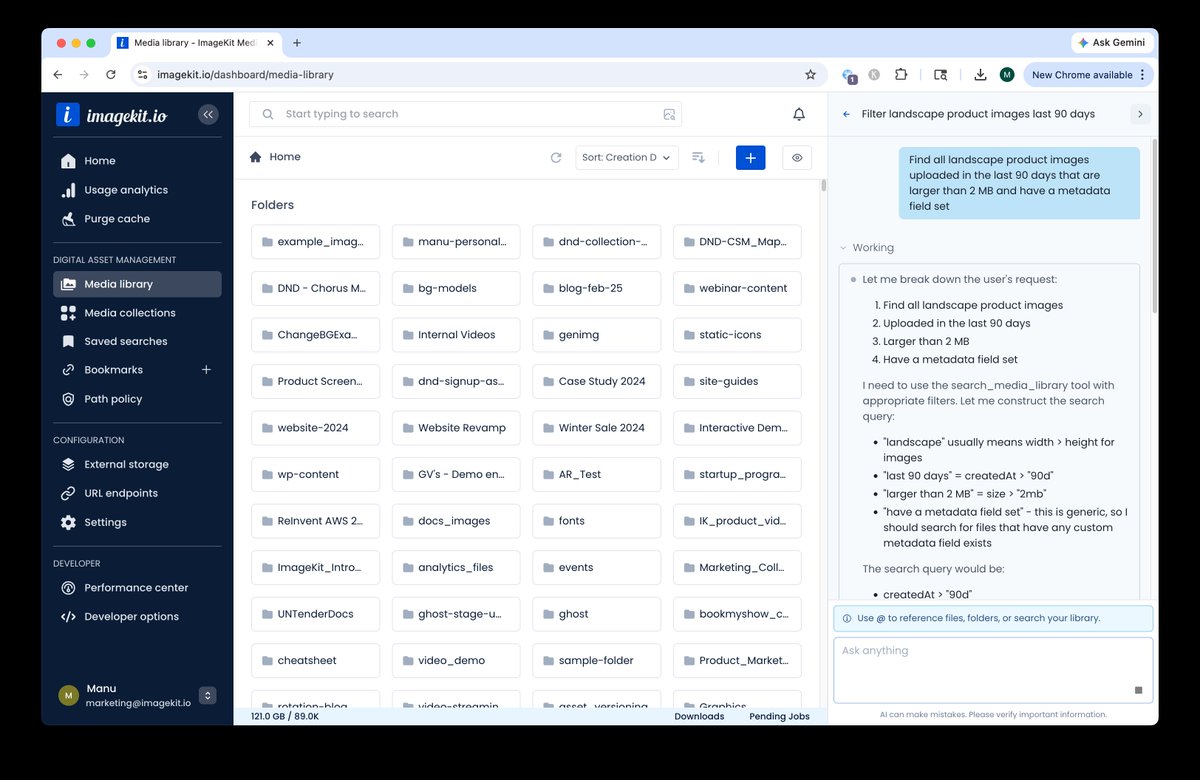
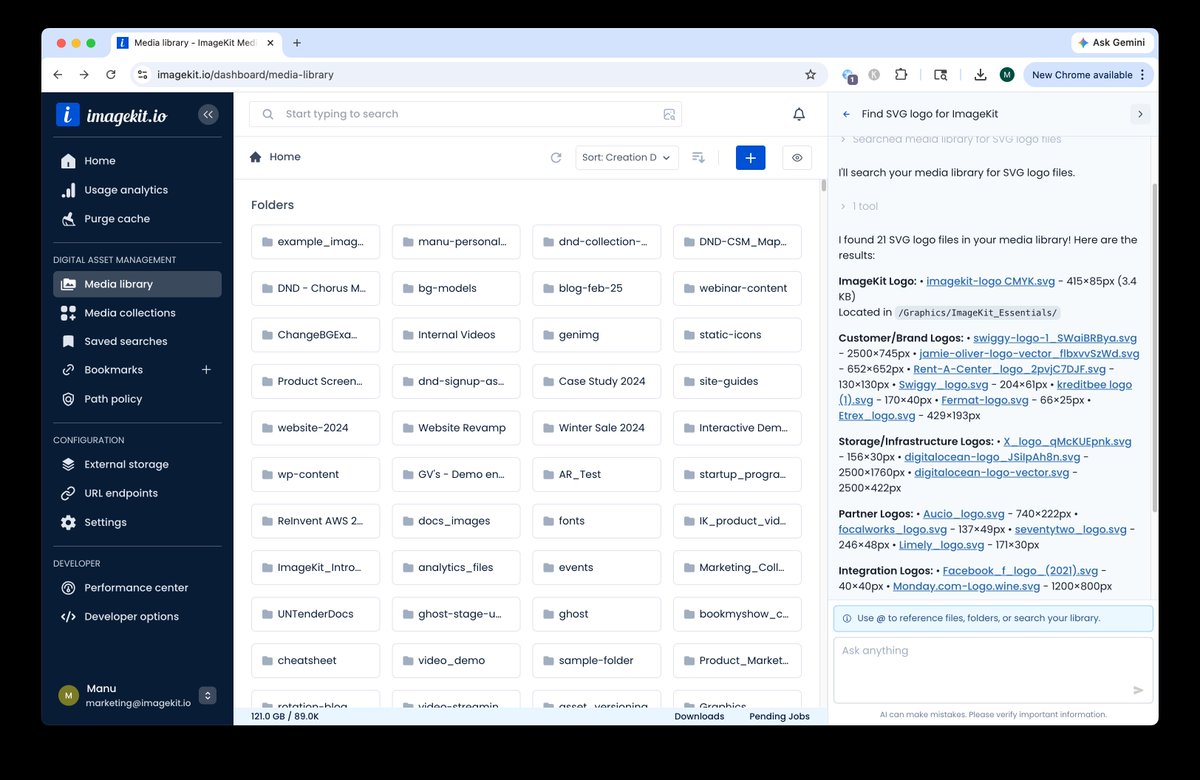
What if managing your DAM felt like chatting instead of configuring?
Introducing DAM Agent by ImageKit — an AI assistant that lets you control your entire media workflow using plain English.
Instead of switching between docs, dashboards, and forms, just ask:
🔍 “Find all product images with blue backgrounds”
🏷️ “Tag these assets using AI”
🔗 “Create a transformation URL for this image”
⚙️ “Apply this policy across folders”
🎨 “Generate a new version of this asset”
Everything runs securely within your existing permissions — and it’s already available to all ImageKit users for free.
Full announcement in thread 👇


English
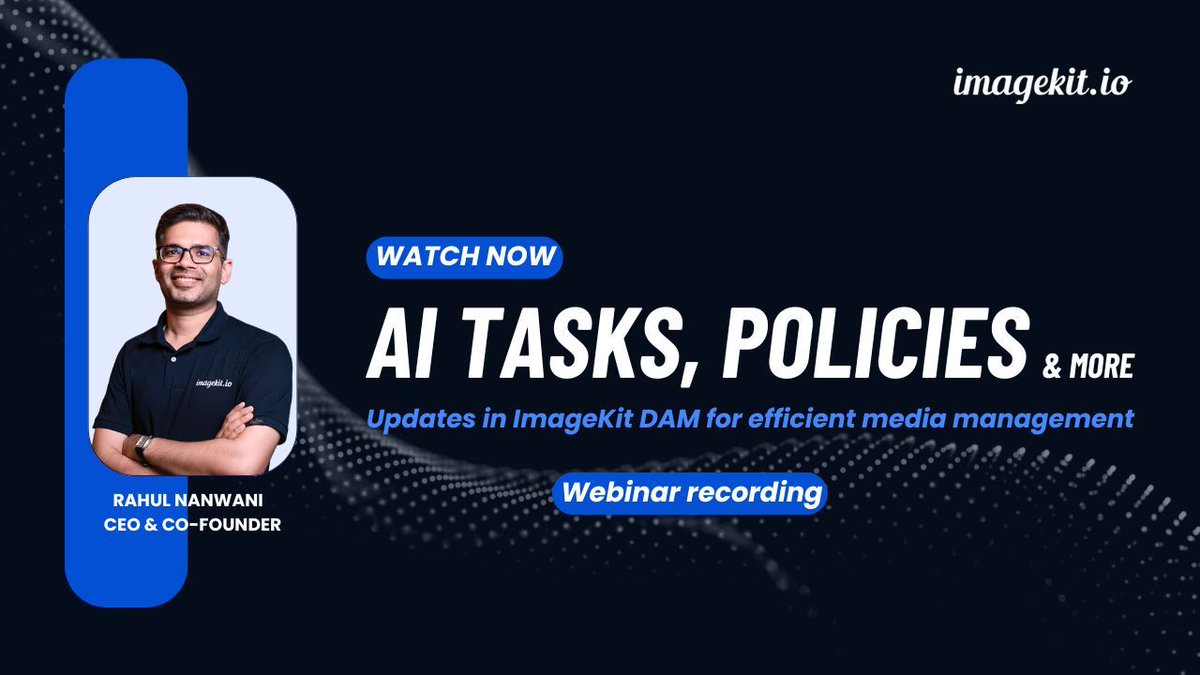
Missed our latest webinar on updates in ImageKit DAM? If you are managing a lot of images and videos, this is for you. The recording is now available 👇️
Here's everything we covered in this webinar:
✅️ Latest UX updates for easier navigation in ImageKit DAM.
✅️ Using LLMs in ImageKit to automate media management and apply custom vocabulary tags and metadata.
✅️ Finding images faster with AI-powered search.
✅️ Using Path Policies for asset governance.
✅️ Handling last-minute edits using the ImageKit editor.
👉 Watch the recording: youtube.com/watch?v=PIu2xF…

YouTube
English
🤝 Implement asset governance at a folder level in your ImageKit DAM with Path Policies.
💡 With ImageKit’s Path Policy, you can implement 3 types of rules: upload rules, validation rules, and custom metadata rules.
Here are some sample use cases on how you can use these:
🔸 Automate transformations on upload.
🔸 Restrict uploads to specific users based on their email addresses.
🔸 Protect AI tags by preventing specific tags from being removed.
🔸 Enforce version history so that file or folder copies always include previous versions.
🔸 Control asset movement by blocking files or folders from being moved or copied out of a specific location.
Read more: imagekit.io/docs/dam/path-…

English

✨ImageKit now integrates natively with Sanity CMS.
Bring your entire media workflow into Sanity Studio. Here’s what you can do:
✅ Browse images and videos.
✅ Preview thumbnails.
✅ View metadata like dimensions and file size.
✅ Insert ImageKit optimized assets without switching tools.
No more context switching between your DAM and CMS.
This plugin brings complete media management and delivery directly inside your content workflow.
Read more: buff.ly/6gWS3Ha

English

🤔 Need an asymmetric styling for your images?
Use ImageKit’s per-corner radius transformation and specify four underscore-separated values to control each corner individually.
Read more about this effect: buff.ly/9qlHzv2

English
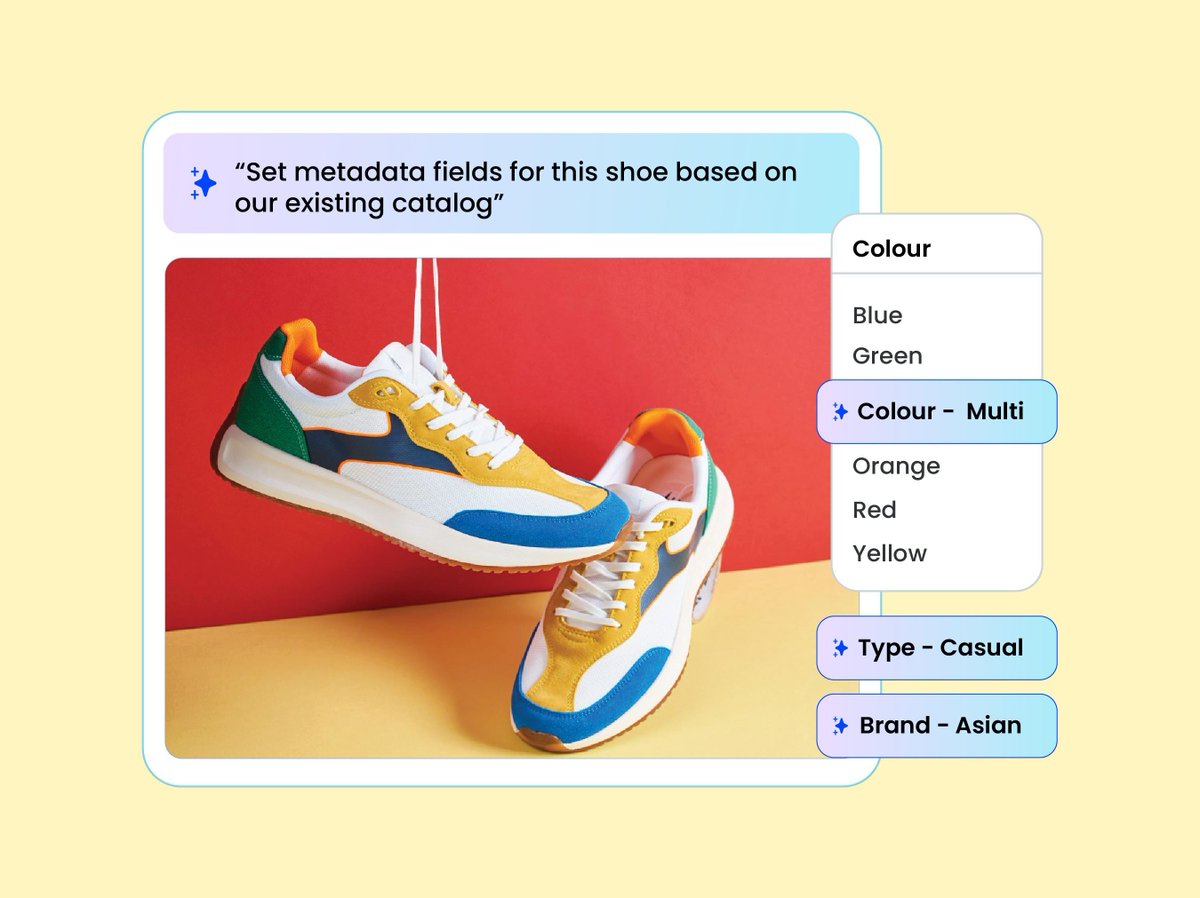
You can now organize assets in ImageKit DAM using modern LLMs - in your custom vocabulary. 🤖
Use AI tasks to analyze your image assets and generate consistent, business-specific, schema-safe metadata and tags.
✅ Write instructions in plain English.
✅ Restrict outputs to your approved vocabulary.
✅ Automatically apply tags or custom metadata fields at the time of upload or to existing assets.
No more inconsistent tagging or manual cleanup in your media library.
Built for structured DAM organization, scalable QC, and workflow automation.
Learn more in the docs: buff.ly/9wtJ8iA
English
Happy work anniversary, Vivek and Shreyas 🎉
Vivek has been a driving force behind our outbound motion, bringing sharp execution and consistent pipeline momentum.
Shreyas continues to strengthen our partnerships with a relationship-first approach, clear alignment, and long-term value focus.
Thank you both for the impact you create every day 🚀

English
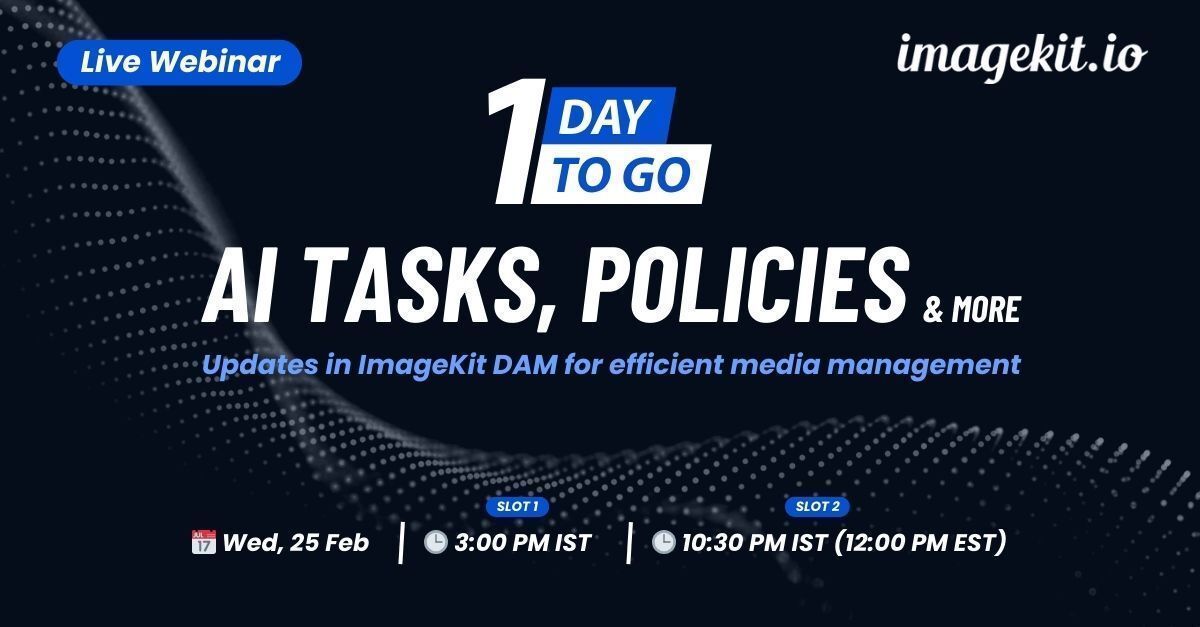
🚨 Join us tomorrow for our live webinar. 💡 Learn how to use LLMs in ImageKit to organize assets in your own way, AI search to find assets, Path Policies for asset governance, new UX updates in ImageKit DAM, and the ImageKit editor for last-minute edits.
Register here: buff.ly/wSglo6d
English
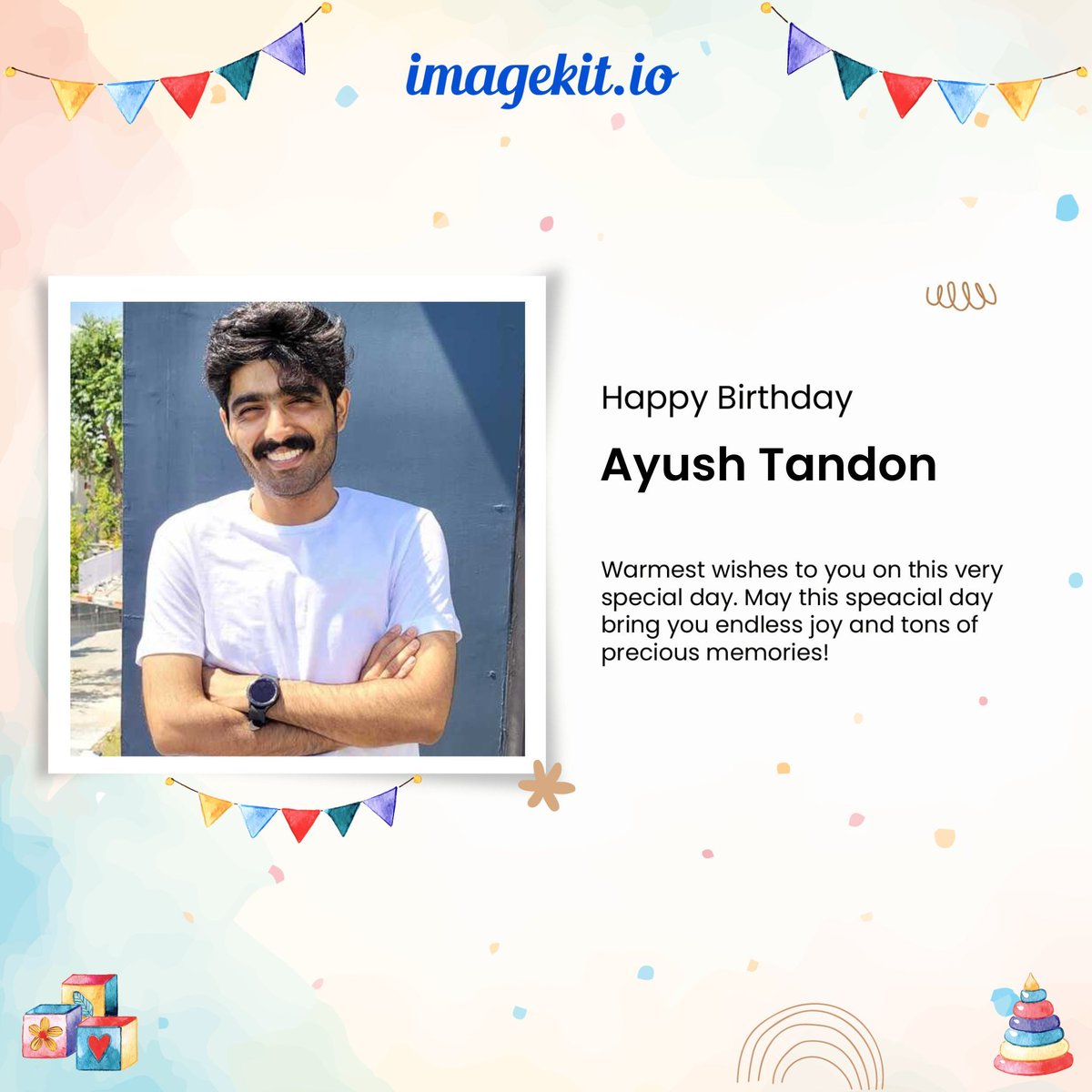
🚀 Live Webinar: Updates in ImageKit DAM for efficient media management
💡 AI tasks for content organization, Path Policies, and new UX updates in ImageKit DAM
📅 Wed, 25 Feb
🕒 3:00 PM IST / 10:30 PM IST (12:00 PM EST)
Register here: buff.ly/wSglo6d

English

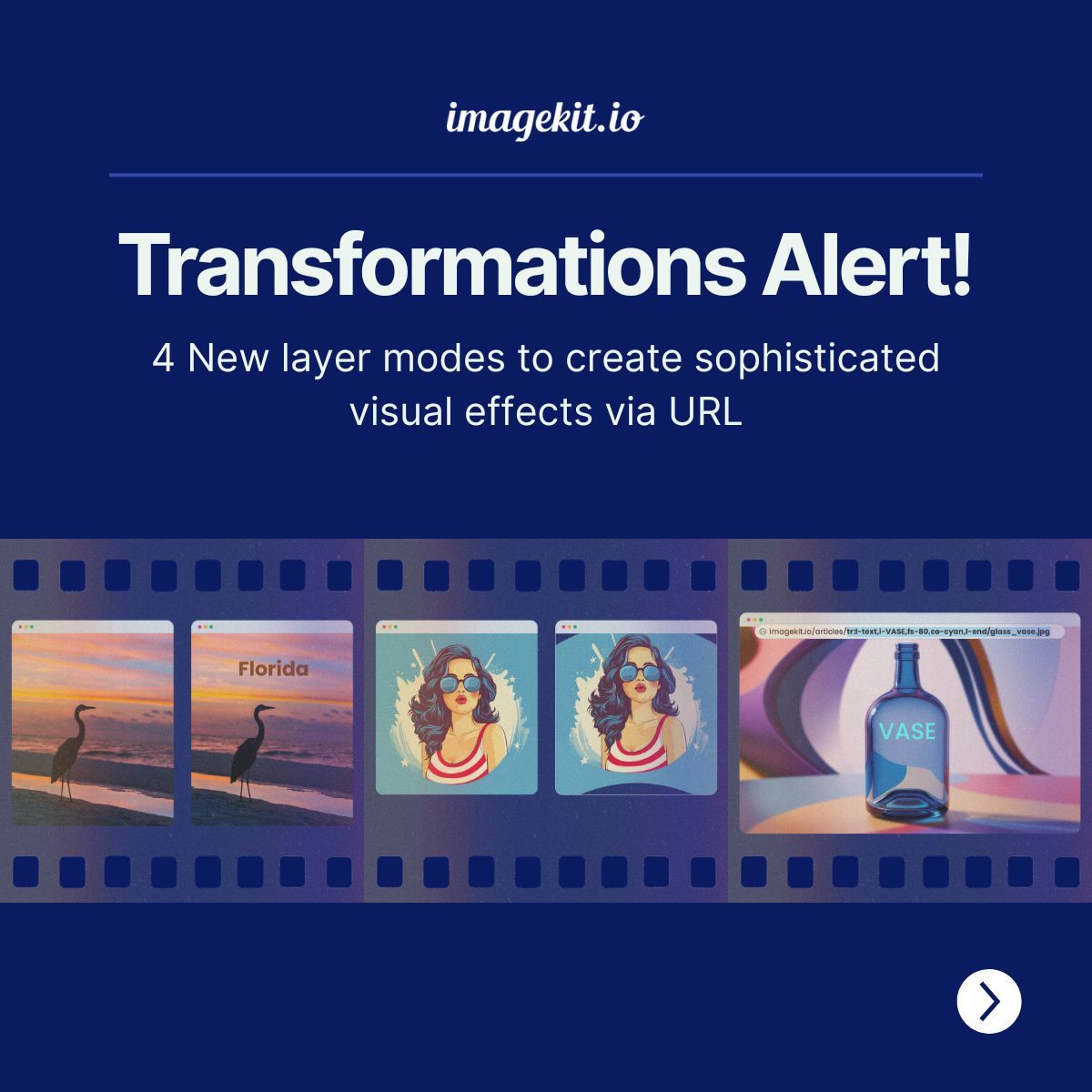
⚡New Transformations⚡ 4 New layer modes to create sophisticated visual effects via URL Read here: buff.ly/MBtBKtf
English
📢New image transformations in ImageKit to distort, recolor, and add gradients using simple URL parameters. ✨ Read our docs: buff.ly/TUIef1B

English
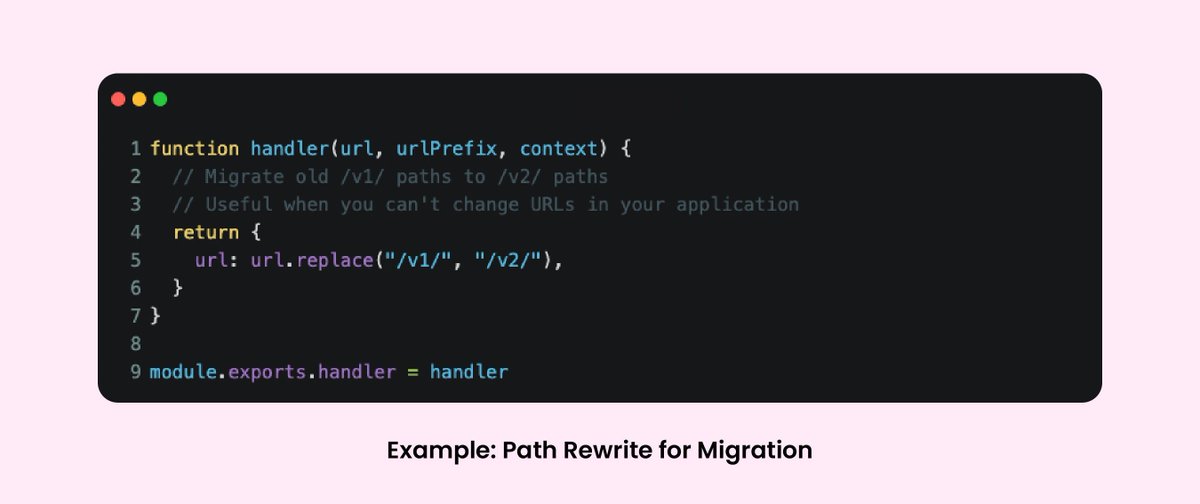
🔀 Now use URL endpoint functions in ImageKit to run custom JavaScript on incoming requests.
They are especially useful for:
🔹 Migrating from legacy systems with custom URL formats
🔹 Extracting transformation parameters from non-standard URL patterns
🔹 Managing complex URL rewrites without changing your application or delivery setup
This simple feature lets you handle custom routing, parameter extraction, error handling, and logging directly at the URL endpoint.
English
Building with Python or Ruby? Check out these SDK updates:👇
🐍 Python SDK:
Generate image and video URLs with transformations, handle file uploads and management, create signed URLs for private delivery, and verify webhooks. The SDK ships with full type safety via Pydantic models and supports both sync and async workflows using httpx (Python 3.9+).
♦️Ruby SDK:
Work with ImageKit’s media API in Ruby, including URL transformations, file uploads, auth helpers, and responsive image helpers, plus type safety via RBI and RBS definitions.
♦️ Ruby on Rails Gem:
Use native Rails helpers for responsive images and videos, active storage integration, and automatic srcset generation to simplify uploads, attachments, and transformed rendering across Rails apps.

English
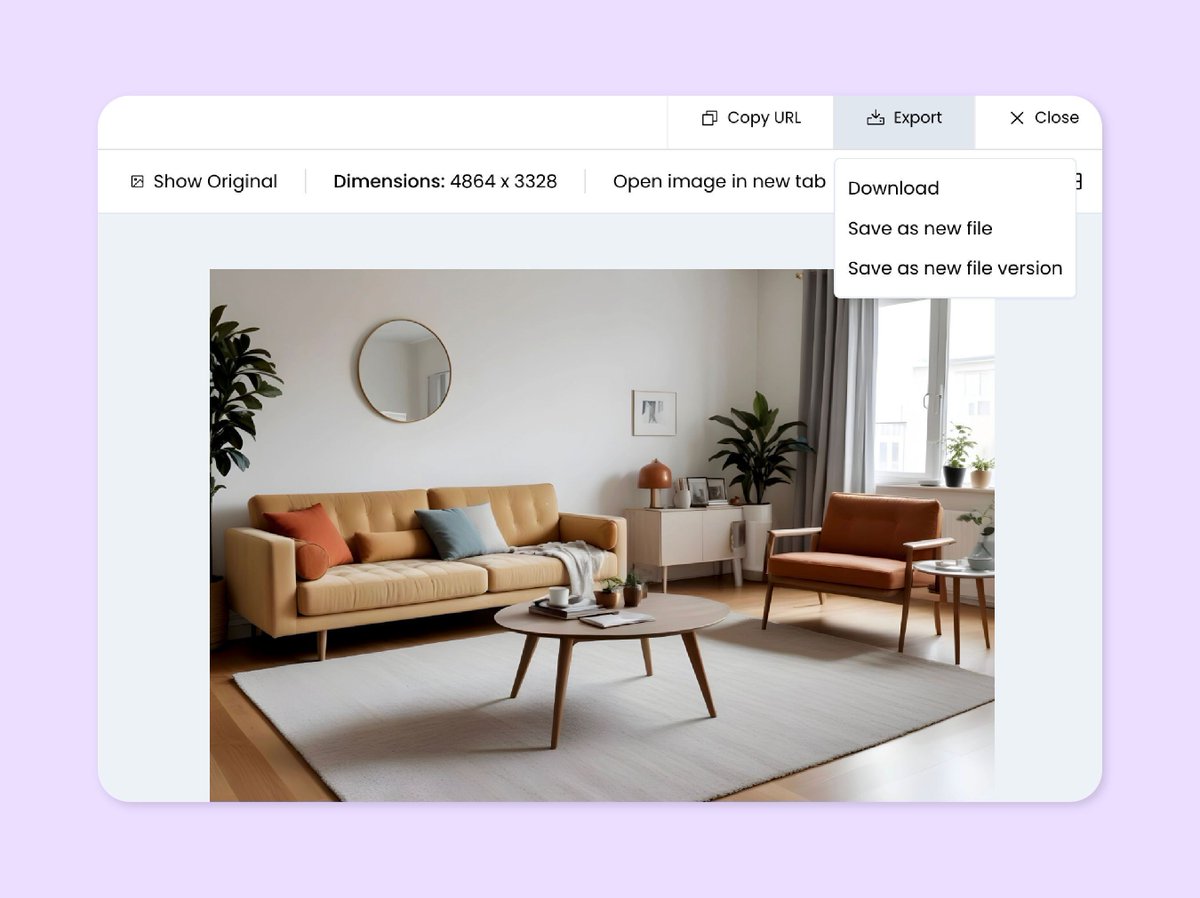
New updates in ImageKit’s media library 🗂️ 👇
✅ Export media details as CSV: Select multiple media assets and export Name, Path, Created At, and more details as a CSV file.
✅ Filter by empty/non-empty fields: Use Is empty and Is not empty in advanced search for tags, custom metadata, and embedded metadata.
✅ Save edited images back to the media library: Save edits from the ImageKit Editor as a new file or as a new version of the existing file.
✅ Insert edited images from the media library widget: Using the embeddable media library widget? Insert a transformed image by passing the image URL instead of the original file.
English