Tweet épinglé
Opera
34.4K posts

Opera
@opera
Your favorite browser for the past 30 years: https://t.co/xsUo8lvIFJ
Norway Inscrit le Mart 2007
399 Abonnements572.5K Abonnés

MCP Connector is live in @opera_neon_
👉 access live web context & perform actions by connecting your own AI to it
Full details & Claude Code example in the video 👇
Opera Neon@opera_neon_
You can now browse with your own AI inside Opera Neon! Connect Claude Code, OpenClaw, Lovable, n8n (and more) to the browser with the MCP Connector to access live web context & perform actions In this video: Claude Code Acts Within The Browser to Build a Web App More details:
English

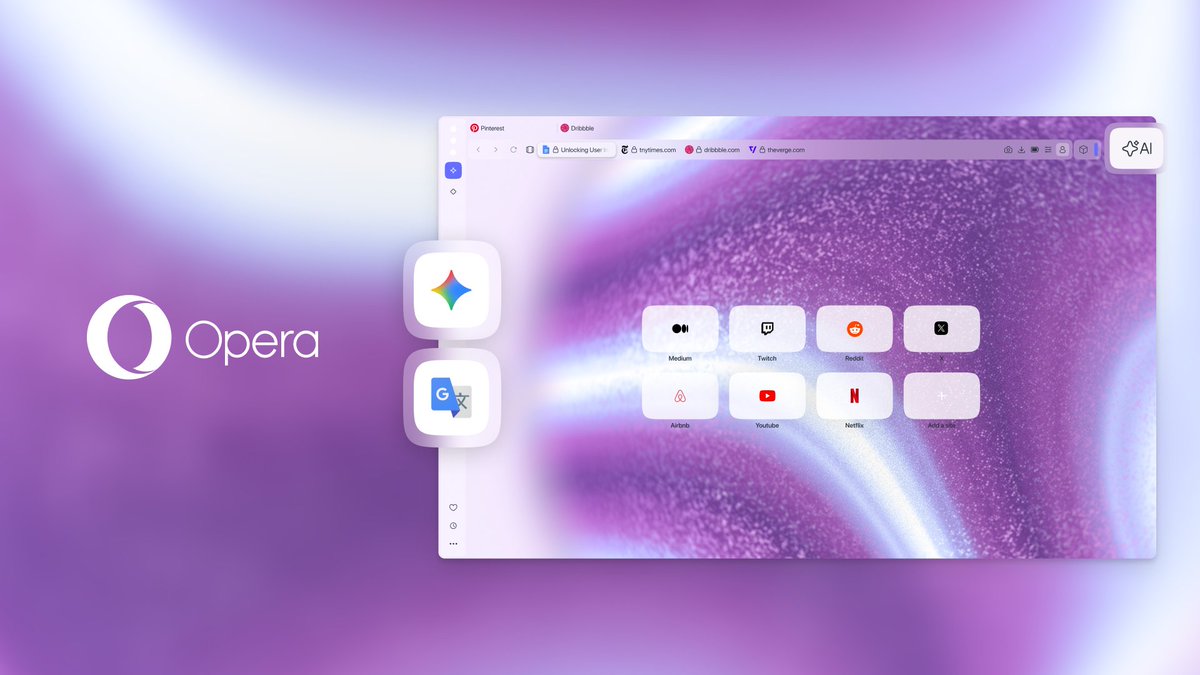
To add Gemini and Google Translate to your sidebar:
• Open the Sidebar setup (three dots at the bottom)
• Go to “Google services” (Translate) or “AI services” (Gemini)
• Enable them, and they’ll appear in your sidebar
• Pin them by clicking on the icon in the right corner of the sidebar panel, to use alongside your tabs.
English

Gemini is now built directly into the Opera One sidebar, so no more opening (and losing) extra tabs just to use AI.
You now have an entire AI toolkit one click away: Opera Browser AI, ChatGPT and of course Gemini.
Whether you’re writing, brainstorming, summarising, or researching, it’s always right next to what you’re already working on.
English