
InSane
10 posts


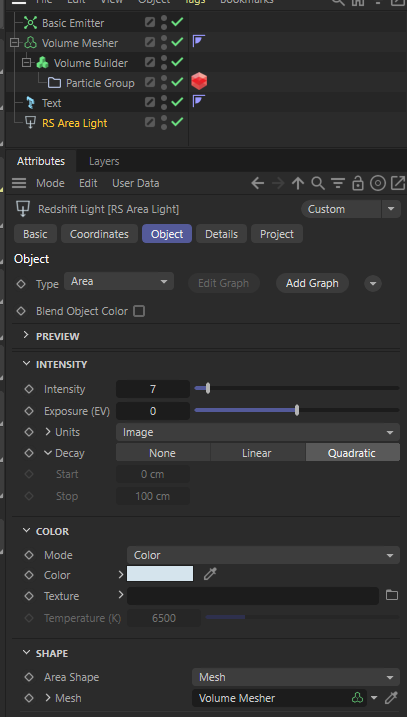
@chromaspring Is it Redshift related? Maybe it doesnt work properly if RS is allocating all the VRAM - a second gpu usually helps or setting RS to cpu mode for previewing pyro in IPR
English
@elmcreative @Oddernod Have you tried the latest 2025.0.2 ? They fixed a mac related issue on that.
English

{ motion design } What are we thinking about the new Cinema 4D update?
• New particle, pyro, & sim stuff
• Field Driver tag!
• Object Profiler
• USD & FBX support
• More Color space tools
support.maxon.net/hc/en-us/artic…
English
@ZoldenGames @Yokohara_h I think that depends on the voxel resolution and on how many triangles the cloth/rigidbody objects have. Generally it is too slow for real-time interaction. Also there is no way to use pyro in a game engine :D
English

@Yokohara_h Oh yeah, that's what I'm talking about.
Does it work real time? Can it be used for games?
English

C4Dの新しいシミュレーションとPyroって相互作用してくれないかと以前思い込んでたけどちゃんと影響するのね。Fluid Force Factorを0じゃなくしたら作用した。手軽で良い。例によって標準だと設定変えないと挙動が変だったけど
日本語
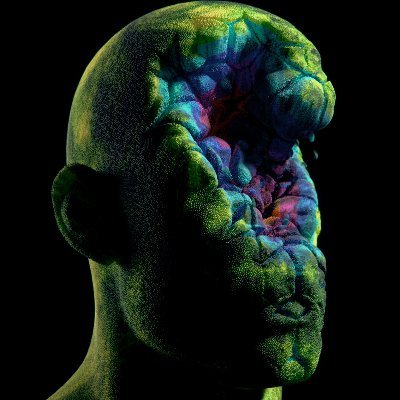
@Sc2InSane Ah yes I forgot to say, that loses the velocity information on the objects so the particles can't inherit speed anymore
English
I can't spawn particles from Mograph objects (it'll only spawn on clone with index 1) in the new C4D, is that a known bug?
English
@joe_walker @MaxonVFX Using the particle group directly should work as well. You might have to adjust the radius though.
English

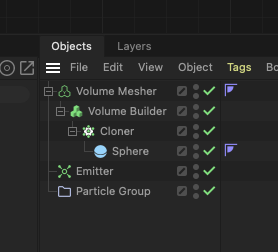
@motiontrash_ There is a draw option in the simulation settings 'pyro -> draw -> draw pyro". there you should be able to turn it off.
English

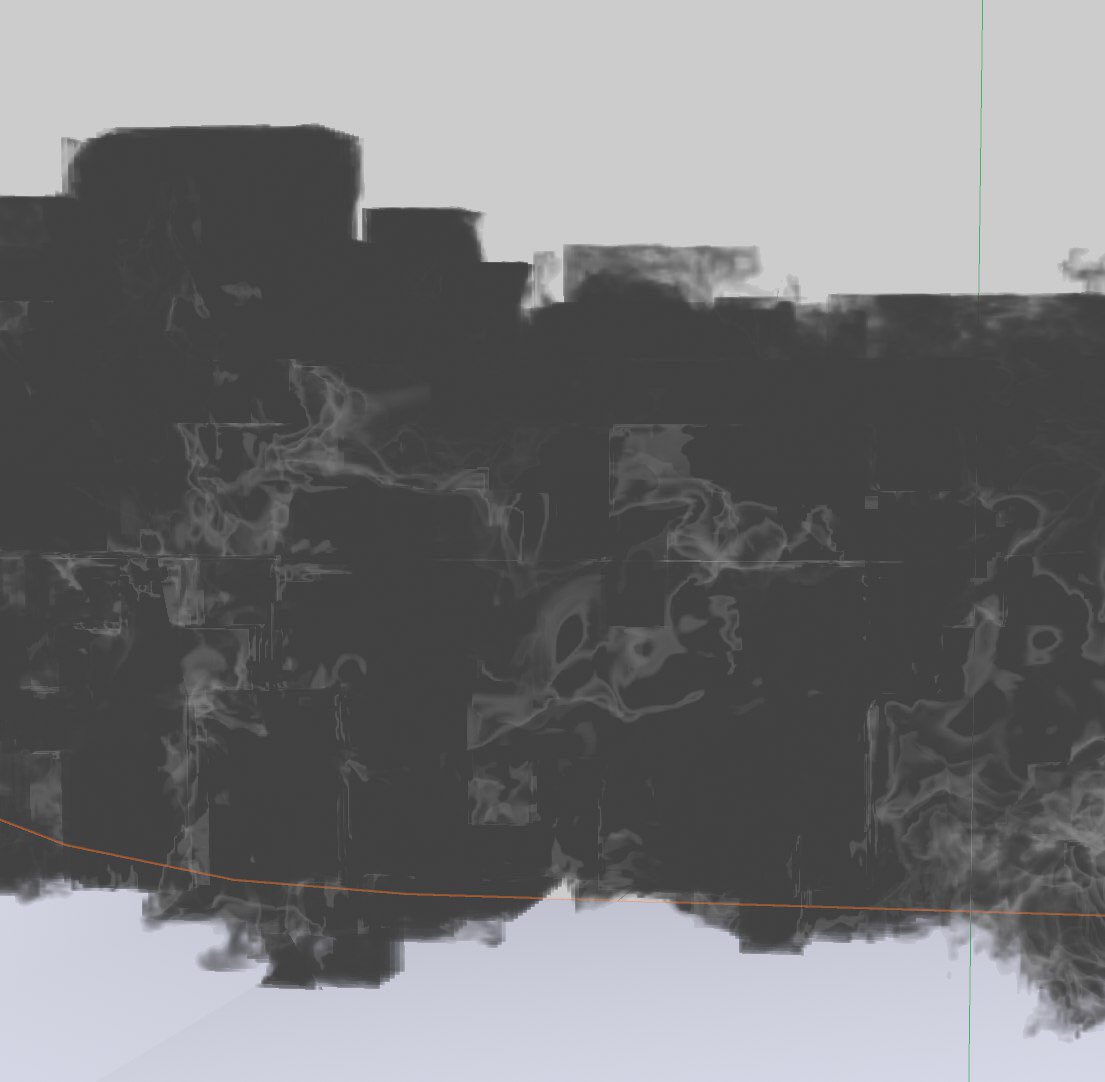
@EricBressan This bounding box most likely means you ran out of VRAM - meaning the domain/fluid can't expand any further.
English

Question about “bounding box” inside #c4d2023 and #pyrosolver.
Even if I go with a medium low voxel size (es. 0.1) and with some extra substep I’m getting strange box behavior in the sims. Any thoughts ?
#c4d #pyro #maxon
English