NextLevel Office retweetledi

:::writing{variant=“social_post” id=“48271”}
POV: You’ve been using Microsoft Word WRONG for years. 👀
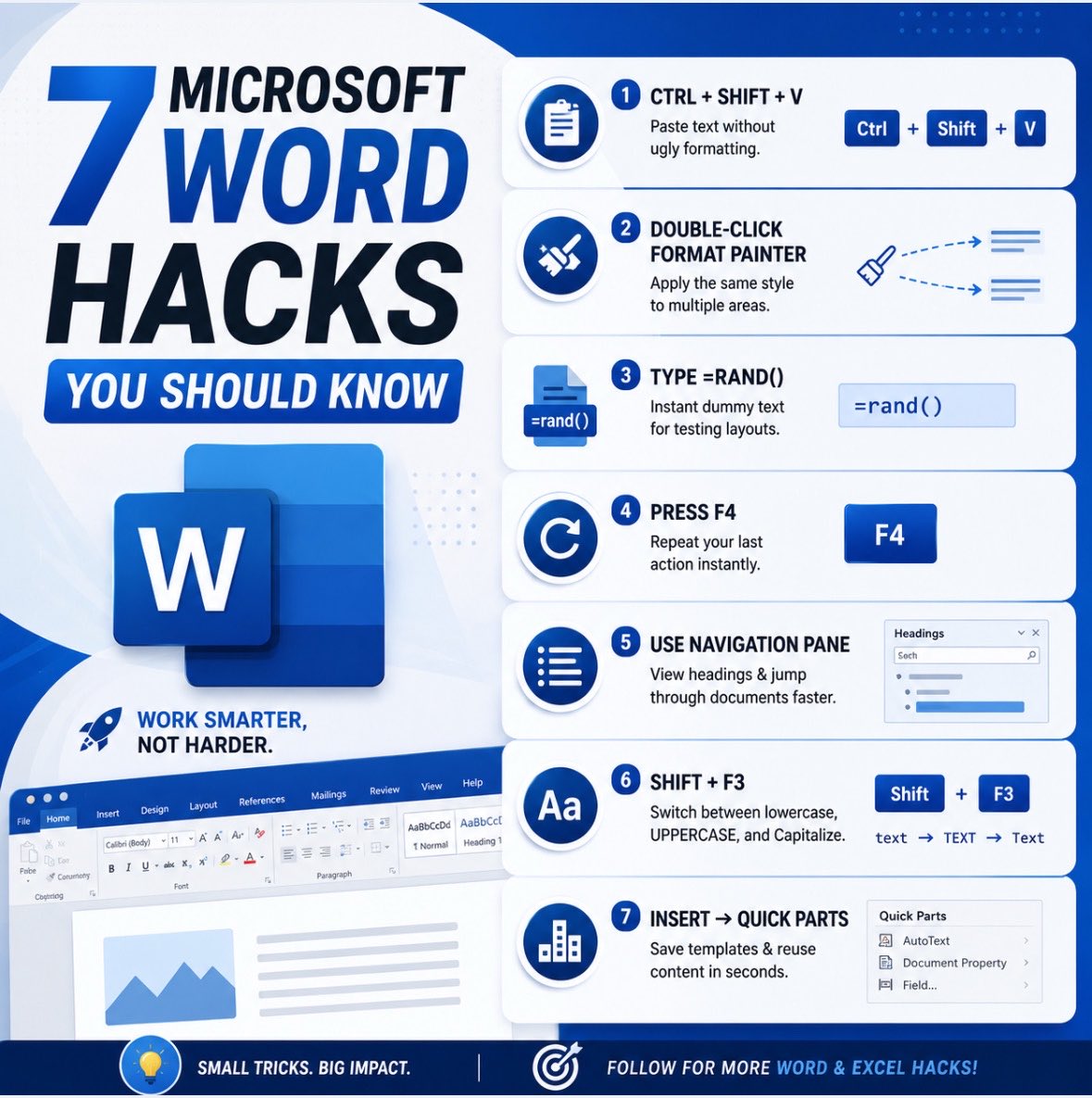
Here are 7 Word hacks that instantly make you look more professional:
1.Ctrl + Shift + V
Paste text without ugly formatting.
2.Double-click Format Painter
Apply the same style multiple times.
3.Type =rand()
Instant dummy text for testing layouts.
4.Press F4
Repeat your last action instantly.
5.Use Navigation Pane
View headings & jump through documents faster.
6.Shift + F3
Switch between lowercase, UPPERCASE, and Capitalize.
7.Insert → Quick Parts
Save templates & reuse content in seconds.
Most people waste HOURS doing these manually.
Follow for more Word & Excel hacks daily 🚀
English