@Elite_Jhn@Elite_Jhn Hi there! Great question. When using 'Storage saver,' Photos are compressed to save space while maintaining high quality. Learn more: goo.gle/3Rf492R.
Serious question: how does Google Photos compress thousands of my pictures to save storage space but the photos still look exactly the same?
How are the photos on my google account somehow using less space than in my download folder?
What is actually happening to the pictures?🤔
@JannatulMahi8 Hi there. We’re sorry to hear these memories have been distressing. You can hide specific dates from appearing in your memories at any time from your settings: goo.gle/3y0SIWy. You also have the option to turn off featured memories entirely here: goo.gle/4dLWBOt.
My Google photos has no rights to make me go through such emotional rollercoasters every other day 😭😭 I don't wanna know how perfect life was 15 years ago you mf 😭😭😭😭
@John39404220934@John39404220934 Hi John. We’re sorry your experience has been frustrating. We'd like to learn more about what is happening with your app - please feel free to share feedback with our team directly: goo.gle/3gaHLEz.
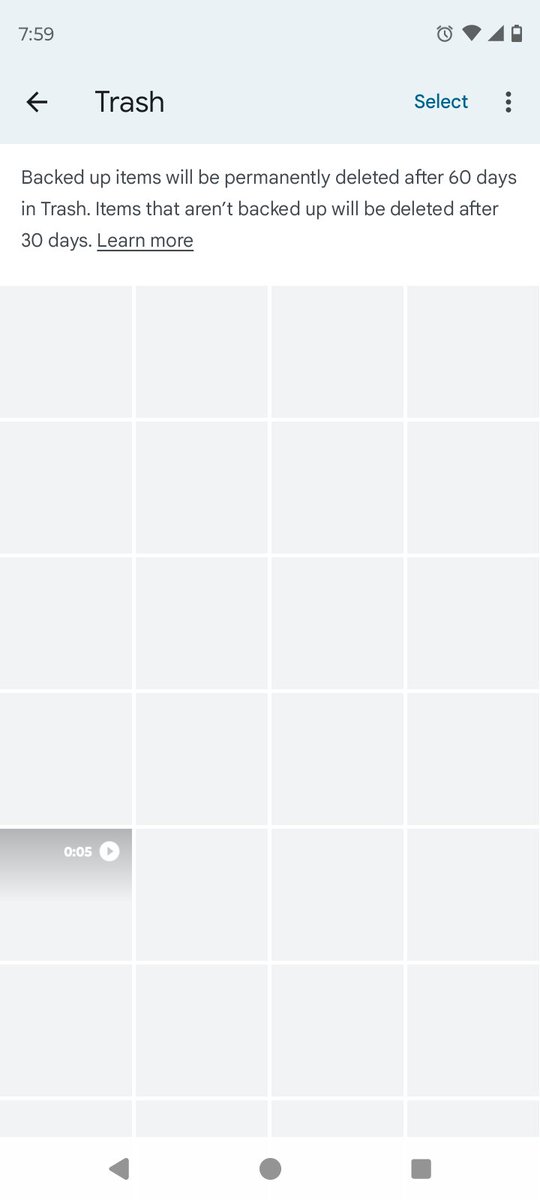
@juliuscseguya Hi there. If you delete a photo or video that's backed up in Google Photos, it’ll stay in your trash for 60 days. To delete photos and videos permanently, you need to delete the item from your trash. Learn how to delete photos and videos: goo.gle/3uIHeFk.
@Artist_Arthur_@Artist_Arthur_ Hi there. We’re sorry your experience has been frustrating. We'd like to learn more about what is happening with your app - please feel free to share feedback with our team directly: goo.gle/3gaHLEz.
I keep getting theses whitewashed photos and videos stuck in my trash and every time I delete it it still stays the same. Please fix #googlephotos#google
@YouBetUrSpaghet Hi Jane. We’re sorry your experience has been frustrating. We'd like to learn more about what is happening with your app - please feel free to share feedback with our team directly: goo.gle/3gaHLEz.
@googlephotos
Can you PLEASE explain why this happens and stop it? I'm so sick of taking a great picture of my kids and then when I go to look at it, the image shifts and the moment I tried to capture is gone. When I take a picture, I expect to be able to access it.
@francisreads@shimritby@francisreads Hi there, thank you for bringing this to our attention and for sharing in-app feedback. We appreciate your patience as our team investigates.
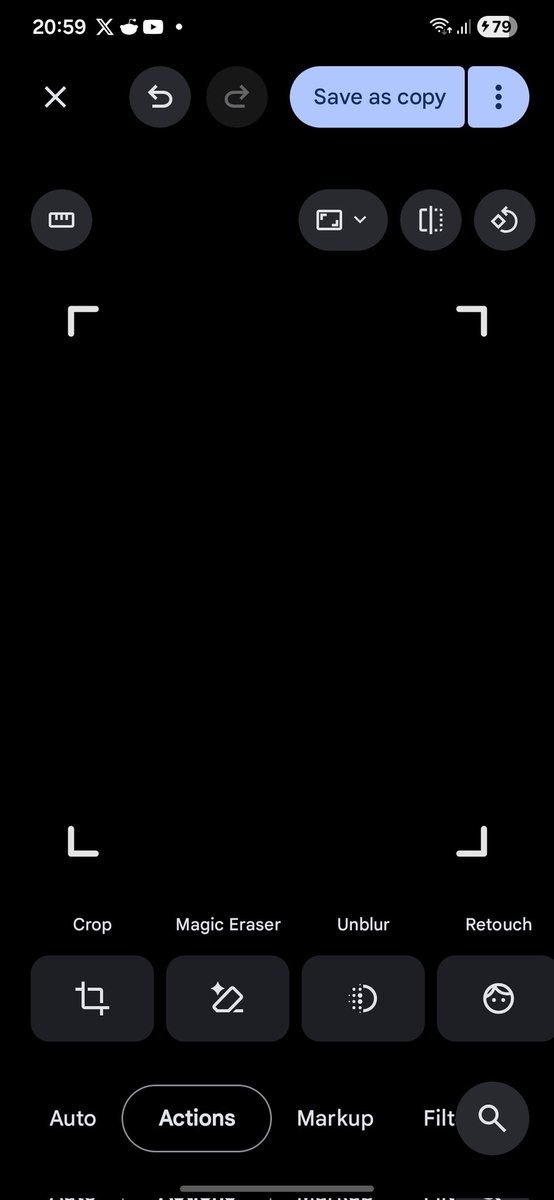
@shimritby 'Retouch' (not 'touch-up') feature bug @googlephotos (reported via in app feedback 2 times): after editing using the new ‘retouch‘ feature, the picture goes black and stays black, even after ‘save as copy‘:
You all are beautiful just the way you are 🦋! But I know that sometimes we capture that perfect shot, and we wish we could edit out that one stray hair or tiny blemish. Today, we’re bringing new touch-up tools to @GooglePhotos, making it easy to make subtle adjustments like refining skin texture, brightening eyes, whitening teeth, and more.
It’s all about helping you focus on the memory! 🧵⬇️
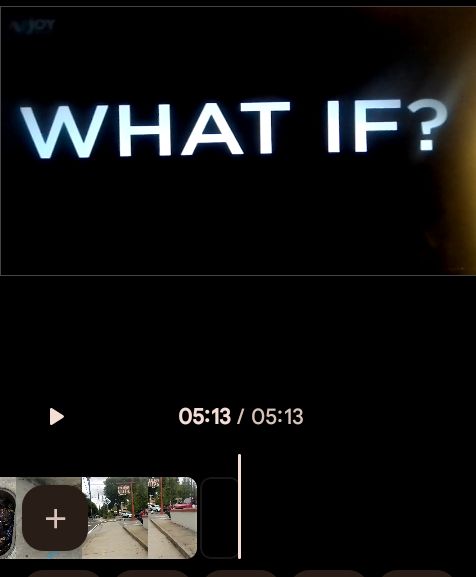
The upgraded highlight video editor is now available on Android and iOS globally! 🎬
From vacation highlights to scenic sunsets, transform your favorite moments into a finished video all without leaving Google Photos. Tell your story with custom text and the perfect soundtrack. ✨
Introducing a new approach for editing images, now live in the Auto frame feature in @googlephotos. Our method interprets 2D photos as 3D scenes, allowing you to re-capture moments from a new perspective after the photos have been taken. Read all about it: goo.gle/4cDX5Yh
@dougvariants Hi Doug! While you can share photos of specific people using Partner Sharing or Live Albums, the private face labels you choose are only visible to you. Your mom will need to name the face groups in her own account to see those labels. Learn more: goo.gle/3sZBjeE.
@manish_lm10@manish_lm10 We’re sorry your experience has been frustrating, Manish. We'd like to learn more about what is happening with your app - please feel free to share feedback with our team directly: goo.gle/3gaHLEz.
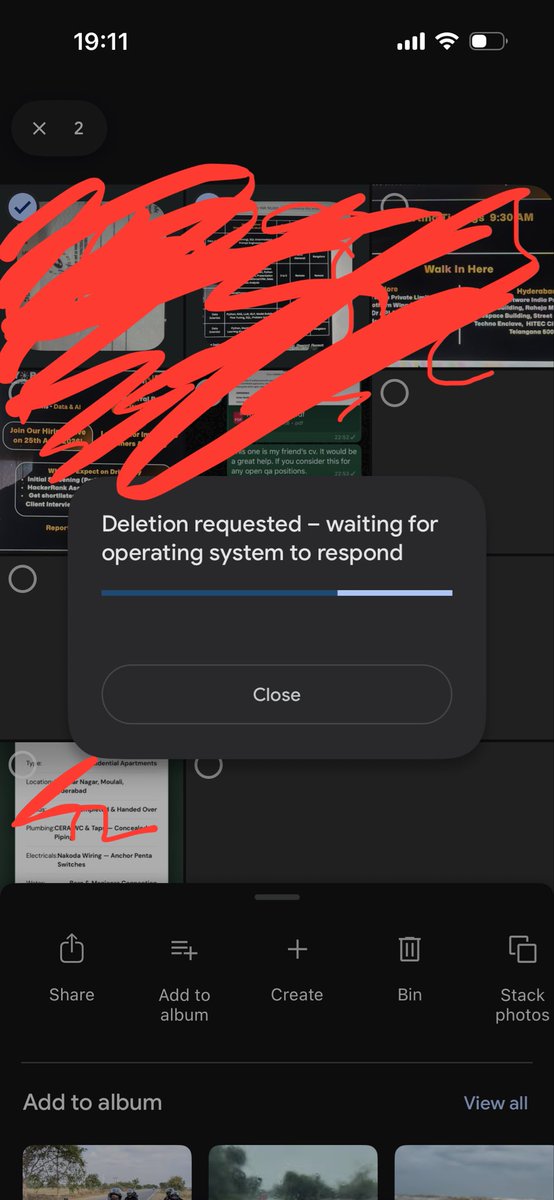
Hey! @googlephotos I am currently facing issue on deleting my pictures on the Google photos app. From past a week. Please could you help me out. Attached the screenshot for your reference.
@MagadumEkb Hi there. You can find the perspective tool by going to Edit > Tools > Crop > tap the trapezoid icon at the far right. Please feel free to submit feedback with our team directly if you still can't find it: goo.gle/3gaHLEz.
@googlephotos Someone probably needs this...
But it would be good if basic and familiar editing tools worked reliably.
Your perspective correction tool has disappeared again when cropping.
#GooglePhotos
New touch-up tools are now rolling out in Google Photos to help you make quick, subtle fixes — like refining skin texture, brightening eyes, or whitening teeth. You're in total control of the chosen effect intensity for every face in the frame.
@LuisJGCh Hi Luis. To find this feature, check if 'conversational editing' is available in your location. If not, you can use the 'search' function within the app to find 'Reimagine'. Hope this helps
@matijagrcic Hi Matija. Currently, photos containing any selected person are added to Live Albums. We appreciate your feedback on an 'Only Them' filter and 'Select All' option! Please share these suggestions via Help & feedback in the app.
@shimritby@googlephotos can you allow live albums with only them option.
currently my process is:
Select kid 1, select kid 2, tap "only them", choose select then manually select each day and add to album and also there's no select all option.
✅ Feedback received and papercut fixed: We’re rolling out several improvements to the Crop tool in Google Photos for Android to make it easier to use. Here’s what’s changing:
-- Accurate image previews: We fixed an issue where the image preview shrank when you use the crop handles.
-- Reliable cropping & rotation: We fixed a bug that caused the photo's shape to flip or change unexpectedly when you were rotating and cropping at the same time.
-- Smoother visuals: We added fluid, responsive animations for dragging, rotating, and adjusting aspect ratios.
More info here:
support.google.com/photos/thread/…
Let us know what you think and please keep the feedback coming!
It's that time of year when Google photos likes to pop up with a ton of "memories" that pertain to my birthday over the last four years and honestly these days a lot of it is painful.