

Dr. Jeran Ott
647 posts
Dr. Jeran Ott
@jottedd
https://t.co/Mnf35CMjtD add-on's author, Digital Learning Coordinator for the Fresno County Superintendent of Schools, Google Certified Innovator/Trainer/Administrator
California انضم Haziran 2009
272 يتبع524 المتابعون
@_delainejohnson @edcampOSjr We love it. My wife and I both have floats tonight. Very relaxing and allows me get the kinks out of my neck and back. A little zero-gravity works wonders. This will be my 3rd visit.
English

@GuiseGotTechEd @KyleNiemis @NickGotTechEd OTT-o-matic Slip-in-Slide is 1-2 years old but is a very cool tool to send new content slides into existing student presentations. A new add-on will be coming soon that will be a powerful feedback tool for Slides. When Combined with Simple Audio/Video Recorder it will be awesome
English

Does anyone know of an #edtech tool that is new or is launching soon? @NickGotTechEd and I are looking for some #educational technology to review for one of our next blog posts! Thanks in advance! #edtechchat #TeachersDay #teacher #Teachers
English
@jrsowash Thank you John. FYI, Slip-in-Slide actually has a 90 day trial. Also, near the end of the month I will have a new add-on called Connect More! This is a feedback tool for Slides and it’s going to be awesome when combined with Simply Audio/Video Recorder and Slip-in-Slide
English

🧰 It's time for a look into my #EdTech toolbox!
Slip-in-Slide by @jottedd is one of my favorite add-ons for #GoogleSlides: bit.ly/3gHyrKC
You can try Slip-in-Slide free for 7 days. Upgrade to a LIFETIME license for $10.
#teachertwitter #techtips

English
@pseudandry @benlcollins Arlen, you should be able to turn the filter off. There is a black or dark gray bar at the top and you can close out the filter. When sorting here with a filter it’s just visual, no data is really moved. Just turn it off and start over again.
English

@benlcollins @jottedd HeLp?🥺I sorted a #Sheet while it was in a #Filter, and only some columns sorted, and my version history isn't letting me choose an earlier version, and now the data in certain columns don't line up with the correct rows. HeLp, please? #PerfectStorm
English
Dr. Jeran Ott أُعيد تغريده

This is life-changing! Have you tried the Slip-in-Slide add-on for #GoogleSlides by @jottedd. You can send a new slide to a set of already shared slides in #GoogleClassroom!
#OTTomatic_with_Dr_Ott #DistanceLearning #edtech #GoogleEI #GoogleEdu
GIF
English
@_delainejohnson @historysandoval There is no way to easily identify slides that have been slipped to the student presentations using Slip-in-Slide. You could have a single slide presentations and easily pull all those into a single presentation. Order might be random@in that case.
English
@historysandoval Hmm, @jottedd do you have this script already published?
English

If I push out a slide in GC to each students is there a hack to merge all those slides in the folder into one mega slide?
English
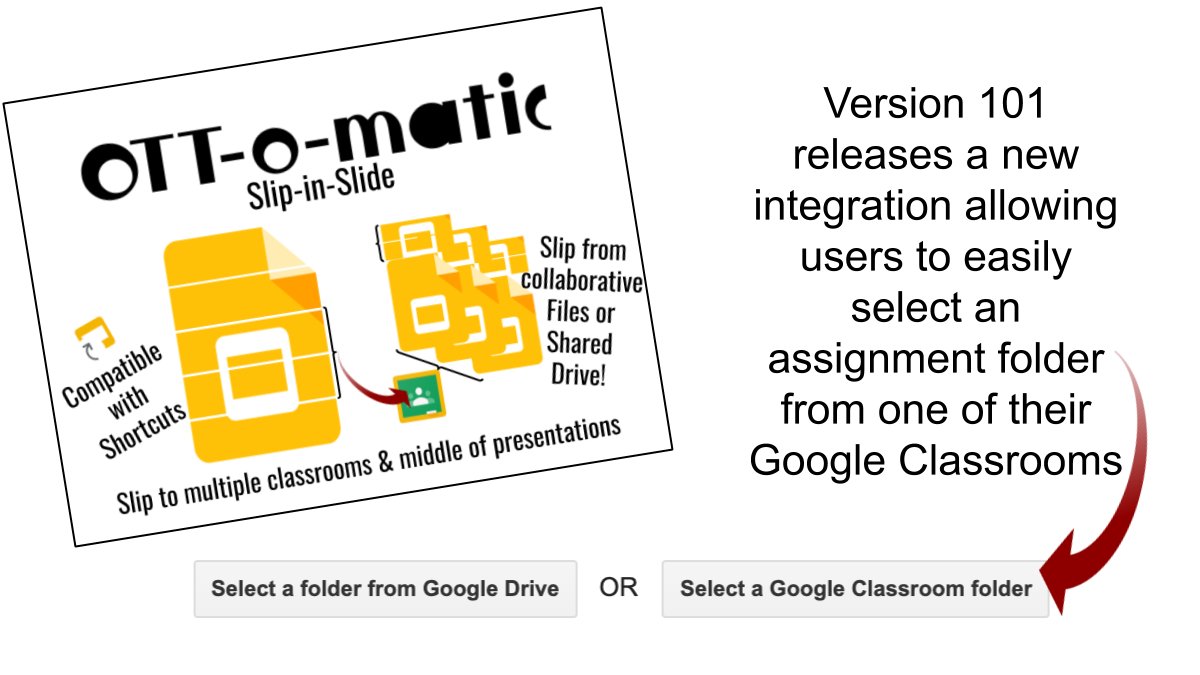
#OTTomatic_with_Dr_Ott Slip-in-Slide received a few updates over the winter break. Mainly a revised menu systems and a new integration with Google Classroom making the add-on even easier to use! @cueinc @iste #remotelearning #distancelearning #GoogleEdu #edchat #GoogleSlides
English
Slip-in-Slide will now let you slip new content to the middle (also beginning and end) of student presentations and to multiple classrooms at the same time. 90-day trial for all new users. Learn more at ott-o-matic.com/ott-o-matic-sl… #CUE #nyscate20 #iste2020 #distancelearning #Google

English
@JillAnnBixel Jill, if they share the files with you, and you add them to your drive and place them in a single folder, then you can slip to them through that folder. Just make sure they have shared there presentation with you as an editor. Slip-in-Slide works with shortcuts to slides also.
English
@KyleNiemis Thanks @KyleNiemis. FYI, on 10/10/20 I added two BETA features allowing you to easily slip to multiple classrooms and to slip mid-presentation. Not necessary for all users, but I had received many requests from secondary teachers to add these two features. Ott-o-matic.com
English
Dr. Jeran Ott أُعيد تغريده

If you are doing Digital Interactive Notebooks with Google Slides and you are adding slides to it throughout the school year, I highly recommend the Slip-in-Slide Add -on! gsuite.google.com/marketplace/ap… @jottedd #sbpdchat
English
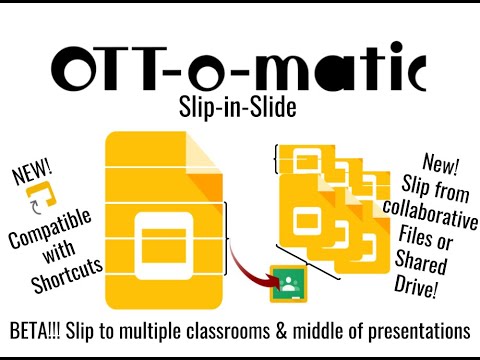
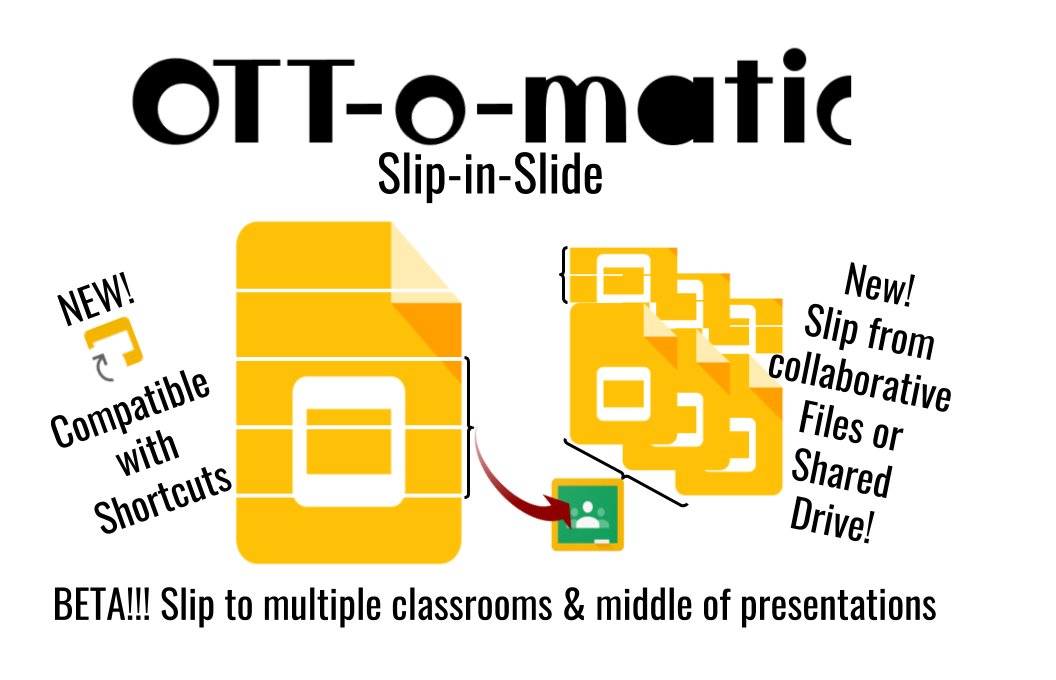
@cueinc @iste #OTTomatic_with_Dr_Ott Slip-in-Slide has a new feature set in BETA. Now you can slip to multiple classrooms at one time, and you can insert slides mid-presentation. Watch the BETA release video at youtube.com/watch?v=LfQzIg… #GoogleEDU #GoogleEI #GoogleET #edtech
YouTube
English
English

@jottedd @eduprotocols What link is available to view "Slip and Slide"?
English
Feedback I received today: "Thank you so much Mr. Ott! Slip N Slide is THE most useful thing I have purchased for my classroom in a long time!!!! It makes using Digital Notebooks for daily attendance a whiz! Thank you again." What innovative ways are you using to take attendance?
English
Dr. Jeran Ott أُعيد تغريده

Slip-in-Slide is, without a doubt, the best add-on available. It makes updating each of my students’ Writer’s/Reader’s Notebooks a breeze—no instructional time wasted on copying prompts, making tables, etc. I also love that @jottedd teaches at my alma mater @Fresno_State. Had the
Fallbrook, CA 🇺🇸 English
Slip-in-Slide had a small hiccup today and would not refresh the add-on's menu correctly for some users. That has been corrected with version 67, along with a coding change that improves slip times. Testing shows a 45% reduction in the slip time of 5 slides to 100 presentations
English
@MrKostovny @KyleNiemis @JGTechieTeacher Interactive Student Notebook. With Slip-in-Slide students can each have 1 presentation and the teacher can add new content to the student presentations at any time to continue the learning.
English

West Mifflin, PA 🇺🇸 English
Dr. Jeran Ott أُعيد تغريده
If you're doing digital ISNs this year, there is a Google Add-on that lets you add slides to all the student Google Slides, even after you have made a copy for each student! Check out @JGTechieTeacher's post:
thetechieteacher.net/2019/11/a-goog…
#edtech #remotelearning #sbpdchat @jottedd

English