Galaxy Techie

1.6K posts

Galaxy Techie banner
Galaxy Techie

Galaxy Techie

@GalaxyTechie

Samsung One UI x Android geek. I share never-before-seen exclusive features, app updates & more. Moderator of several Samsung, Nothing & Homescreen communities.


Beigetreten Aralık 2021
127 Folgt4.6K Follower
Galaxy Techie
Galaxy Techie@GalaxyTechie·
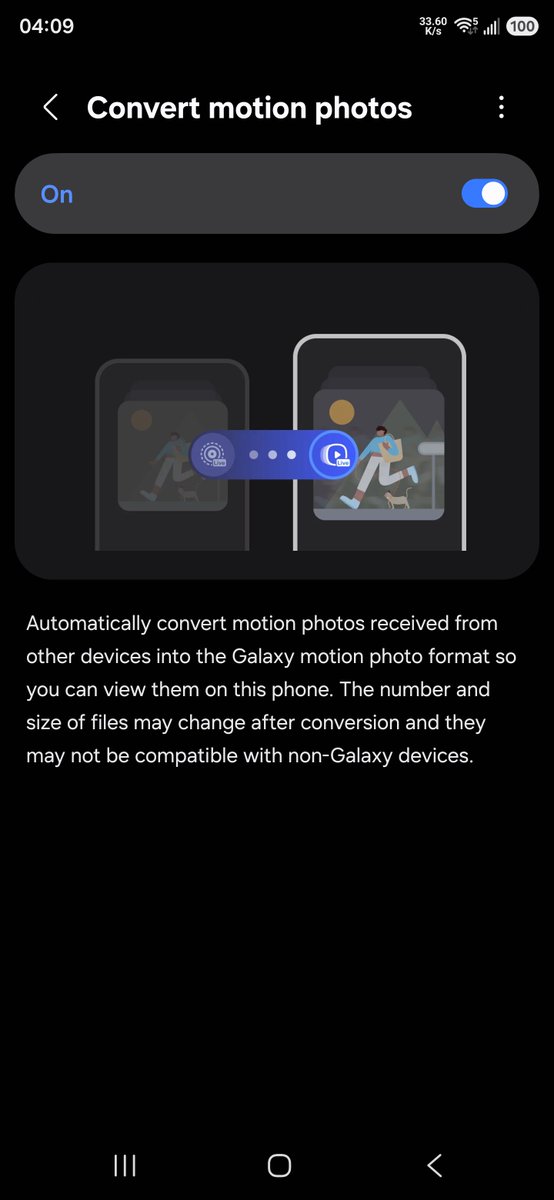
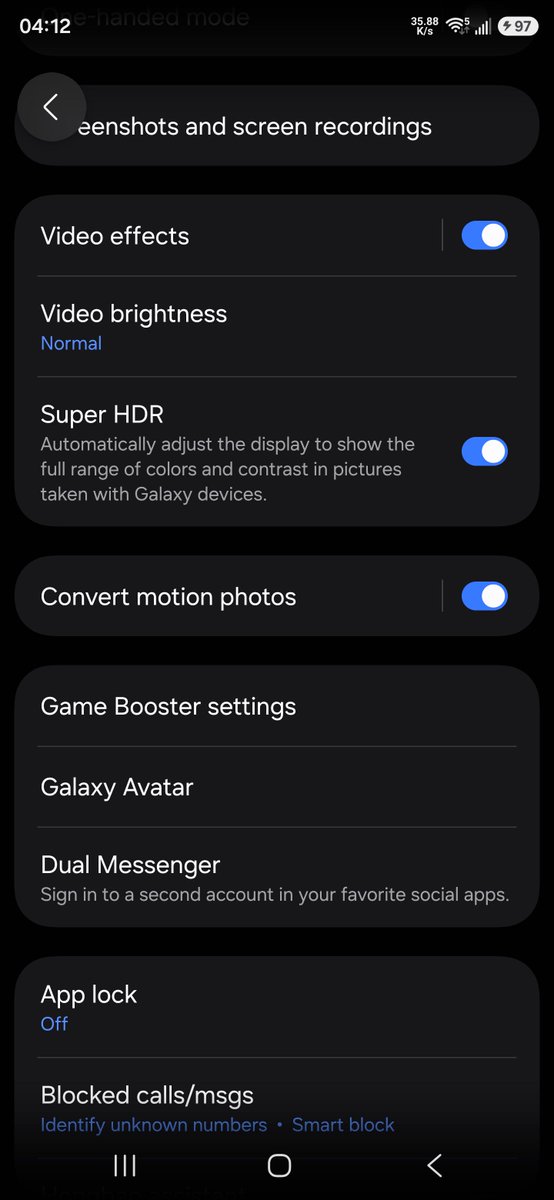
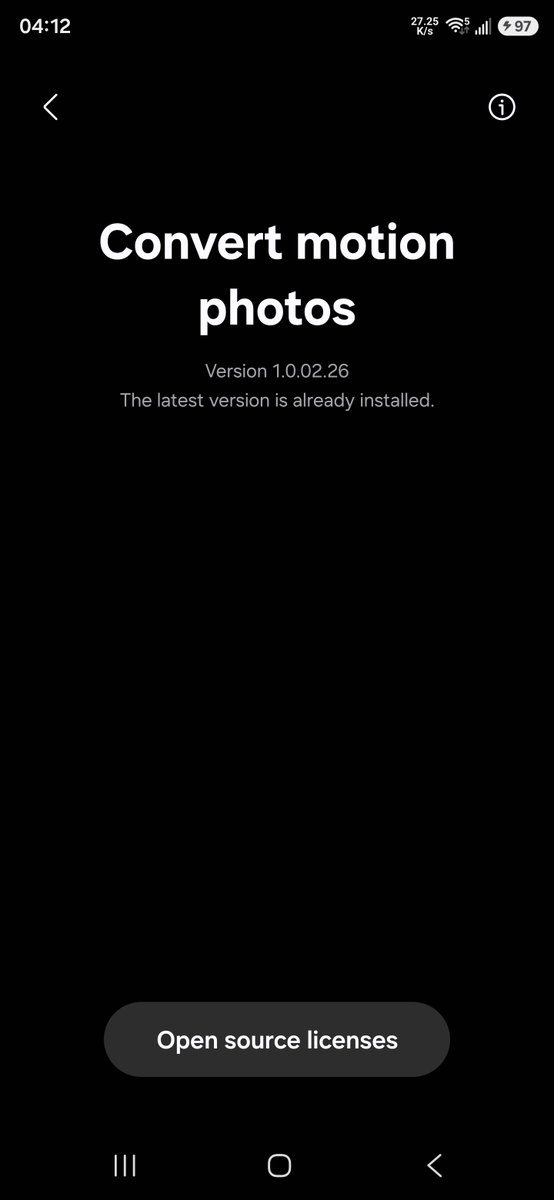
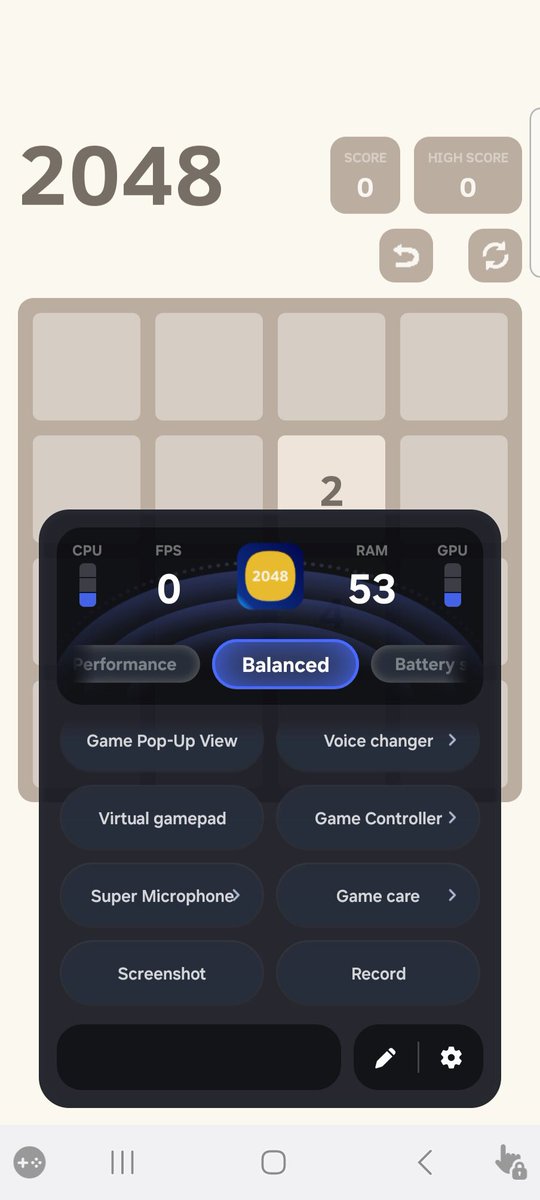
One UI 8.5 in S26 Series has launched a cross-brand motion photo conversion feature. Here's the feature highlights and description: 1. 🔁 Seamless automatic switching No manual operation is required; once the feature is enabled, the system will automatically recognize and receive live photos from other Android phone brands. The file is automatically converted to a live photo format natively supported by Samsung. 2. 🎬 Native experience, smooth playback The converted photos can be previewed in the album to retain the dynamic effects, and then they can be edited and shared just like the original animated photos, providing a seamless experience. 3. 🤝 Breaking down brand barriers Solve the format compatibility issues when sharing animated photos across brands, making interaction between users from different brands easier. It's smoother, so you won't miss a single dynamic moment. Have you ever experienced this regret: receiving a live photo from a friend, but only seeing a still image on your phone? Those captured fleeting moments, like a strand of hair swaying in the breeze, seem to have lost their soul. To break down brand barriers and ensure every vivid memory is perfectly presented, we've launched a brand-new "Convert motion photos" feature. Now, live photos from other Android devices can be played in live format on your Samsung phone. How to enable the feature? 1. Open your phone's "Settings." 2. Scroll down to find and click "Advanced features." 3. Click to enter "Convert motion photos" and turn the switch on. 💡 Friendly Reminder: After enabling this feature, when you receive compatible live photos via Bluetooth, Wi-Fi Direct, file transfer, or Quick Share, the system will automatically process them. The conversion process is fast and will not affect the normal use of your phone. The "Convert Motion Photos" feature is supported from One UI 8.5, first launched on the S26, and will be supported in subsequent updates for other models. Bring all those precious moments to life on your Samsung phone!
Galaxy Techie tweet mediaGalaxy Techie tweet mediaGalaxy Techie tweet mediaGalaxy Techie tweet media
English
12
12
205
16K
Galaxy Techie
Galaxy Techie@GalaxyTechie·
[APK] One UI 8.5 Bixby now works on devices running One UI 6 onwards. You can install either the Bixby Global or Bixby Live, both works without root. Make sure to enable 'Show Bixby on Apps screen' before updating. Also, update the Voice Wake-Up app for the setup if needed.
English
20
9
134
10.2K
Galaxy Techie
Galaxy Techie@GalaxyTechie·
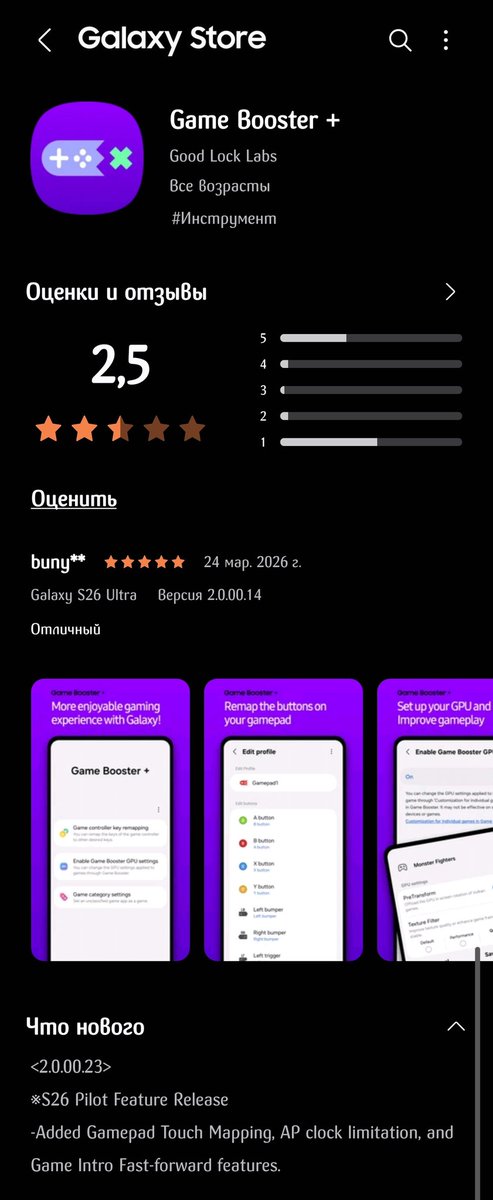
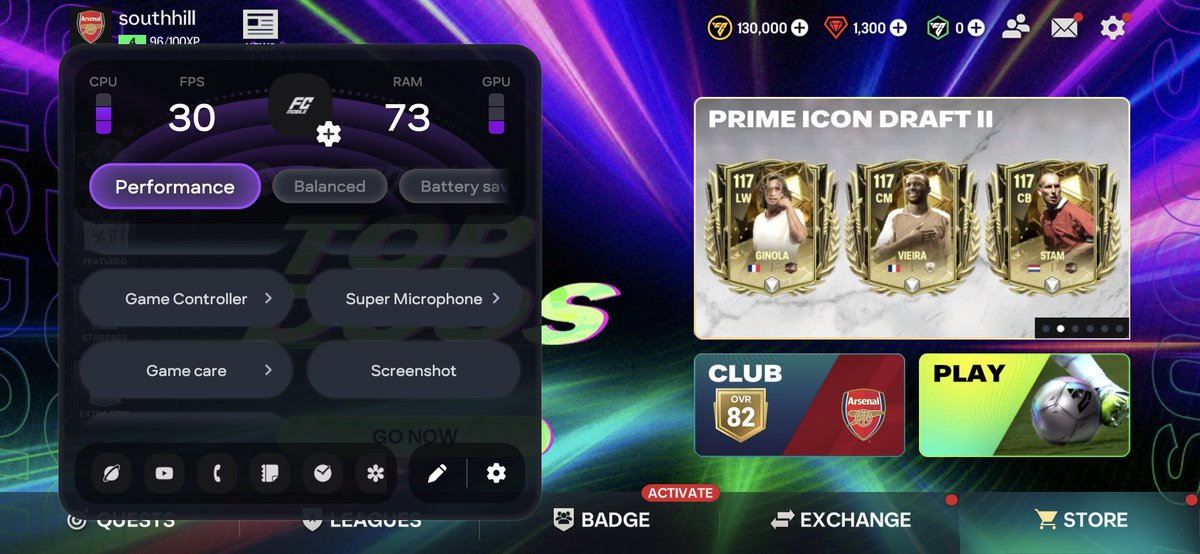
[APK] One UI 8.5 Game Booster (with extra features) now works on One UI 7 and later. Users already running One UI 8.5 should also install this version, it enables the exclusive features like Voice Roulette, Anti-Interference, Notification Styles, 4D Vibration, Pop-up View, Voice Changer, Super Microphone, Game Care, Controller, Virtual Gamepad, Game Sound, AI Mute, AI Lab and more. It also adds pre-download game updates and sync startup animation with game loading screen in the settings. This post covers the guide of virtual gamepad with images. The first time you use the virtual gamepad feature, "Full-screen mode in split-screen view" will be automatically enabled. If you wish to disable "Full-screen mode" later, you can go to "Settings > Advanced features > Multi-window" to turn it off. If your game does not have a default configuration, the basic configuration will be displayed. The game screen is the mapped area, and the virtual button is the button area. Click the gear-shaped "Settings" button in the button area shown in the image to configure it according to your needs.
Galaxy Techie tweet mediaGalaxy Techie tweet media
English
12
7
105
7.4K
Kazikate | Yufka🪽
Kazikate | Yufka🪽@kazikate1·
@GalaxyTechie I will never update my device again after this. I wish I had known and not updated... Would you support me if I started a petition about this? I think if we all work together, maybe we can make them back down.
English
1
0
1
39
Galaxy Techie
Galaxy Techie@GalaxyTechie·
@kazikate1 Sadly nope, there should be no possibility in future unless a loophole is found. They are getting more strict in future.
English
1
0
1
59
Kazikate | Yufka🪽
Kazikate | Yufka🪽@kazikate1·
@GalaxyTechie Hello. I'd like to ask you a question. My device is an S23 Ultra with One UI 8.5 installed. Unfortunately, the binary version has been upgraded, and I think it's now impossible to unlock the bootloader by changing the binary. Is there any other way to unlock the bootloader? ++
English
2
0
1
206
BOT1
BOT1@Arko15424345·
@GalaxyTechie Can u please provide all apks of 8.5 at one place please so that we can download all at once ...thanks again for the help
English
1
0
1
21
Galaxy Techie
Galaxy Techie@GalaxyTechie·
Be ready for One UI 8.5 exclusive features... 👀
English
19
6
278
18.3K
Bradley
Bradley@VerdeSelvans·
Samsung users, can you share your home screen setup? I need some inspiration 🙂
Bradley tweet media
English
2.6K
267
5.9K
1.1M
Galaxy Techie
Galaxy Techie@GalaxyTechie·
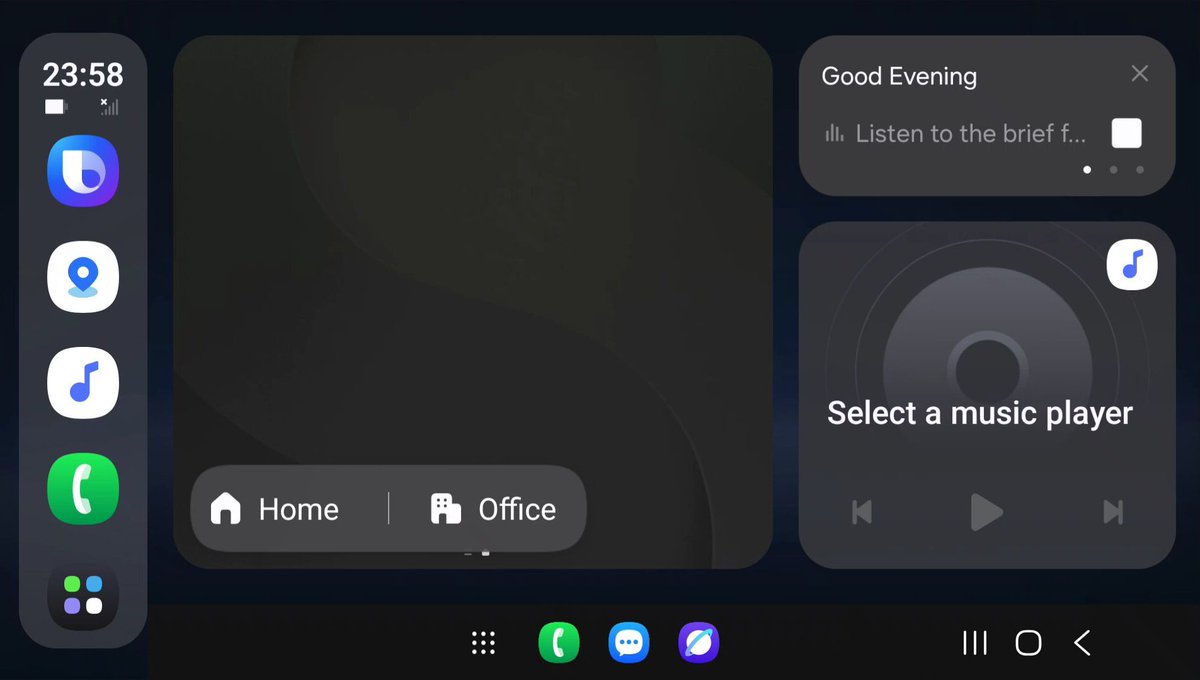
Here's a FIRST LOOK at Samsung's 'Auto DeX', supporting 8500+ car models of 120+ brands. The great news is, even if your car doesn't support it or you don't have a car, you can use it with some tricks. Another great news is, you can use DeX even if your phone doesn't support it!
Galaxy Techie tweet media
English
48
77
1.1K
111.3K
Rit
Rit@RitP007·
@GalaxyTechie Could you share the apk for this?
English
1
0
1
33
Galaxy Techie
Galaxy Techie@GalaxyTechie·
@ohid_ullah20 Game care has health guard feature which records game playing times and sends a healthy reminder.
English
0
0
0
75
Galaxy Techie
Galaxy Techie@GalaxyTechie·
@FoolArcane Function description is given when you tap Voice Roulette.
English
0
0
0
30
Galaxy Techie
Galaxy Techie@GalaxyTechie·
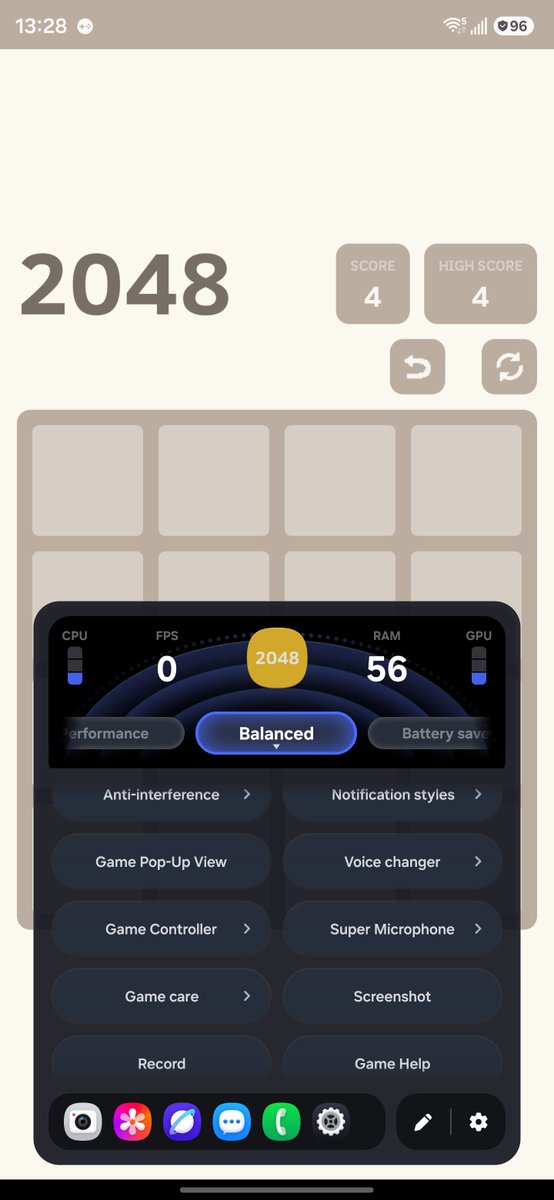
One UI 8.5 Game Booster deep-dive thread: LOTS of new features has been added; notably Voice Roulette, Anti-Interference, Notification Styles, 4D Vibration, Pop-up View, Voice Changer, Super Microphone, Game Care & Controller, Galaxy AI Game Help & Lab. The icon has a new look.
Galaxy Techie tweet mediaGalaxy Techie tweet mediaGalaxy Techie tweet mediaGalaxy Techie tweet media
English
10
14
210
18.7K
Galaxy Techie
Galaxy Techie@GalaxyTechie·
@Satvir_pbx1 Only enabled for S26 Series. Even if you install the APK which have support, it won't show.
English
1
0
0
55
ASTRO
ASTRO@Astro2056·
@GalaxyTechie Could you extract phone apk with recent call working?
English
1
0
3
301
Ankan
Ankan@AnkanB123·
@GalaxyTechie Bhai, China one ui 8.5 mai settings app ke andar jo Galaxy AI section hai uska all feature list screenshot share kijiye ga please.
Indonesia
1
0
1
461
Sir.khalid
Sir.khalid@Sirkhalid16·
@GalaxyTechie The UI is great, but I don't see virtual pad on my s25 fe device 😕
Sir.khalid tweet media
English
1
0
3
293
Galaxy Techie
Galaxy Techie@GalaxyTechie·
@Jay_z5 Just install the APK, it works globally.
English
0
0
1
448
Jay
Jay@Jay_z5·
@GalaxyTechie Do you think this features will come to global?
English
1
0
1
484