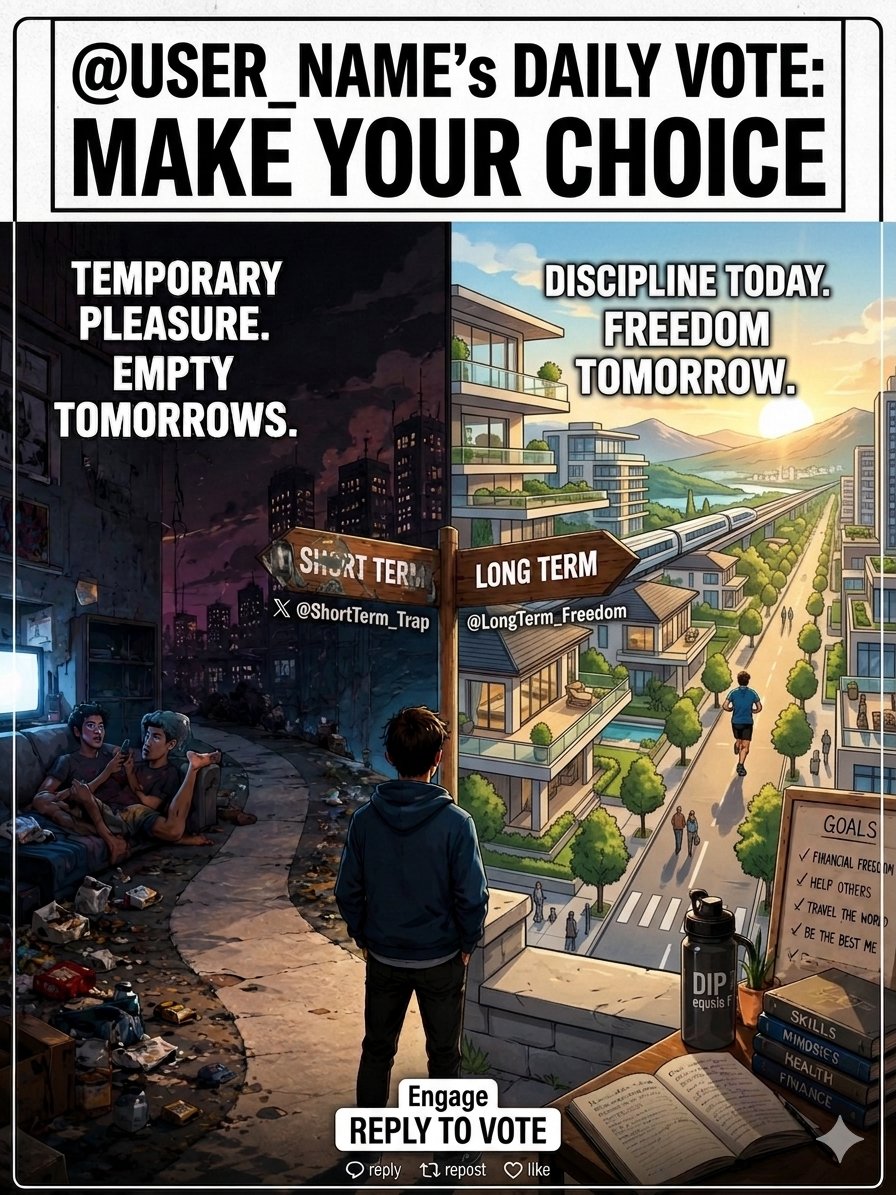
⏳ Short-term trap OR 🚀 Long-term freedom? Every day is a choice between temporary pleasure and building your dream life. Discipline today. Freedom tomorrow. ✨ Choose wisely.👇
Canva + laptop + internet connection + 60 minutes a day = $359 per day.
Normally, I'd charge $87 for this guide, but it's yours 100% FREE today.
Like + comment 'Canva' and I'll send you my step-by-step guide for FREE.
Must follow me to get guide in your DM now.
FREE for 48 hr
🚀 80+ AI Tools That Can Turn Months of Work Into Minutes
Save this list for later. 🔖
🔍 Research
• ChatGPT
• Copilot
• Gemini
• Abacus AI
• Perplexity
🎨 Image Generation
• Fotor
• DALL·E 3
• Stability AI
• Midjourney
• Microsoft Designer
I found a free tool that automates anything you do manually in your browser.
Type what you want in plain English. Watch it happen.
Free. No code. No setup. Just install the extension and go.
It is called RTRVR. And here is everything you need to know.
http://rtrvr. ai turns your browser into a self-driving AI agent that performs data extraction, form filling, and multi-step workflows across dozens of tabs. Describe your goal in plain English and watch the agent click, type, and navigate — inside your own browser.
Here is what that looks like in real life.
You open the Chrome extension. You type:
"Go to LinkedIn, find all marketing directors at B2B SaaS companies with 100 to 500 employees in New York, and export their names and companies to a Google Sheet."
The agent opens LinkedIn. Searches. Navigates profiles. Reads the data. Exports it.
You do nothing. It does everything.
Or: "Monitor this competitor pricing page daily and alert me when anything changes."
Or: "Fill out this job application using my CV."
Or: "Scrape all product names and prices from these 50 URLs and compile them into a spreadsheet."
It integrates natural language interactions to seek specific information, crawl entire sites for bulk data, and export results directly into Google Sheets. It supports cross-tab activities, comparing information and performing bulk actions across multiple sites simultaneously.
Here is the feature that makes RTRVR genuinely different.
Authenticated automation: runs scripts inside your logged-in browser session, meaning it accesses sites you are already signed into. No credential sharing. No API keys for every platform. It uses your existing sessions exactly the way you would.
This is the thing that breaks every other automation tool.
Zapier cannot touch LinkedIn. Make cannot access your Airbnb dashboard. Most scrapers fail behind any login page. They need API access or credentials passed in a config file.
RTRVR runs inside your actual browser. Where you are already logged in. It sees exactly what you see. It can do everything you can do.
Nothing is off limits.
Here is the MCP integration that makes this genuinely exciting for AI users.
Copy your unique rtrvr. ai MCP endpoint into ChatGPT, Claude, Cursor, or your own code. Instantly give them the power to control your browser, extract live data, query knowledge bases, and perform complex automations. No local installation required.
Claude does not have a browser. Neither does ChatGPT by default.
Paste one RTRVR MCP URL into either of them and they do now.
Your AI assistant can navigate real websites, read live data, fill real forms, and interact with any page on the internet. Through your browser. With your sessions. Without you lifting a finger.
Here is the no-code teaching feature for non-technical users.
Teach rtrvr .ai a trick without writing code, just show it. Perform the task once the clicks, the typing, the navigation and rtrvr records everything including the underlying network calls. The agent repeats it automatically whenever you need.
Do it once. The agent learns. Does it automatically from then on.
No prompt engineering. No technical setup. Just show it what you want.
Here is what it costs.
Free to start. Scale to 1,000+ cloud browser agents simultaneously. Run workflows automatically on a schedule. Append results to Google Sheets automatically.
OpenAI Operator does the same thing. $200 per month. ChatGPT Pro required.
RTRVR starts free.
One honest thing worth saying before you install it.
Users praise the extension for its powerful automation and scraping capabilities and its usefulness for research-heavy tasks. Consistency is a major issue, several reviews describe frequent reliability problems and errors on complex workflows.
It is not perfect. Complex multi-step tasks sometimes fail. It is improving fast from version 11 to version 31 in under a year.
But for lead research, competitor monitoring, data extraction, form filling, and anything repetitive you do manually in a browser every week?
Nothing free comes close to what RTRVR does.
You have been doing manually what an AI agent could do for you.
That stops today.
Source: rtrvr. ai · Chrome Web Store · GitHub · 2026
(Link in the comments)
Want to create a consistent AI Influencer Vlog?
Stop wrestling with random motions and bad transitions.
➡️ AI Model → First Frame → Guide Image → Prompt → Video
Try it now for FREE: mega.apob.ai/Kiran
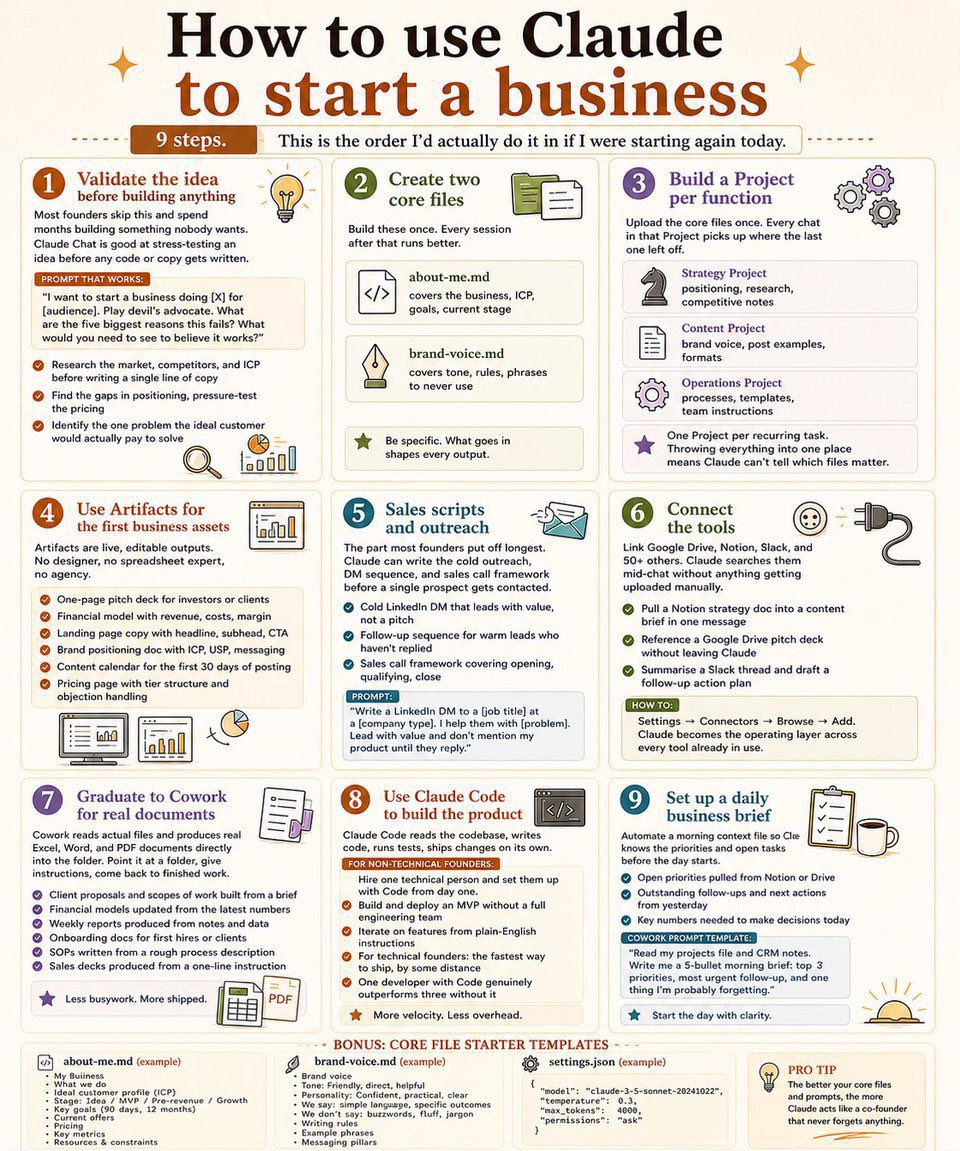
🚨 Anthropic just showed a 27-minute workshop on how to actually do prompts for Claude.
Taught by the people who built it.
Free. No registration. No paywall.
I've seen $300 courses that don't cover what they teach in the first 8 minutes.
Watch it and bookmark it now.
Google will pay you $180/hour 🤑
Did you know that Google will pay you $1 every 20 seconds!
Hot Side Hustle ✅
Don’t scroll.
Watch till the end to unlock the idea behind this.
✅Like
✅Retweet
✅Follow @iansh04_ for more.
Comment “MONEY” if you have watched till end. Bookmark this 🔖 — you’ll need it later.
Claude + Amazon KDP = $8,400/month.
I compiled all my personal AI eBook publishing prompts into a 53-page Claude playbook.
I've shared this with a banker, he's now making $60,000/year.
I’m planning to charge $99 for this soon, but today, it’s FREE.
Like + Comment "Doc”
Stop using AI just as a search engine.🛑
The real game-changer? Using AI agents to automate your repetitive workflows. The future belongs to those who build systems, not just those who type basic prompts.
Are you a prompt engineer or a workflow architect?
#AI#TechTrends
Canva + laptop + internet connection + 60 minutes a day = $359 per day.
Normally, I'd charge $87 for this guide, but it's yours 100% FREE today.
Like + comment 'Canva' and I'll send you my step-by-step guide for FREE.
Must follow me to get in your DM now
FREE for 48 hours only
Most people know 2-3 AI tools.
The top creators and founders use an entire AI stack.
One tool for ideas. One for writing.
One for automation. One for design. One for video.
The advantage isn't AI anymore.
It's knowing which AI to use.
#AI#Productivity#Automation#AITools
@ARZOO_with_Ai BREAKING: AI just replaced your entire TikTok team.
1 prompt = 500+ product videos.
No creators.
No expensive UGC.
No delays.
We studied how top brands hit millions of views…
Now it’s fully automated:
→ AI creates a realistic UGC persona (face, voice, personality)
→ Voiceovers generated instantly
→ Hooks, edits, captions — done for you
→ Daily auto-posting system
→ Finds winning hooks BEFORE you publish
Result?
Test 100 hooks while others test 10.
Winners scale. Losers disappear.
TikTok isn’t about quality anymore.
It’s about speed + volume.
Brands posting 10x more… win.
Comment “SYSTEM” for the full blueprint.