
Trisha
283 posts



🔧 How to Enable Secure Boot for Battlefield 6 Beta. Step 1: Check if Secure Boot is already ON - Press Win + R → type msinfo32 → Enter - Look for Secure Boot State. If it says On → you’re done 🎉 If not ON continue with next steps. Step 2: Enter your BIOS - Restart your PC - While it’s booting, press your BIOS key repeatedly (F2, Del, or F12, depending on your motherboard) Step 3: Change OS Type - Go to the Boot tab - Find OS Type - Change from Other OS ➜ Windows UEFI Mode Step 4: Set Secure Boot Mode - Still in Boot > Secure Boot - Change Secure Boot Mode from Custom ➜ Standard Step 5: Save & Exit - Press F10 to Save & Exit BIOS - Confirm and reboot Step 6: Verify with step 1. You’re now ready to launch Battlefield 6 Beta without issues 🚀



RUMOUR🔊 | Activision just sent out a BANWAVE both permabanning and shadowbanning legit players. Did you get banned too? 🔥 #BlackOps6 #ricochet

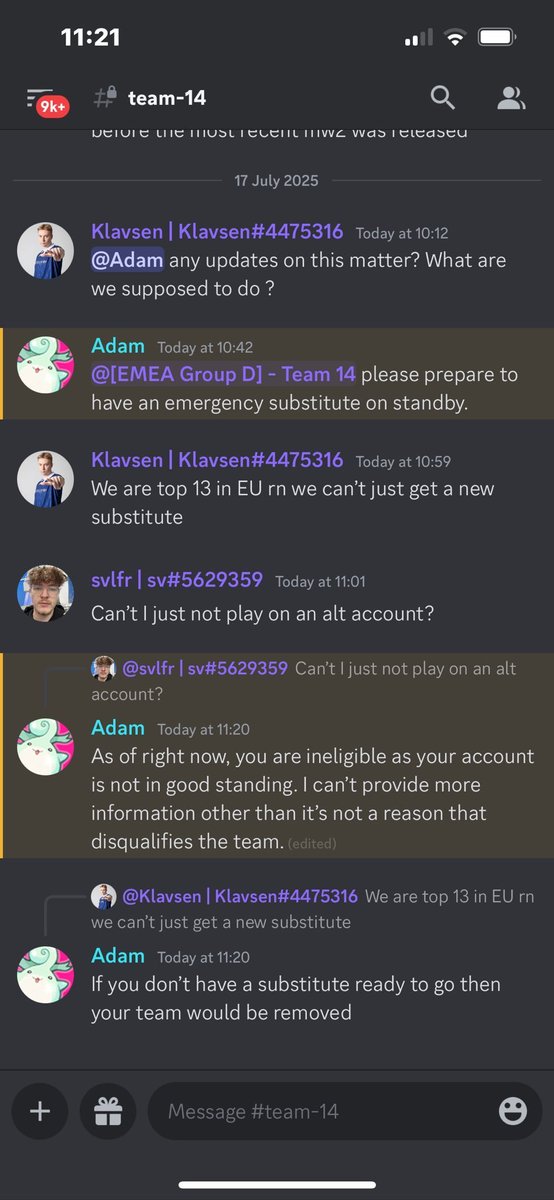


PC Check report on @Vpnninja87 Full report and transparency available upon request. Only accounts that I follow will be available to comment under this post. If he wants to defend himself, he can do it on his X profile, not mine.


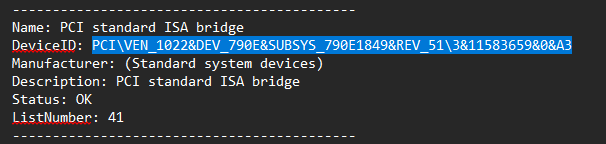
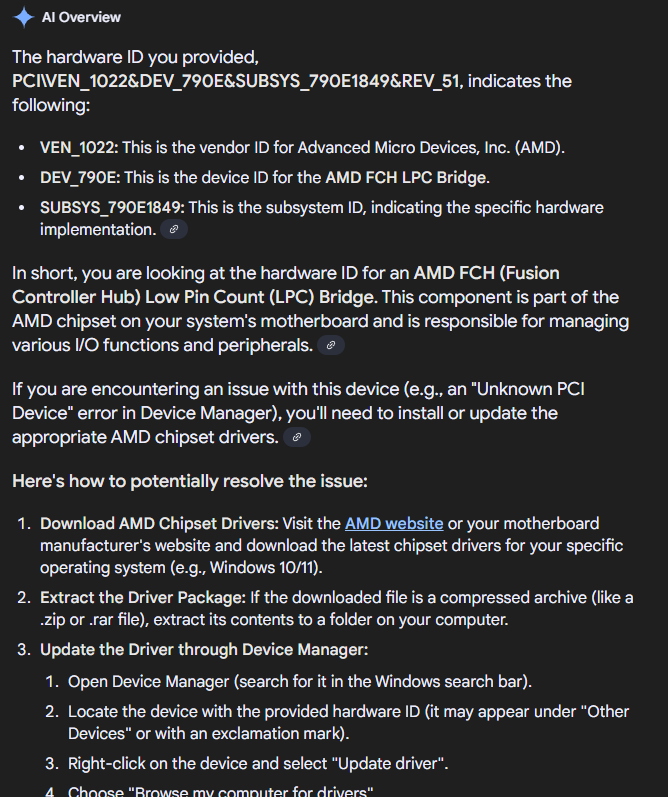






I just got sent definitive proof that PC players on XBOX Gamepass can play in Ranked CONSOLE ONLY LOBBIES... Will be live in about an hour to show proof.


@Davidplaysx89 David put the word out that my Twitter got hacked, and youtube. I have got my youtube back. Twitter is still being difficult for some damn reason. By the way this is @vpnninja87