Wade McMaster // Creator Impact retweetet
Wade McMaster // Creator Impact
9.2K posts
Wade McMaster // Creator Impact
@creatorimpact
Tips and Advice on AI Art and visual content creation. CPP Dzine / OpenArt CPP
Australia Beigetreten Ağustos 2012
95 Folgt1.8K Follower
@EveryBibi Definitely a good question f8r @hehe6z
English

@creatorimpact Wow this must’ve been tons of work! How big is your team and how long did the project take?
English
I've just tried this out and it is really quite impressive! Congratulations to Helena and the Team at Fish Audio on a terrific product!
helena@hehe6z
Today we’re excited to publicly launch Fish Audio S1, the most expressive and natural TTS model on the market. - 6x cheaper than elevenlabs - 20K active developers - 5M ARR (real ARR) Clone your own voice for free and get started 👇
English
@hehe6z No problem Helena! Well, don't forget to check YouTube later on haha
English
@creatorimpact thank you Wade!! and i can't wait for a killer video from you heheh
English
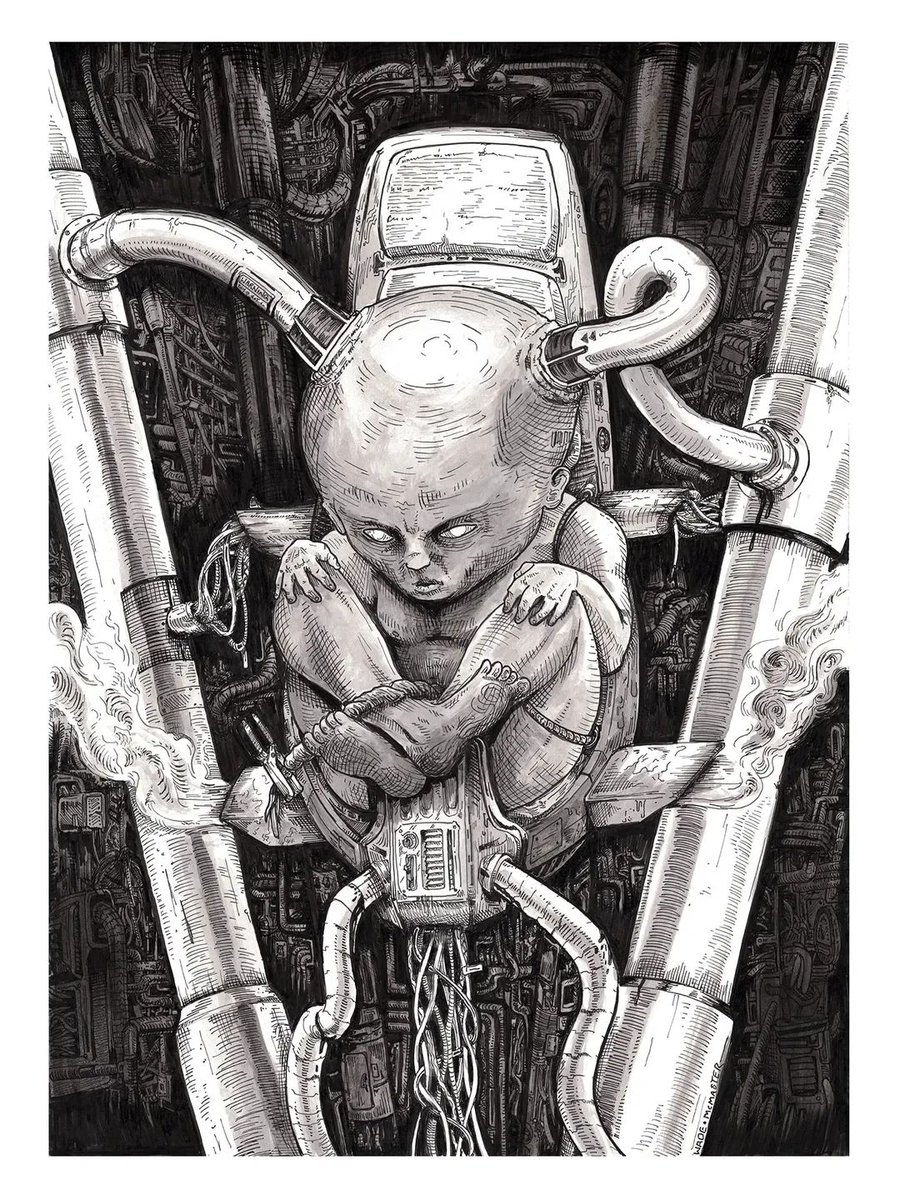
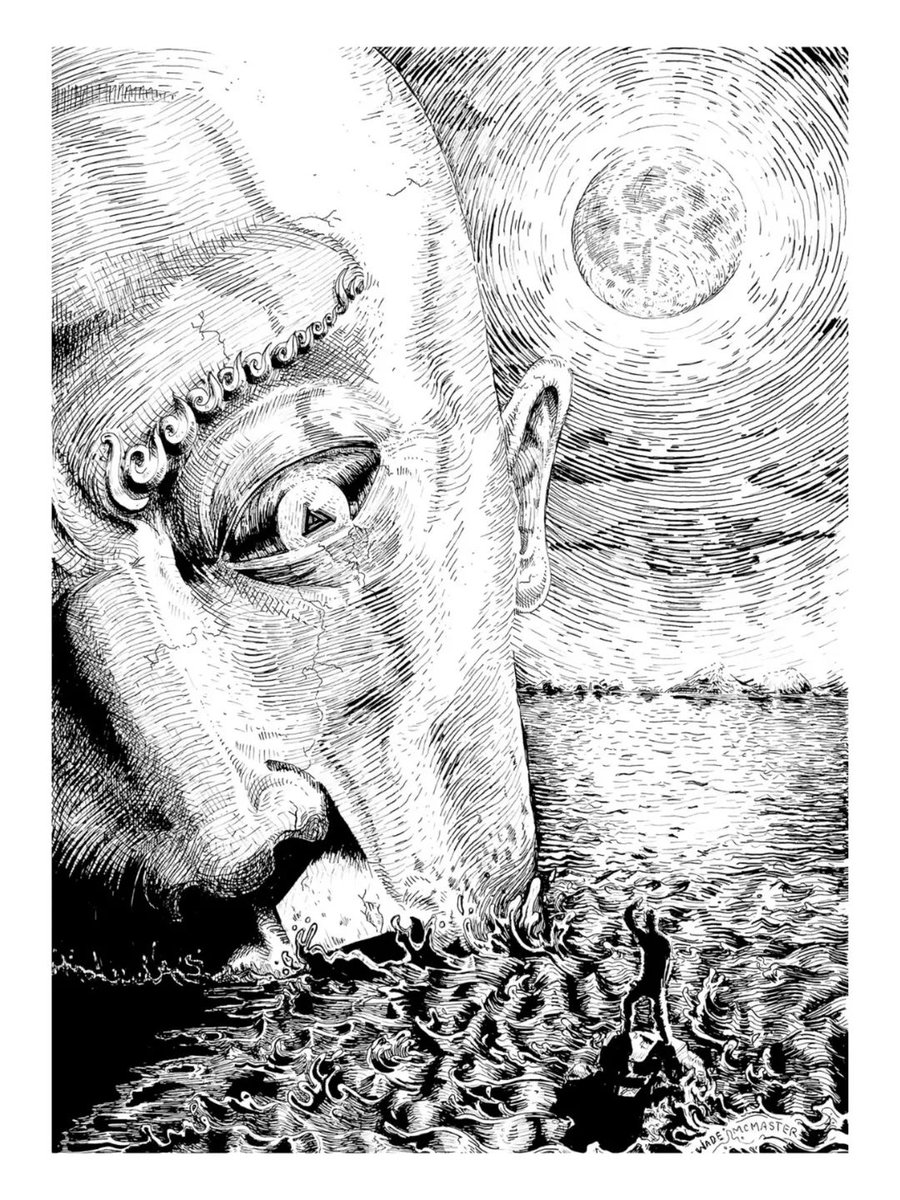
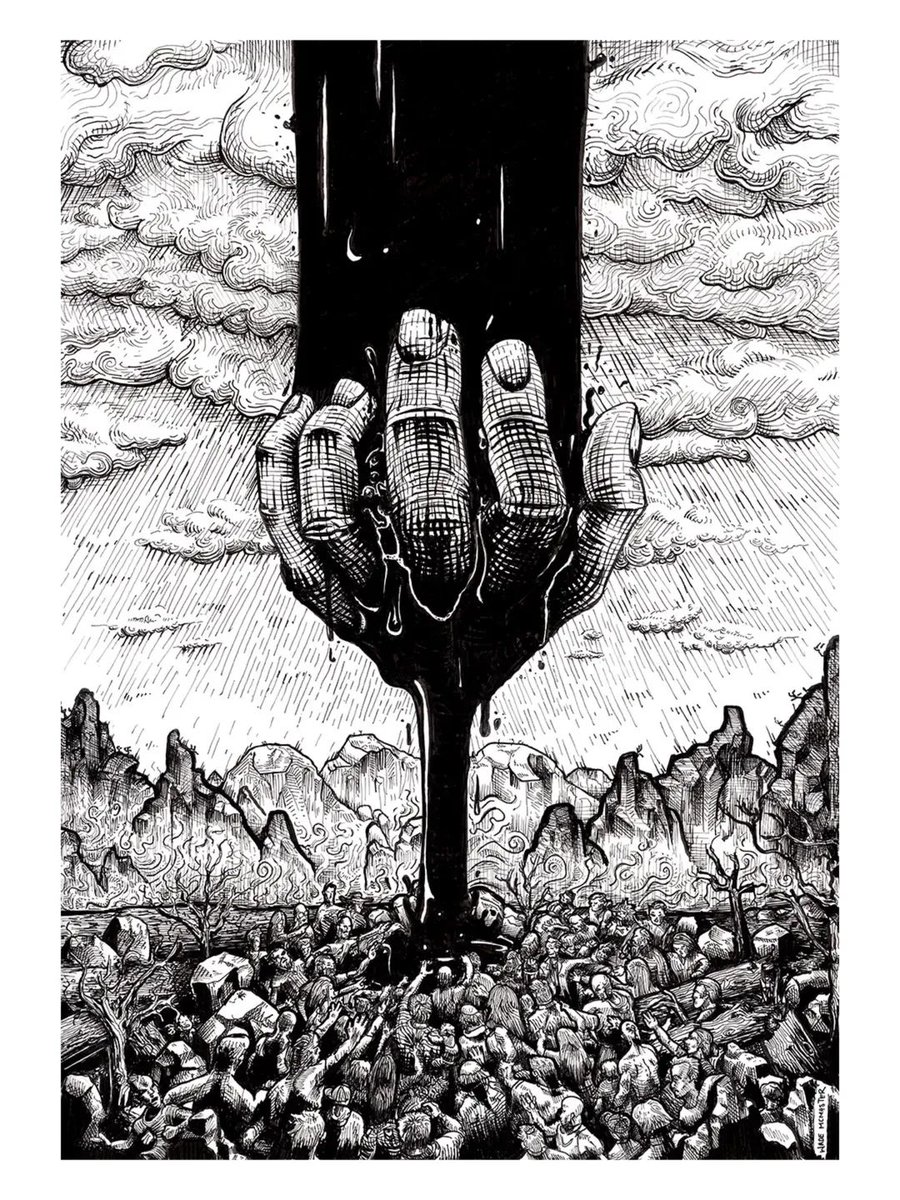
Been digging into some pen and ink art lately, getting the real world skills out... really loving these, drawn on A3 paper (inkwash on the biomech fetus drawing also).
Thought I'd share :) I hope you like them.
#inkpendrawing #drawings
English
@CarlosB08268259 These look fantastic mate! Thank you for shout out, but more importantly keep making awesome stuff like this!
English

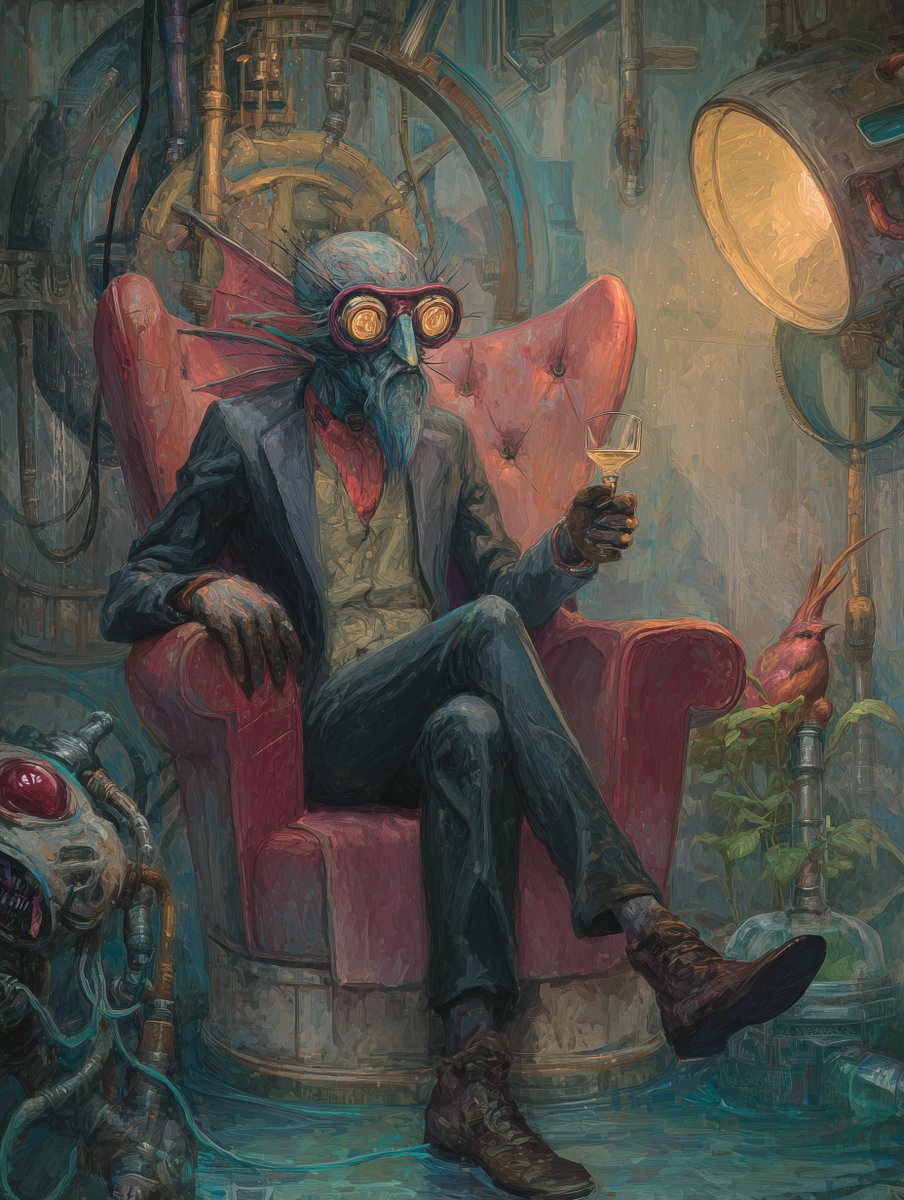
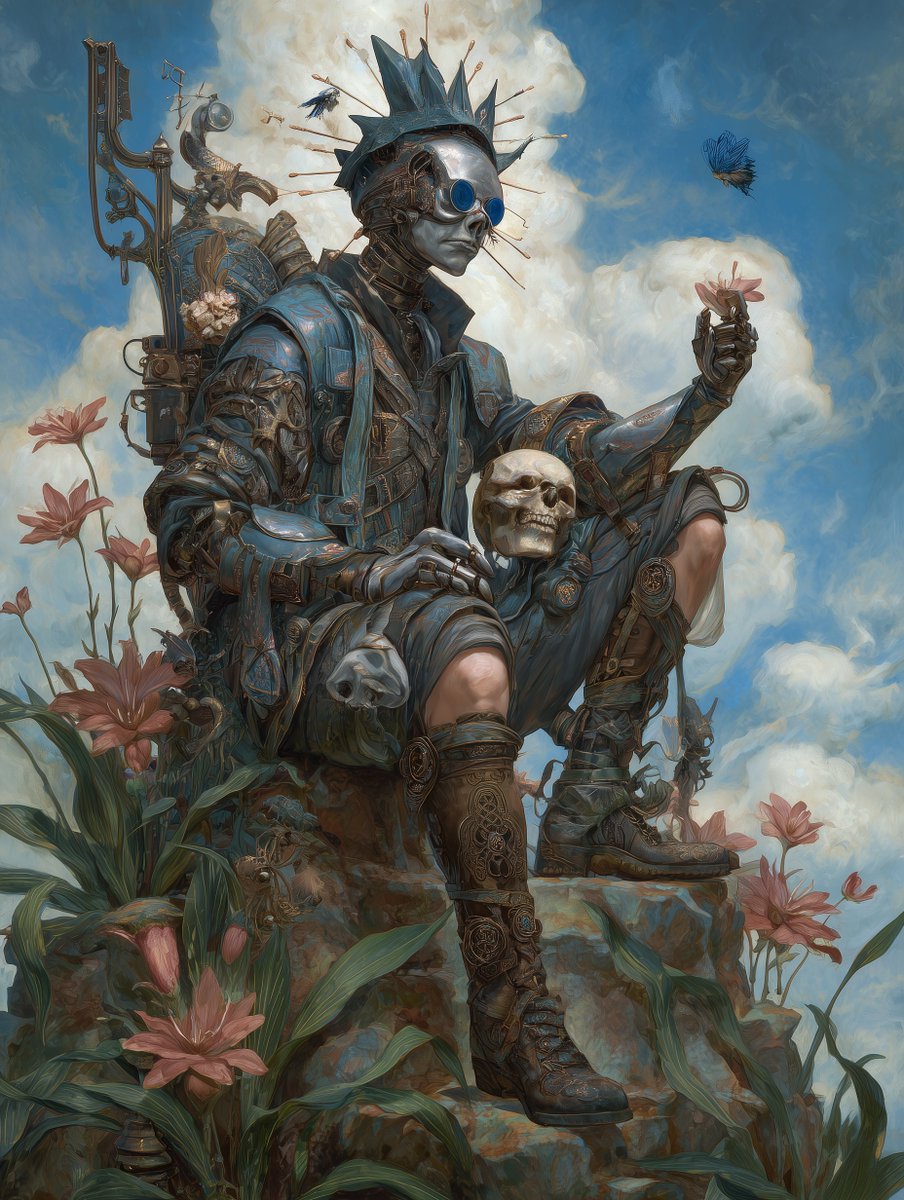
Art Style: Born in '70s LA, Lowbrow (Pop Surrealism) is art's rebellion! 🎨 Rooted in comix & hot-rod culture, it rejects "high art" elitism. Key artist Robert Williams coined the term. Think cartoon-ish, surreal, and hilarious. Thanks to @creatorimpact for the inspiration!
English
Wade McMaster // Creator Impact retweetet

🚀 Introducing AI Video Editor in Dzine – our new AI-powered feature!
🎥 Use prompts or image references to adjust color, style, lighting, and others in the original video.
💪 Control visual narrative and take your video editing to the next level.
Try Dzine's AI Video Editor now and let your creativity run wild!
English
@damrani5 That's so cool! I love using AI to explore things visually and just have fun. Thank you for checking out my videos, and happy you're getting something from them :)
English

i've seen some incredible examples of what you can do. been watching videos from @creatorimpact for ideas
English
priceless reaction from my son when I uploaded a photo of our dog to @midjourney
we used 500 omni and prompts like "Optimus prime walking a dog on a leash"

English
@PixelFusionist Ohh man, ai video is tough at times, the expense really doesn't help :/
English

@creatorimpact Thanks! I learn better with full lessons, and your video was much appreciated! I did have to give up on the final high angle shot...was burning through those credits & the clown kept coming back!
English
Wade McMaster // Creator Impact retweetet
🤡Thanks @creatorimpact for your YouTube video on camera control for Midjourney video creation. This exercise was a good learning experience! #aivideo
English
@OzgurEr77386248 @dzine_ai oohh yes, i just realized, you need the master plan as this is still an early feature.
English

@creatorimpact @dzine_ai Thanks.I m creator plan .it is master
English
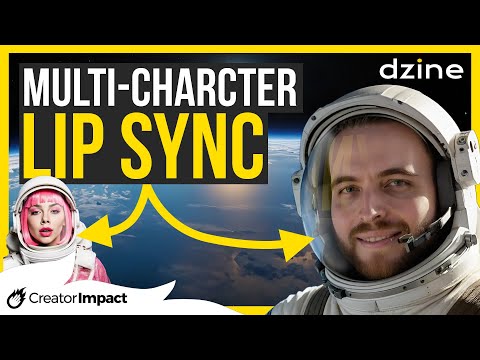
@dzine_ai have updated AI Lipsync for multi characters. Another great step toward creative freedom in the AI space.
I have tutorial up here: youtu.be/ahM6sIperwA
While testing it out and made this video. It's not perfect, but still a tone of fun and good step forward :)
YouTube
English
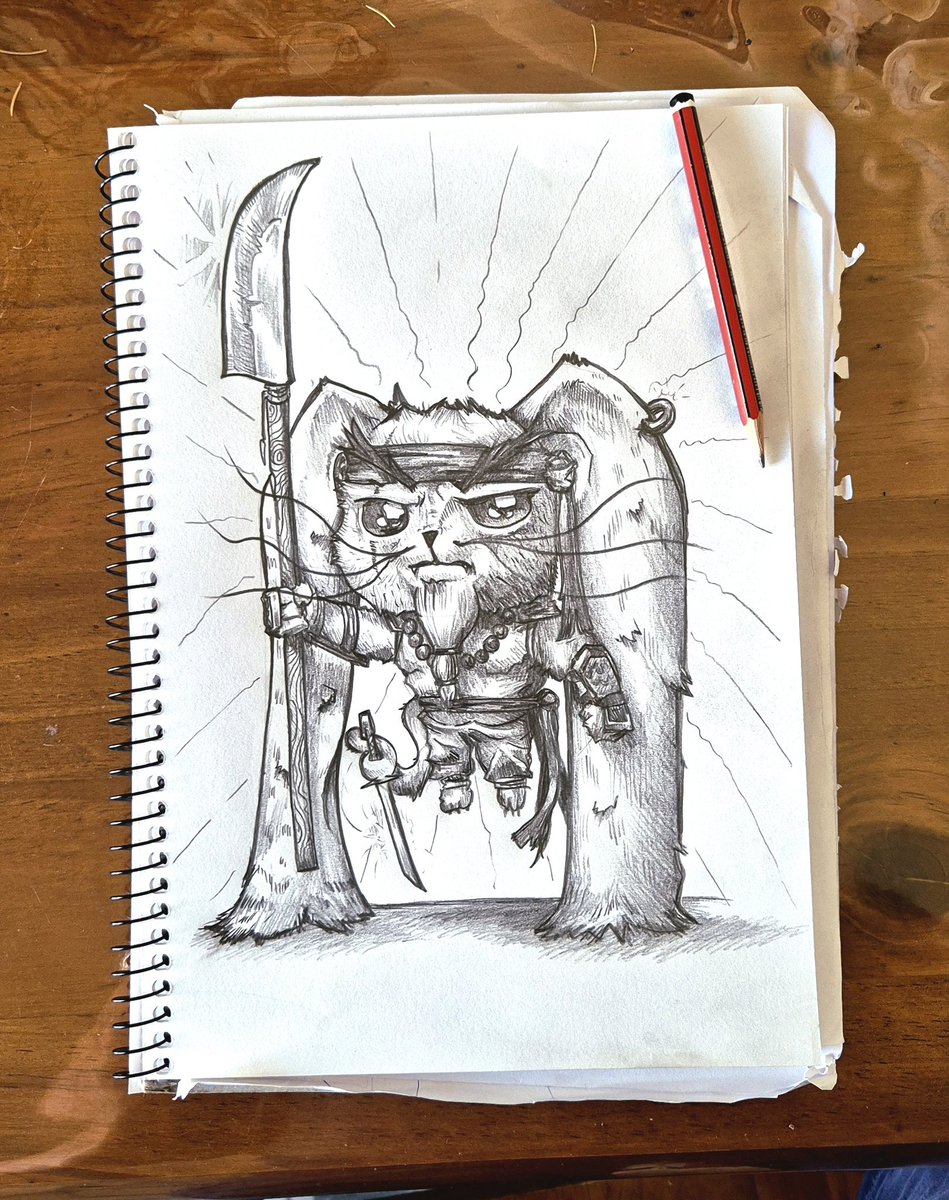
Decided to get the paper and pencil out today :)
English
@OzgurEr77386248 @dzine_ai You can't mark it manually? Or not showing up at all? Cpul be a weird glitch :(
English
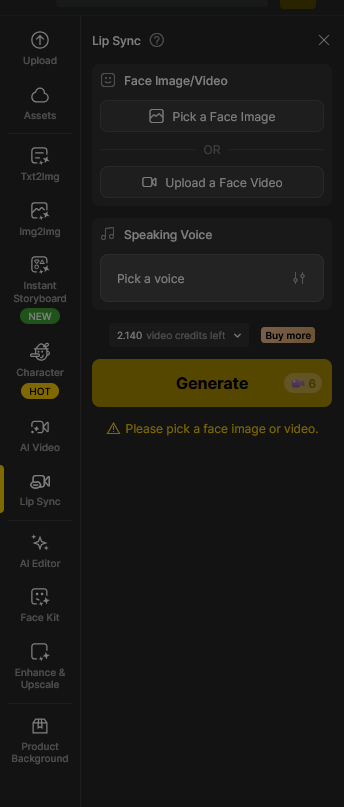

@math_peach @dzine_ai Hopefully it works its way to those other plans. I know a lot of these ai companies need to limit the use of new features to discover the bugs early on without getting overwhelmed - could be that case here.
English

@creatorimpact @dzine_ai All well and good if you are on the Master plan. The Beginners and Creators are out of luck. Not the best decision they’ve ever made.
English
@OzgurEr77386248 @dzine_ai Its under the normal lip-sync area, if you get lost check out the video in my tweet, it has a tutorial at the beginning
English
Excited to play with this!
Full pose control on Dzine Ai for your characters, looks incredible useful and fun :)
I'll post a video on YouTube in the near future
@dzine_ai
Dzine@dzine_ai
🎨 Pose Mode gives you full control over body position — right inside Consistent Character. 🧑Pick the character. 🤸♂️Set the pose. 🎯Lock the result. Animate your stills, your way. 🎉Now available in Dzine.
English
Wade McMaster // Creator Impact retweetet