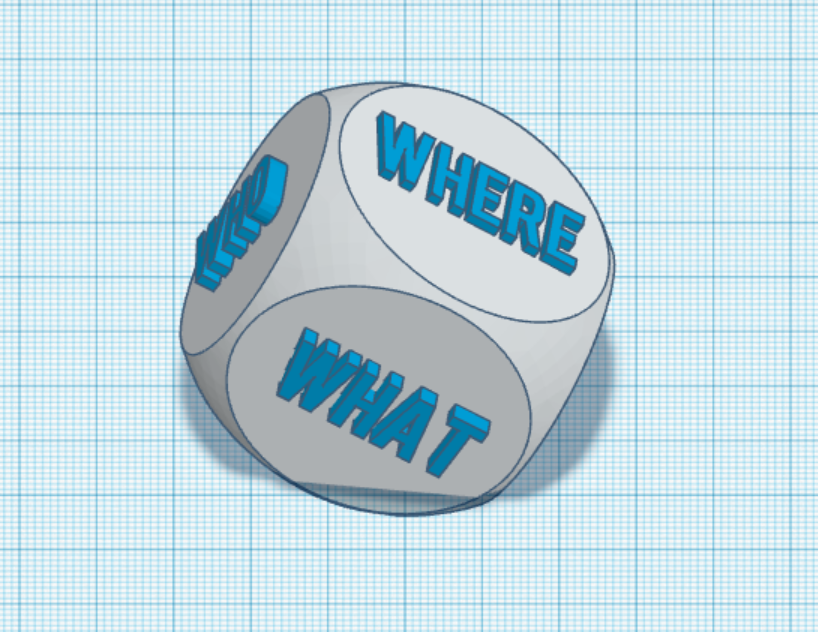
I used #tinkercad to create a die for my English class. When rolled, students will create questions that begin with the word the dice lands on: who, what, when, where, why, and how.
Goodbye, yes/no questions, and hello Research Question Dice!
#DoceoCenter#uidaho
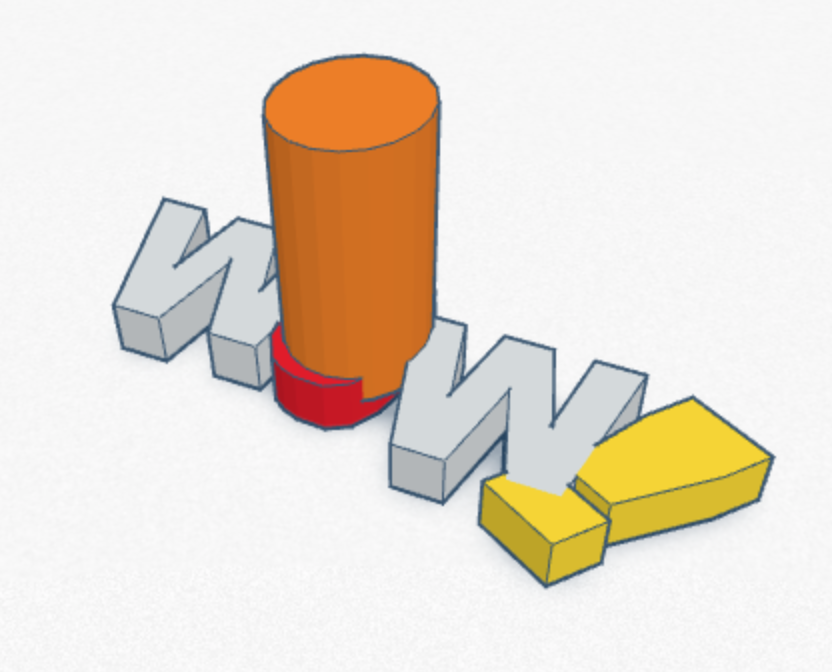
I used Tinkercad to create a 3D model! This model is a "WOW!" stamp that I can use for grading students' papers. I'm looking forward to practicing with this program to create more advanced designs in the future. #Uidaho#DoceoCenter
For Performance task #4, I created a list of resources for my lesson plan project. I used 2 of each type and then a few extras, I have 17 links in total.
#DoceoCenter#uidaho
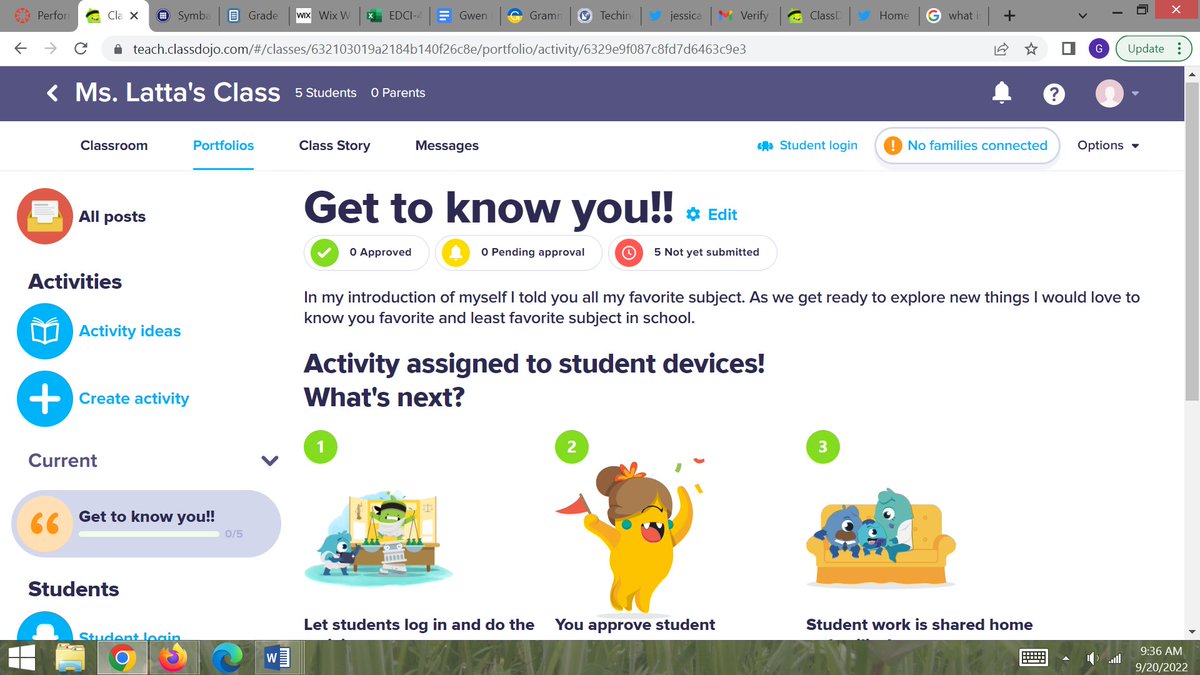
For Performance Task #5, I created a Class Dojo account and make an imaginary classroom. In the screen recording I have attached, I show all elements of this assignment. #DoceoCenter#uidaho
The LMS tool I used was google classroom. I really enjoyed using this LMS. I think that it was set up very nicely and was very user friendly. It was clear to understand how to make announcements/posts as well as assignments. #DoceoCenter#uidaho