
How to install Public Betas on iOS: 1. Register/Log in on beta.apple.com. 2. Go to Settings → General → Software Update → Beta Updates. 3. Select the Public Beta version you'd like to install. 4. Done.
iSpeedtestOS
3.5K posts

@iSpeedtestOS
Speed testing on new iOS updates • Current iOS versions: iOS 26.3.1, 18.7.6, 17.7.10, 16.7.15, 15.8.7, 12.5.8, and iOS 26.4 RC and 18.7.7 RC.


How to install Public Betas on iOS: 1. Register/Log in on beta.apple.com. 2. Go to Settings → General → Software Update → Beta Updates. 3. Select the Public Beta version you'd like to install. 4. Done.


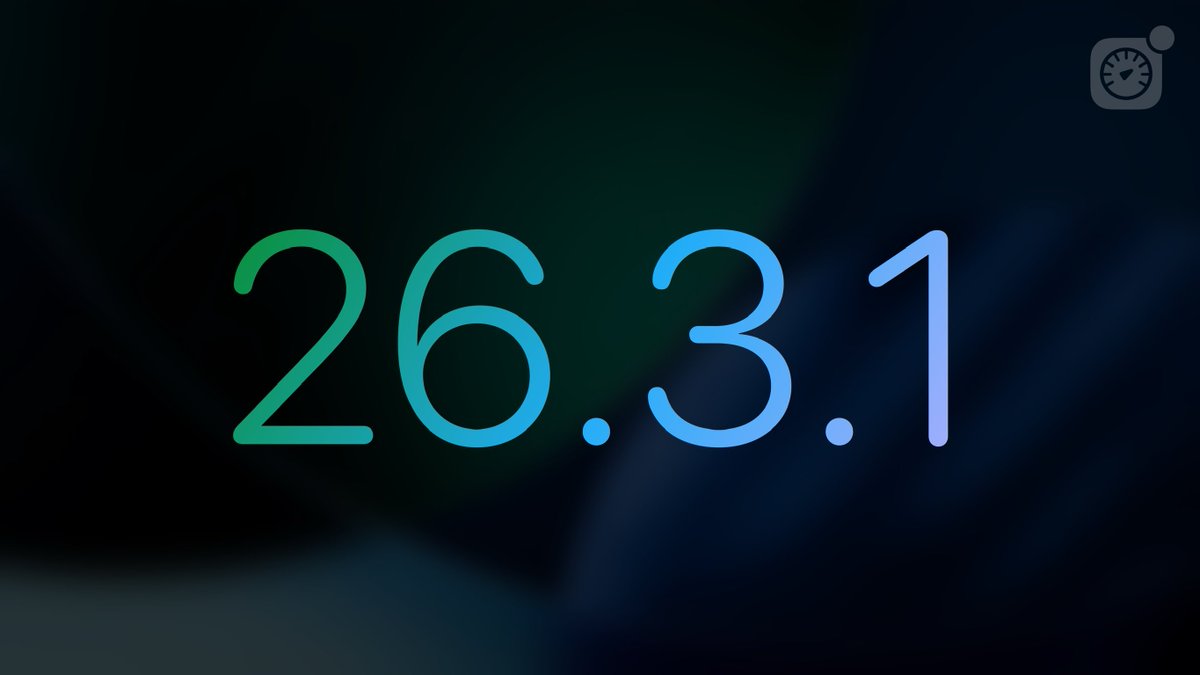
iOS 26.3.1 has been released by Apple! Build: 23D8133 What’s new: Bug fixes and improvements #iOS2631


How to install Public Betas on iOS: 1. Register/Log in on beta.apple.com. 2. Go to Settings → General → Software Update → Beta Updates. 3. Select the Public Beta version you'd like to install. 4. Done.


How to install Public Betas on iOS: 1. Register/Log in on beta.apple.com. 2. Go to Settings → General → Software Update → Beta Updates. 3. Select the Public Beta version you'd like to install. 4. Done.


And now they made the following timeline not chronological ffs. On the web you can choose between latest and “top” posts but on iOS you just can’t