

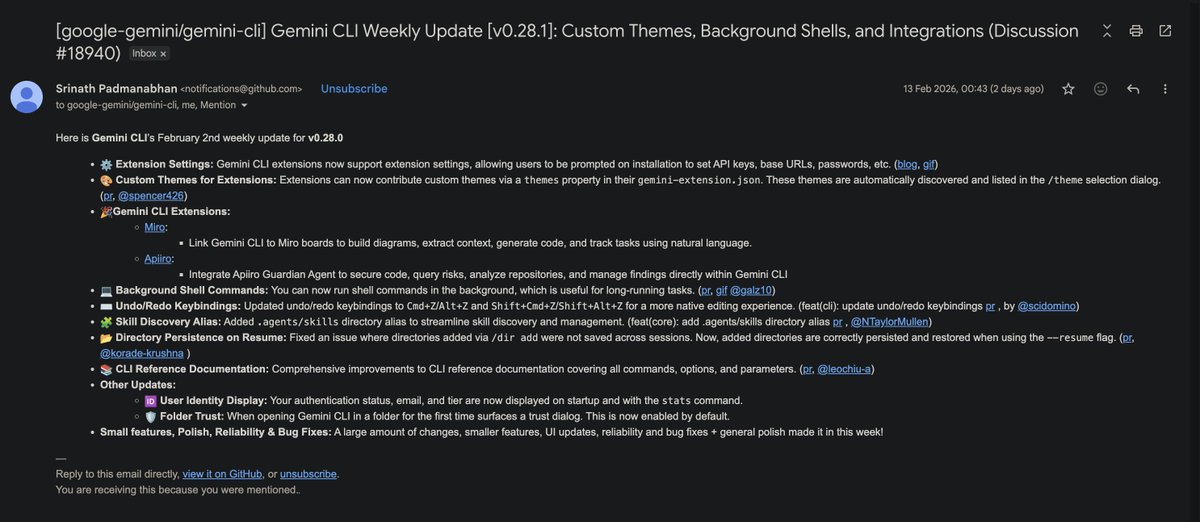
Here is Gemini CLI’s February 2nd weekly update for v0.28.0 - ⚙️ Extension Settings: Gemini CLI extensions now support extension settings, allowing users to be prompted on installation to set API keys, base URLs, passwords, etc. - 🎨 Custom Themes for Extensions: Extensions can now contribute custom themes via a themes property in their gemini-extension.json. These themes are automatically discovered and listed in the /theme selection dialog. - 🎉Gemini CLI Extensions: - Miro: Link Gemini CLI to Miro boards to build diagrams, extract context, generate code, and track tasks using natural language. - Apiiro: Integrate Apiiro Guardian Agent to secure code, query risks, analyze repositories, and manage findings directly within Gemini CLI - 💻 Background Shell Commands: You can now run shell commands in the background, which is useful for long-running tasks. - ⌨️ Undo/Redo Keybindings: Updated undo/redo keybindings to Cmd+Z/Alt+Z and Shift+Cmd+Z/Shift+Alt+Z for a more native editing experience. - 🧩 Skill Discovery Alias: Added .agents/skills directory alias to streamline skill discovery and management. - 📂 Directory Persistence on Resume: Fixed an issue where directories added via /dir add were not saved across sessions. Now, added directories are correctly persisted and restored when using the --resume flag. - 📚 CLI Reference Documentation: Comprehensive improvements to CLI reference documentation covering all commands, options, and parameters. Other Updates: - 🆔 User Identity Display: Your authentication status, email, and tier are now displayed on startup and with the stats command. -🛡️ Folder Trust: When opening Gemini CLI in a folder for the first time surfaces a trust dialog. This is now enabled by default. github.com/google-gemini/… 🧵