We're hiring a YouTube Video Editor (Full-Time, Remote)!
Apply here:
ytjobs.co/job/33972?r=26… #ytjobs #VideoEditor
English
MeticsMedia
42 posts
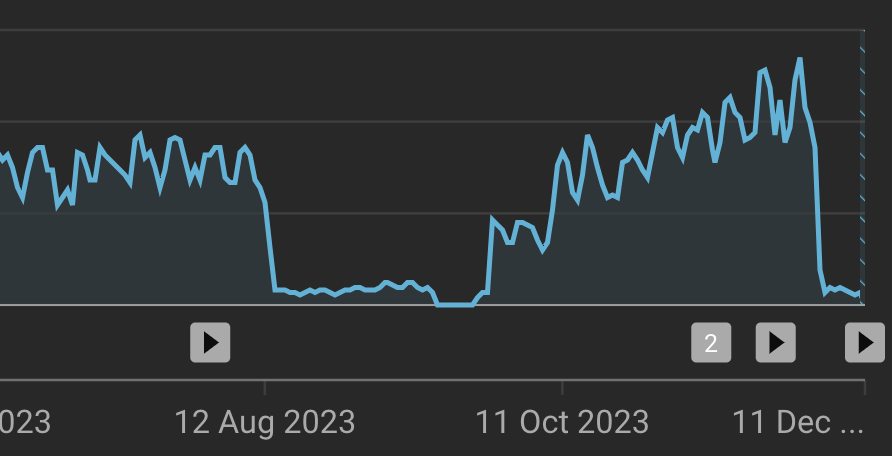





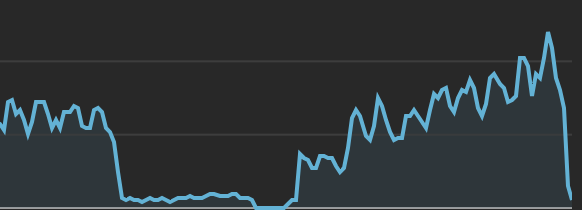

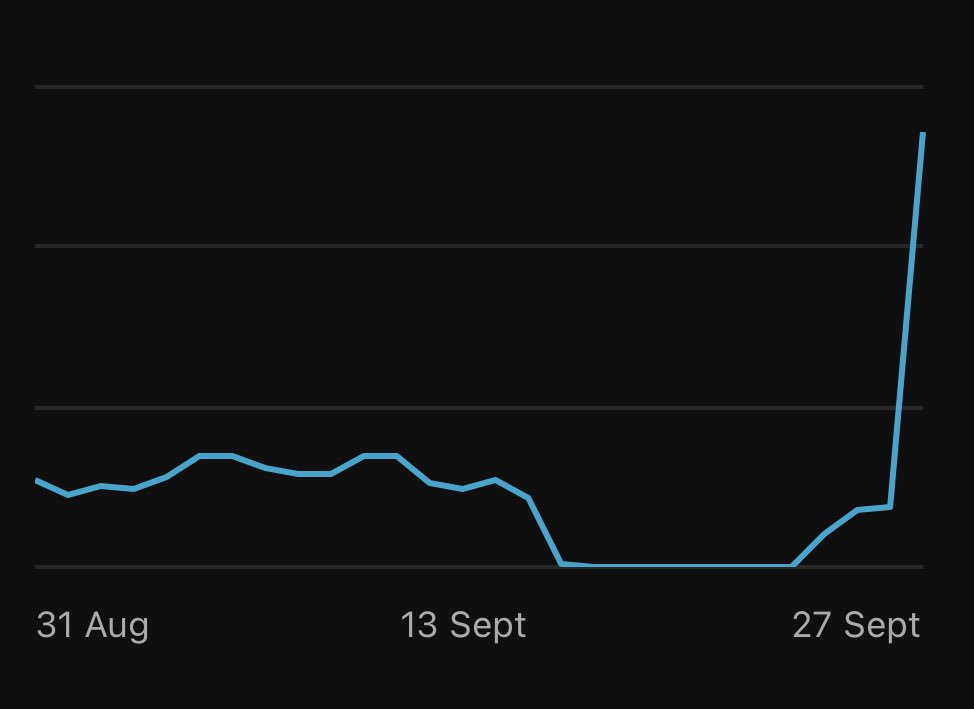






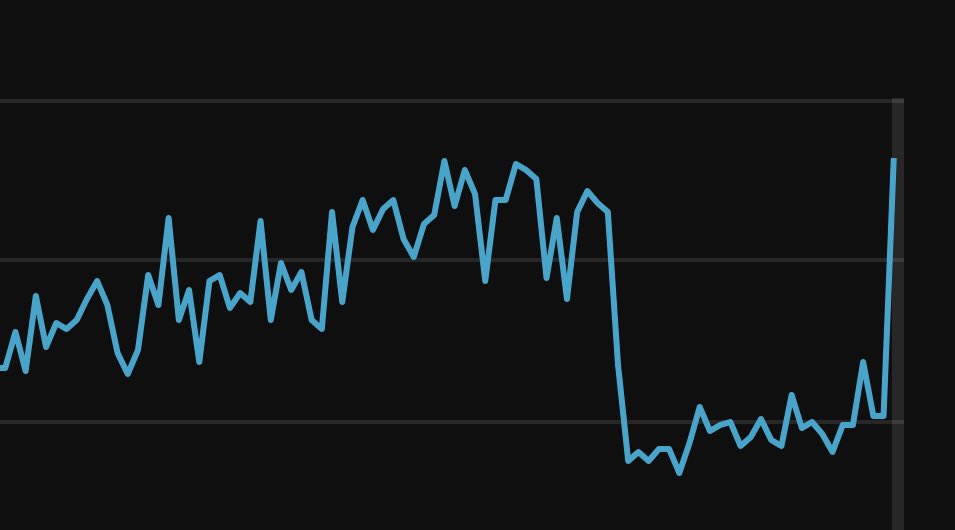
Recommendations for anyone affected by the INVALID TRAFFIC issue on YouTube... *This is all speculation, we have no official information or resolutions. Recommended Steps (not guaranteed this helps/works) - Disconnect all browser plugins from your channel or all non-YouTube certified plugins and all external app connections(Streamyard, VidIQ, and Tubebuddy are fine), this includes Dislike Counter Plugins, and any other third-party app connections including third-party connections to websites including other social networks (Facebook, Twitter, Tiktok). - Disable Embedding, Remixes, and Clipping from Your Videos in your settings - Disable the setting for the ability for non-linked Ad Accounts to use your videos as video advertisements - Do not promote your videos using external traffic sources like Twitter, Facebook, TikTok, etc. - Do not click on links in any email that is connected to Your YouTube Account Email, (If possible keep your YouTube account email private and don't use it for anything but YouTube itself, make a different Gmail Account for conducting contact with the public or business purposes). There are several email Phishing Scams that can compromise your account. - Run malware scans on all of your devices that have access to your YouTube account. - Limit access to your YouTube account to as few devices as possible. - Limit the number of external tools that can access your YouTube and Gmail accounts, and disable nearly all of them. - Do not install any future third-party plugins such as bringing Dislikes back. Be aware that you may be being targeted by bad actors, competitors, or trolls who are finding an exploit to compromise your account. None of this guarantees that it will resolve this issue but it does in general sanitize your YouTube account and limit its' ability to be compromised in general and you should take cyber security very seriously if this is your livelihood or significant income for you. #InvalidTraffic #YouTube #YTCreators