Angehefteter Tweet
StreamYard #TheYard
6.2K posts

StreamYard #TheYard
@streamyardapp
🦆 What's New: https://t.co/t2zVdNhuls 💙 Support: https://t.co/TnNztvxXLD 👨👨👧👧 Join the Community: https://t.co/MqCh2fr19O 📥 DM not monitored
Worldwide Beigetreten Temmuz 2018
1.1K Folgt11.1K Follower

🎥 Your dashboard now shows you when AI clips are ready
We’ve added a new element to the left sidebar, where you’ll see any ongoing AI clips generations, and an instant preview when they’re done 🔔
No more checking back to see whether your clips are ready—you’ll find out directly from the dashboard!
📍 AI clips are available on all plans.
English

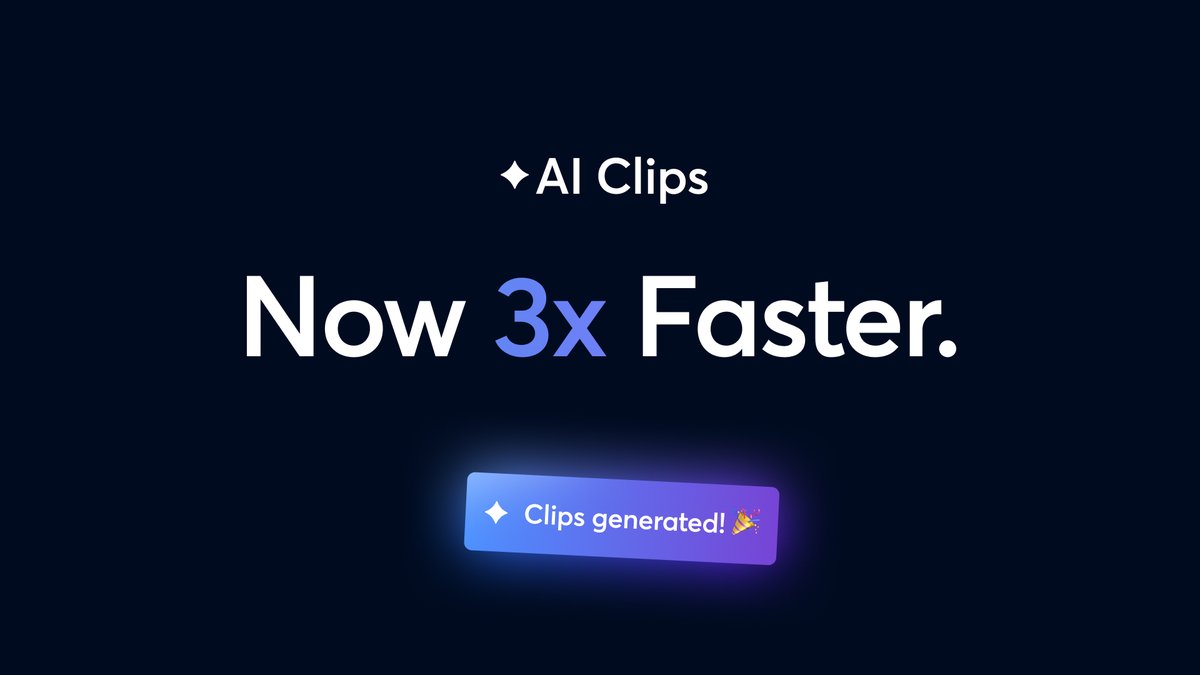
🚀AI Clips now generate 3x faster!
We've rebuilt the video processing behind AI Clips, so you can view and share your highlights in a fraction of the time—with zero reduction in clip quality.
To use AI Clips, go to your Library, open a recording, and click Generate clips.
📍 Available for everyone with plan-based monthly limits.

English

Introducing branded Welcome Cards for guests ✉️
✨ Personalized welcome page for guests joining your studio
🎨 Branded with your logo and colors
📅 Auto-filled with stream title, date & destination
Make a premium first impression before your guests even enter the studio!
📍 Available on all plans
English

@WVON1690 Hi there. Sorry that you've not been able to get through to us. The best way to reach us is through customer support at streamyard.com/contact. Please submit a ticket if you haven't already, and I assure you the team will look into it as soon as possible! Will 🦆
English

@streamyardapp We need to speak to someone about our account. We've gotten no reply after leaving messages and contacting the 'support' chat.
English

🔔 Use ‘@’ in chat to get someone’s attention!
You can now use ‘@’ to mention a specific person in the studio private chat to make sure they see your message.
No more waiting for someone to check their private chat. Now you can get their attention instantly the moment you need it ⏩
📍Available on all plans.
English

Introducing Webcam Customization: Color Presets & Fine Controls🎥
Perfect how you look on camera with our new, professional tools:
📸 10 one-click presets (Cinematic, Warm, Cool, Vintage, B&W)
⚡ Real-time camera enhancement
🎛️ 10 manual controls for precise fine-tuning
👤 Individual customization—your camera, your style
Look your best on every broadcast!
#StreamYard #Webcam #VideoQuality #ProfessionalStreaming #CameraFilters
English

💬 Notes can now be twice as long
We’ve doubled the character limit in our Notes feature to 10,000 🎉
✍️ Twice the space for detailed notes
✂️ Copy and paste content from anywhere
🎤 Fully compatible with Teleprompter
📝 Keep notes all in one place
Available on all plans.
#StreamYard #LiveStreaming #CreatorTools #StreamingSetup

English

🎥 StreamYard 101: repurposing your content with AI Clips
AI Clips got a big update just last week, and you can start using it today to turn live streams and recordings into shareable clips. We’d like to invite you to a dedicated webinar to learn more about the feature:
📽️ StreamYard 101: Repurposing your content with AI Clips (est. 45 min)
⏰When: Wednesday, Jan 7 — 6 PM CET / 12 PM ET / 9 AM PT
Register now here: streamyard.com/watch/SaCCd8CW…

English

🎥 AI Clips, reimagined
We've reimagined how you turn streams into viral content: repurposing your content is now faster and easier than ever with AI Clips.
✨ Guide AI selection with prompts
🎨 Customize captions & add logos
📐 Adjust duration with ±60s padding
🔄 Multiple generations per stream
Lean what's new here: #h_01KC1Q4ZNTV0T47W7VQ2AZ5QME" target="_blank" rel="nofollow noopener">support.streamyard.com/hc/en-us/artic…
📍 Available for everyone with plan-based monthly limits.
#StreamYard #LiveStreaming #Creators #Podcasting
English

🔜 Coming soon: a reimagined AI clips
AI clips is soon receiving a major update: we can’t wait to show you. Can you guess what’s going to change? 🤐
With AI clips, creating short, viral clips is fully automated. Now, we’re taking this feature to a new level of quality and control that we’re excited for you to try very **soon.
Here’s a brief taste of what’s coming. Stay tuned for more. 🦆
English

🪐Learn more about MARS with Kirk
Earlier last month, we launched MARS, a new revolutionary way to broadcast both landscape and portrait simultaneously.
To help you navigate multi-aspect ratio streaming, here's a comprehensive, hands-on tutorial by @kirkrnugent, an exceptional Video/Content Coach and former IT executive. youtube.com/watch?v=hMr6SU…
Are you ready to land on MARS with StreamYard?

YouTube
English

⏱️ Introducing timers on banners
We’ve added timer functionality to banners so you can:
⏲️ Set 10, 20, or 60-second display timers
🤖 Let banners appear and clear hands-free
Share key info in busy segments without cluttering the screen, as banners disappear when the timer expires.
📍 Available for everyone.
English