Elijah | Elite Fullstack Dev

214 posts

Elijah | Elite Fullstack Dev banner
Elijah | Elite Fullstack Dev

Elijah | Elite Fullstack Dev

@EliteDevElijah

Idea 💡 → UI Design 🎨 → Code 💻 I build high-performance web & mobile apps that scale. Expertise: Laravel, Next.js, & React Native. 📩 DM to ship your vision.

Nigeria Inscrit le Kasım 2015
551 Abonnements58 Abonnés
Elijah | Elite Fullstack Dev
Elijah | Elite Fullstack Dev@EliteDevElijah·
In 2026 you don’t need anything other than react native to build fast and good looking mobile apps.
English
1
0
0
14
Elijah | Elite Fullstack Dev
Elijah | Elite Fullstack Dev@EliteDevElijah·
Every modern app depends on functions that run at the right time. Some functions run immediately. A user taps a button. The system calls loginUser(). A user submits a form. The system calls createAccount(). A customer taps pay. The system calls processPayment(). These are direct actions. Then there is another category. Functions that are passed somewhere else and executed later. These are callback functions. They become useful when the system must wait for something. A button waits for a tap. A payment gateway waits to confirm a charge. A delivery service waits to update status. A server waits for data from a database. Instead of freezing the system, you provide a function to run when the event finishes. Example: button.onClick(() => openCheckout()) The user may tap now or later. When the tap happens, the function runs. Another example: fetchUserProfile(id, (data) => renderProfile(data)) The system fetches data in the background. When data arrives, the callback runs. This pattern is common in frontend apps, APIs, bots, notifications, and integrations. When to use a normal function: Use it when work should happen now in sequence. Validate form. Calculate total. Generate invoice. When to use a callback function: Use it when work depends on an event, response, timer, or future completion. User click. Webhook received. File upload finished. SMS delivered. Payment confirmed. In system design terms, callbacks help software react to the world without blocking everything else. That is why apps feel responsive while many things are happening underneath.
English
0
0
0
8
Elijah | Elite Fullstack Dev
Elijah | Elite Fullstack Dev@EliteDevElijah·
@swapnakpanda This is a clean roadmap. I like that it’s focused on fundamentals over tools. Only thing I’d add: start building alongside this. Even a simple CRUD app will tie Git, APIs, auth, and integrations together way faster than just learning them in isolation, just an opinion
English
1
0
0
33
Swapna Kumar Panda
Swapna Kumar Panda@swapnakpanda·
@EliteDevElijah 1. Start from Git 2. Learn one programming language 3. Learn one framework/library for that language 4. Learn one API style (REST/GraphQL) 5. Learn Authentication & Authorization 6. Learn Integrations (Payment, Caching, MQs, Microservices, Containerization)
English
1
0
3
232
Swapna Kumar Panda
Swapna Kumar Panda@swapnakpanda·
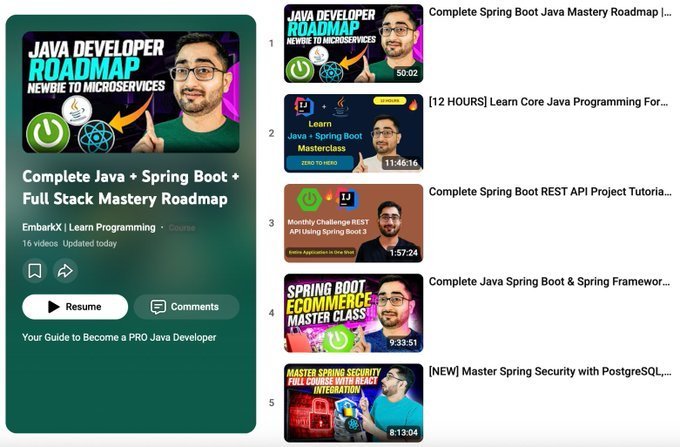
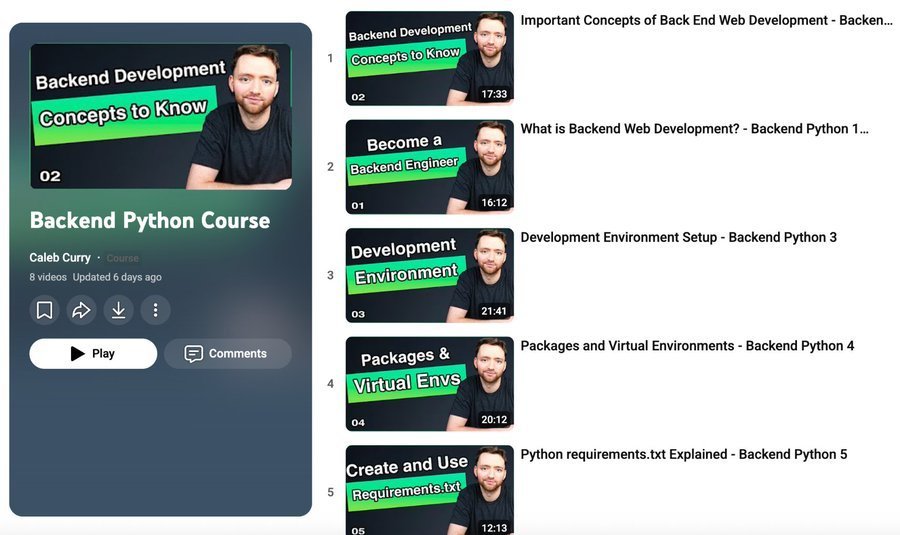
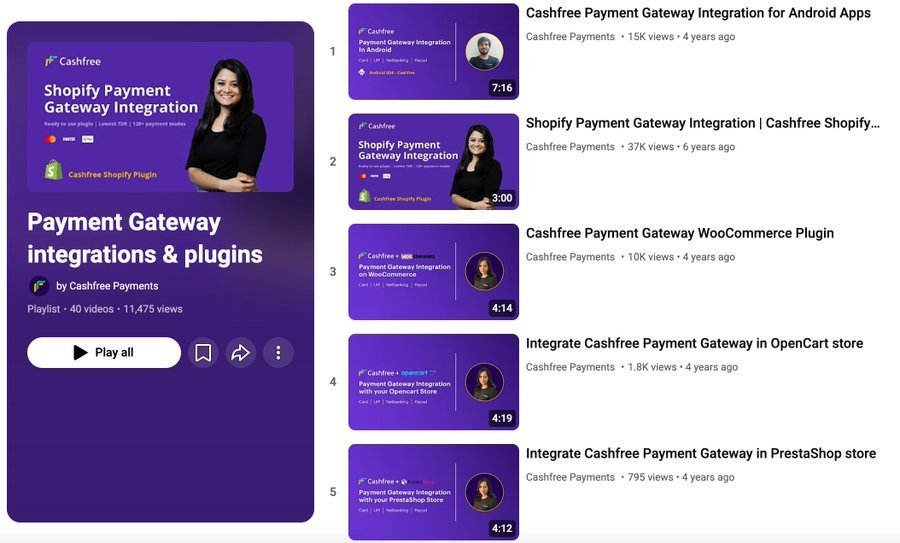
20 Backend Development Complete Courses for 2026: 1. Git youtube.com/watch?v=zTjRZN… 2. Java + Spring Boot youtube.com/playlist?list=… 3. Node.js youtube.com/watch?v=f2EqEC… 4. Python youtube.com/playlist?list=… 5. REST API youtube.com/playlist?list=… 6. GraphQL API youtube.com/watch?v=UYQSVH… 7. gRPC youtube.com/watch?v=MCwgV9… 8. Webhooks youtube.com/watch?v=41NOoE… 9. Authentication youtube.com/watch?v=WPiqND… 10. Payment Gateway Integration youtube.com/playlist?list=… 11. Stripe Payment Integration youtube.com/watch?v=fgbEwV… 12. PayPal Integration youtube.com/watch?v=DNM9Fd… 13. PhonPe Integration youtube.com/playlist?list=… 14. Razorpay Integration youtube.com/watch?v=w3ogBC… 15. Express.js youtube.com/watch?v=nH9E25… 16. Kafka youtube.com/watch?v=B7CwU_… 17. Redis youtube.com/watch?v=-Ai7GD… 18. Docker youtube.com/watch?v=RqTEHS… 19. Kubernetes youtube.com/watch?v=2T86xA… 20. Backend Complete Course youtube.com/watch?v=g09Poi…
YouTube video
YouTube
YouTube video
YouTube
YouTube video
YouTube
YouTube video
YouTube
YouTube video
YouTube
YouTube video
YouTube
YouTube video
YouTube
YouTube video
YouTube
YouTube video
YouTube
YouTube video
YouTube
YouTube video
YouTube
YouTube video
YouTube
YouTube video
YouTube
YouTube video
YouTube
YouTube video
YouTube
Swapna Kumar Panda tweet mediaSwapna Kumar Panda tweet mediaSwapna Kumar Panda tweet mediaSwapna Kumar Panda tweet media
Swapna Kumar Panda@swapnakpanda

Can you solve this puzzle: - 3 people check into a hotel room that costs $30. They each pay $10. - Later, the manager realizes the room is only $25. - He gives $5 to the bellboy to return to the guests. - The bellboy gives each guest $1 and keeps $2 as a tip. Now, each guest has paid $9 (totaling $27), and the bellboy has $2, totaling $29. Where is the missing dollar?


English
12
96
399
29.4K
Elijah | Elite Fullstack Dev
Elijah | Elite Fullstack Dev@EliteDevElijah·
Nigerian creatives are built different to be honest. No stable light, no stable internet and we’re still out here delivering quality work on time. Shoutout to us fr 🫡
English
0
0
0
6
Elijah | Elite Fullstack Dev
Elijah | Elite Fullstack Dev@EliteDevElijah·
If you’re a developer and your portfolio is just a Canva page… you’re already limiting yourself. Your portfolio should be something you built. It should show: • Your stack • Your GitHub (active, not empty) • Real projects Because recruiters are not just looking at design… they’re looking at what you can actually do. The moment you build your own portfolio, you stand out immediately. #TechTwitter #Developers #Programming #BuildInPublic #CareerGrowth
English
0
0
0
22
Elijah | Elite Fullstack Dev
Elijah | Elite Fullstack Dev@EliteDevElijah·
Later we go talk about those developers wey still dey use Canva page for their portfolio 💼
English
0
0
0
7
Elijah | Elite Fullstack Dev
Elijah | Elite Fullstack Dev@EliteDevElijah·
The real reason you’re not confident in coding… is because you’ve never built anything alone.
English
0
0
0
2
Oluwatimileyin✨🦋
Oluwatimileyin✨🦋@Timmysofine·
Here is how you can pull 100 leads in 2 minutes - using Claude 🔥 1- Go to Settings → Connectors 2- Add Vibe Prospecting 3- Type: “Find me 100 small business owners in [city] in [industry].” 4- Click Allow → get names, titles, companies & contact info instantly
English
24
106
561
27.5K
Elijah | Elite Fullstack Dev retweeté
Claude
Claude@claudeai·
Introducing Claude Managed Agents: everything you need to build and deploy agents at scale. It pairs an agent harness tuned for performance with production infrastructure, so you can go from prototype to launch in days. Now in public beta on the Claude Platform.
English
2.1K
6.1K
57.2K
21.5M
Elijah | Elite Fullstack Dev
Elijah | Elite Fullstack Dev@EliteDevElijah·
Fetch method vs Axios in React.js. When deciding between Fetch and Axios in React, the choice usually depends on the complexity of your project. Fetch is the built-in browser API—great for simple GET requests with zero setup. Axios is a third-party library that requires installation but adds powerful features that save time on larger projects. Here is the technical breakdown of how they differ: 🤖 Automatic JSON Parsing · Fetch: Manual. You must call response.json() to get the data, which adds an extra step. · Axios: Automatic. The response is immediately available under response.data, keeping your code concise. 🚨 Error Handling · Fetch: Only rejects on network failures. It treats HTTP errors (like 404) as successful responses, so you must manually check response.ok. · Axios: Rejects the promise on any status code outside the 2xx range, allowing you to catch all errors in one block. ⚙️ Key Features · Fetch: Lacks built-in request/response interceptors. · Axios: Includes interceptors (great for auth tokens), request cancellation, and upload/download progress tracking. 📦 Syntax & Setup · Fetch: Native to modern browsers—no installation required. · Axios: Requires installation (npm install axios) and import statements. 🔧 Code Comparison Here is how a typical GET request looks side-by-side: Fetch (Native) ```javascript useEffect(() => { fetch('api.example.com/data') .then(res => { if (!res.ok) throw new Error('Network error'); return res.json(); }) .then(data => setData(data)) .catch(err => console.error(err)); }, []); ``` Axios (Library) ```javascript useEffect(() => { axios.get('api.example.com/data') .then(res => setData(res.data)) .catch(err => console.error(err)); }, []); ``` 💡 Which One Should You Use? Both tools get the job done. The best choice depends on your specific needs: · Use Fetch if you are building a small app, want to avoid extra dependencies, or are targeting only modern browsers. · Use Axios if you need broader browser support (including older versions), want cleaner syntax with automatic JSON parsing, or require advanced features like interceptors or request cancellation. In short, Axios handles the boilerplate for you, while Fetch gives you a lightweight, no-setup solution. #webdevelopment #webdeveloper #react #javascript #frontend
English
0
0
0
11
Elijah | Elite Fullstack Dev
Elijah | Elite Fullstack Dev@EliteDevElijah·
As a backend engineer. Please learn: - System Design (scalability, microservices) -APIs (REST, GraphQL, gRPC) -Database Systems (SQL, NoSQL) -Distributed Systems (consistency, replication) -Caching (Redis, Memcached) -Security (OAuth2, JWT, encryption) -DevOps (CI/CD, Docker, Kubernetes) -Performance Optimization (profiling, load balancing) -Cloud Services (AWS, GCP, Azure) -Monitoring (Prometheus, Grafana) Pick up a language.. Stop jumping from one language to the other
English
0
0
0
16