📍 Did you know you can block distracting apps once you arrive at a set location?
Goodbye scrolling at home, in the gym, or at your favourite unwind spot. 👋
📣 📣 Use the apps you need, without the features that keep you in the scroll loop – like Reels, Shorts, Stories, and Spotlight.
Now available on all Android devices!
@yasser65902169 Hey there! Thanks for reaching out. Please contact our support team through the AppBlock app (Profile > Help > Contact Support) or by emailing us at support@appblock.app. We’ll be happy to help you there!
Using your phone before bedtime can lead to sleep loss, irregular sleep-wake patterns, poor sleep quality, and increased tiredness during the day. 🥱
Instead, use AppBlock to avoid impulsive scrolling and switch off the way you deserve. 🌱
Meet your new focus sidekick on iOS💥 Personalise your Block Screen with your style – your message, your icon, your rules. Stay on track, your way!
🔜 Coming soon to Android!
Over 70% of our users reported significant improvements in their mental health after using AppBlock! 👏
Even a few minutes off screens each day replaced with meaningful activities can make a real difference. Give it a go!
📱👀 Want to limit app use without blocking it completely? With the new Open limit feature, you control how often and how long you can use an app each day. 💪
Stay in control. On your terms. Now available in the latest AppBlock update for iOS! 🔥
@Jas_BW@victoriasanusi - Hobbies: I'm reading, knitting, painting mugs
- I downloaded @appblock_app to give me only 10 minutes each on Tiktok and Twitter.
- I have a fidget spinner. My phone is kinda my clutch so I just needed something else to hold instead
I can’t help but again recommend @appblock_app to anyone who wants to block their usage of smartphone apps that can be too distracting. Here’s how it works: AppBlock is a comprehensive and impenetrable solution to being distracted by apps, as it locks out all possible workarounds, and unlike the iOS Screen Time feature, it can’t be disabled with a pin code or even with your Apple Account credentials.
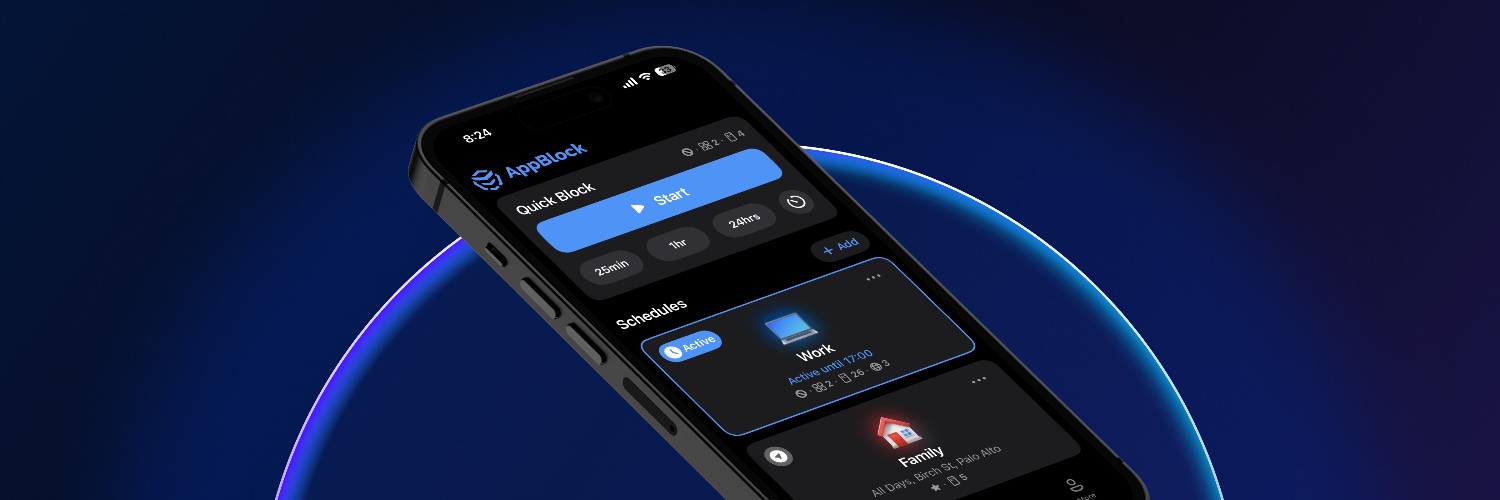
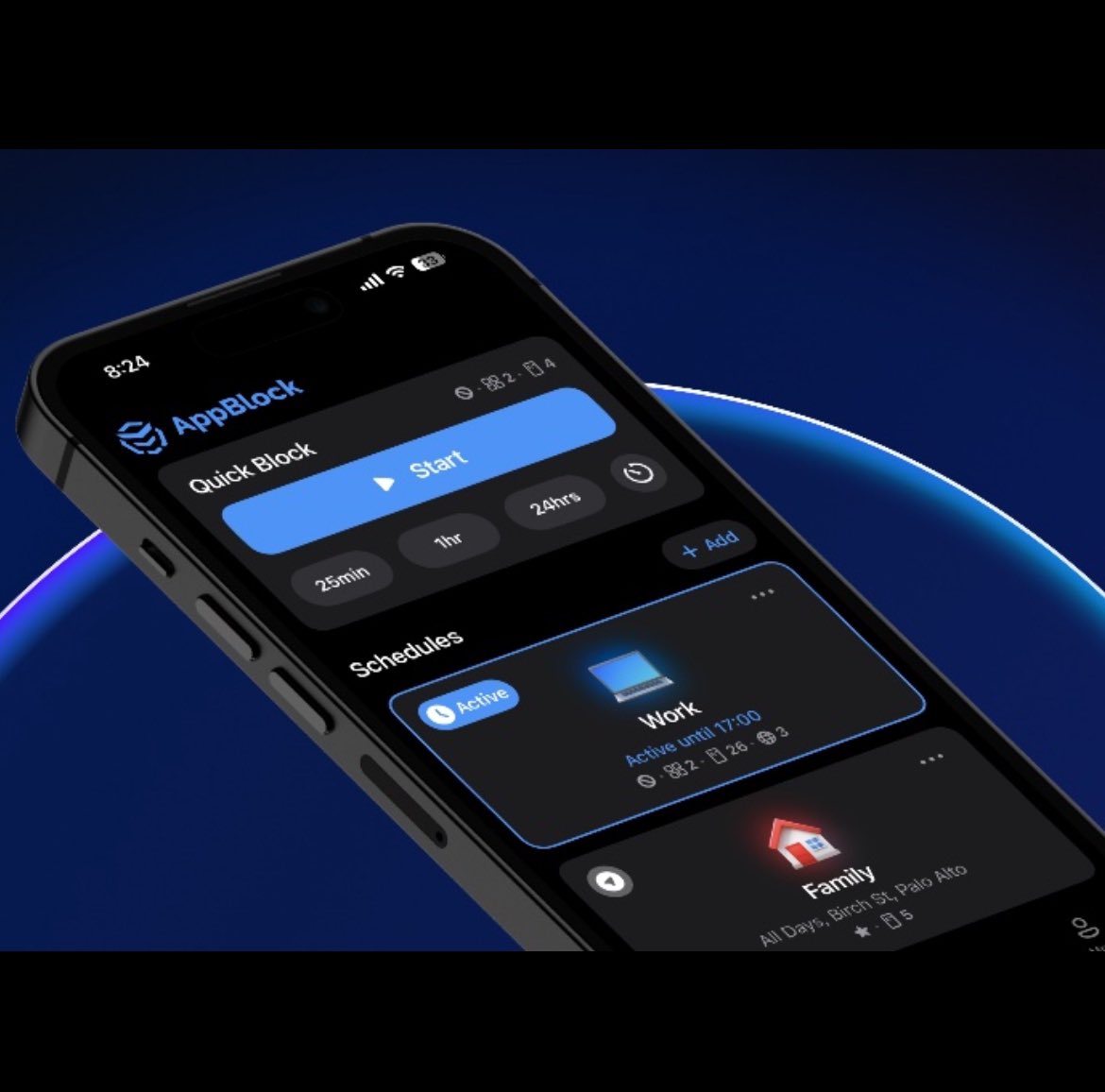
AppBlock lets you add any app or website on your device to a custom list of blacklisted apps and then prevents the apps from being opened for the duration you select (minutes, hours, or days), or according to a schedule you create, or both. You can create several different schedules with different lists of blocked apps, for different use cases, and you can also add a list of apps to its Quick Block mode that has a custom timer of up to 24 hours. You can then use your various schedules and/or the Quick Block mode based on your needs at any given time.
AppBlock prevents you from disabling the blocks you’ve set up while they’re in effect, by keeping them active even if you change the clock time on your device or restart your device. Its optional Strict Mode, which can be set for up to 24 hours at a time, blocks deleting apps (like AppBlock) and installing new ones (like mobile web browser apps or other apps used to access websites you overuse or find distracting), preventing you from using workarounds and taking willpower out of the equation. Strict Mode also blocks changes to AppBlock’s settings and schedules.
To make the app maximally effective, you can easily create an iOS Automation to make the iOS Shortcuts app open whenever you open the iOS Settings app, and add the iOS Shortcuts app in AppBlock, so that when you enable the automation and then activate AppBlock, you can’t de-provision the permissions in the iOS Settings app that enable AppBlock to control your access to apps on your device.
AppBlock is incredibly useful and effective, and it is impossible to disable while it is active once you’ve enabled both the automation redirecting the iOS Settings app to the iOS Shortcuts app and AppBlock’s Strict Mode — allowing you to break bad habits, stay focused, avoid distractions, get things done, and restore balance to your day-to-day life.
AppBlock is free in its fully functional mode for 7 days and then $30 annually to continue using all of its features. It’s available on both iOS devices and Android devices. It’s well worth the price, and I strongly recommended it.
🎄 Want to prepare for Christmas stress-free? Discover how to get things done, stay focused, and actually enjoy the season.
Read here✨appblock.app/get-ready-for-…