
DesignCode

427 posts

DesignCode banner
DesignCode

DesignCode

@designcodeio

We teach designers code & developers design.

Singapore शामिल हुए Ağustos 2018
6 फ़ॉलोइंग22.8K फ़ॉलोवर्स
पिन किया गया ट्वीट
DesignCode
DesignCode@designcodeio·
This was entirely built using Claude AI in React Native It's made with Reanimated for animations, gesture handler, async storage for data persistence and react navigation in Cursor Composer. You can learn from scratch in our 6-hour course: designcode.io/react-native-ai
English
14
41
439
63.7K
DesignCode रीट्वीट किया
Meng To
Meng To@MengTo·
How I turn my templates into real landing pages. Works for any vibe coding platform or site. This is my full guide. I start with Gemini 3. I copy the HTML code and paste to Cursor/v0/lovable and prompt "Create a new landing page /page-name using this design but adapted to {site_name}. Replace the header and footer with the ones from my site. Adapt the whole page, keep everything: {HTML_code}" Details that can to be adapted or improved: Fonts: "Use {font_name} Google font for headings and {font_name} for body text." Icons: "Use Iconify {icon_set} icons" Colors: "Change primary color to blue. Everything else should be monotone." Bonus: "Make the outlines subtle" for a cleaner design. Animation intro/on scroll: "Animate when in view observed, fade in, slide in, blur in, element by element. Use 'both' instead of 'forwards'. Don't use opacity 0." Static to animated: "Animate details with {animate_type} and decorations.". Example types: line, beam animation, noodles, grid, sonar, etc. Background animation: "Apply the background animation using Unicorn Studio {animation_code}" Details to make your layout stand out: "Add vertical container-size lines. Add 01 02 03 number details." Stand out from generic-looking: "Make this more upscale with large tall fonts, Newsreader font and black and white agency". Adapt content: "Adapt the content to {copy and paste site texts}". Buttons: "Change main button to {code}. Add a 1px border beam animation around the pill-shaped button on hover." Adding sections like testimonials: "Adapt a new section after {section} using this code: {component code}". You can copy the code from Codepen, 21st dev or Aura. Responsiveness: "Make this responsive. Add a hamburger menu for mobile. Hide this {element} for mobile." Making forms work: "Make the form send an email to {your_email}". Payments: "Link the buy button to {LemonSqueezy payment link}". I use composer-1 for quick fixes. I finish with Claude Opus 4.5 for code reviews "Please review the code for performance and robustness". The template HTML code should give you a blueprint for all these, but I think it's important to keep iterating for your specific site.
English
34
38
540
39.6K
DesignCode रीट्वीट किया
Meng To
Meng To@MengTo·
I recorded a 50-min tutorial on prompting top-tier landing pages with Gemini 3
English
102
725
7.4K
422.1K
DesignCode रीट्वीट किया
Meng To
Meng To@MengTo·
How I created these landing pages with Gemini 3 from start to finish First, I start with the hero section. It includes the nav bar, eyebrow, headline, subheadline, cta, social proof and visual. I spend 50% of the time here because it sets the colors, typography, spacing, which AI uses for the rest of the site consistently. “Create the hero section for my {app} called {name} in the style of {reference_site}”. Pro tip: use a screenshot and you’ll get way better results. Let’s get into the details. For icons, I prompt: “Use Iconify {icon set name}”. Most people use Lucide, but there are hundreds of open-source sets on Iconify like Solar, HeroIcons, Iconoir, Phosphor, etc. Just need to mention in the prompt. Same for custom fonts. For the animation, I prompt: “Animate fade in, slide in, blur in, element by element. Use 'both' instead of 'forwards'. Don't use opacity 0.”. This creates a subtle intro animation the first time users land on your page. Gemini 3 is an excellent animator. For example, I created the beam animation with this prompt: “Add noodles that connect and beam animate into the right circle. Add subtle details to the right beam animation circle with sonar and decorations.” For background animation, I use Unicorn Studio. Remix one of their templates and watch people click on your cover like crazy. What can I say, people love lasers. In the hero or right below it, social proof is super important. You can put ratings or logos, or both. For logos, you can prompt: “Animate the logos with marquee animation looping infinitely using duplicated items and alpha mask.”. Now the CTA. AI always creates basic buttons, which is fine 99% of the time. But Gemini 3 now sets a high bar for baseline design, so you will need to stand out. That’s why I put the extra human touch on animations and lickable buttons. I suggest browsing UIVerse and Codepen for buttons and reference the code in your prompt: “Change main button {code} and secondary button {code}. Add a 1px border beam animation around the pill-shaped main button on hover.”. Once you’re happy with the hero, you’ll want to craft new sections based on your business. Features, action plan, pricing, testimonials, FAQ, CTA and footer are the popular ones. Insert a screenshot and prompt “Adapt a new section, change texts, names and numbers”. Gemini 3 is very smart. It reads your existing styles and site concept and will tastefully mold new designs to fit perfectly into your current site. Finally, repeat the same prompts for icons, buttons and animations. Use midjourney images and remix using Nano Banana Pro. Ask ChatGPT to come up with better headlines, features, ctas, etc. Don’t skip the human part, this is where you’re irreplaceable. Start prompting top-tier landing pages and watch your numbers grow.
English
98
400
4.4K
284K
DesignCode रीट्वीट किया
Meng To
Meng To@MengTo·
I recorded a 45-min tutorial on how to prompt animations with Gemini 3
English
70
618
5.6K
186.2K
DesignCode रीट्वीट किया
Meng To
Meng To@MengTo·
So I asked Gemini 3 to turn my tweets into instagram slides. It created a template in HTML.
English
79
94
2K
117.7K
DesignCode रीट्वीट किया
Meng To
Meng To@MengTo·
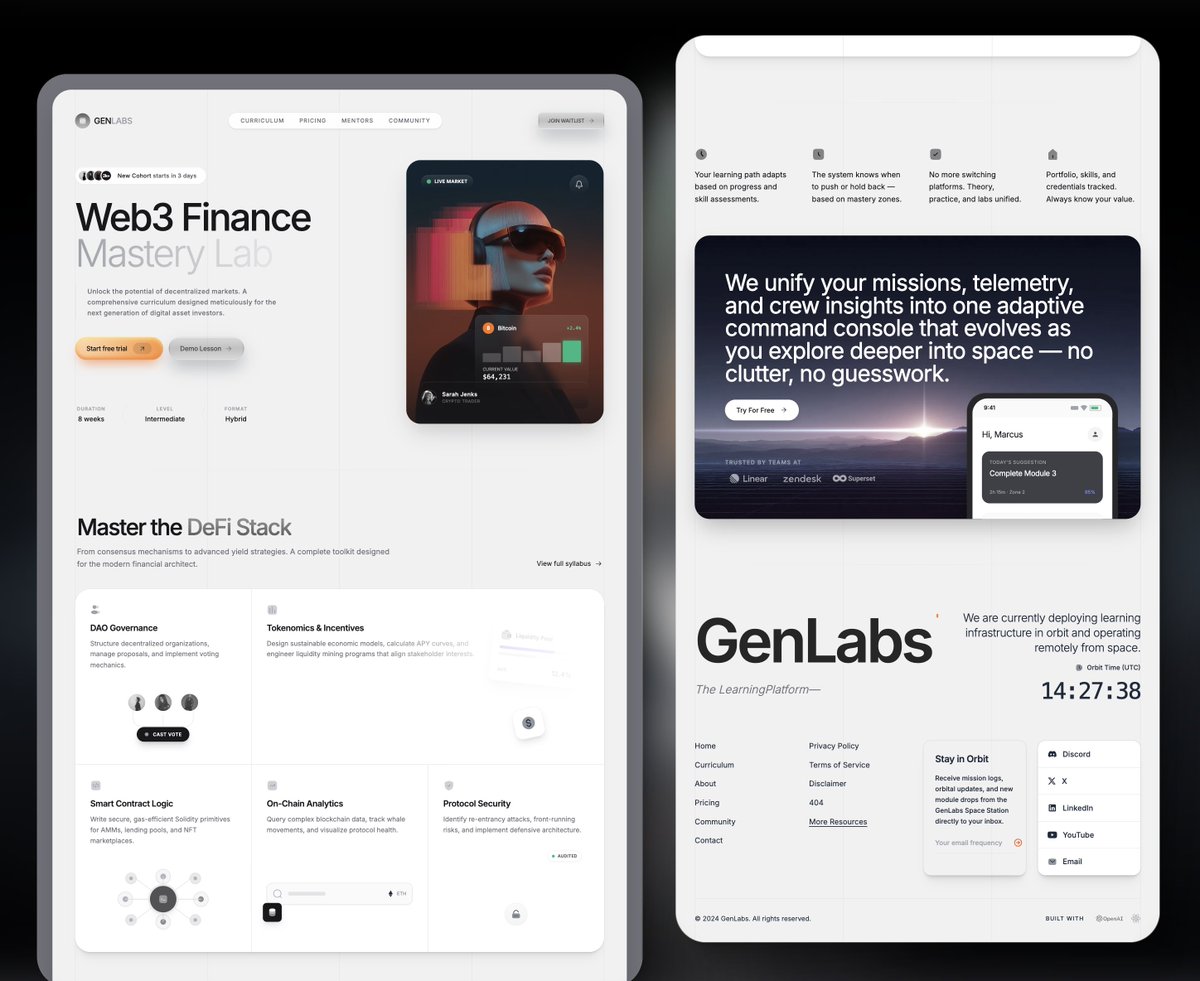
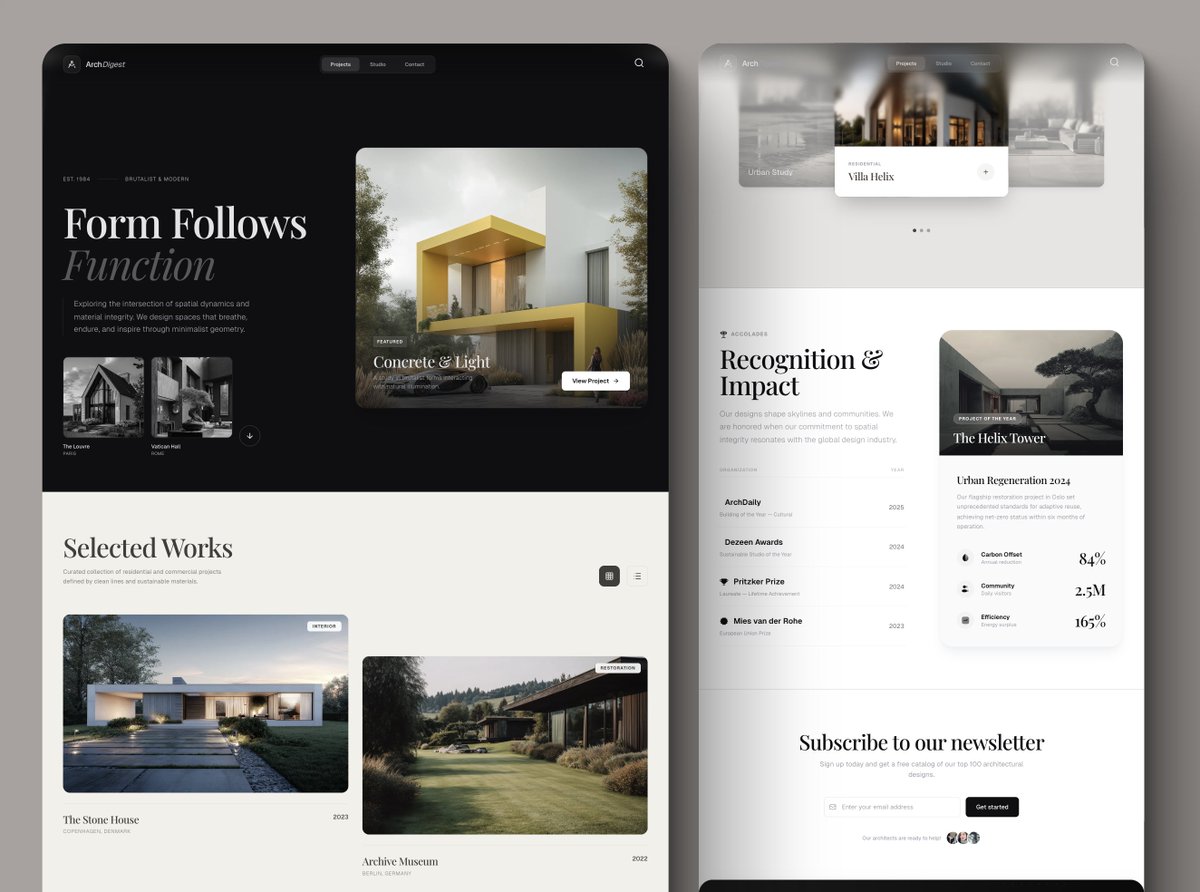
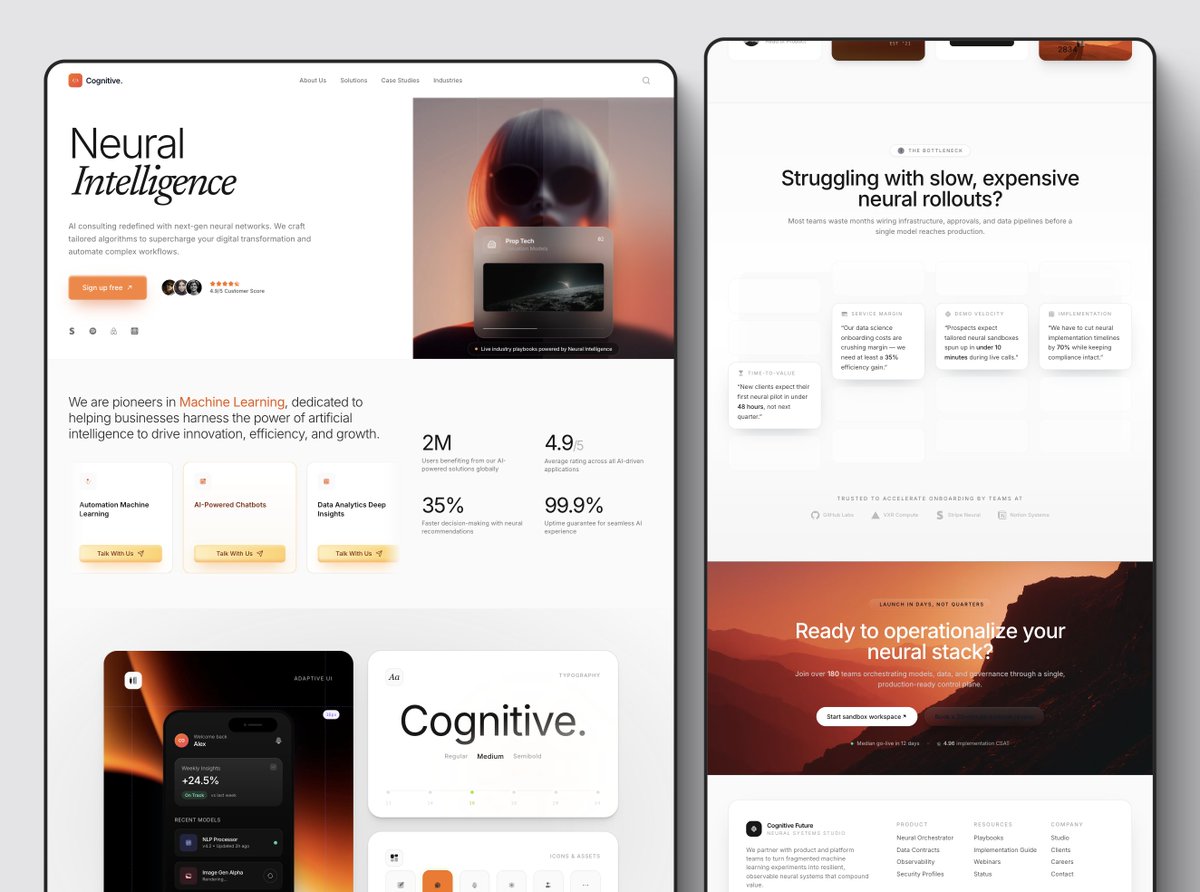
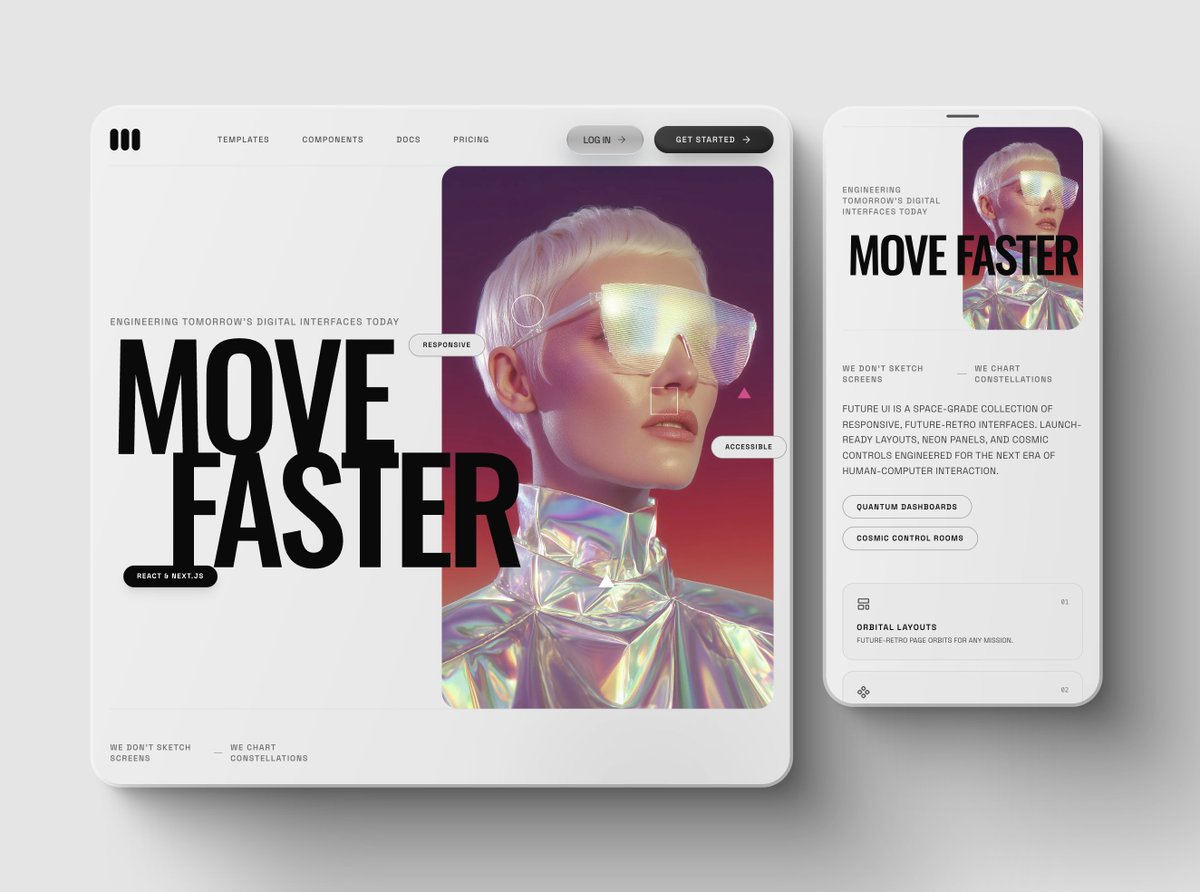
Claude 4.5 Opus is actually a big upgrade. Great vision, better understanding of layout, colors, typography and animations. But still not quite Gemini 3 Pro. Honestly, it doesn't have to be. It's faster, more stable and is a beast at coding. Outside of UI, it managed to solve a few issues that composer-1 and gemini 3 couldn't. And while expensive, it's still affordable esp if you value your time. So here's my current workflow for UI: Gemini 3 Pro for generating UIs, especially at the beginning: image-to-html, setting the perfect layout & styles, creating new sections, animations. Claude 4.5 Opus for coding, solving complex problems and stability (when Gemini 3 is overloaded). GPT 5.1 for quick iterations. This model is so incredibly fast and affordable. But 5.1 seems to make the most mistakes in UI. It does have good taste without styling references, but it tends to generate wayyy too small texts. Now the verdict: G3 for UI, Opus/composer-1 for coding. I'm still not over how lucky we are to have 3 game-changing models released 2 weeks apart. The world of UI is healing and we'll get to see way less AI slops with purple gradients.
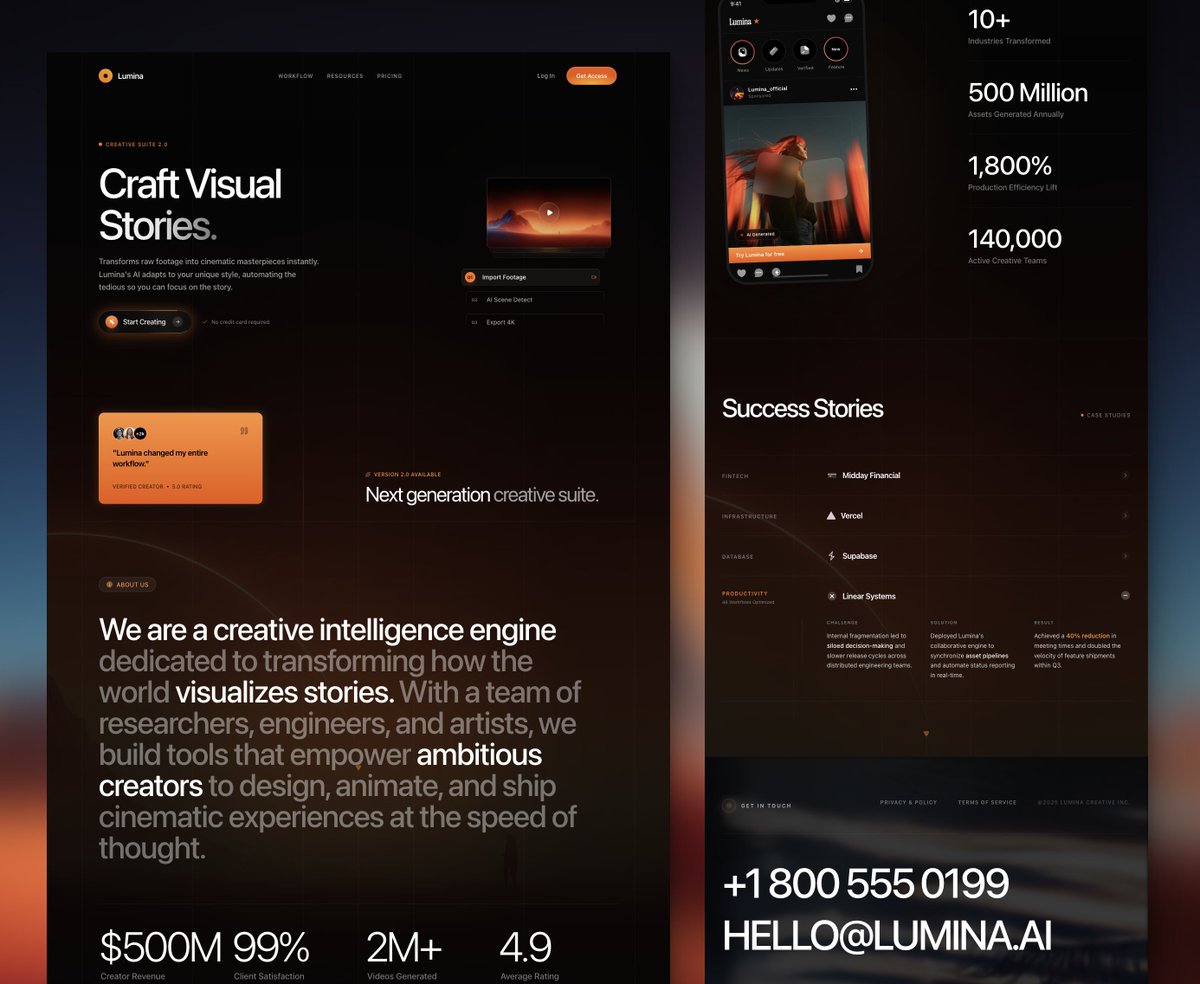
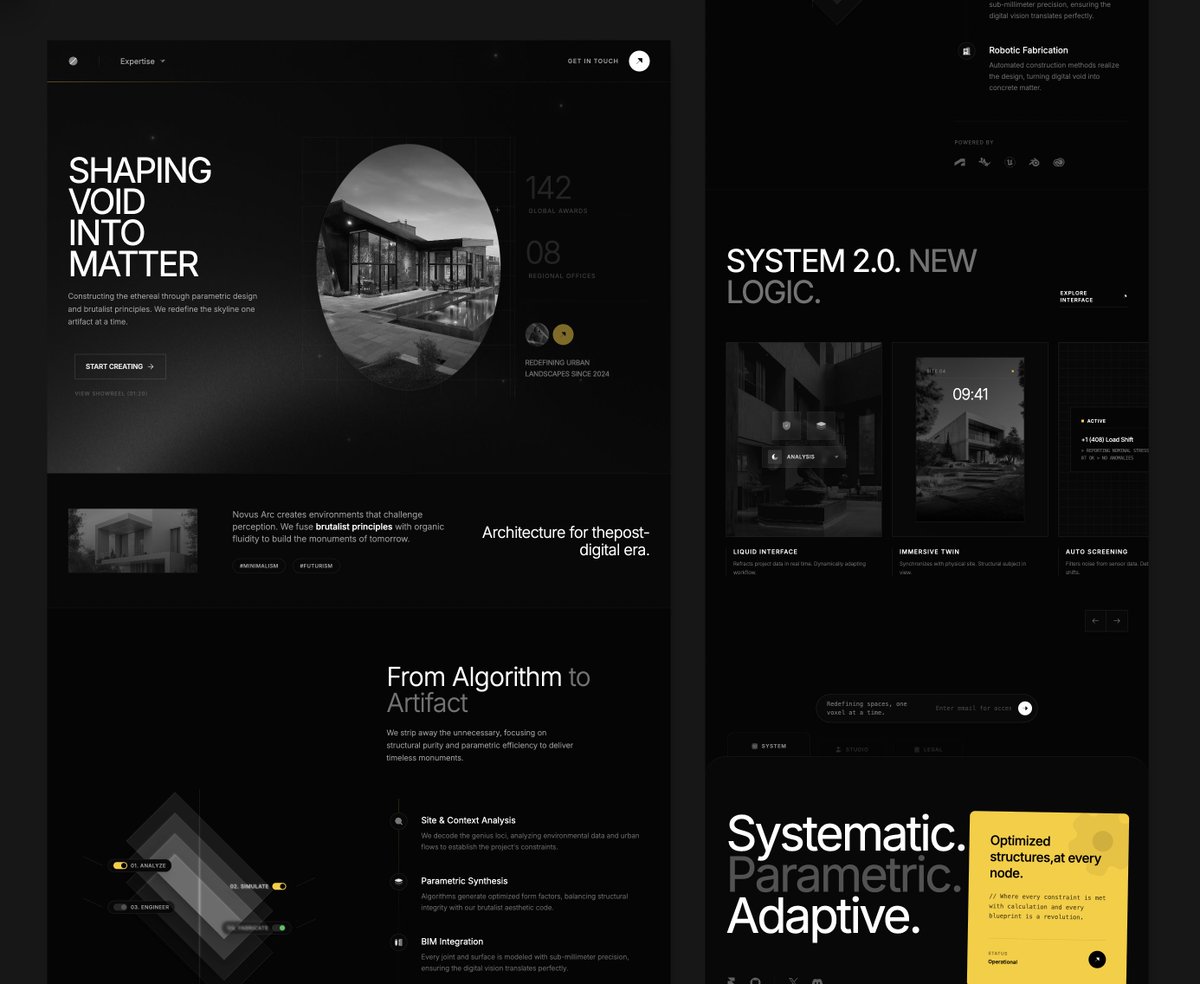
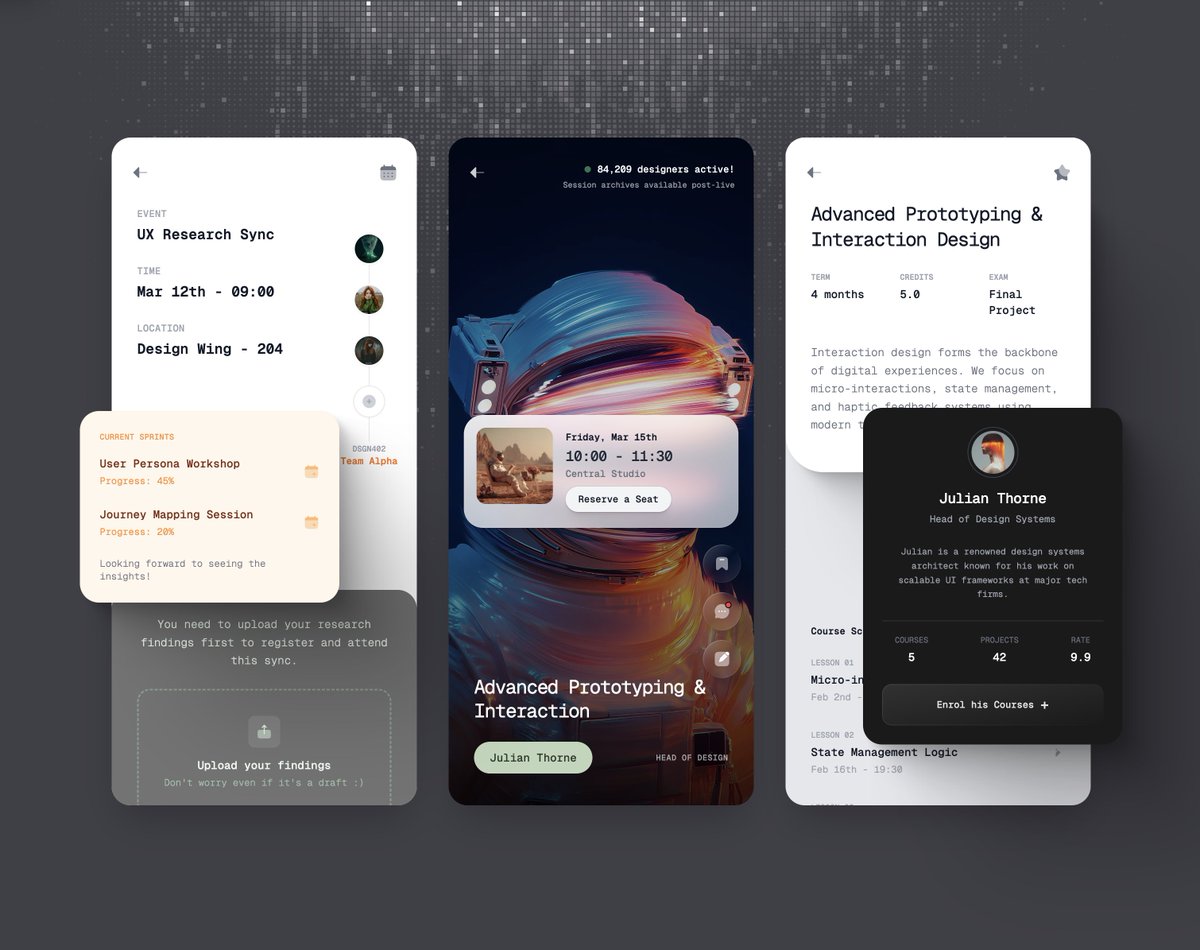
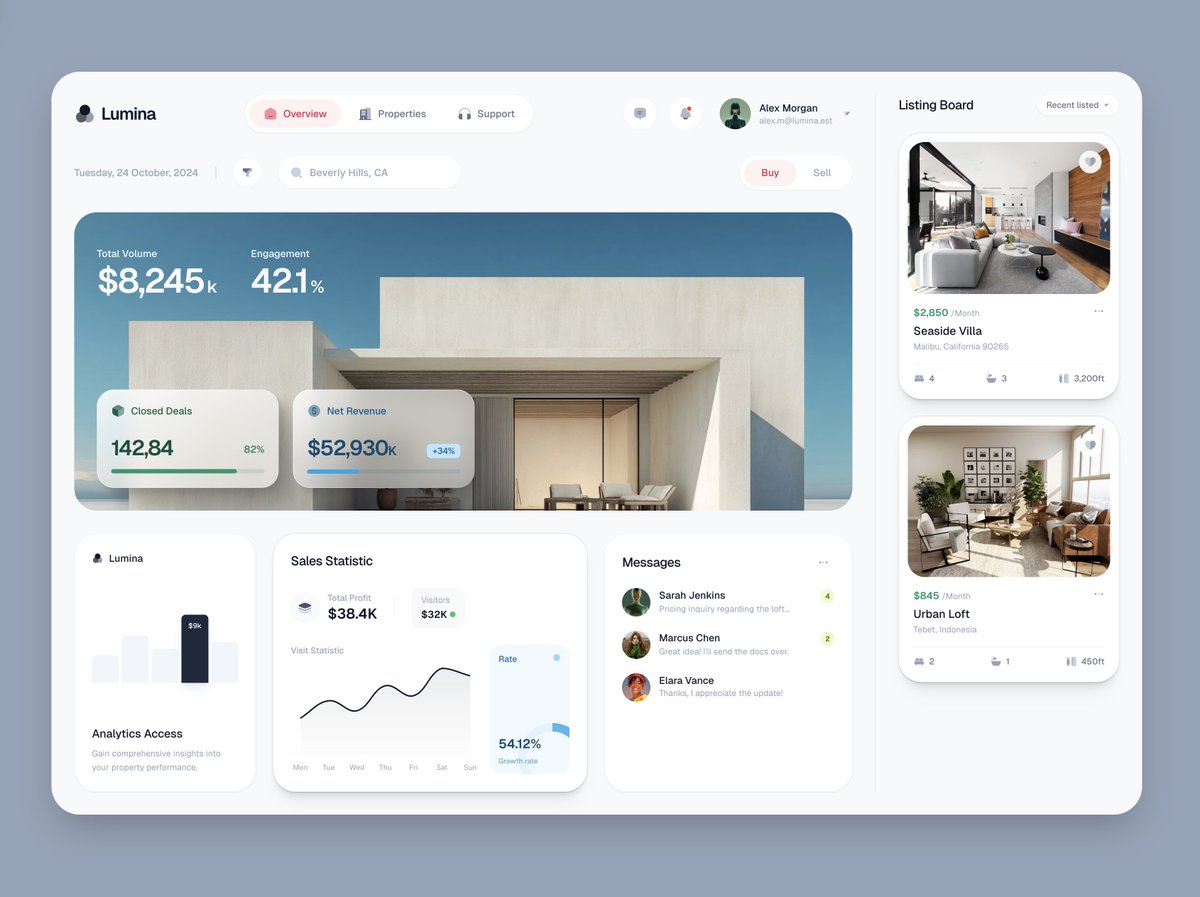
Meng To tweet mediaMeng To tweet mediaMeng To tweet mediaMeng To tweet media
English
31
29
548
52K
DesignCode रीट्वीट किया
Meng To
Meng To@MengTo·
Gemini 3 is the best model at creating animations. It's not even close. Here are the prompts I used for creating these UI animations. You don't need animations everywhere, but there are key places where it can enhance your design: the hero intro, hover interactions, slow content reveal, background effects and navigation transitions. Gemini 3 relies heavily on good prompting, ideally with image or code. Intro + animation on scroll: "Animate when in view: fade in, slide in, blur in, element by element. Use 'both' instead of 'forwards'. Don't use opacity 0. Add a clip animation to the background, column by column using clip-path." Buttons: "Add a 1px border beam animation around the pill-shaped button on hover. " Text animation: "Add a vertical text clip slide down animation letter by letter" Logos looping: "Add a marquis infinite loop slow animation to the logos using alpha mask" Content switching: "Animate the big card to rotate between 3 cards in a loop. Add prev/next arrows to switch between cards." Flashlight on hover: "Add a subtle flashlight effect on hover/mouse position to both background and border of the cards." Testimonials looping: "Make the cards animate marquis in an infinite loop with alpha mask slowly."
English
55
232
3.2K
197.7K
DesignCode रीट्वीट किया
Meng To
Meng To@MengTo·
I recorded a 37-min tutorial on how to prompt with Gemini 3 to get the best UIs
English
106
615
6.4K
320.5K
DesignCode रीट्वीट किया
Meng To
Meng To@MengTo·
Okay, as a designer, I'm over the moon with Gemini 3. You can create far better results with the right prompting and references. Let's get into the details. So I started underwhelmed. A non-descriptive "create a landing page" will give you generic purple results. Barely better than Claude 4.5 and def worse than GPT 5.1. Remember, it still likes purple by default. BUT, when I started giving references to code and image-to-html. Holy sh*t, it's good. Like gpt-4-moment-good. It's like having midjourney but for web design. Hyper creative, excels at everything you throw at it: complex layouts, animations, card-flipping, 3D, visual accuracy, etc. So, it's NOT good without handholding. It's only good if you are very descriptive, like giving images, font names, libraries, code, blueprints. It's like an unassuming anime main character. If you ask the most basic thing, it'll probably disappoint, but the moment you throw a well-written prompt and images, it'll go Saitama on you. I know a lot of people love the idea of one-shotting crazy product ideas. But as someone who creates products and designs with AI every day, I can tell you that the beauty is in the details. AI shines when you iterate obsessively with it. Gemini 3 absolutely nails the details.
Meng To tweet mediaMeng To tweet mediaMeng To tweet mediaMeng To tweet media
English
63
161
2.8K
223.6K
DesignCode रीट्वीट किया
Meng To
Meng To@MengTo·
I made a 31-min tutorial on prompting with GPT-5.1 to create amazing UIs. Insane how fast it is now.
English
35
147
1.7K
101.3K
DesignCode रीट्वीट किया
Meng To
Meng To@MengTo·
A lot of people struggle with presentation so I made this mockup tool for live html Works with any image, animated background and overlay. Just place your live site.
English
25
20
426
33.3K
DesignCode रीट्वीट किया
Meng To
Meng To@MengTo·
I accidentally created a mockup tool with live html Don't let designers use Cursor composer-1, it's insanely fast to create tools. Also, we can't stop ourselves.
English
38
57
1.4K
121.5K
DesignCode रीट्वीट किया
Meng To
Meng To@MengTo·
2 prompts to create a teaser page with liquid glass cards
English
21
17
388
29.3K
DesignCode रीट्वीट किया
Meng To
Meng To@MengTo·
I recorded a 54-min tutorial on prompting beautiful landing pages using code references
English
24
128
1.6K
82.2K
DesignCode रीट्वीट किया
Meng To
Meng To@MengTo·
I have a 120/m sub to midjourney. I created a massive library of 19k images that you can use for your sites. Use them to remix, combine with attachments, remove bg or upscale. Right in the design tool.
English
7
11
206
26.3K
DesignCode रीट्वीट किया
Meng To
Meng To@MengTo·
So Aura can now create a full site with multiple pages and a publish button From a template, you can one-shot new pages with incredible consistency This was the #1 request we had. With subdomains, page transitions and remix template.
English
16
11
183
24.5K
DesignCode रीट्वीट किया
Meng To
Meng To@MengTo·
Remixing images with AI is so powerful in the design tool I can rebrand any image by going to any logo and prompt: Change to "BRAND NAME”. Also I can create any variation for icons, portraits, mockups, etc.
English
14
15
399
40.9K
DesignCode रीट्वीट किया
Meng To
Meng To@MengTo·
I recorded a 58-min video on how to create pro-level designs with AI using a few simple steps
English
56
275
2.6K
109.3K
DesignCode रीट्वीट किया
Meng To
Meng To@MengTo·
After generating 732 UIs and burning 100M tokens, here is my best AI design workflow 👇
English
33
80
1.5K
316.9K
DesignCode रीट्वीट किया
Meng To
Meng To@MengTo·
AI always generate the same designs, so here's how you can make your UI so much better in a 28-min tutorial.
English
22
168
1.7K
74.7K