Screenshot Studio

84 posts

Screenshot Studio banner
Screenshot Studio

Screenshot Studio

@screenshotstdio

The free browser editor that makes your screenshots look professional. Previously https://t.co/2IaRAgi8D8 Creator: @code_kartik

localhost:3000 Bergabung Kasım 2025
32 Mengikuti161 Pengikut
Tweet Disematkan
Screenshot Studio
Screenshot Studio@screenshotstdio·
Kartik@code_kartik

Most product screenshots are boring. Flat. Static. Forgettable. Screenshot Studio is officially live and it changes that. Formerly @stageeart. Completely rebuilt from the ground up. What started as a simple screenshot editor is now a browser-based studio for screenshots, animated visuals, and export-ready videos. No signup. No watermarks. No artificial limits. New in 2.0: - A faster core and rebuilt UI. - A real timeline editor with tracks + playhead. - 20+ animation presets with keyframes and easing. - MP4, WebM, GIF export. - Hardware-accelerated encoding with WebCodecs (FFmpeg fallback). - High-res exports up to 5x. - Unlimited undo/redo. Drag. Drop. Animate. Export. All in the browser. Proud to share it’s been selected for the Vercel OSS Program. Huge thanks to the @vercel team and @rauchg for supporting the project. If you’re shipping products and still posting static screenshots, you’re leaving attention on the table. Stage is gone. Screenshot Studio is here. try now link in the comments.

English
0
1
7
2.1K
Screenshot Studio me-retweet
Ut$@v
Ut$@v@0xdevug·
500+ users on Scribely. still feels unreal.
Ut$@v tweet media
English
36
2
55
2.2K
Screenshot Studio me-retweet
ishant khatri
ishant khatri@_lets_see__·
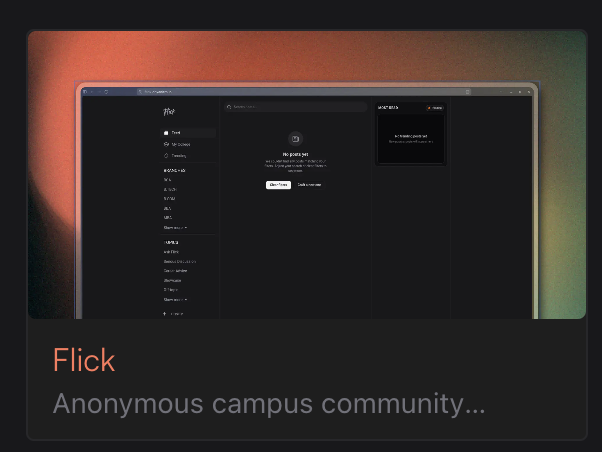
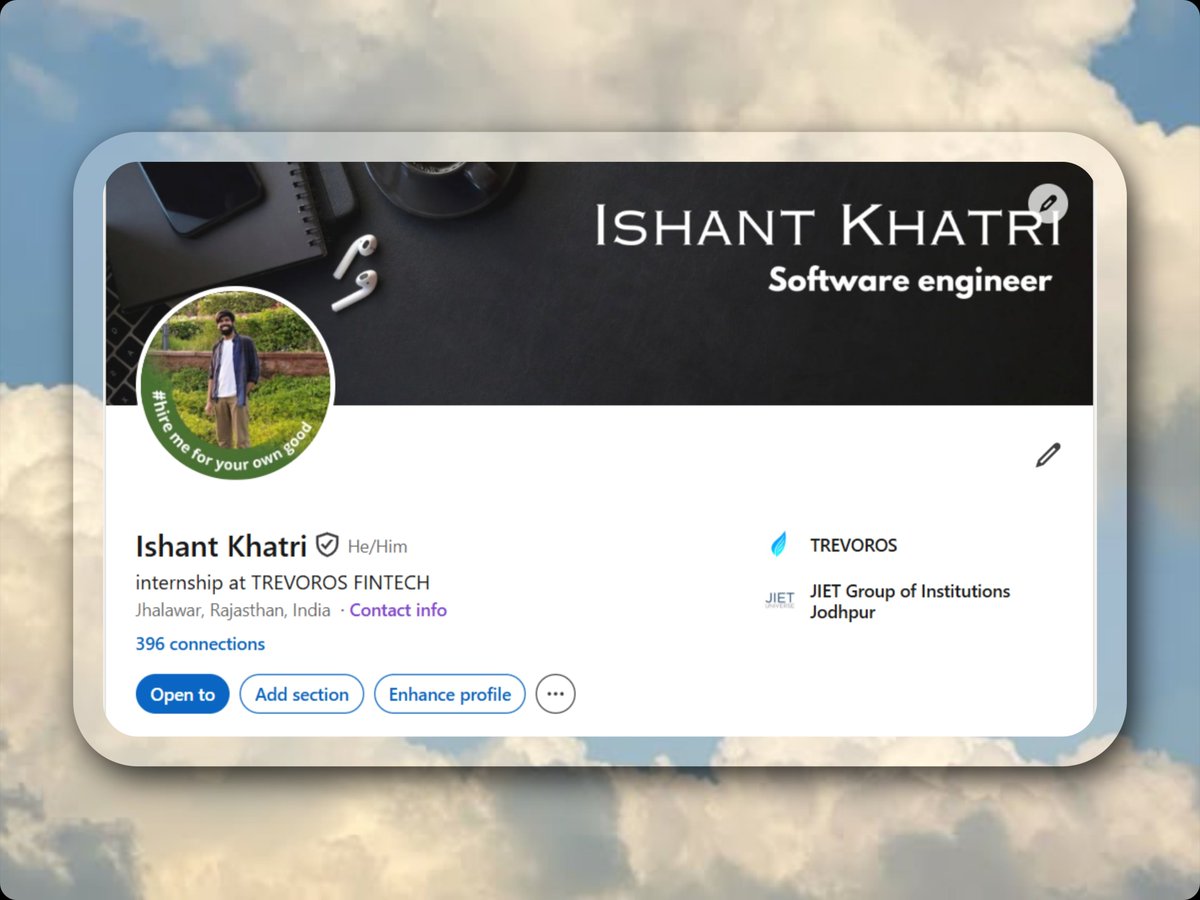
i woke up unemployed and choose to do this. bro @screenshotstdio i heard of it long ago but i used it first time now, a really handy product. love it ❤️
ishant khatri tweet media
English
0
1
1
239
Screenshot Studio me-retweet
Priyansh Rawat
Priyansh Rawat@rawatpriyansh17·
I would like to thank @anmol16_ for making mapcn it really improved the aesthetic of the site...@code_kartik for making @screenshotstdio it really saved alot of time with promo images❤️🔥
Priyansh Rawat@rawatpriyansh17

been sitting on this for a year. finally shipped it. 🚗CabLite(🌐 cablite.xyz)— carpooling + social media for Goan travellers. 📍Interactive Map 💬 Group chat for co-riders 📞Book Rides ✅ One-tap approve/reject 🔔 instant ride notifications (🇮🇳Goa,India exclusive)

English
0
3
4
470
Screenshot Studio me-retweet
rahman
rahman@xrahman_dev·
@screenshotstdio should be charging me $20/month for this how is this even free
English
3
3
22
1.6K
Dhvanit
Dhvanit@dhvanitcantcode·
@code_kartik @screenshotstdio Image is pretty cool, but the contrast of white text and green background makes the sentence less readable Btw love your product. Been using it for all my images in portfolio
English
1
0
2
22
Screenshot Studio me-retweet
Kartik
Kartik@code_kartik·
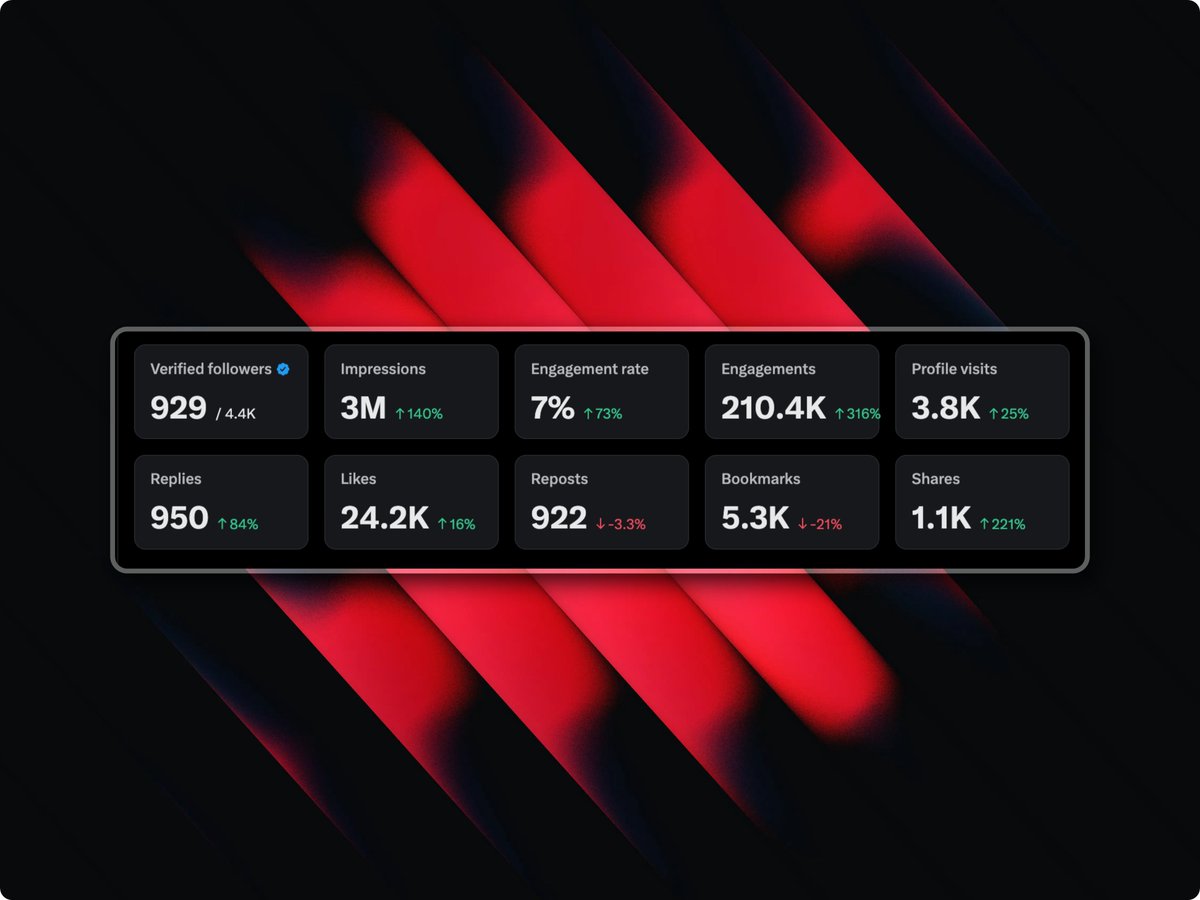
screenshot studio just shipped four tools that replace your entire design workflow tweet screenshots paste a tweet URL. light or dark theme. auto-renders the avatar, metrics, media, verified badge. hit add. done your tweet lives 48 hours on the timeline. the screenshot lives forever in every feed on every platform code snippets 20 languages. 20 themes. 10 monospace fonts. line numbers. macOS window bar. font size. border radius. all adjustable paste your code. it syntax-highlights instantly. export a clean image that people actually stop scrolling to read a wall of monospace text gets skipped. a styled snippet gets shared overlay layers upload your own images or pick from built-in 3D assets. drag, resize, rotate directly on canvas. control opacity, blur, flip. send layers in front or behind your main image every layer is independent. reorder, hide, delete. full depth control a flat screenshot tells half the story. layers tell the rest annotation tools arrows. curved arrows. lines. rectangles. circles. blur regions 12 colors. adjustable stroke width. click and drag to draw. select to edit. blur anything you need to hide the difference between showing your screen and teaching from your screen is one arrow free. browser-based. no signup. no watermark screenshot-studio.com
English
19
7
228
12K
Screenshot Studio me-retweet
Naymur Rahman
Naymur Rahman@naymur_dev·
2 hours of editing. Huge launch impact 💥 Made a nostalgic promo for @screenshotstudio📹 2 hours of work → 2 min timelapse Tools I used: → Premiere Pro for editing → cap.so for screen records → ElevenLabs for voiceover You don’t need fancy editing. Just learn a few small tricks and your launch video will look way better. Will launch video editing series soon💪
Kartik@code_kartik

Most product screenshots are boring. Flat. Static. Forgettable. Screenshot Studio is officially live and it changes that. Formerly @stageeart. Completely rebuilt from the ground up. What started as a simple screenshot editor is now a browser-based studio for screenshots, animated visuals, and export-ready videos. No signup. No watermarks. No artificial limits. New in 2.0: - A faster core and rebuilt UI. - A real timeline editor with tracks + playhead. - 20+ animation presets with keyframes and easing. - MP4, WebM, GIF export. - Hardware-accelerated encoding with WebCodecs (FFmpeg fallback). - High-res exports up to 5x. - Unlimited undo/redo. Drag. Drop. Animate. Export. All in the browser. Proud to share it’s been selected for the Vercel OSS Program. Huge thanks to the @vercel team and @rauchg for supporting the project. If you’re shipping products and still posting static screenshots, you’re leaving attention on the table. Stage is gone. Screenshot Studio is here. try now link in the comments.

English
1
2
14
705
Screenshot Studio me-retweet
Kartik
Kartik@code_kartik·
we are ranking #1 on peerlist thank you everyone for the support. animated video made using @screenshotstdio.
English
5
1
109
2.2K
Screenshot Studio me-retweet
Deepak Nehra
Deepak Nehra@nehra416·
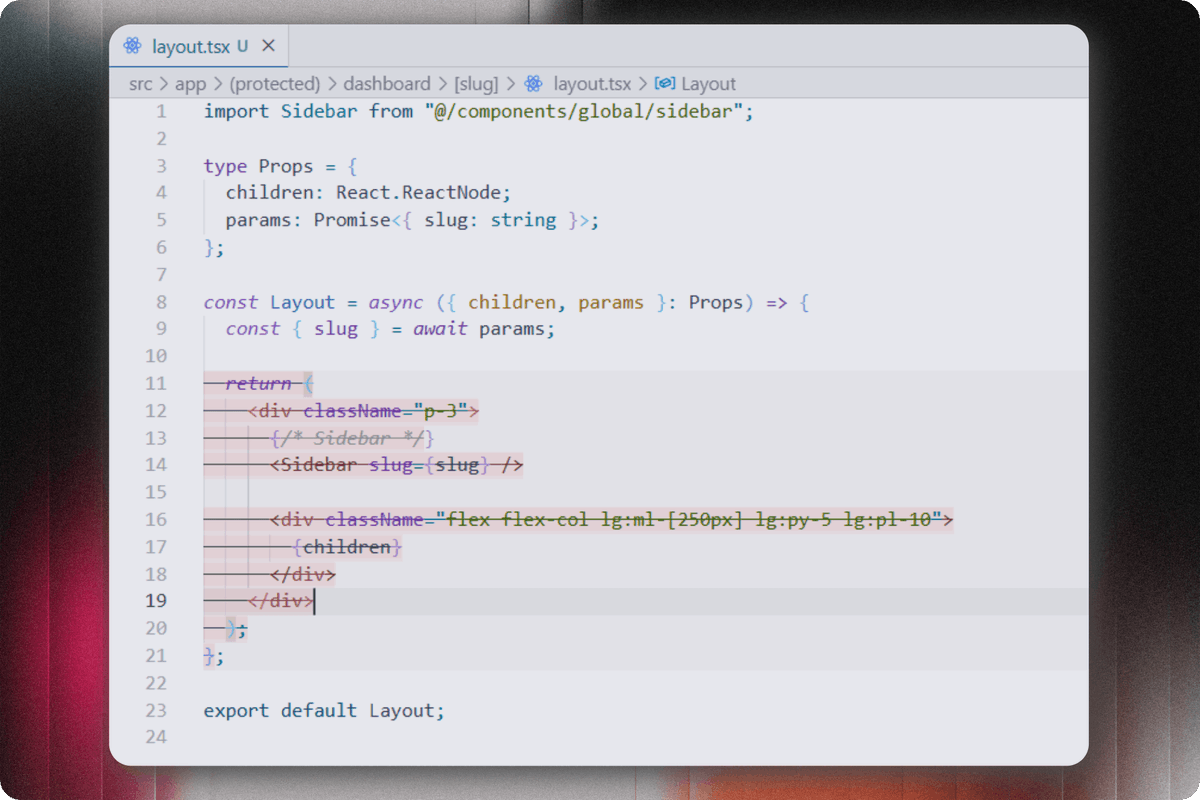
Why does @antigravity show me this delete suggestion in every file instead of code suggestions? Is anyone facing this problem or know a way to solve it? By the way great product @screenshotstdio by @code_kartik
Deepak Nehra tweet media
English
0
1
4
296
Screenshot Studio me-retweet
Pratham Das
Pratham Das@Prathamdas28·
Tried this screenshot tool recently and didn’t realize how much of a difference it makes. Simple, clean, and makes screenshots look way better. Definitely using it going forward. @code_kartik @screenshotstdio #devtools
Pratham Das tweet media
English
0
1
3
113
Screenshot Studio me-retweet
Arvind Parekh
Arvind Parekh@ArvindParekh_21·
This has become my go-to for sharing images. Super quick and easy!
Kartik@code_kartik

Most product screenshots are boring. Flat. Static. Forgettable. Screenshot Studio is officially live and it changes that. Formerly @stageeart. Completely rebuilt from the ground up. What started as a simple screenshot editor is now a browser-based studio for screenshots, animated visuals, and export-ready videos. No signup. No watermarks. No artificial limits. New in 2.0: - A faster core and rebuilt UI. - A real timeline editor with tracks + playhead. - 20+ animation presets with keyframes and easing. - MP4, WebM, GIF export. - Hardware-accelerated encoding with WebCodecs (FFmpeg fallback). - High-res exports up to 5x. - Unlimited undo/redo. Drag. Drop. Animate. Export. All in the browser. Proud to share it’s been selected for the Vercel OSS Program. Huge thanks to the @vercel team and @rauchg for supporting the project. If you’re shipping products and still posting static screenshots, you’re leaving attention on the table. Stage is gone. Screenshot Studio is here. try now link in the comments.
English
0
2
2
396
Screenshot Studio me-retweet
Aryan
Aryan@codexaryan·
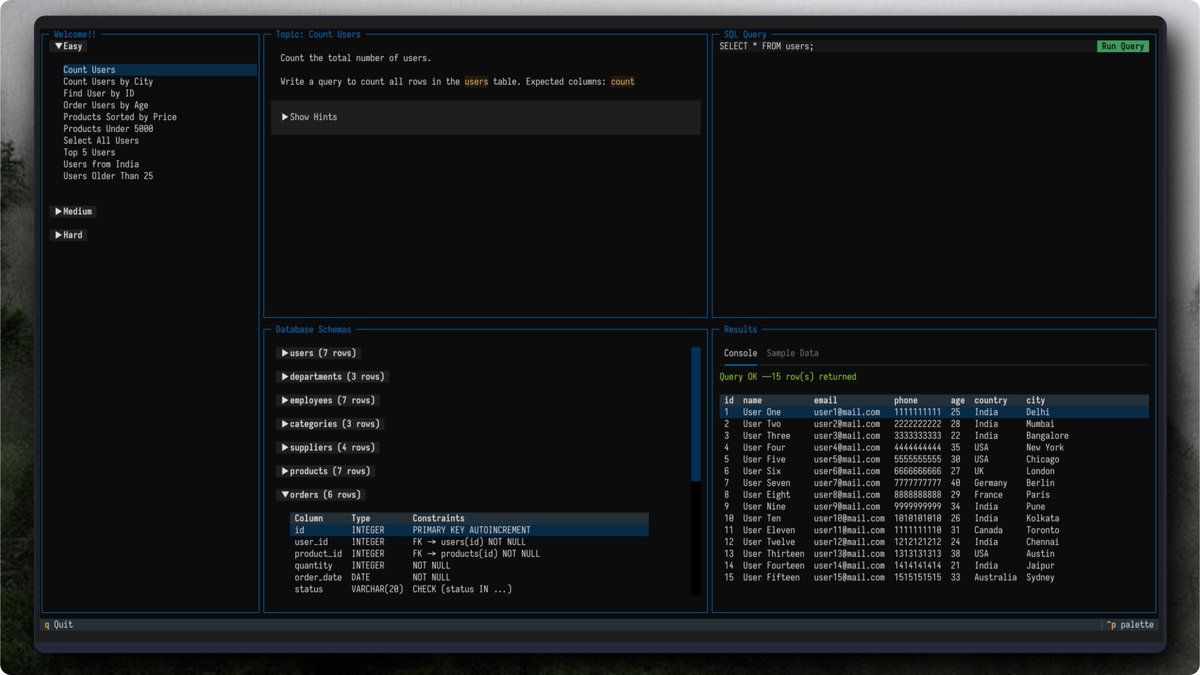
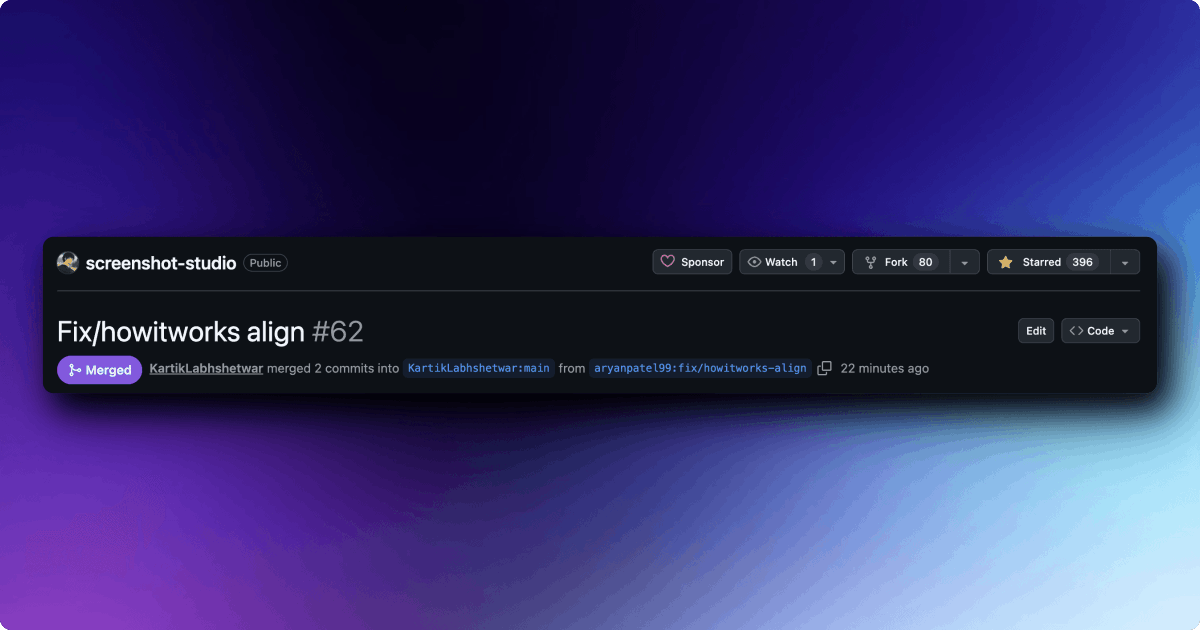
Shipped my first contribution to @screenshotstdio 🔥 Small PR, but I really enjoyed contributing and learning through the process. Thanks @code_kartik for the quick review 🙌
Aryan tweet media
English
0
1
2
117
Screenshot Studio me-retweet
dhruv
dhruv@dhruvmakes·
Very cool UI and works really well to showcase your products . Great work
dhruv tweet media
Kartik@code_kartik

Most product screenshots are boring. Flat. Static. Forgettable. Screenshot Studio is officially live and it changes that. Formerly @stageeart. Completely rebuilt from the ground up. What started as a simple screenshot editor is now a browser-based studio for screenshots, animated visuals, and export-ready videos. No signup. No watermarks. No artificial limits. New in 2.0: - A faster core and rebuilt UI. - A real timeline editor with tracks + playhead. - 20+ animation presets with keyframes and easing. - MP4, WebM, GIF export. - Hardware-accelerated encoding with WebCodecs (FFmpeg fallback). - High-res exports up to 5x. - Unlimited undo/redo. Drag. Drop. Animate. Export. All in the browser. Proud to share it’s been selected for the Vercel OSS Program. Huge thanks to the @vercel team and @rauchg for supporting the project. If you’re shipping products and still posting static screenshots, you’re leaving attention on the table. Stage is gone. Screenshot Studio is here. try now link in the comments.

English
4
2
71
7.8K