Your portfolio has one job.
Make someone who's never met you feel like they already know exactly what kind of designer you are.
These things will help:
1. Show the work. Immediately.
I cannot tell you how many beautiful portfolios I clicked off of because I couldn't find the work. Stunning animations, incredible typography, clever interactions nut no work anywhere to found quickly. I'm hiring a designer. Show me what you design! If I have to scroll more than a few seconds to find work, I'm gone. Those hiring have thousands of these to get through. They'll appreciate the time you save them by showing your work in a respectful time.
2. Don't hide work behind rollovers.
I know it looks cool. But I'm in a hurry. If your work is hidden, I'm not finding it.
3. Three projects is not a portfolio. It's a teaser.
If you only have 3-4 projects showing, I immediately wonder what have you been doing? Where are the side projects? The experiments? The fun stuff you made at 2am just because you wanted to? Show more work! Not everything has to be a polished case study (most shouldn't tbh because no one is reading it). Throw in the logo you made for fun. The brand concept nobody hired you for. The UI exploration you did on a weekend. That's the stuff that tells me who you really are as a designer.
4. Stop repeating your name.
I clicked on your link. I know your name. The first thing I need to see is your work, not your name three times.
5. Don't make me figure out how to use your site.
If your portfolio requires instructions, it's too complicated. I don't have time. Neither does the person hiring you. Do you read instructions? Probably not either.
6. The about me section matters more than you think.
The portfolios that stopped me all had one thing in common. I felt like I knew the person. Their pets. Their hobbies. Their personality. Design is a team sport. I'm not just hiring your work. I'm hiring YOU. If it came down to two equally talented designers where one surfed and the other displayed no outside hobbies, I'm going with the person I can connect more with, the surfer since we'll have things to talk about besides work. Use this to your advantage. It's the secret tip most most.
*The portfolios that make my final list all do this:
Work visible immediately. Clear about what they do. Personality came through. Something unique that made me stop and explore.
*The ones that don't make it:
Beautiful design. No work. Or work hidden so much I gave up finding it.
Important note: With all that said, the #1 thing that gets people hired: relationships.
I'm not gonna lie. The people I already know online get looked at first. Every time. That's not fair, but it's real.
Make relationships.
Be a kind person.
Get the work.
If a potential client thinks $1k is expensive for landing page.
explain this to them:
- It’s a one time investment for you which can benefit you forever.
- we don’t just design, we think, we make a smooth experience for your customers.
- we make it high converting and that happens with a design that is made just for your brand, and not a template made design.
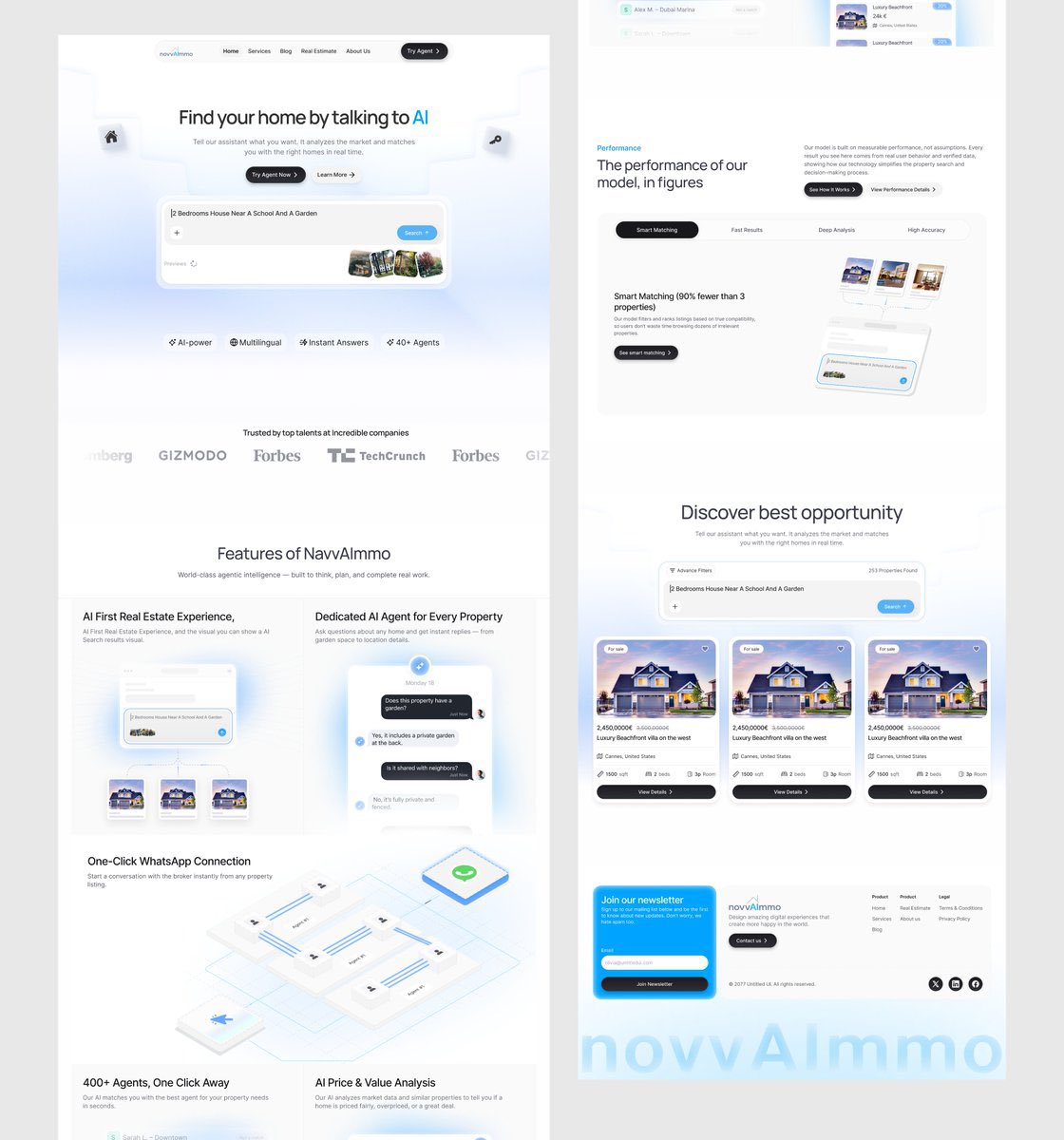
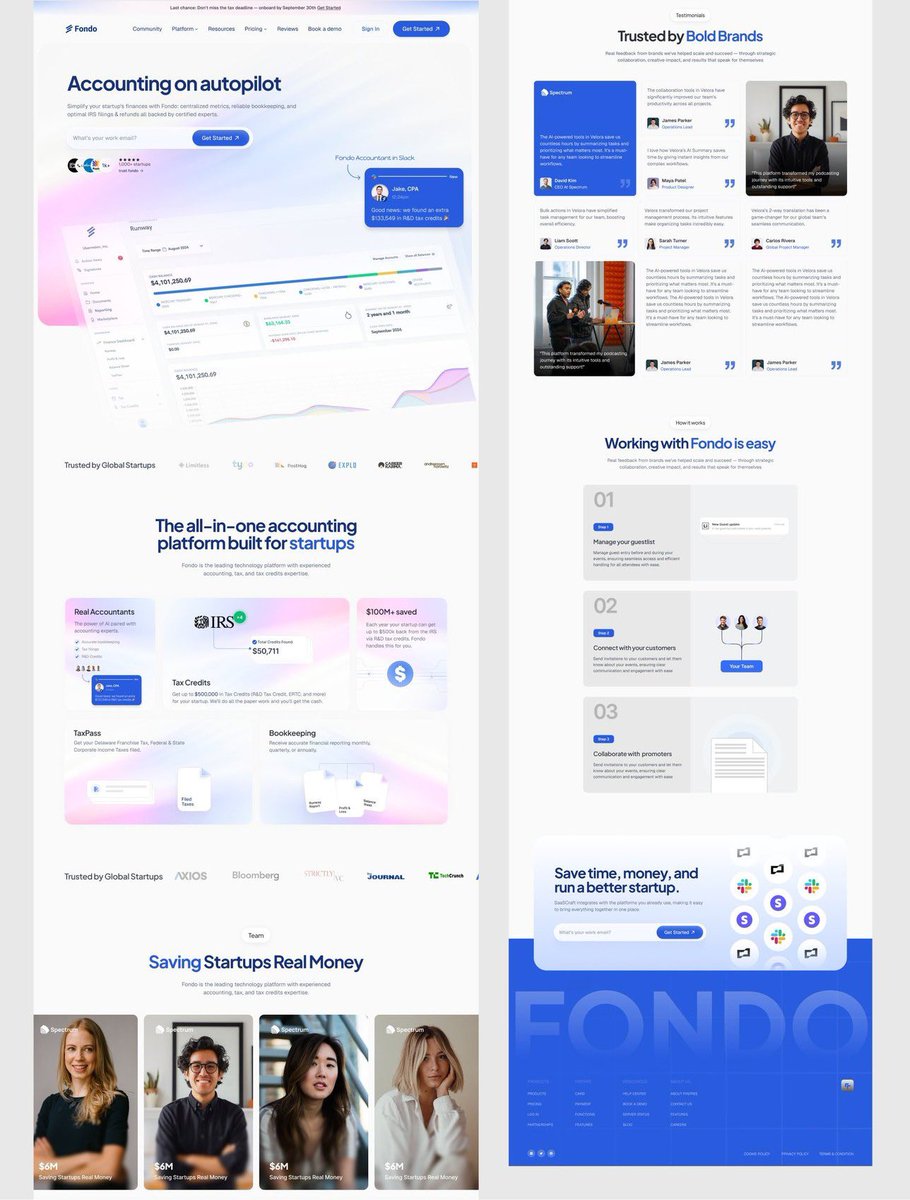
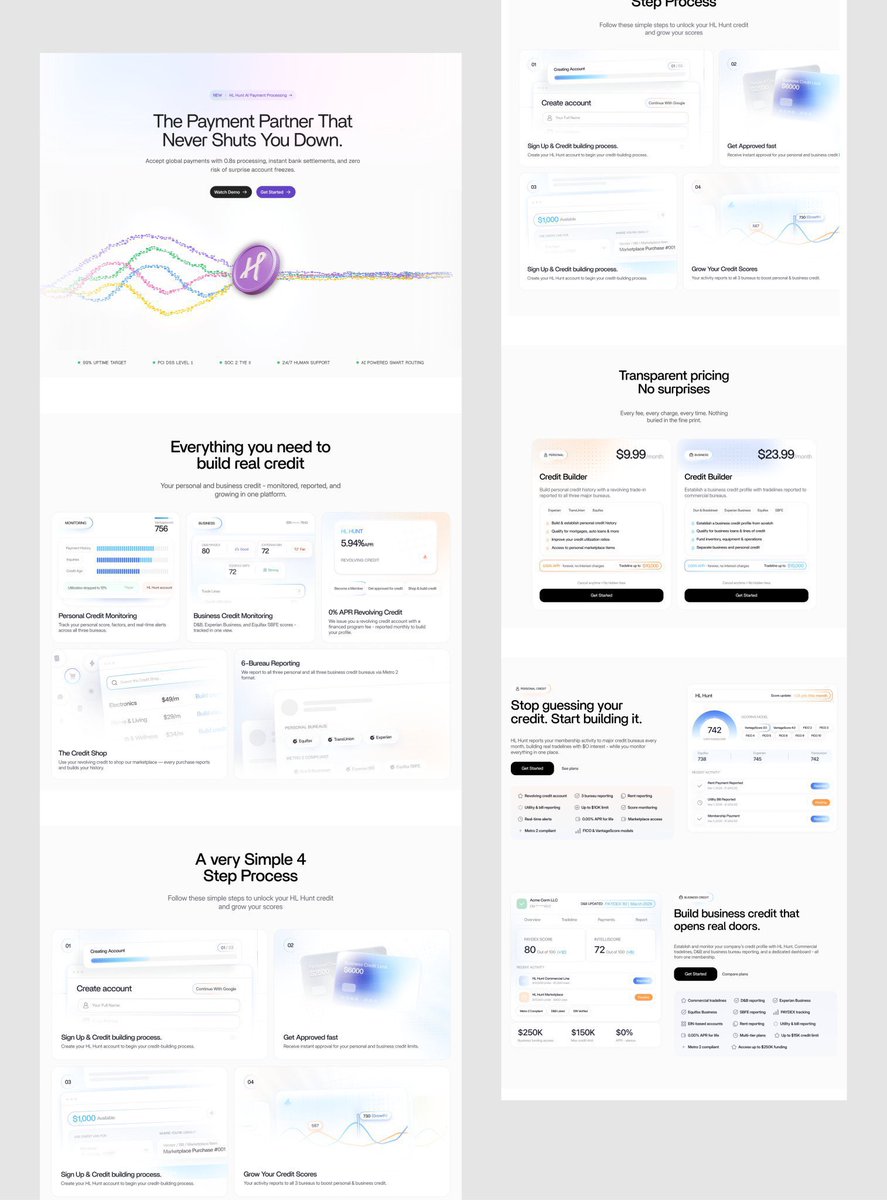
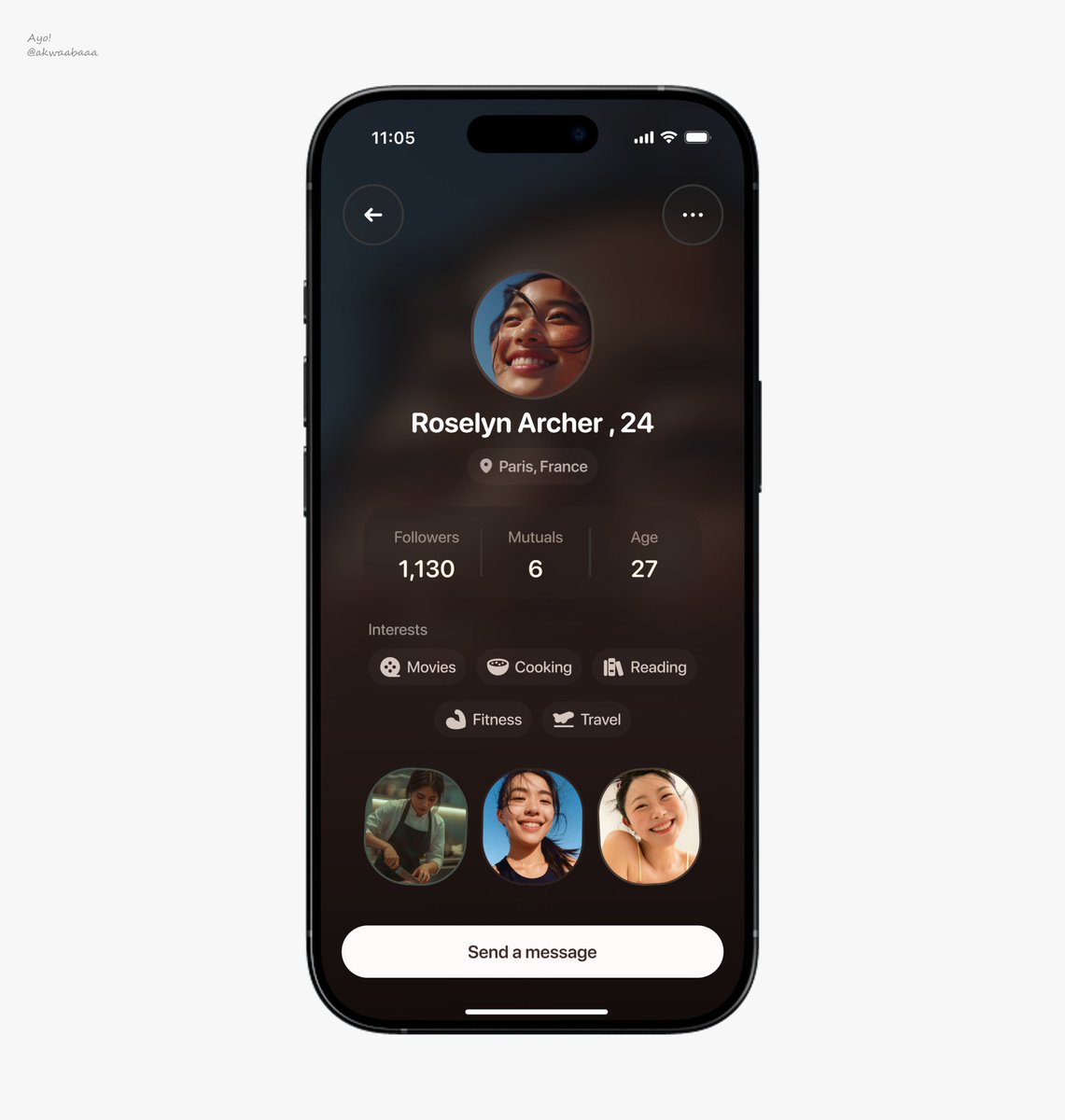
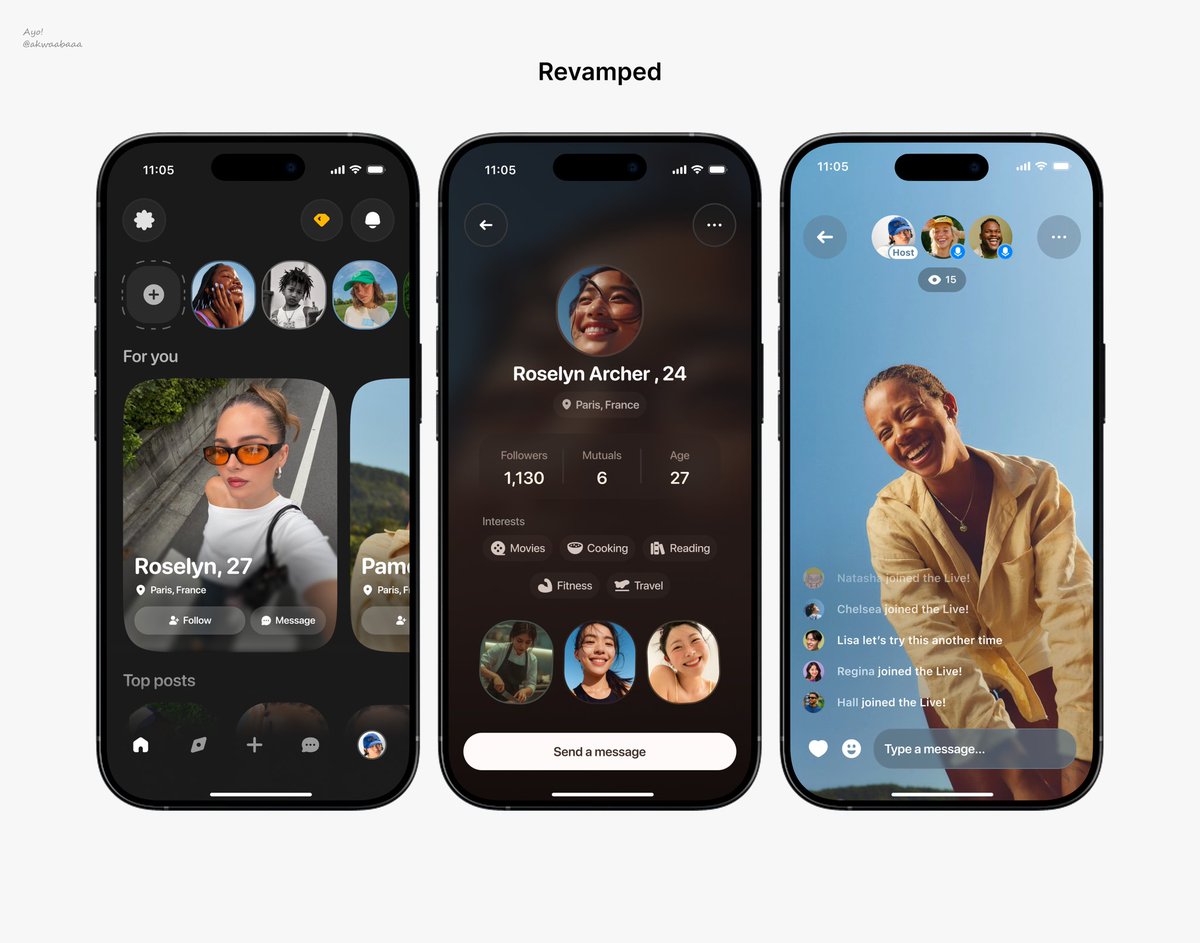
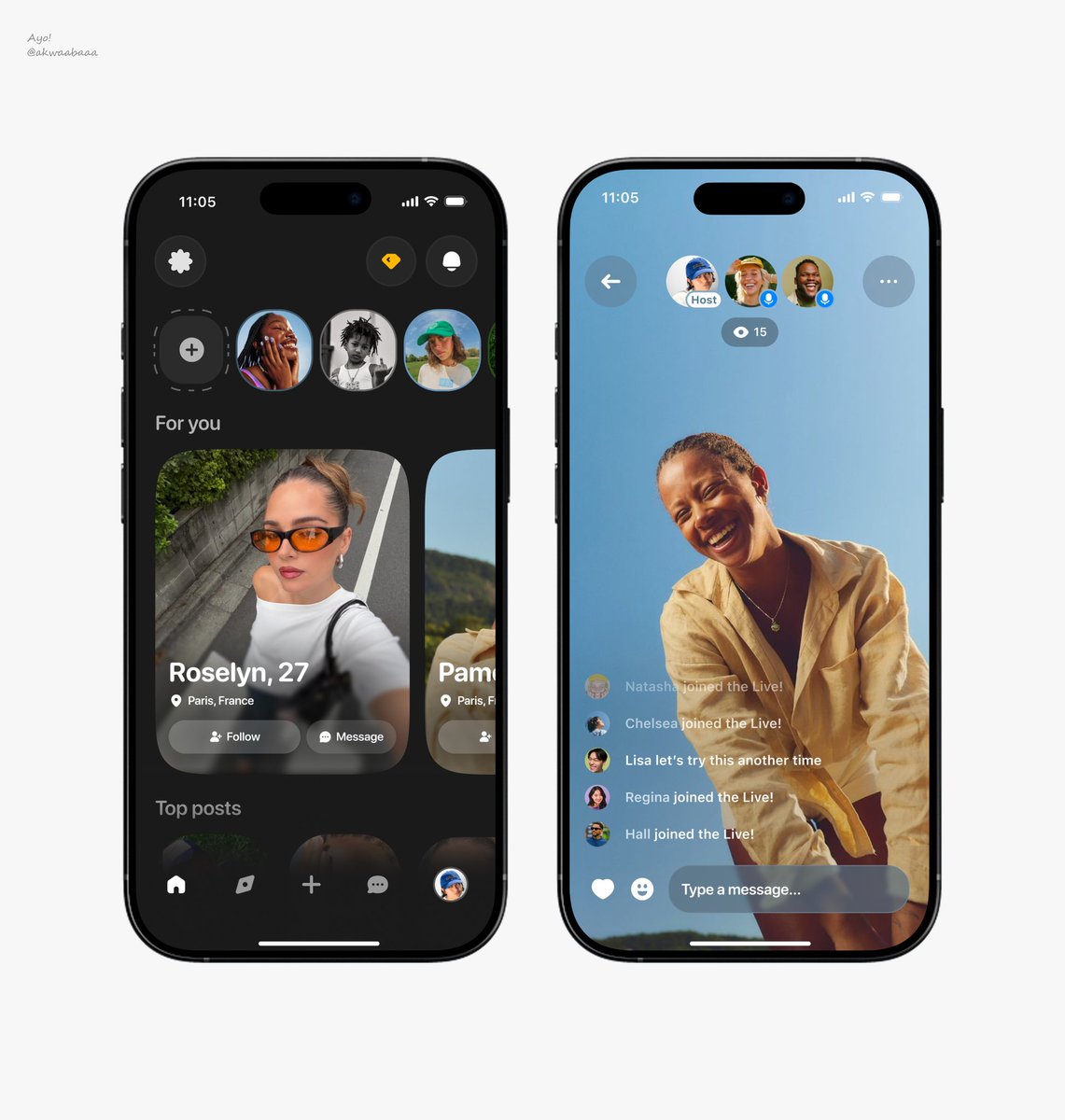
Revamped🔄 this vibe coded app.
The problem with AI-generated UI isn’t that it looks bad. It’s that it all looks the same.
Same structure, same patterns, same feel.
Taste is still human.
Websites every tech student should know about 👩🏽💻👨🏽💻✨
1. Vercel
Deploy frontend projects for free. Connect GitHub and your site goes live quickly.
2. Temp Mail
Creates temporary email addresses. Useful for testing and quick signups.
3. Archive .org
Free books, courses, and old resources online. You can find a lot of educational content here.
4. Hostingnigeria .com
#1 platform to host all your projects. Domains and hosting are the cheapest here. Not to forget 24/7 support and fast servers.
5. Unsplash
Free high-quality images for projects. Better than random Google images. You can also check Pinterest, it’s got more local photos.
6. PythonAnywhere
If you’re a python dev like myself, here might prollly be your best option for hosting your projects.
7. Websitedesigner .ng/tech-courses
If you will prefer to learn WordPress, you can get courses here. There are also courses for SEO and Social media growth.
8. Figma
Used for UI and UX design. Helps developers understand layouts and interfaces.
9. Google Colab
Run Python code in the cloud for free. Useful when your laptop can’t handle heavy tasks.
10. DevDocs
Searchable documentation for many programming languages. Everything is organized in one place.
11. Coursera
Online courses from universities and companies. Useful for structured learning and certifications. You can also check out Udemy as an alternative.
12. Canva
Useful for presentations, resumes, and tech content. Makes design easier even without experience.
13. Dribbble
Get design inspirations here. UI and design inspiration platform. Useful when building interfaces.
14. LeetCode
Practice coding problems and interview questions. Helps improve problem-solving skills.
15. GitHub
This is where developers store and share codes. You’ll use it for projects, collaboration, and portfolios.
16. Stack Overflow
Whenever I get stuck coding, I check here first. Most errors already have answers.
17. freeCodeCamp
Free platform to learn programming and web development. Comes with projects and certifications too.
18. Roadmap .sh
Shows clear learning paths for different tech careers. Helps you know what to learn next.
19. MDN Web Docs
One of the best places to learn web development properly. Explains HTML, CSS, JavaScript, and browser features clearly.
20. TinyWow
Free tools for PDFs, images, and files. Useful for random school or work tasks.