EdTechKISD

894 posts

EdTechKISD banner
EdTechKISD

EdTechKISD

@EdTechKISD

가입일 Haziran 2019
95 팔로잉508 팔로워
EdTechKISD
EdTechKISD@EdTechKISD·
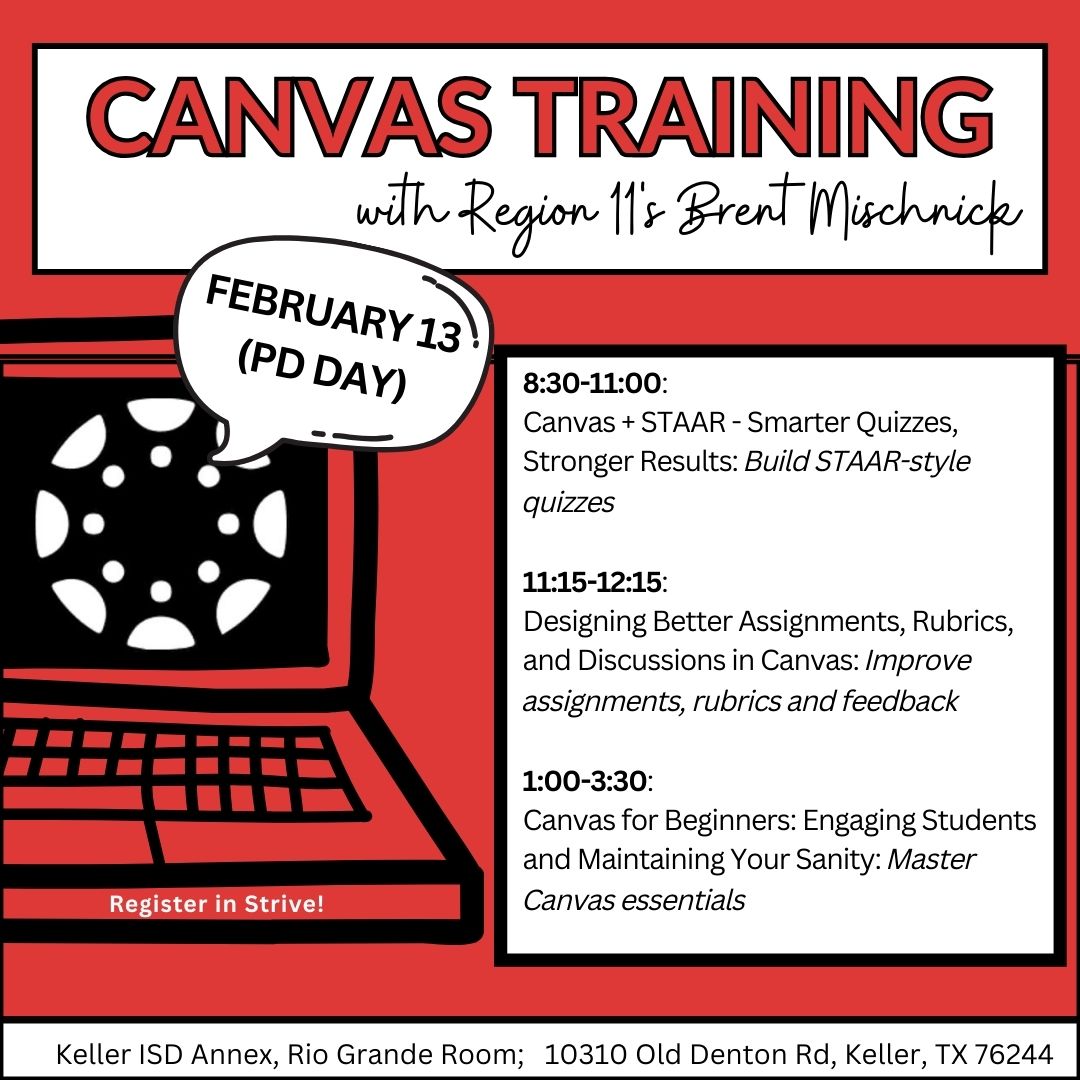
🎓 New to Canvas? We’ve got your back. Our Canvas for Beginners session will help you engage students—and stay sane doing it. 📍 Rio Grande Room, KISD Annex 📝 Register in Strive #EdTechKISD
EdTechKISD tweet media
English
0
0
0
17
EdTechKISD
EdTechKISD@EdTechKISD·
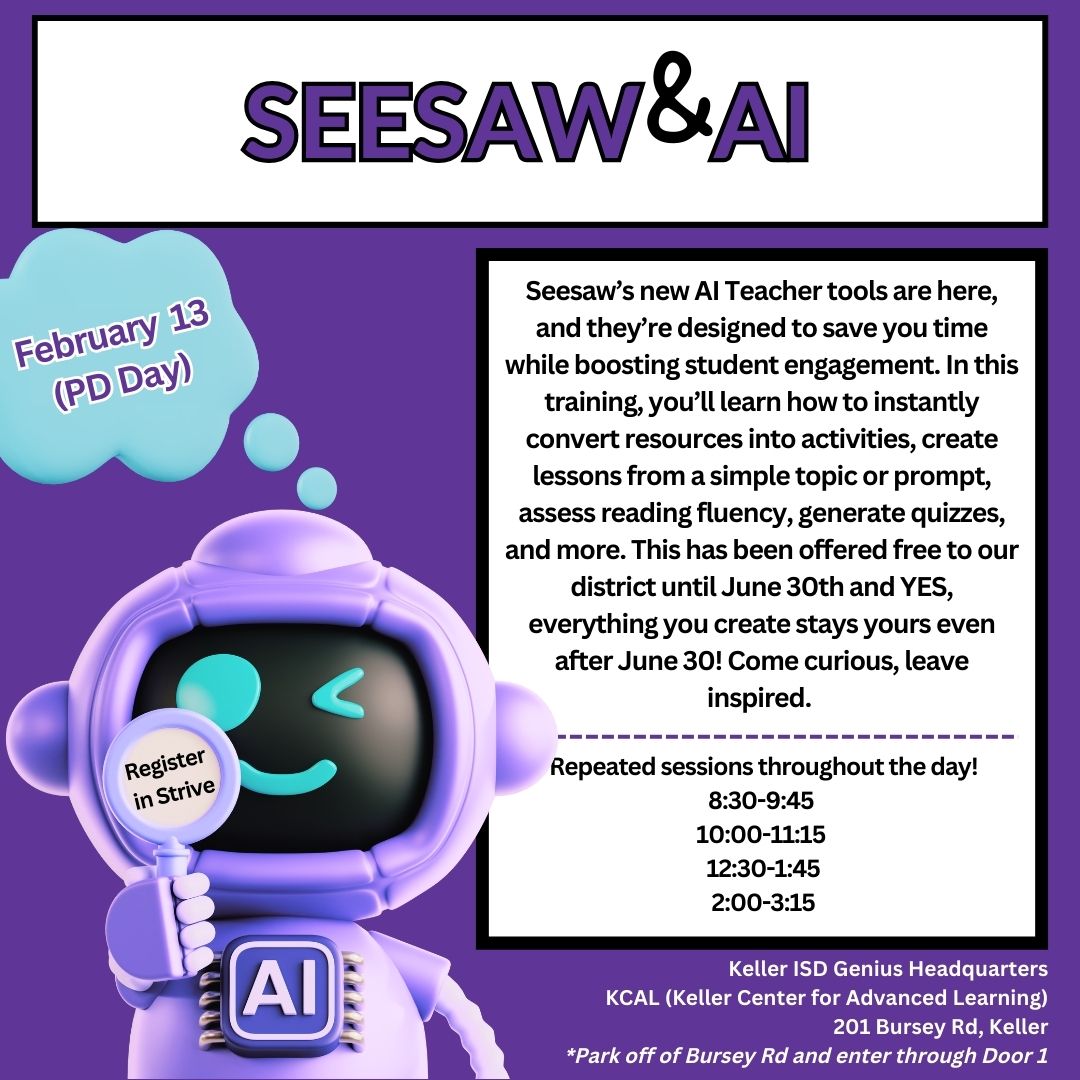
Come curious. Leave inspired. 💛 Seesaw’s AI Teacher tools are making it easier than ever to design activities, without spending hours prepping. Learn how to transform resources, generate activities, assess fluency, and more. ➡️Available for those not in required PD. #EdTechKISD
EdTechKISD tweet media
English
0
0
1
26
EdTechKISD
EdTechKISD@EdTechKISD·
🤖✨Teachers, meet your new time-saving sidekick. Seesaw AI is here to help you create faster, differentiate easier, and engage students more — from instant activities to quizzes and reading fluency tools. ➡️Available for those not in required PD. #EdTechKISD
GIF
English
0
0
0
18
EdTechKISD
EdTechKISD@EdTechKISD·
💡 STAAR prep just got smarter! Learn how to design Canvas quizzes that boost student success at our upcoming session: Canvas + STAAR: Smarter Quizzes, Stronger Results 🗓 Save your seat in Strive! ➡️Available for those not in required PD. #EdTechKISD
EdTechKISD tweet media
English
0
0
0
12
EdTechKISD
EdTechKISD@EdTechKISD·
🚀 Ready to make Canvas work harder for you? Join our Canvas Power Sessions led by a Region 11 expert! Whether you're looking to improve quizzes or just starting out, we've got something for everyone. 🗓Register now in Strive! ➡️Available for those not in required PD. #EdTechKISD
EdTechKISD tweet media
English
0
0
0
17
EdTechKISD
EdTechKISD@EdTechKISD·
🤖Seesaw’s new AI Teacher tools are here to save time and boost engagement. 🗓️ Join us on Feb 13 to turn resources into activities, build lessons from a prompt, assess fluency, generate quizzes, and more — all in one place! ➡️Available for those not in required PD. #EdTechKISD
EdTechKISD tweet media
English
0
0
1
17
EdTechKISD
EdTechKISD@EdTechKISD·
New year, fresh calendar… and a fresh Google Drive under 15GB too!🎆💻 If you haven’t finished your cleanup, winter break is the perfect time to wrap things up. 🎇Check your storage at drive.google.com/drive/quota 🎇Delete files you don’t need 🎇Organize your folders #EdTechKISD
GIF
English
0
0
0
88
EdTechKISD
EdTechKISD@EdTechKISD·
Give yourself the gift your laptop really wants this year… a lighter drive! 🎁💚 ⏰A few minutes between movies, naps, or cookie breaks can make a huge difference. 🎯 See the quick tasks below to keep your storage trending down ⬇️ #EdTechKISD
EdTechKISD tweet media
English
0
0
0
17
EdTechKISD
EdTechKISD@EdTechKISD·
On the sixth day of winter break, my Google Drive gave to me… a storage bar turning yellow slowly. 😬 Keep the cleanout momentum going 🎄 Try this mini-challenge: 🧾 Delete 12 old PDFs 🖼️ Remove 11 ancient images 🎬 Purge 10 outdated videos 💡 15 GB ⬇️ by Jan 5 #EdTechKISD
EdTechKISD tweet media
English
0
0
0
89
EdTechKISD
EdTechKISD@EdTechKISD·
The ghosts may have returned to the spirit world, but your Google Drive still needs a little holiday magic! ✨ As you sip cocoa and recharge, keep that decluttering going. Future You will thank you. 🖥️🎄 📊 Check storage drive.google.com/drive/quota 💡15 GB or ⬇️ by Jan 5 #EdTechKISD
EdTechKISD tweet media
English
0
0
0
73
EdTechKISD
EdTechKISD@EdTechKISD·
⏰ Final stretch! A Google Drive Carol is nearly complete, and Jan 5 is right around the corner. Make sure your Keller ISD Google Drive is 15 GB or less so everything continues working smoothly. 🔍 Check your storage: drive.google.com/drive/quota
EdTechKISD tweet media
English
0
0
0
135
EdTechKISD
EdTechKISD@EdTechKISD·
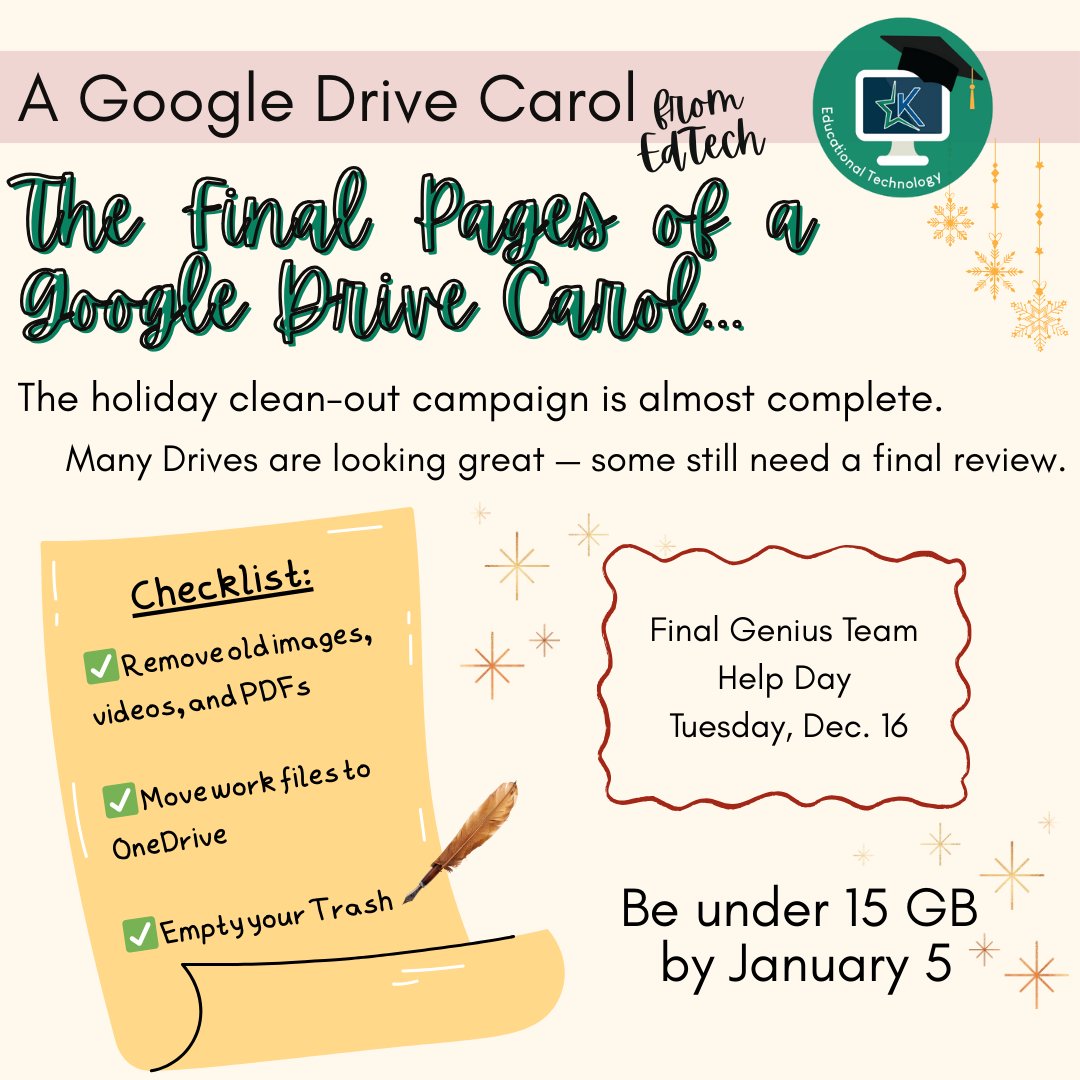
🎶 The final pages of A Google Drive Carol are almost written… 🎶As our clean-out campaign winds down, remember the goal: keep your Keller ISD Google Drive under 15 GB by Jan 5. 📅 Final Genius Team help: Tues, Dec 16 💾✨
EdTechKISD tweet media
English
0
0
0
96
EdTechKISD
EdTechKISD@EdTechKISD·
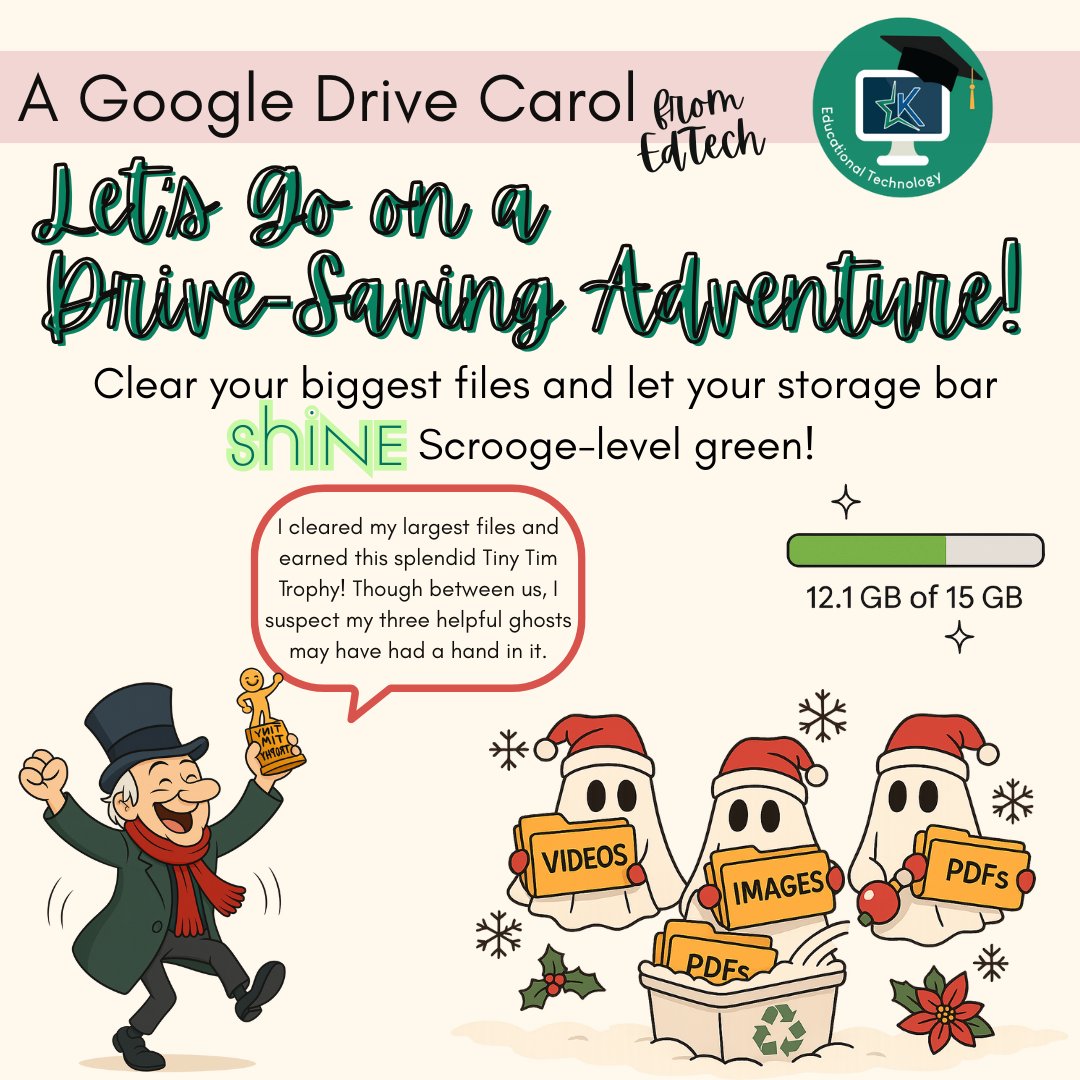
Scrooge is celebrating! 🎩✨ Do one last check of your 10 biggest files and set your storage bar shining green. 💚 #EdTechKISD
EdTechKISD tweet media
English
0
0
0
11
EdTechKISD
EdTechKISD@EdTechKISD·
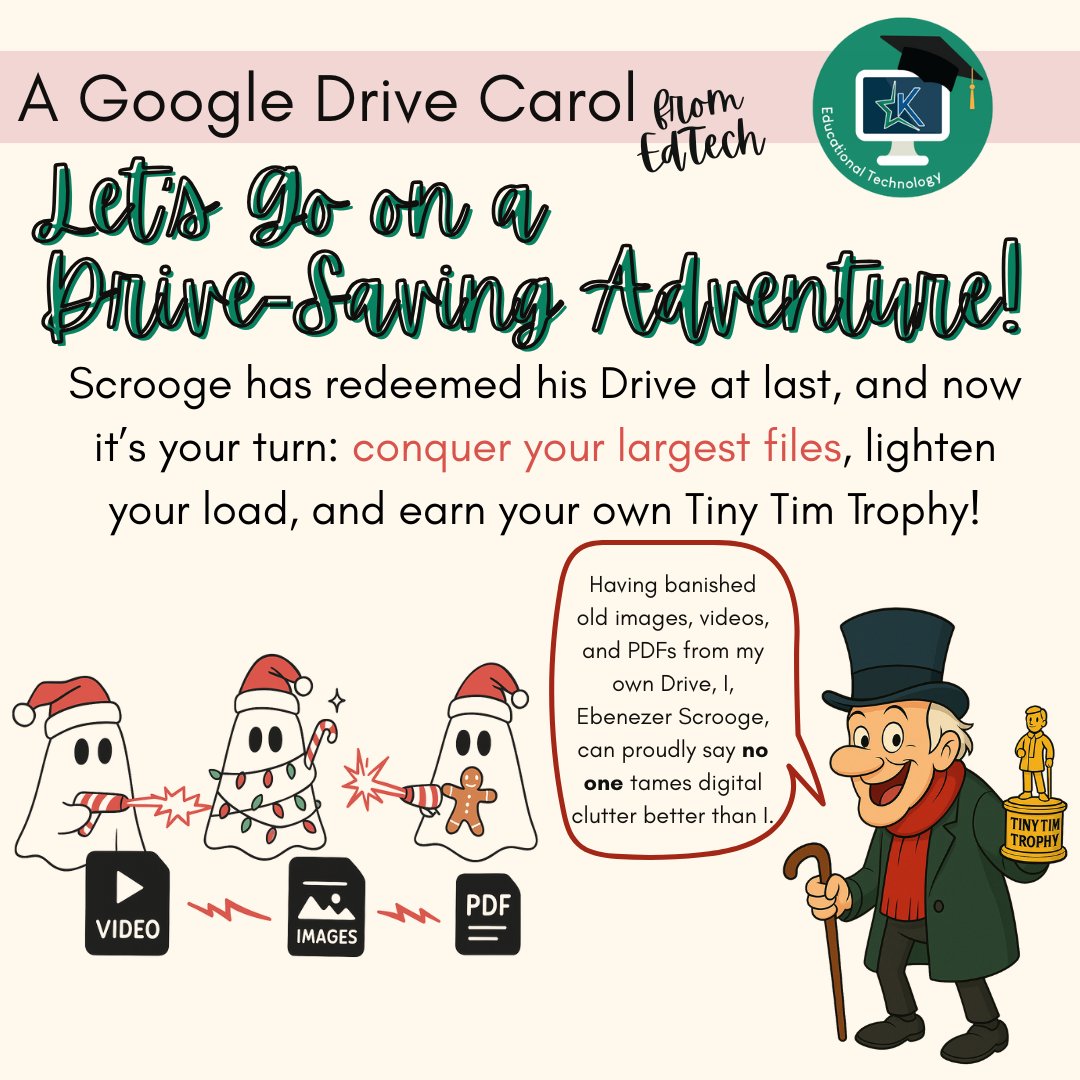
🪄 Week 4: Ebenezer’s Redemption! Final week of our Google Drive Clean-Out! Check your 10 largest files, move what you can to OneDrive, delete the rest, and enjoy that beautiful green storage bar. 💚✨ #EdTechKISD
EdTechKISD tweet media
English
0
0
0
63