고정된 트윗

EASI User Guide
-What is EASI?-
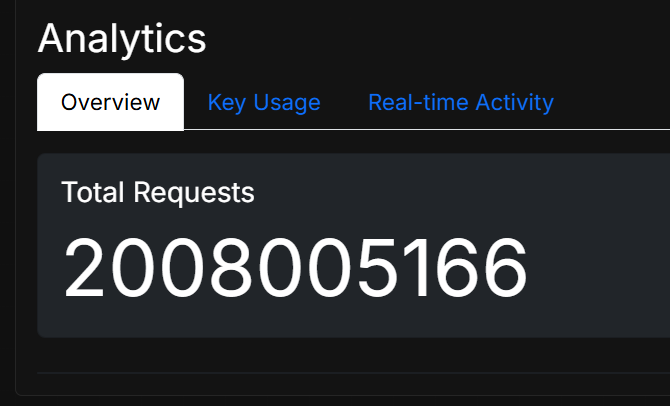
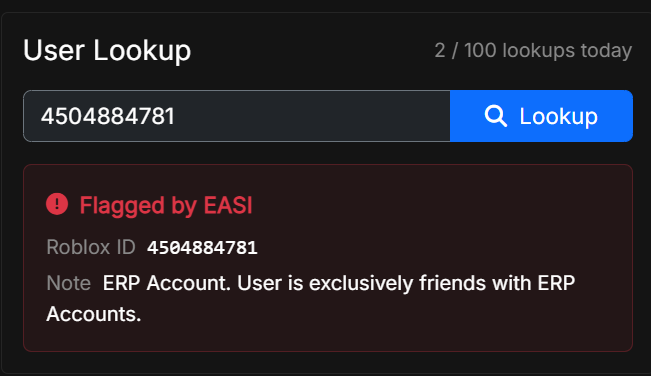
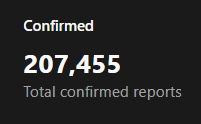
EASI is a moderation tool for Roblox developers to keep NSFW users out of their games. It uses a database of tens of thousands of accounts confirmed via dual human review to be involved in on-platform sexual activity. Each account is labeled with an explanation for why it was flagged.
-How to install-
NOTE: You must have studio access to the game you're applying for.
1. Sign up at erpsearcher.com
2. Submit an API Key request
3. Wait for an acceptance email (check spam)
4. Follow the instructions in the email
5. Once your game is updated, check your site dashboard for a real-time feed of flagged users joining your game. On average, only 0.01% of a game's traffic will be flagged.
-Custom Scripts-
The default script automatically kicks flagged users that join your game. If you only want to detect flagged users, you need to modify the script to remove the kick function. Detections will still appear on your dashboard as long as you're sending valid requests to the API.
The API only accepts requests from live game servers associated with the game linked to the key. Requests from studio will not work. Responses include two values: "is_erp" (boolean) and "moderation_note" (string). Responses can be linked to a webhook to integrate with Discord based moderation teams.
The game script can be modified however you wish. You can customize the kick message, add users to banasync, or do funny things to their characters when they spawn in.
English