Tech Guided
2.3K posts

Tech Guided
@TechGuided
We provide everything you need to know about building your own gaming computer and we like to give stuff away. Check link for the latest giveaway!
The Grid 가입일 Temmuz 2012
7.3K 팔로잉32.2K 팔로워
Secretlab Titan Evo vs NanoGen vs Lite: Which Chair Should You Choose? ift.tt/DpGkSJH
English
How Long Do Secretlab Chairs Last? Five Year Titan Evo Review ift.tt/oU4yV1L
English
Comparing Decentralized Storage (IPFS, Filecoin, Arweave) vs Traditional SSD/NVMe in PC Builds ift.tt/qOiu5pl
English
Check out our written review of the G95C here: techguided.com/samsung-odysse…
Or, watch our video review here: youtu.be/9pdz_oyBs48
YouTube
English
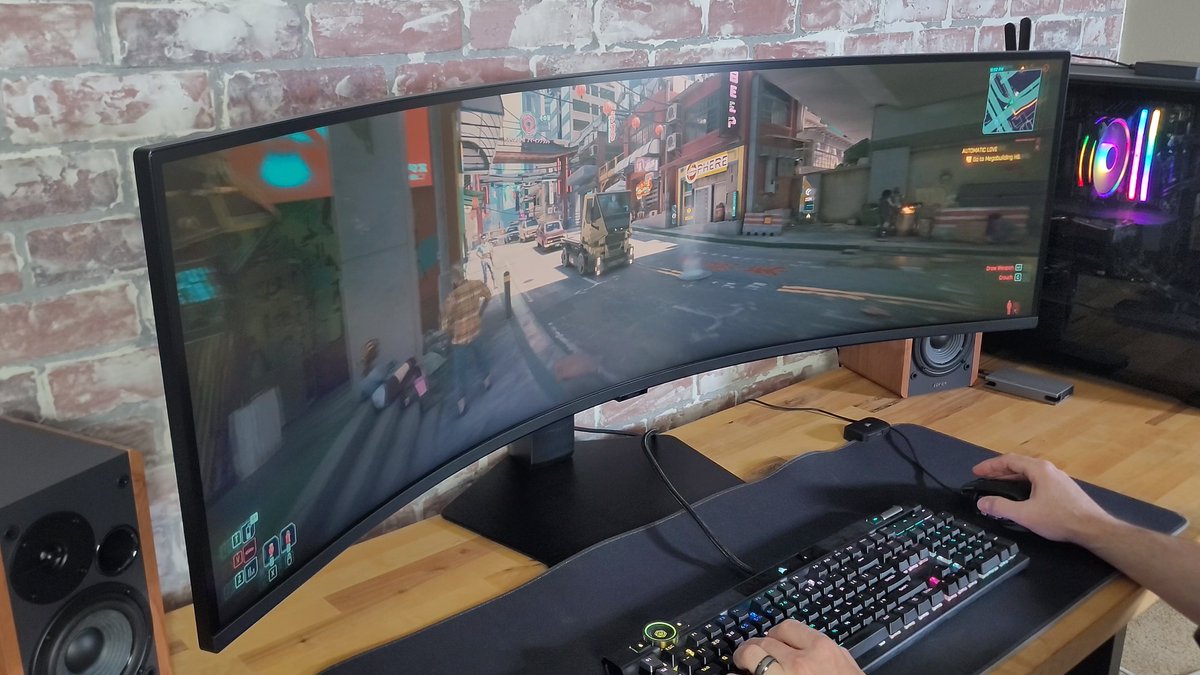
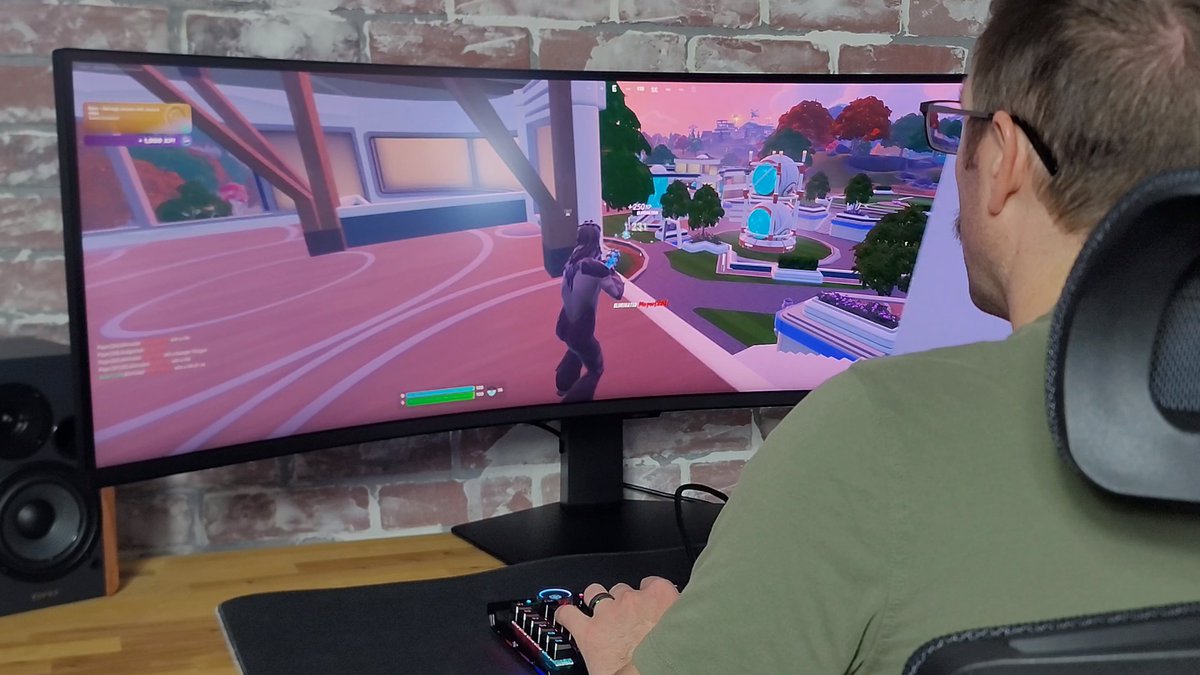
I switched from a triple monitor setup to Samsung's Odyssey G95C 49" ultrawide monitor and it has been a game-changer.
Going from a traditional 16:9 aspect ratio display to this monster ultrawide monitor felt like I was borderline cheating in certain competitive titles due to all the extra screen real estate I added.
This 32:9 aspect ratio display (5120 x 1440 resolution) comes with a 240Hz refresh rate and 1ms GTG response time.
I have the VA panel version, which I prefer because I use this monitor for work as well as gaming...
...but there's also a couple of OLED panels versions (G91SD and G93SC) you could pickup if you're primarily looking for a gaming monitor.
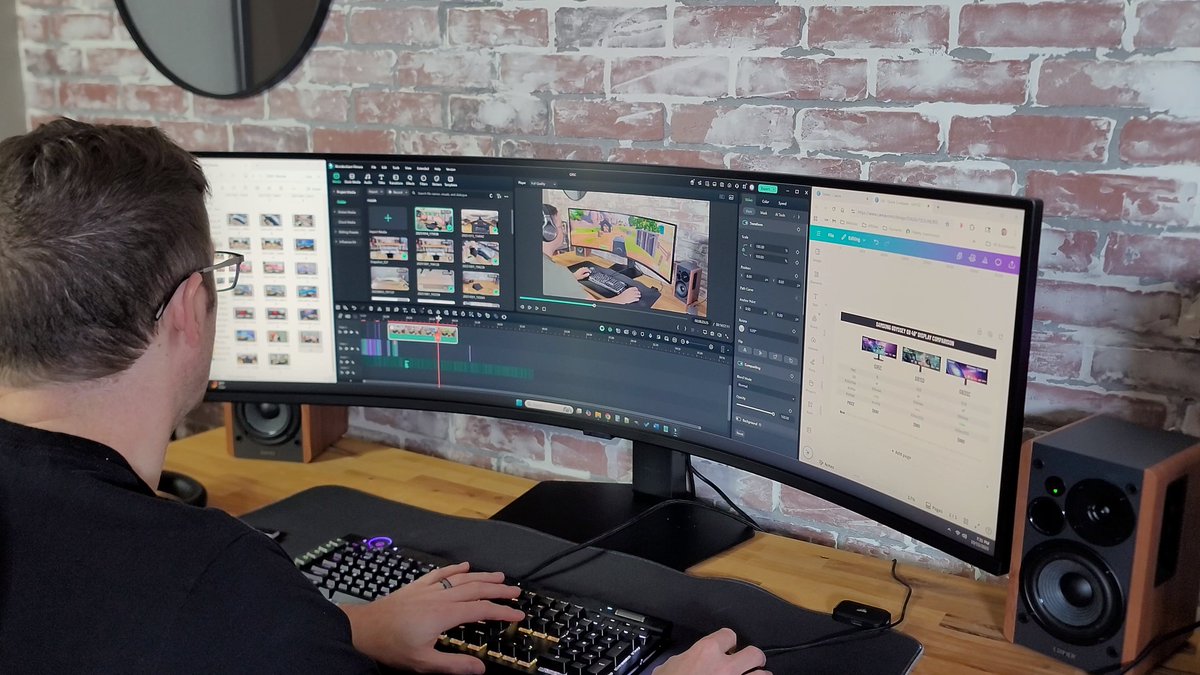
Editing video on this display is also incredible as the extra length allows me to see more of my timeline.
The only real downside of this monitor that I found was that if you are recording gameplay you're going to have an extra step or two during editing to get your 32:9 aspect video into a 16:9 aspect ratio...
You either have to crop out the sides, or scale it down and have huge black bars above and below.
Other than that, though, this ultrawide monitor has been one of the best upgrades I've made to my setup.
To read/watch the full review of this display, check out the comment section below.

English
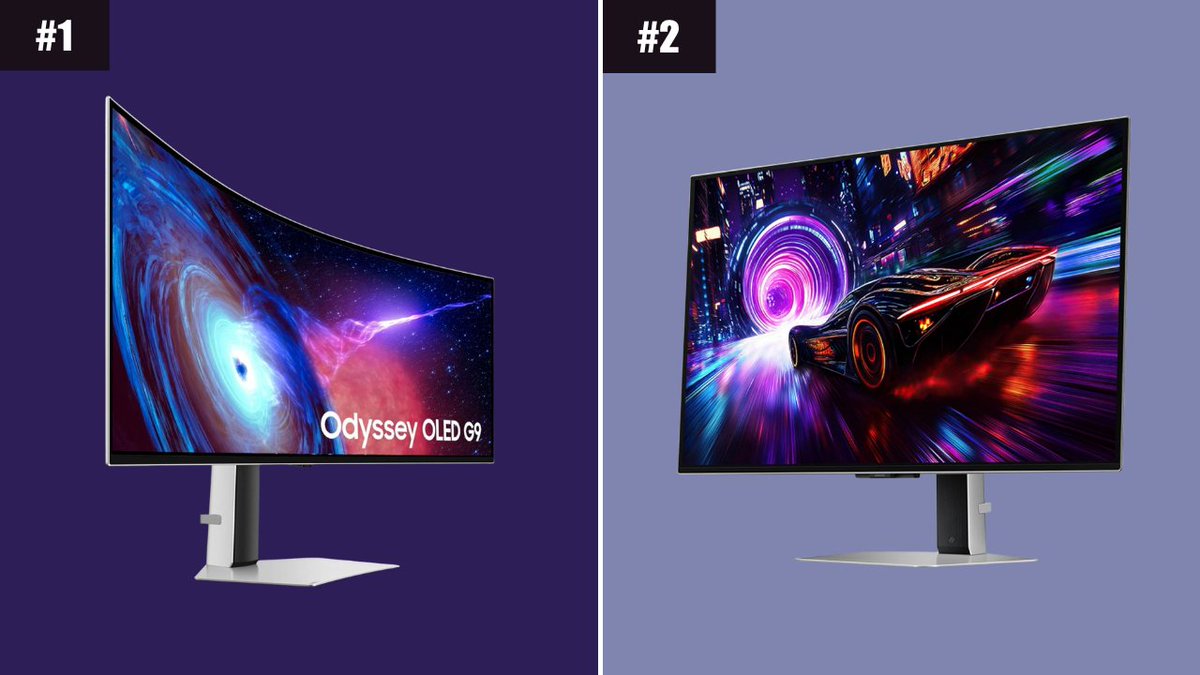
Both of these monitors are on sale right now:
Samsung 49" Odyssey OLED (G93SC): amzn.to/4nZCqSe
SAMSUNG 32” Odyssey OLED (G81SF): amzn.to/432H2it
English