How to use Zentryx:
- Connect your wallet
- Get testnet USDC
- Choose route
- Enter amount
- Approve → Burn → Mint
Simple, clear USDC bridging on Arc.
⚠️ Testnet only — use a burner wallet.
zentryxapp.xyz/bridge
Getting started on Zentryx?
You’ll need testnet USDC.
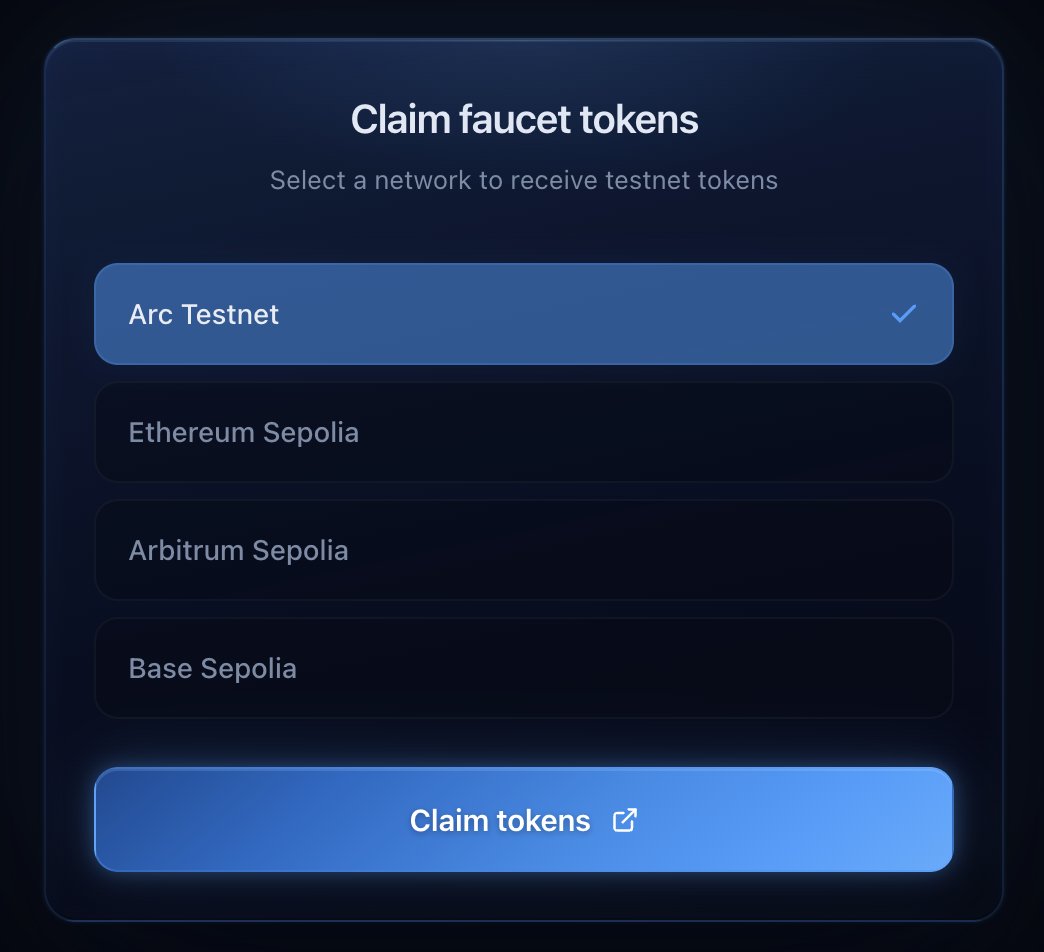
You can now claim faucet tokens directly through the app:
- Select your network
- Access the faucet
- Get testnet funds in seconds
No friction, just testing.
zentryxapp.xyz/faucet
I just built my first app ever.
@Zentryxapp - USDC bridge built on Arc.
Over the past few years I’ve been learning about IT and diving deep into crypto, especially DeFi and how these systems actually work under the hood.
But I was missing something important: a place to apply all of that in practice.
Arc turned out to be exactly that.
Being able to combine stablecoin infrastructure with Circle’s Skills and plug that into an AI agent made the whole experience much more real. It wasn’t just theory anymore, it became something I could actually build and test end-to-end.
Zentryx is a simple attempt at that:
- Bridge USDC across chains
- Handle the full CCTP flow (approve, burn, attestation, mint)
- Claim testnet tokens directly through integrated faucets
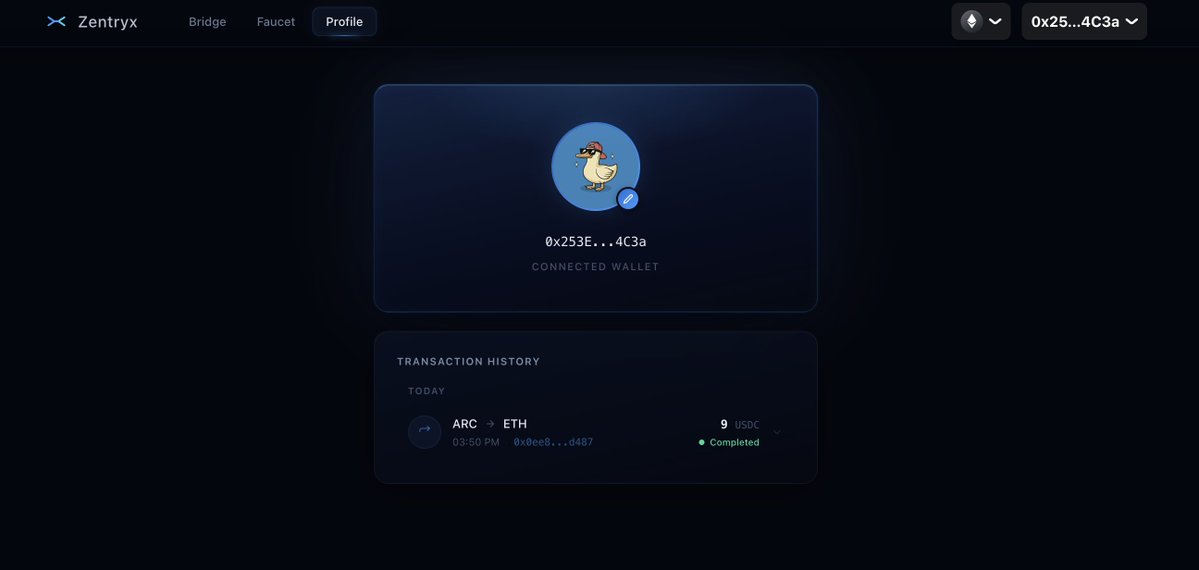
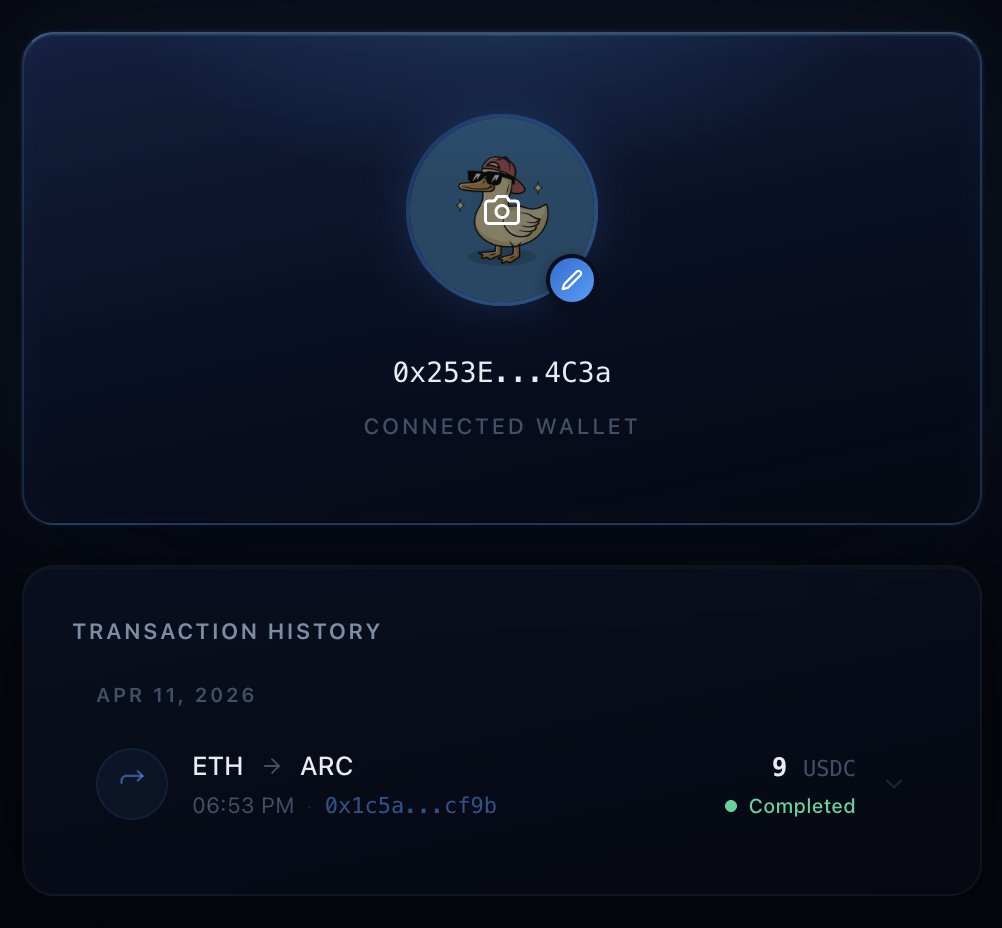
- Personalized profile per wallet, including custom avatar support
- Focus on clean, minimal UX
- Understand how these systems behave in practice.
Special thanks to @onnerB_ for introducing me to Arc at the right time, when I was actively looking for a place to put everything into practice.
And a special thanks also to the team. They have provided the tools needed to make app building more accessible: @samconnerone@bobbilee@silencexlm
I'm sure this is just the beginning of a great journey. Always open to learning and ready to keep improving Zentryx over time.
Bridge value on Arc.
Try it: zentryx-six.vercel.app/bridge
NOTE: Testnet - use a burner wallet.⚠️