
고정된 트윗
Fitfinity
4.2K posts



Fitfinity 리트윗함

The only 5 Exercises you'll ever need to get in the best shape of your life:
(Videos of each included)
English
Fitfinity 리트윗함

Want a more engaged team?
Stop making these 8 mistakes ⬇️
A disengaged team isn’t lazy - it’s disconnected.
If motivation is low, check for these common engagement killers:
♻️ Repost to help others in your network with this.
➕ And follow me at Sean McPheat for more.

English
Fitfinity 리트윗함

Fitfinity 리트윗함

Fitfinity 리트윗함

Quick fitness tip! 💡
You lose 3-8% of muscle every decade after 30.
Strength train at least 2-3x a week to slow it down.
Want more fitness knowledge?
Follow me for health and fitness tips.
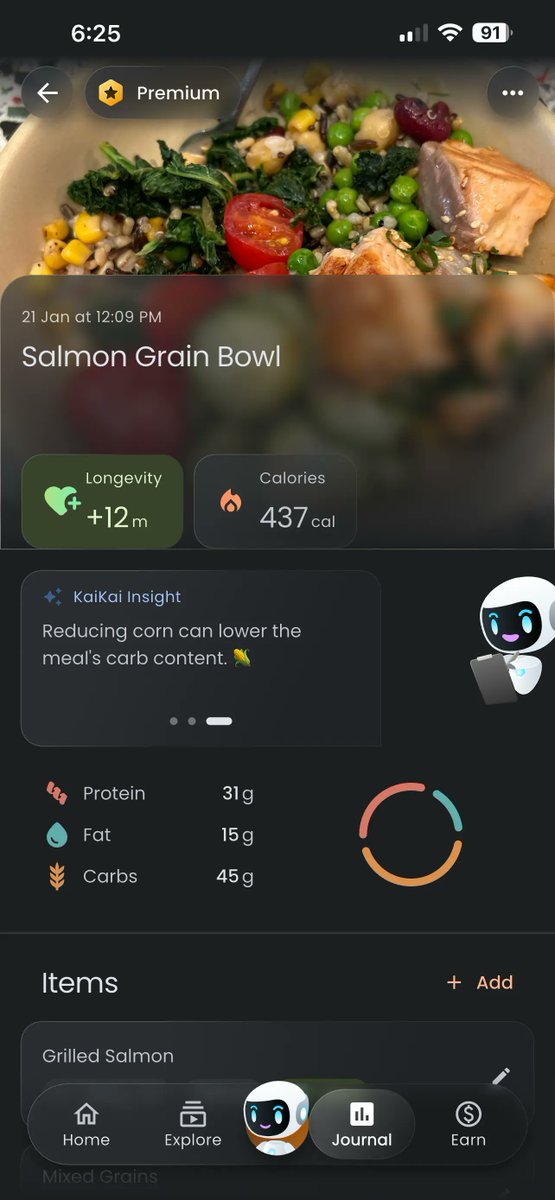
Download our free app for personalized AI coaching that can see, talk, and guide you through workouts plus you can log and track all your meals.
English
Fitfinity 리트윗함

The only 7 carbs worth eating when trying to lose weight after 35:
1. Oats → beta-glucans reduce LDL & CVD risk
2. Barley → high soluble fiber, glycemic control
3. Brown rice → whole grain intake linked to longevity
4. Quinoa → fiber + micronutrient density
5. Lentils → low-GI carb + protein synergy
6. Chickpeas → improved metabolic markers
7. Sweet potatoes → fiber + carotenoids
English
Fitfinity 리트윗함

Claude + Amazon = $10,000/month
How? By creating 90-page nonfiction books.
I’m re-releasing my 53-page PDF with all the Claude prompts I use to:
• Find niches people already pay for
• Write full chapters in minutes
• AI cover prompts that get clicks
And this time, I'm also adding my full marketing + distribution system to help you publish and sell on Amazon.
Like + Reply "Send"
I'll send it you you for free.
⏳ Taking this down in 24 hours.

English
Fitfinity 리트윗함


Fitfinity 리트윗함


Fitfinity 리트윗함

Fitfinity 리트윗함

Fitfinity 리트윗함

Dreamina Seedance 2.0 has officially gone live on Dreamina after months of waiting.
👇 Here’s a quick step-by-step guide to use it for your social media clips:
Official name: Dreamina Seedance 2.0
→ Early access is already available, so you can skip the waitlist and start immediately.
→ Even better, Dreamina Seedance 2.0 Fast is currently free to try, making it easy to test different ideas.
→ It’s also already proving its strength, ranking #1 in both T2V and I2V leaderboards on Artificial Analysis.
→ What stands out most is how it lets you reference specific elements from content (transitions, motion, editing style) without copying the entire video. The AI focuses only on what you select.
I tried it with a trending format and got a clean, high-quality result from a simple prompt.
If you’re producing social content regularly, this can seriously speed things up. It helps you stay on trend without spending hours recreating edits.
dreamina.capcut.com/ai-tool/home/?…
English
Fitfinity 리트윗함

Been hearing about this for a while, finally got to try it. Dreamina Seedance 2.0 is live now on Dreamina.
(Also, looks like that’s the official final name.)
After playing with it a bit, it does feel like a real step up from the previous version.
It even ranked 1 on Artificial Analysis (both T2V and I2V), which honestly makes sense after trying it.
If you’re curious, here’s how I got started
Early access is open right now- no waiting, no queue. And there’s a free trial for 2.0 Fast, which makes it easy to test.
- Google "Dreamina" or directly visit their official website link → dreamina.capcut.com/ai-tool/home/?…
- Click "Create now" in the top right corner to enter the operation panel of Dreamina.
If you directly access it from the link in the first item, it will take you directly to the main page.
- Log in with your preferred method.
- Select "AI Video - Dreamina Seedance 2.0 - Omni Reference" to start.
I just tested a single prompt and it already gave me a pretty usable video sequence.
English
Fitfinity 리트윗함

2 Billion People use Google Maps.
But many don't know its full potential.
Here are 15 amazing features.

English
Fitfinity 리트윗함


Fitfinity 리트윗함

FRANZ KAFKA AND THE GIRL WITH THE LOST DOLL :
Worthwhile read story 🧵 👇

English
Fitfinity 리트윗함

Stop saying "Can I call you" instead say these lines:
// Thread //

English
Fitfinity 리트윗함


Fitfinity 리트윗함


Fitfinity 리트윗함

Dreamina Seedance 2.0 is now live on Dreamina.
Quick note. The official final name is now Dreamina Seedance 2.0.
Early access is already open. No waitlist. No queue.
It also just ranked #1 in both T2V and I2V on Artificial Analysis, which says a lot about where it stands right now.
Plus, Dreamina Seedance 2.0 Fast is available for free trial, so it is very easy to test.
👇 Here is a step by step guide to test the model with the exact workflow I used for my comparison
1. Search for Dreamina in your browser or use this direct official link dreamina.capcut.com/ai-tool/home/?…
2. Click Create now in the top right corner to access Dreamina’s core panel
3. The link above will take you directly to the main creation page. No extra navigation needed
4. Complete the login using your preferred method
5. Go to AI Video → Dreamina Seedance 2.0 → Omni Reference to start testing
One of the most interesting upgrades is targeted reference extraction.
You can pull specific elements like lighting, motion, or editing rhythm from reference files, and the model focuses only on those instead of overriding everything.
If you care about control and consistency, this is definitely worth testing in your workflow.
English