

Cloudweb3
4.2K posts

Cloudweb3
@cloud9tv_eth
Crypto degen 🚀 | Airdrop hunter 💸 | DeFi farmer 🌾 | NFT collector 🎨 | Vibing in the multichain universe, AI, AI Agent, https://t.co/HRUubuGUPV
가입일 Haziran 2024
1.2K 팔로잉657 팔로워

Even if you have 0 followers,
Just say Hi, let’s follow you.

English


Now that you’ve set up your Secure Folder 📂, uninstall your Viewpoints app and install it again. Add it to your Secure Folder, then create a new Viewpoints account there. Make sure you’re using a VPN — I recommend the 1.1.1.1 VPN.

Cloudweb3@cloud9tv_eth
Once set up, the Secure Folder icon will appear in your app drawer. Inside Secure Folder, you can: Hide photos and videos Add apps (WhatsApp, Gallery, Notes, etc.) Keep files private Use a separate version of apps with different accounts
English
Don’t use a freshly created Gmail account for Viewpoints, or else you won’t get any tasks.
Cloudweb3@cloud9tv_eth
Now that you’ve set up your Secure Folder 📂, uninstall your Viewpoints app and install it again. Add it to your Secure Folder, then create a new Viewpoints account there. Make sure you’re using a VPN — I recommend the 1.1.1.1 VPN.
English
Once set up, the Secure Folder icon will appear in your app drawer.
Inside Secure Folder, you can:
Hide photos and videos
Add apps (WhatsApp, Gallery, Notes, etc.)
Keep files private
Use a separate version of apps with different accounts
Cloudweb3@cloud9tv_eth
@OlatunjiAyokan2 For Samsung users first of all you need to create a secure folder 👇 To create a Secure Folder on your Samsung phone: Open Settings Scroll down and tap Security & privacy (or Biometrics and security on some Samsung phones) Tap Secure Folder Sign in with your Samsung account
English
@OlatunjiAyokan2 For Samsung users first of all you need to create a secure folder 👇
To create a Secure Folder on your Samsung phone:
Open Settings
Scroll down and tap Security & privacy (or Biometrics and security on some Samsung phones)
Tap Secure Folder
Sign in with your Samsung account
English

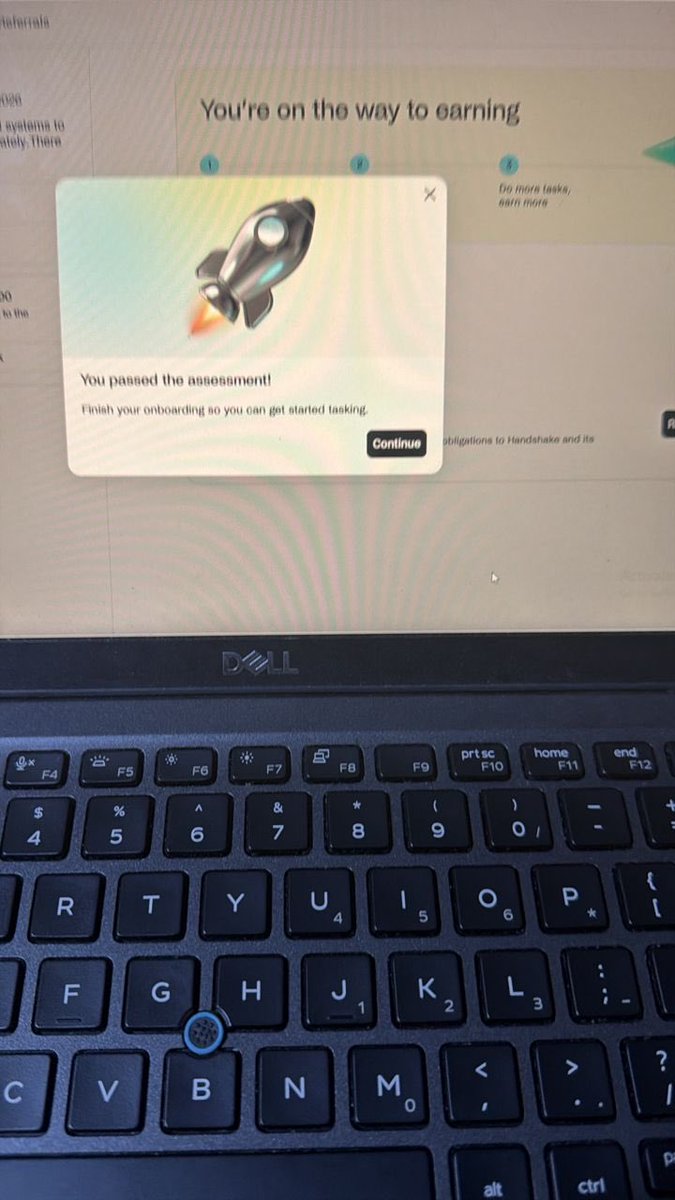
Onboarded this bad boy today.
You in the US? Why don’t you have an handshake account?
English
@OlatunjiAyokan2 I heard some of you guys aren’t getting tasks on Viewpoints 👀 Should I share the secret?

English

Meta Viewpoints is lowkey like free money at this point 💰
Most of the survey questions are almost the same
And lately I’ve been receiving like 2–3 tasks within 24hrs
If you’ve received multiple surveys recently drop a 🙋♂️ below
💡 Small advice:
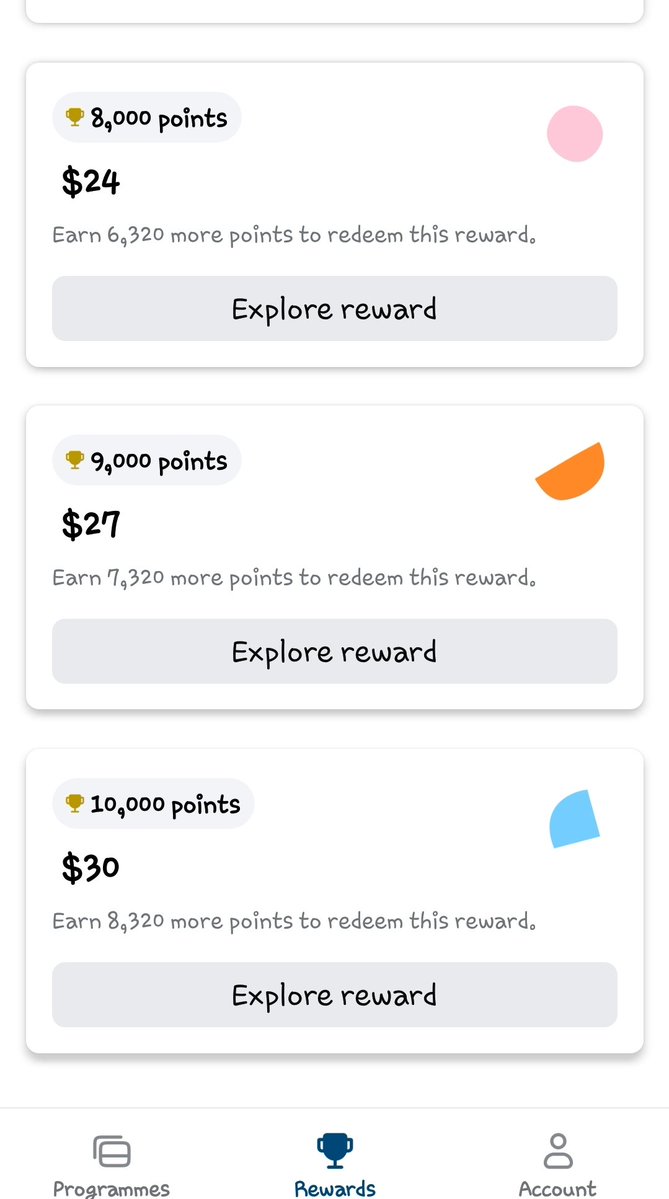
Don’t rush to redeem small points every time
Stack your points till like 10,000+ points (= about $30) so you can order something reasonable online 💳🔥

Dammy@OlatunjiAyokan2
🚨 Received another tasks from Viewpoints today 💰 If you are sleeping on Meta Viewpoints you are missing simple online cash Easy tasks Simple surveys All you need 👇 ✅ Smartphone ✅ Stable internet ✅ Consistency If you have ever cashed out from Viewpoints drop your screenshot below 👇💵
English

@KayCey_09 @cloud9tv_eth Mine showed when I did it the app is under maintenance that’s why why it’s not showing
English

@FareaNFts I heard some of you guys aren’t getting tasks on Viewpoints 👀 Should I share the secret?

English

(Facebook) Meta has been paying people to use their phone this whole time and nobody talks about it 😭
it's called meta viewpoints, an official app by meta platforms
no experience needed. no skills required. just your phone and consistency
active users earning $50-$200/month just from daily tasks
what you'll be doing:
- short surveys and research studies
- passive app usage tracking (runs in background)
- voice recordings and pronunciation tasks
- AI app usage surveys
how to get started:
> android → play.google.com/store/search?q…
> ios → apps.apple.com/us/app/meta-vi…
> sign up with google (works better than facebook for task matching)
> verify your email
> go to account tab and fill out EVERY single section
why your profile matters MORE than anything:
incomplete profile = almost zero tasks
complete profile = 2-5x more tasks
fill out all of this:
- age and date of birth
- gender
- location and country
- education level
- interests and hobbies
- languages spoken
- device usage habits
the study program (most passive earning method):
once invited you get a notification every 3 days
the whole task takes under 30 seconds
> open the app
> review what data will be shared (no passwords, no messages)
> tap send data
> points credited instantly
earn 85-195 points per task depending on streaks
points and rewards:
- 1,000 pts = ~$3
- 2,000 pts = ~$6
- redeem via paypal or visa gift card in app
- zero fees from meta
tips to maximize earnings:
- turn on ALL notifications, tasks expire fast
- check app 1-2 times daily even without alerts
- NEVER miss a study task, streaks give bonus points
- combine study program + surveys for $10-20/month
- new accounts take 1-2 weeks to get tasks, be patient
available in Nigeria, South Africa and other continents too.
this is 100% official meta, not a third party app
the people who set up their profile properly today will be the ones earning passively next month while everyone else is still looking for opportunities
i wish someone had sent me this earlier 😭
repost so others can see this too 🔖


GAMBS LUXURY@Gambari393071
@OlatunjiAyokan2 My own account is new and have cashed out once I fact road to second cash out
English




@Caution992 How long will it take before it drops i did everything including deposit
English
English

English

Instant $5 update 💸
Download Onedash from playstore or App Store: onedosh.onelink.me/eSAT/1tvom1ih
Use my referral code: beejayy
Register your account with your NIN
Once you’re done setting up your account
Deposit 500 naira
You’ll get $5 instantly
Withdraw to your wallet and enjoy❤️❤️❤️
Rush!!!

English