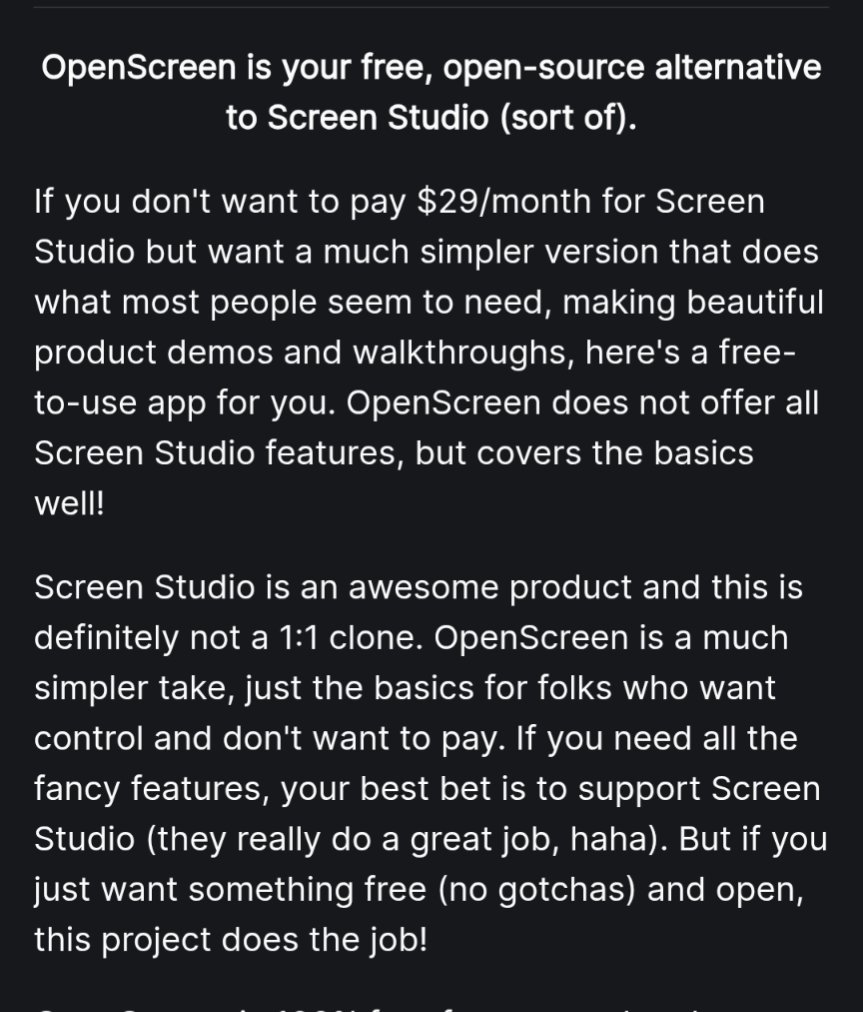
@lantianlaoli@heynavtoor It's intentionally not applied by default. You need to click it and based on cursor activity that was captured during recording - it it deems fit - it adds the auto zooms once you click on it
@sidious_man@heynavtoor What product are you the developer of? I have used openscreen and screenkit. Neither of these two free tools has automatic scaling now. You need to manually zoom in after recording. Very troublesome
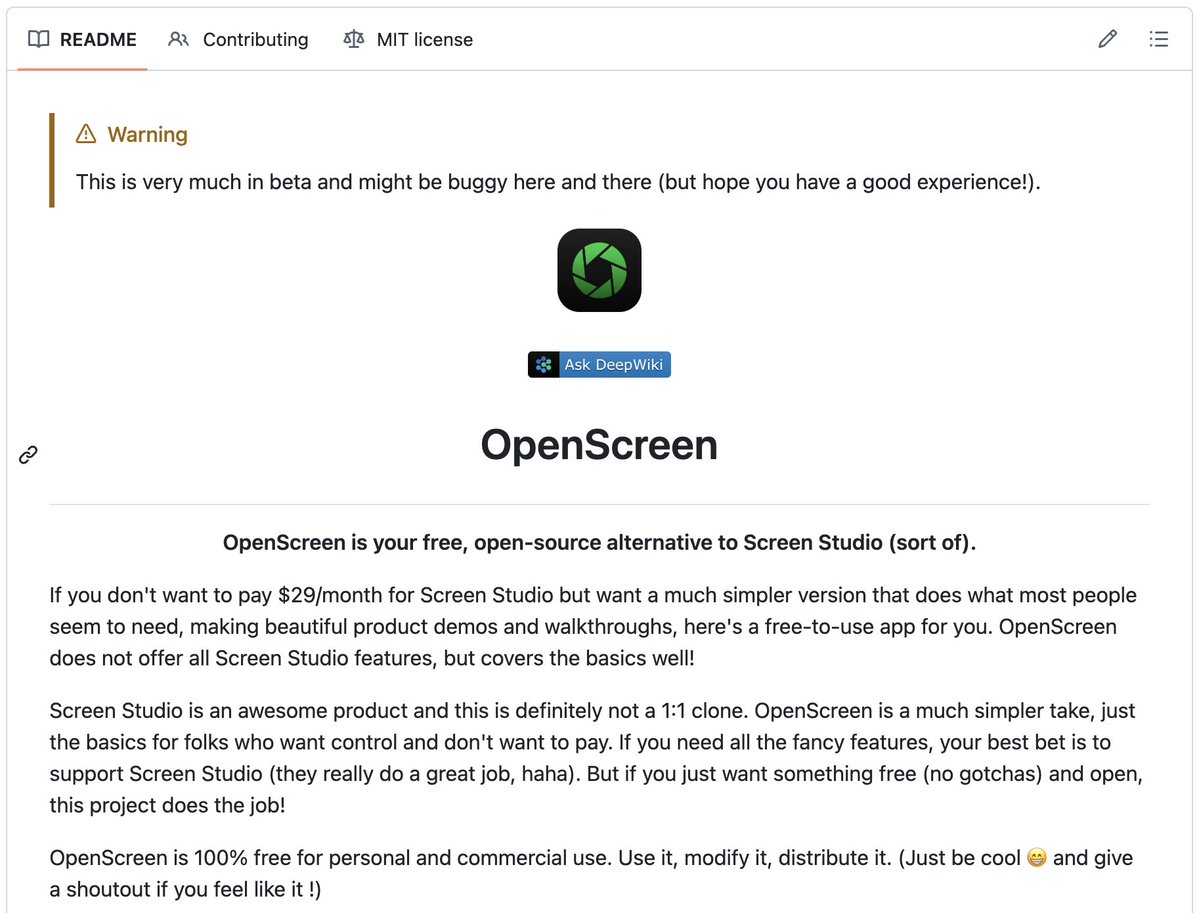
🚨 Screen Studio charges $89 for this. Someone open sourced the entire thing for free.
It's called OpenScreen. 8,400+ GitHub stars.
You record your screen. It automatically transforms it into a polished, professional demo video.
Auto-zoom into clicks. Smooth cursor animations. Motion blur. Custom backgrounds with wallpapers, gradients, and shadows. Webcam overlays. Annotations. Timeline editing. Export in any aspect ratio.
The exact workflow that Screen Studio sells for $89 and Loom sells as a subscription. Free. No watermarks. No accounts. No subscriptions.
Here's what you get out of the box:
→ Full screen or window capture with system audio and mic
→ Automatic zoom that follows your cursor and clicks
→ Manual zoom with customizable depth and timing
→ Smooth motion blur on pan and zoom transitions
→ Animated cursor rendering with motion effects
→ Webcam bubble overlay with drag-and-drop positioning
→ Wallpapers, solid colors, gradients, or custom backgrounds
→ Text and arrow annotations layered over recordings
→ Timeline trimming and variable speed segments
→ Crop, resize, and export in any resolution or aspect ratio
→ Save and reopen projects anytime
Here's the wildest part:
A developer forked it and built an even more advanced version called Recordly. Full cursor animation pipeline. Native macOS and Windows recording. Zoom behavior that mirrors Screen Studio frame-for-frame. Audio tracks. Webcam overlays with zoom-reactive scaling.
Both are free. Both are MIT licensed. Both work on Windows, macOS, and Linux.
Download. Record. Export. Done.
100% Open Source. MIT License.
(Link in the comments)
@lantianlaoli@heynavtoor Worked on Openscreen 👋 I'm not sure if you are using an older version. If you aren't seeing a magic wand icon above the timeline as a setting - that's probably why - it's right between the zoom and the trim button. There's definitely room for improvement.
@lantianlaoli@heynavtoor AHH I see. Could be added. For now we have a primitive cursor dwell detection algorithm for automatic zooms while you move it around. You need to click the wand icon to apply auto zooms.
@heynavtoor This open-source project does not have automatic scaling at all, and I have experienced many free screen recording software. None of them can achieve the smooth automatic scaling effect like screen studio. I have subscribed for a year. Don't waste time on free tools.
🔥Record your screen like a pro 🎬
Auto zoom while recording.
Mic + system audio capture.
Custom backgrounds & gradients.
Add text, arrows & images.
Control speed per segment.
Free forever. No watermark. No subscription.
⭐ 8.6K stars on GitHub 👇
The bottleneck has so quickly moved from code generation to code review that it is actually a bit jarring.
None of the current systems / norms are setup for this world yet.
OpenScreen now supports automatic zoom suggestions, audio, and projects.
Really grateful for the support so far 🙏 We just crossed 36k downloads.
Will be taking a break for now. Meanwhile would love to see you use it to showcase and share what you’re building 🚀
There are plenty of screen recording applications. If you don't want to pay, I recommend Open Screen, an open-source project on GitHub. It doesn't have its own domain name, which means you can be sure there are tons of nerds behind it. 100% recommend.
openscreen.vercel.app
@Monkey_d_aryan@AlternativeTo Nah I totally understand cuz I use the same as well. But doesn't it get annoying with the inconsistency between OS for eg, having to use a virtual audio device for macos like blackhole(just one instance) it can be a lot of work for all features in mind that need separate handling
@Cypher_Samurai@ogshonax@dartsgamekz@AlternativeTo - It was between using a cross platform framework that supports Windows, Linux & MacOS OR support a single OS natively. I prioritized accessibility & reach.
- Feature vs Product confusion is a real thing. This app is not meant to be a screen-recorder :').
Hope this helps!