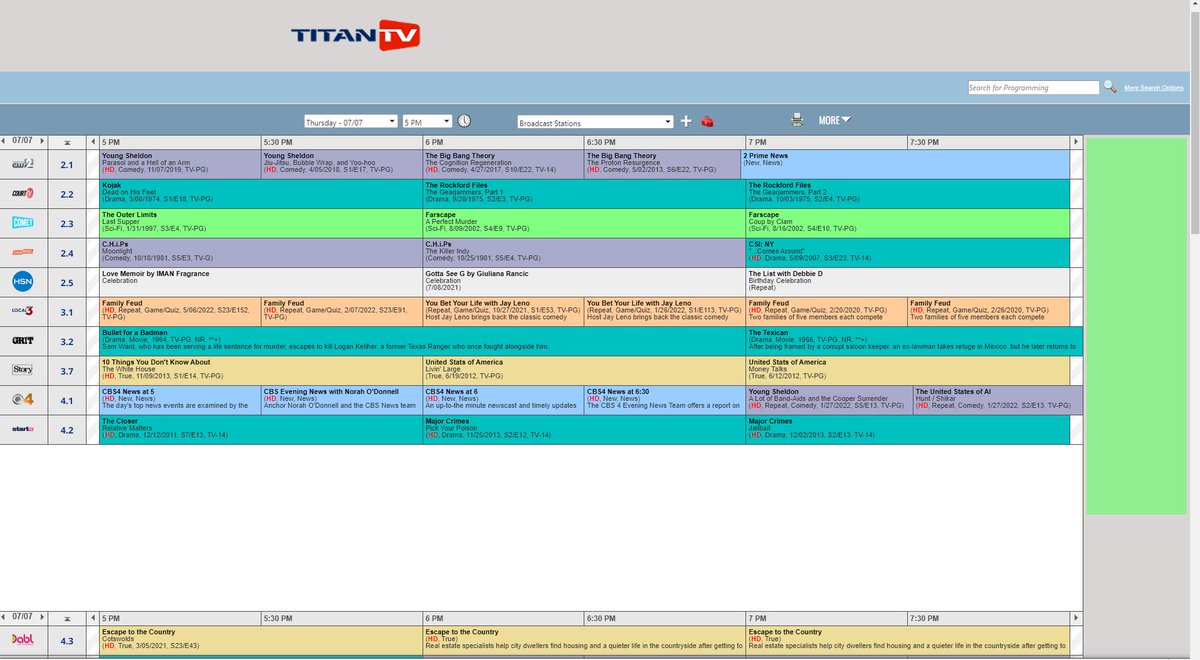
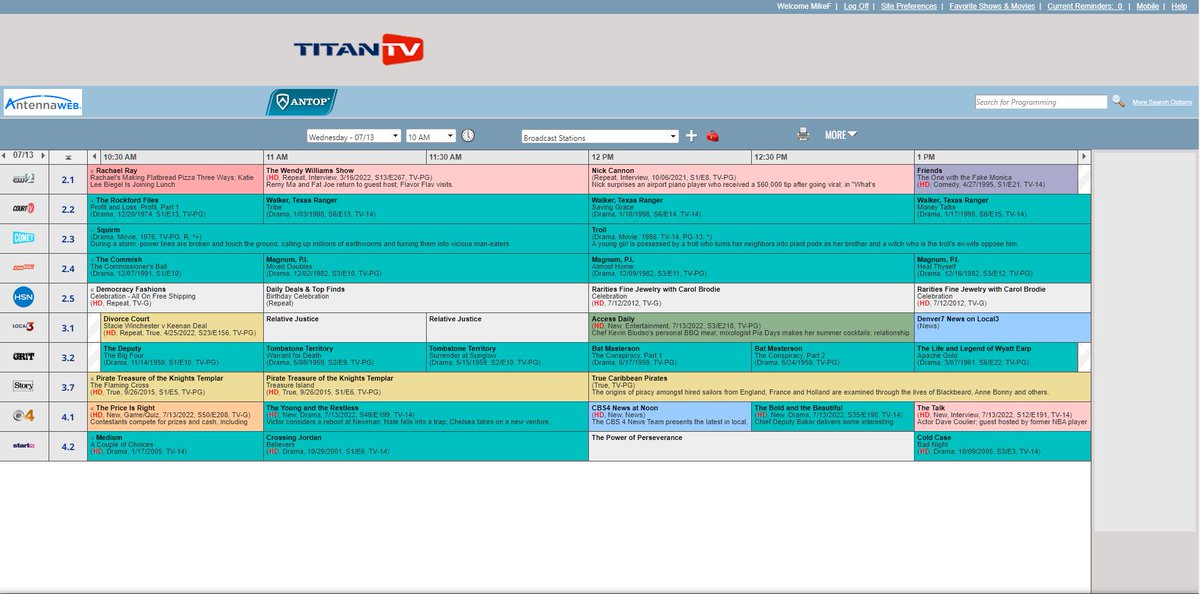
@TitanTV Custom channel lineup on website doesn't match watch is displayed on the mobile app. Mobile app shows all channels that I had previously configured, but many are missing from the website list, and now also missing from the editing page. I'm hesitant to try re-editing.
@TitanTV@MikePHall grid hour preference now working for me, desktop/pc/browser. only other thing seen is the old format used to refresh time automatically if left open in a tab, new format does not
@TitanTV@MikePHall cleared cookies/cache, no ad blocker, logged in with an acct. grid hour display still resets to 3 when other value used on page reload or new page. fyi
What's going on with your update?
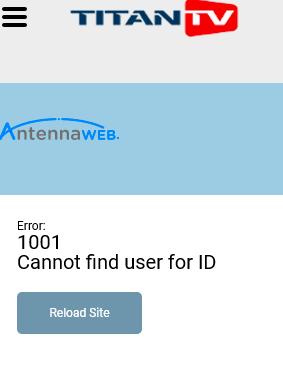
I haven't been able to log on .. I keep
getting an Error: 1001 ID not found!
[Yes, my ad-blocker is turned off]
Help!
@TitanTV
@TitanTV@MikePHall thanks titan! display/refresh speed is much better, probably could call it normal. one item- have selected 6hr display and saved. upon closing window( or tab) and reopening, it displays at 3hr. the rest seems to be fine.
@MikePHall@TitanTV@TitanTV ditto, also problems. grid takes 20-30 secs to come up on refresh, on refresh, user default of 6hrs set is reset to 3 , page now takes maxium space but grid doesn't use space efficiently. assume first round bugs, but right now, kinda sucks. :(
@MikePHall if you go to grid settings you can turn on the compact view. To get there click on the "gear" icon on the grid, then click on the "Grid Settings" tab. Then you can adjust the # of hours to display, change font size, and click on Compact Mode to have the cells take up less space.
What appears to be happening is that the schedule is advanced the two hours, as I ask it too, but THE HANGUP SEEMS TO BE THAT THE INFORMATION ABOUT INDIVIDUAL SHOWS NEVER DOWNLOADS, HANGING UP THE PAGE.
@TitanTV
CAN YOU FIX THIS PROBLEM??
SO today (PC, Chrome browser & all, like always!) your site loads up OK at "current time", but if I choose to view the sched 2 hrs later your "Loading, please wait..." box never goes away.
My ad blocker is off, etc. etc.
I Think IT'S YOU!
@immjz1 If viewing on a PC, press Ctrl +F5 keys on your keyboard at the same time. If viewing on a Mac, press Command + R key combination on your keyboard.
Once the download is complete, the page will refresh & the website should function normally again. Let us know if that works.
@BigGunn Thank you for the feedback. We are in the process of building a new website that will be mobile responsive and we will pass on your feedback to our developers as they build out that site. Thanks TitanTV
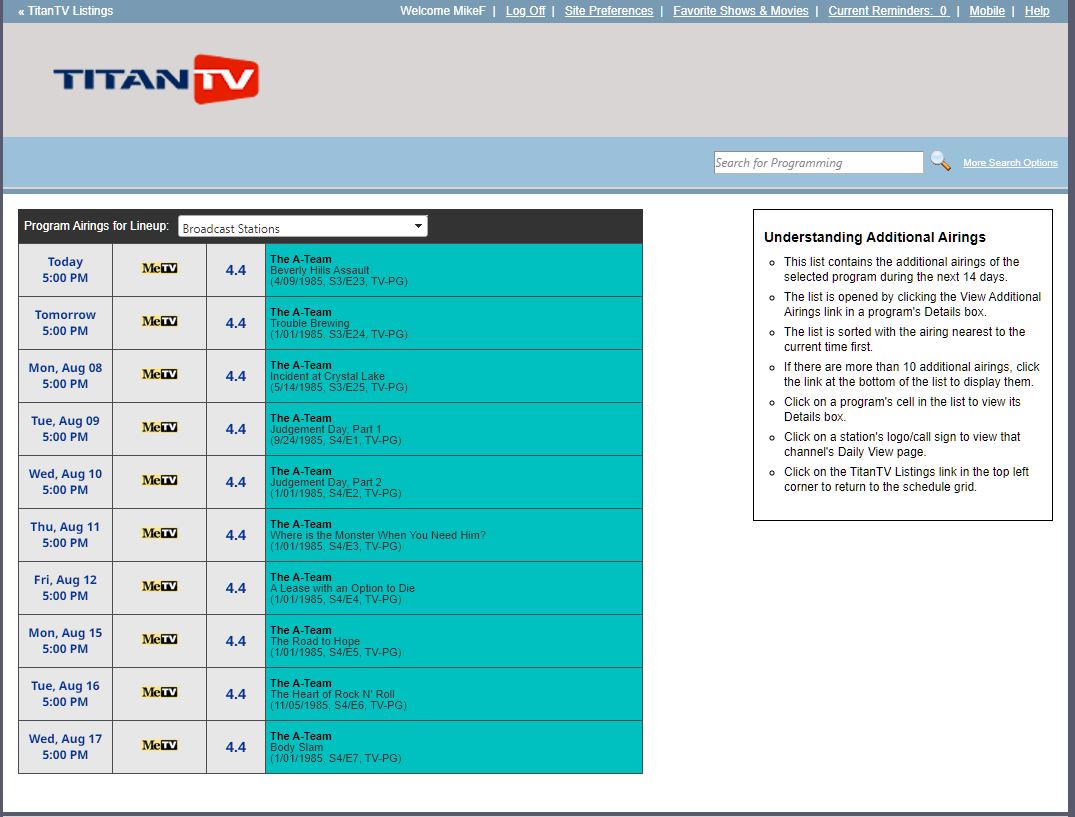
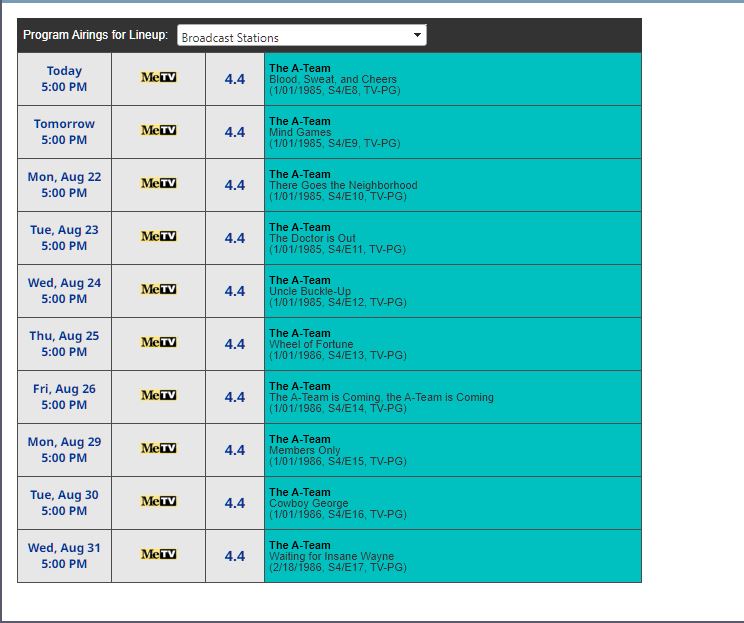
@TitanTV I'm just trying to program my PVR to record programming from the @TheATeam on @MeTV and the first air dates from your schedule show all shows from Season4 Episodes 2-7 as being 01/01/1985. Since I use the release date in the title of the recordings, the date does matter.
@BigGunn Thank you for the feedback. We are in the process of updating the site and testing out other advertising units to help support the site while still providing a good user experience.
@TitanTV I'm just wondering why the original play dates of every episode of @TheATeam in the current schedule would be for either 01/01/1985 or 01/01/1986? Was there some kind of marathon air time warp? It makes it a struggle to program my PVR when every date is WRONG!
@MikeFlanaganNew Mike, we understand your frustration. We are in the process of building out a new version of the site. With the site being a free site, "paid" by ads, if there was an option to use the site with out ads, would you pay an annual subscription of sorts?
@TitanTV There are 10 lines of programming, then 6 lines of advertising, then ten lines of programming, repeated to the bottom of the page. There is no way other than ad blocking to remove the six lines I don't want to see.
@TitanTV it's out of whack again buy an hour for Ed Sullivan that shows 8pm but Perry Mason is playing now. Also how do I get rid of the blank six lines where the sports promos are located?
@MikeFlanaganNew Now you can hide channels and move them up or down, depending on the order you want your channels to display in your now customize lineup.