
Network York 💙

20K posts

Network York 💙 banner
Network York 💙

Network York 💙

@networkyork2006

Founded in 2006 a highly successful business group for people serious about their business ...Keeping Business on Track!

York, North Yorkshire Katılım Kasım 2014
1.7K Takip Edilen1.1K Takipçiler
Network York 💙 retweetledi

Kelvin MacKenzie
Kelvin MacKenzie@kelvmackenzie·
Grateful to Times columnist Giles Coren for putting to the sword a local council pipsqueak for trying to put out of business a restaurant in the middle of nowhere where owner Ruth Hanson does all the kitchen prep herself, the washing up, the bookings, the till, payroll and then cooks it. The restaurant is called Hansom in Bedale, North Yorkshire. To give you an idea of its remoteness it’s 7 miles from Northallerton and 31 miles from York. So, on occasions, her husband Mark, who had a job of his own, gives up his evenings to chauffeur some guests to and from their homes. Coren points out when he reviewed the place last year ( he gave it a glowing recommendation) he had to hitchhike from Northallerton station. No Bedale train, no metro, no Uber hanging around at the corner. Enter Chris Doyle, licensing enforcement officer for N Yorkshire council, who has written to Ruth saying in his view Mark was operating a taxi service and that would require a raft of expensive and time consuming licences. Ruth responded that Mark was her husband, he was unpaid and there was no separate charge for the journey. Doyle said he didn’t care as there was deemed to be a commercial benefit and warned without a licence the council may take legal action. Coren has a great last paragraph; “ Yeah, you sue her, you absolute local heroes. “ You teach Ruth and Mark a lesson for being great at their jobs, for treasuring their customers, for trying to create a little joy and make ends meet in a collapsing world.” PS Thought you’d like to see what a Ruth menus looks like. This is called the Sunday Sharing Feast. Starters. Smoked Leek and Pickled Croque Monsieur Whitby Crab Crumpet Pickled cucumber, Garden herbs. Heritage beetroot, whipped goat’s Curd, Wild Garlic emulsion. Main Course Wensleydale chicken, Apricot and sage Wellington. Honey and mustard mash, buttered spring , cider sauce. Dessert Yorkshire rhubarb and ginger trifle. Cost; £55. With publicity thanks to Coren’s column and this tweet I suspect the queue will be out the door and Mark can have his evenings off again.
English

294
2.7K
10.9K
421.9K
Network York 💙 retweetledi
York Print Company
York Print Company@YorkPrint·
Please note, due to the high temps we will be closing at 2pm Thursday and Friday
English
0
1
0
41
Network York 💙 retweetledi
York Print Company
York Print Company@YorkPrint·
Nice little job for Channel 4. They have a new series called Our Yorkshire Shop: A Victorian Restoration. Starts on 8:00 PM Sunday 8 June. Opening night and first viewing at City Screen tonight, and the foam board prints are on display. yorkprintcompany.co.uk/product/printe…
York Print Company tweet media
English
0
1
1
98
Network York 💙 retweetledi
York Print Company
York Print Company@YorkPrint·
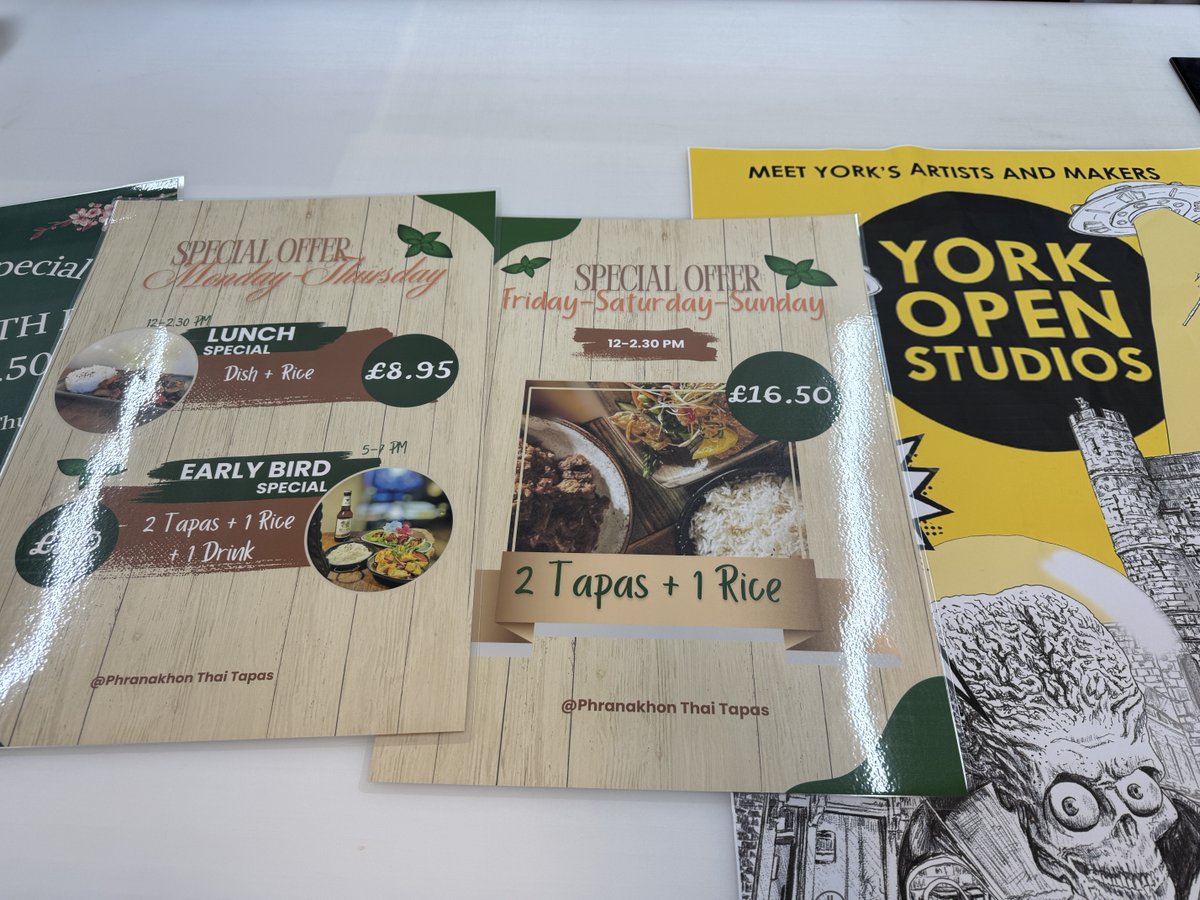
🎯 Local businesses, stand out with high-quality prints that reflect your brand's personality. From design to delivery, we’re your York print partner. Let's make your ideas tangible. #York #Print #YorkPrint
York Print Company tweet media
English
0
1
1
34
Network York 💙 retweetledi
York Print Company
York Print Company@YorkPrint·
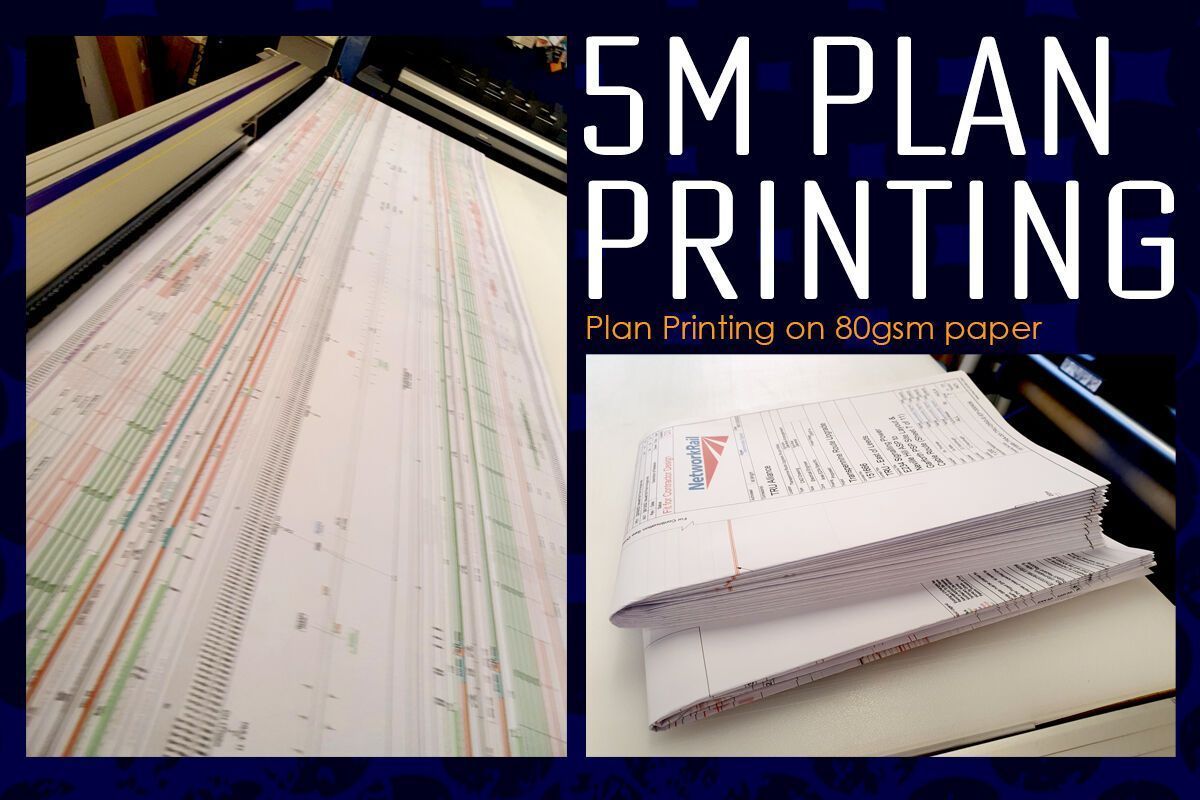
Enhance your workspace with our large format posters tailored for local businesses. These high-quality images will not only brighten up your office but also elevate your brand's visual appeal. Experience the difference of great quality posters!
York Print Company tweet media
English
0
1
2
30
Network York 💙 retweetledi
York Print Company
York Print Company@YorkPrint·
Looking for the perfect way to stand out? Our stickers and decal printing can be made to any size or shape, just what you need! Perfect for businesses looking for an eye-catching and creative way to market their products or services. 🚀✨ #prints #diecut #York #onlineprinting
York Print Company tweet media
English
0
1
0
43
Network York 💙 retweetledi
Rasel Hosen
Rasel Hosen@details_with_ai·
14. How to Draw, Add Lines and Write Anything with Friends in Notes: Use the pencil icon to draw or add lines, and share the note with your friends to collaborate in real time.
English
1
1
3
812
Network York 💙 retweetledi
Rasel Hosen
Rasel Hosen@details_with_ai·
13. Transform Notes into a shared task app: - Create your list. - Click "Share". - Select "Collaborate". - Send the link to another user.
English
1
1
2
515
Network York 💙 retweetledi
Rasel Hosen
Rasel Hosen@details_with_ai·
12. Activate the power of quick notes: Go to Settings > Control Center > Quick note. Open the control center, press the Quick Note button to open a blank note in your current app, making note-taking easier.
English
1
1
5
597
Network York 💙 retweetledi
Rasel Hosen
Rasel Hosen@details_with_ai·
11. Scan documents: Press and hold the Notes app until the submenu appears. Choose to scan documents. Scan your documents and click Save.
English
1
1
4
653
Network York 💙 retweetledi
Rasel Hosen
Rasel Hosen@details_with_ai·
11. Save a note as PDF: Open the note, tap the share icon, select "Collaborate" and "Send a copy." Swipe up, tap "Marked" to preview the PDF, then "Done" and "Save File."
English
1
1
4
739
Network York 💙 retweetledi
Rasel Hosen
Rasel Hosen@details_with_ai·
10. Use tags to organize your notes and set reminders: Type a hashtag to create a tag. When it turns yellow, the tag is active. Go to Folders and swipe down to see all your tags.
English
1
1
4
763
Network York 💙 retweetledi
Rasel Hosen
Rasel Hosen@details_with_ai·
9. Create a password protected note: Go to "..." in your note and click "Lock." Choose to use your iPhone code or define a new one (not recoverable if you forget it). The note will now require Face ID or a code to access.
English
1
1
4
833
Network York 💙 retweetledi
Rasel Hosen
Rasel Hosen@details_with_ai·
8. Save a note as PDF (a hidden feature) 1. Open the note and tap share icon. Below the title, select Collaborate. 2. Tap on Collaborate and select Send a Copy. Swipe up further and tap Markup for PDF preview of your note. 3. Tap Done → Save File You now have a pdf!
English
1
1
3
927
Network York 💙 retweetledi
Rasel Hosen
Rasel Hosen@details_with_ai·
7. Share folder Share a notes folder by tapping ... and selecting "Share Folder." When the invite is accepted, you can tag each other in the notes, and the other person will get a notification. You can also see all the activities in the folder.
English
1
1
2
999
Network York 💙 retweetledi
Rasel Hosen
Rasel Hosen@details_with_ai·
6. Organize your notes with smart folders: Create a new folder by tapping "New Folder" in the bottom left corner and selecting "Make it Into Smart Folder". Here you can create different folders like: - To do-lists you haven't checked - Specific tags - Pinned notes
English
2
1
5
1.1K