
OldGuyGeek

395 posts

OldGuyGeek banner
OldGuyGeek

OldGuyGeek

@OldGuyGeek

After 50 years working with computers both in IT & at home, I'm the one that everyone asks when they need help with their computers. I'm always glad to help.

Thousand Oaks, CA Katılım Mart 2013
0 Takip Edilen39 Takipçiler
OldGuyGeek
OldGuyGeek@OldGuyGeek·
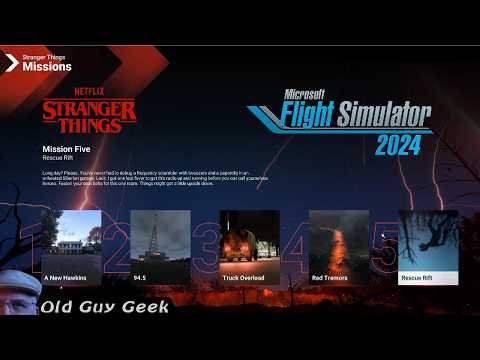
The fifth and final Stranger Things mission in Microsoft Flight Simulator 2024. You have to find and rescue Sparky. Problem is that he's stranded in the Upside Down. Fly there, find & rescue him. Fly back to the regular world and deliver him to The Squawk. youtu.be/x_3DfmEZsn4
YouTube video
YouTube
English
0
0
0
35
OldGuyGeek
OldGuyGeek@OldGuyGeek·
Fire up your Microsoft Flight Simulator Stranger Things helicopter! You need to rescue the repair specialist, Bernie. Enter the Quarantine Zone while flying below 300ft AGL. Did I mention he's stuck on a piece of the road isolated on all sides by rifts? youtu.be/kqQE9LuZ6Yo
YouTube video
YouTube
English
0
0
0
35
OldGuyGeek
OldGuyGeek@OldGuyGeek·
Time to use your Microsoft Flight Simulator 2024 helicopter skills. There's a problem in Stranger Things land. A piece of equipment has been stranded during delivery. Find it, hoist it up and deliver it to The Squawk. youtu.be/7SYK02jESw0
YouTube video
YouTube
English
0
0
0
27
OldGuyGeek
OldGuyGeek@OldGuyGeek·
Now that you have your flight simulator helicopter skill honed, you will need to continue your Stranger Things Missions. Now you have to pick up a part from a warehouse and deliver it to the antenna. All while hiding from helicopter patrols. youtu.be/DoFVzKjmy1s
YouTube video
YouTube
English
0
0
0
17
OldGuyGeek
OldGuyGeek@OldGuyGeek·
https:/Now that you've finished your helicopter training in the Stranger Things install video, it's time to tackle the five missions in the series. First, you need to fly to a house in Hawkins and deliver a package. Simple enough? youtu.be/IQYYfpy8c-c
YouTube video
YouTube
English
0
0
0
24
OldGuyGeek
OldGuyGeek@OldGuyGeek·
Back in December 2025, Flight Simulator 2024 released a new 'activity' based on the Netflix series Stranger Things. It features three sections: Helo training, Five missions and 46 photo ops. Best of all, it's free from the marketplace! youtu.be/H9xATmnlHfA
YouTube video
YouTube
English
0
0
1
58
OldGuyGeek
OldGuyGeek@OldGuyGeek·
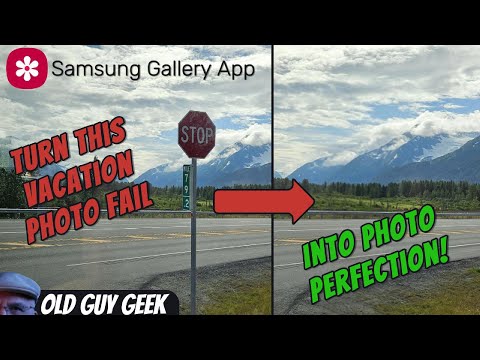
Have you ever though you have taken a great picture, but later found out that something was in the way, spoiling that perfect picture? Well, if you have Samsung phone, it's Gallery app has an easy, built-in way to remove that irritating object. youtu.be/z0VllkbljJI
YouTube video
YouTube
English
0
0
0
61
OldGuyGeek
OldGuyGeek@OldGuyGeek·
If you've hidden your Desktop Icons, you don't have to turn them back on to view them. Here's how to setup a quick link while keeping your desktop immaculate! youtu.be/qhXN6o2KIRg
YouTube video
YouTube
English
0
0
1
62
OldGuyGeek
OldGuyGeek@OldGuyGeek·
Flight Simulator 2024 has 'Challenge Courses' each week. You are invited to compete with other players for highest rankings. Problem is, the courses are quite difficult. Here's a video that explains how to preview the course before you fly. youtu.be/cgeG6W0F4YM
YouTube video
YouTube
English
0
0
0
59
OldGuyGeek
OldGuyGeek@OldGuyGeek·
If you have multiple monitors want Microsoft Flight Simulator 2024 to display across all of them, there are built-in settings and adjustments that you can apply to them. youtu.be/HBWGlBb1ARE
YouTube video
YouTube
English
0
0
1
47
OldGuyGeek
OldGuyGeek@OldGuyGeek·
Just like Microsoft Flight Simulator 2020, Flight Simulator 2024 has the ability to detect and utilize advanced video cards features. Here's a simple method to adjust your settings and test them with you aircraft, location and flying conditions. youtu.be/hSO6L0id32w
YouTube video
YouTube
English
0
0
1
49
OldGuyGeek
OldGuyGeek@OldGuyGeek·
Imagine my surprise when I got a traffic ticket in the mail! What was even more astounding was that it was from the Bay Area Transport 400 miles away! youtu.be/0b-g4VNiBnc
YouTube video
YouTube
English
0
0
2
25
OldGuyGeek
OldGuyGeek@OldGuyGeek·
Microsoft Edge has some handy capture tools that allow you to capture part of the browser window or the entire page even if it's not currently visible on the screen. youtu.be/6gQvuz8IGME
YouTube video
YouTube
English
0
0
1
28
OldGuyGeek
OldGuyGeek@OldGuyGeek·
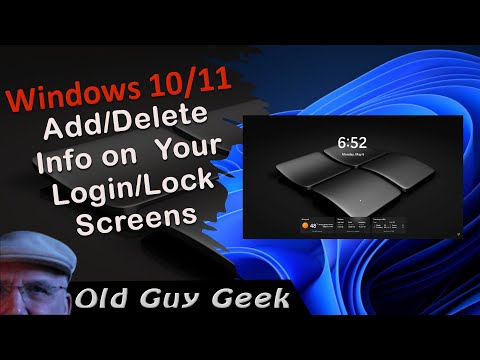
Every have on of those mornings where you just want to fire up your system while the brain fog lifts? You know, that time when you don't really want to start working, but still want a hint on how your day's going to go. youtu.be/hpGrjCWKH8c
YouTube video
YouTube
English
0
0
1
16
OldGuyGeek
OldGuyGeek@OldGuyGeek·
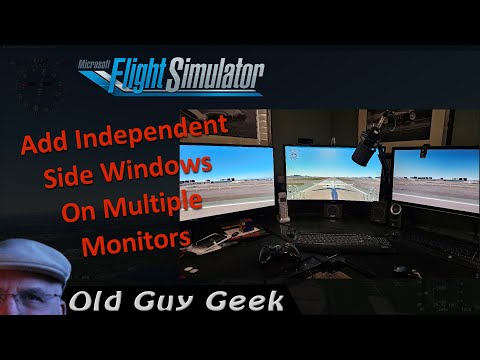
If you have multiple monitors and you want Flight Simulator 2020 to display across all of them, you normally would use your graphic card's software to span your displays. Well, FS2020 has the internal ability to add additional viewing windows. youtu.be/SN5H33hO_3c
YouTube video
YouTube
English
0
0
2
24
OldGuyGeek
OldGuyGeek@OldGuyGeek·
Some software publishers are relentless in advertising. In this case, Corel invades your Windows Desktop with ads for one or more of their products. Here's how to stop them. youtu.be/OHzpQGRpd48
YouTube video
YouTube
English
0
0
0
20
OldGuyGeek
OldGuyGeek@OldGuyGeek·
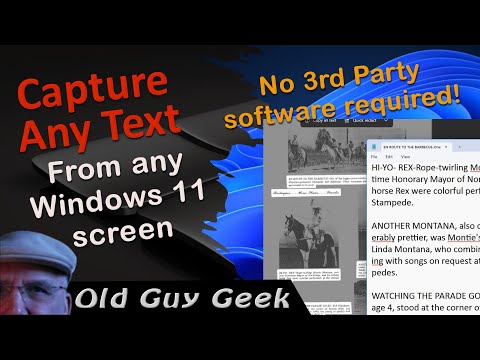
Once in a while, you see some text that you would like to be able to save as text, but alas, it's inside an app, just text in an image or maybe even a PDF that is not editable. youtu.be/Y7EnOVqnrio
YouTube video
YouTube
English
0
0
0
18
OldGuyGeek
OldGuyGeek@OldGuyGeek·
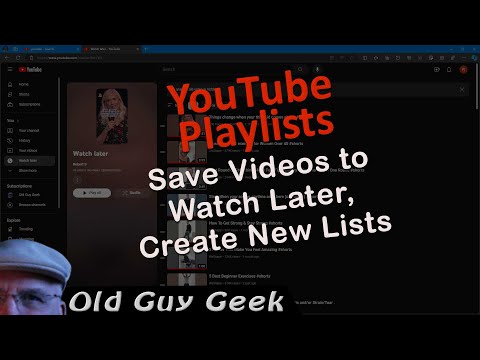
Not only can you save a video to your Watch Later list, but you can also create other lists for saving video into categories you are interested in. In that way, if you want to find a video you saw but want to rewatch later, it's much easier to find. youtu.be/m33x6Aw2fVA
YouTube video
YouTube
English
0
0
0
79
OldGuyGeek
OldGuyGeek@OldGuyGeek·
YouTube stores all of your watch history indefinitely. While it allows you to revisit videos, it also keeps them for their own purposes. If you do not want them storing that history or have it on display for others to view, follow the steps in this video. youtu.be/l_7JRQFVw14
YouTube video
YouTube
English
0
0
0
77