
Sabitlenmiş Tweet
Patrick Hill
2K posts

Patrick Hill
@PatrickHill
I design and write code. Design at https://t.co/JCebaewORD. Making https://t.co/5nlNZtVVh5.
Louisville, KY Katılım Mayıs 2008
265 Takip Edilen514 Takipçiler
@cifilter Web supports transparent video. I did a write up on how to do it a while back hellohill.com/notes/transpar…
English

Tbh now that HEVC + alpha is a thing on Apple platforms, rendering out to video often makes the most sense. File sizes are insanely small, and perfect alpha compositing means you can do just about anything. Not sure if web supports HEVC + alpha?
Alex Barashkov@alex_barashkov
When we animate icons, we pick the tool based on what the icon actually needs: - Simple SVG line icons → GSAP or Motion dev, animate inside the SVG. - Interactive, mix of vector and raster, visual effects → Rive. - 3D → Blender (or Spline). - Not 3D but visually complex → After Effects. - ASCII / pixel look → WebGL shader. For SVG animations or WebGL work, you can already successfully use AI. Gemini 3.1 Pro and Opus 4.6 are the best for these tasks. For Blender or After Effects, make a loop or a one-time animation and embed it as a video. Use ffmpeg to prepare assets in H.265, VP9, and AV1 codecs. Just Google my article and follow the steps - nothing complicated, but the output will be lightweight. Don't be afraid to use videos. They don't affect the performance of the site and will look super crisp at the size of the icons. If you choose Rive, try to use it for more animations on the site - otherwise, loading a runtime might feel heavy for "just a few icons." If you do animation with WebGL shaders, just pay attention to performance and turn it on or off when the animation is out of the viewport.
English
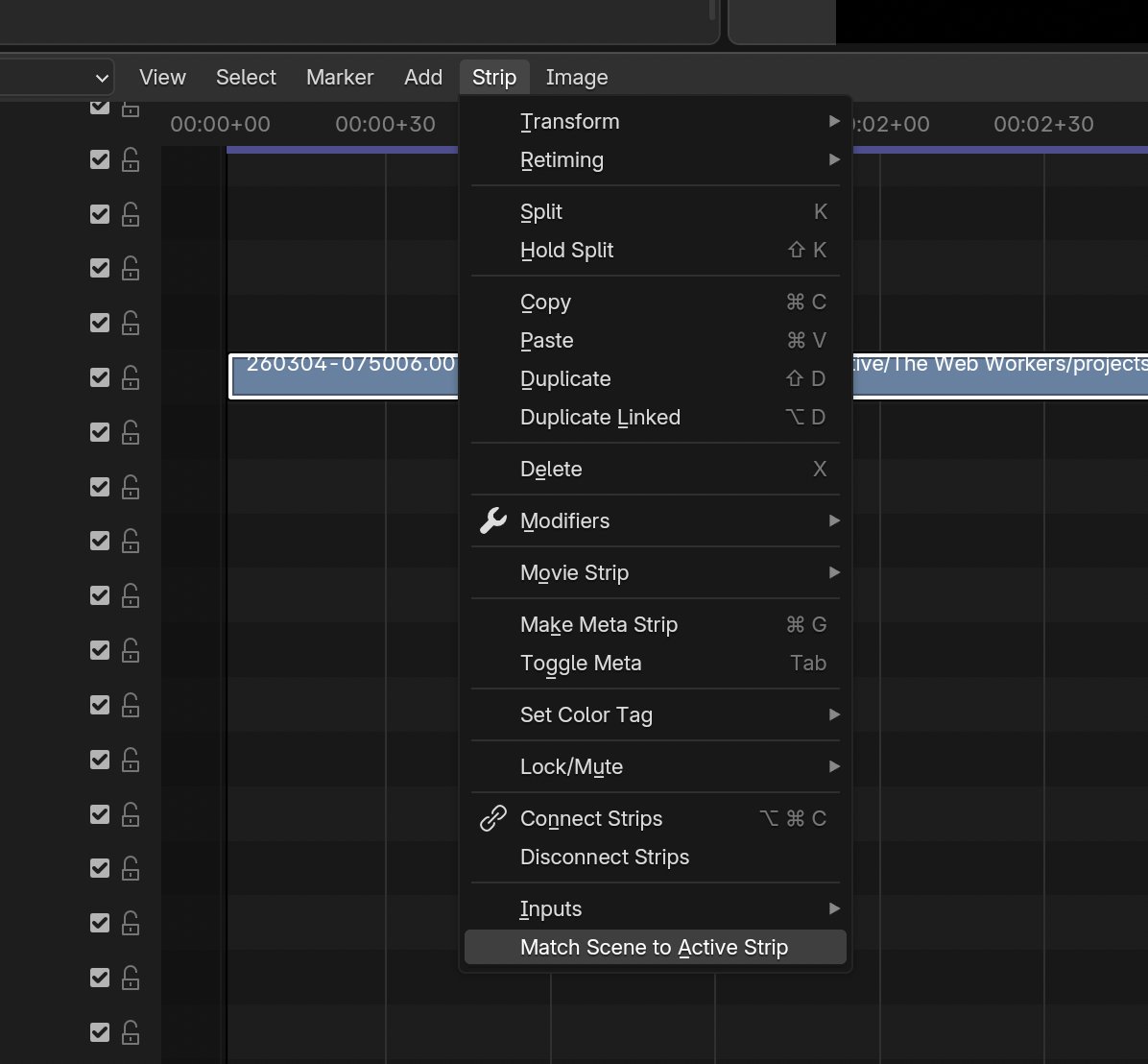
Made a little Blender plugin for quick video edits. I use this for UI demo screen caps. Select the clip and run the plugin to quickly set resolution, frame rate, and duration to match.
English
I got a new toy. Using the @PLAUDAI voice recorder to capture ideas and tasks plus some AI to route them into Obsidian and TickTick automatically. Finally have consistent, reliable capture. Love this setup. 🤤

English
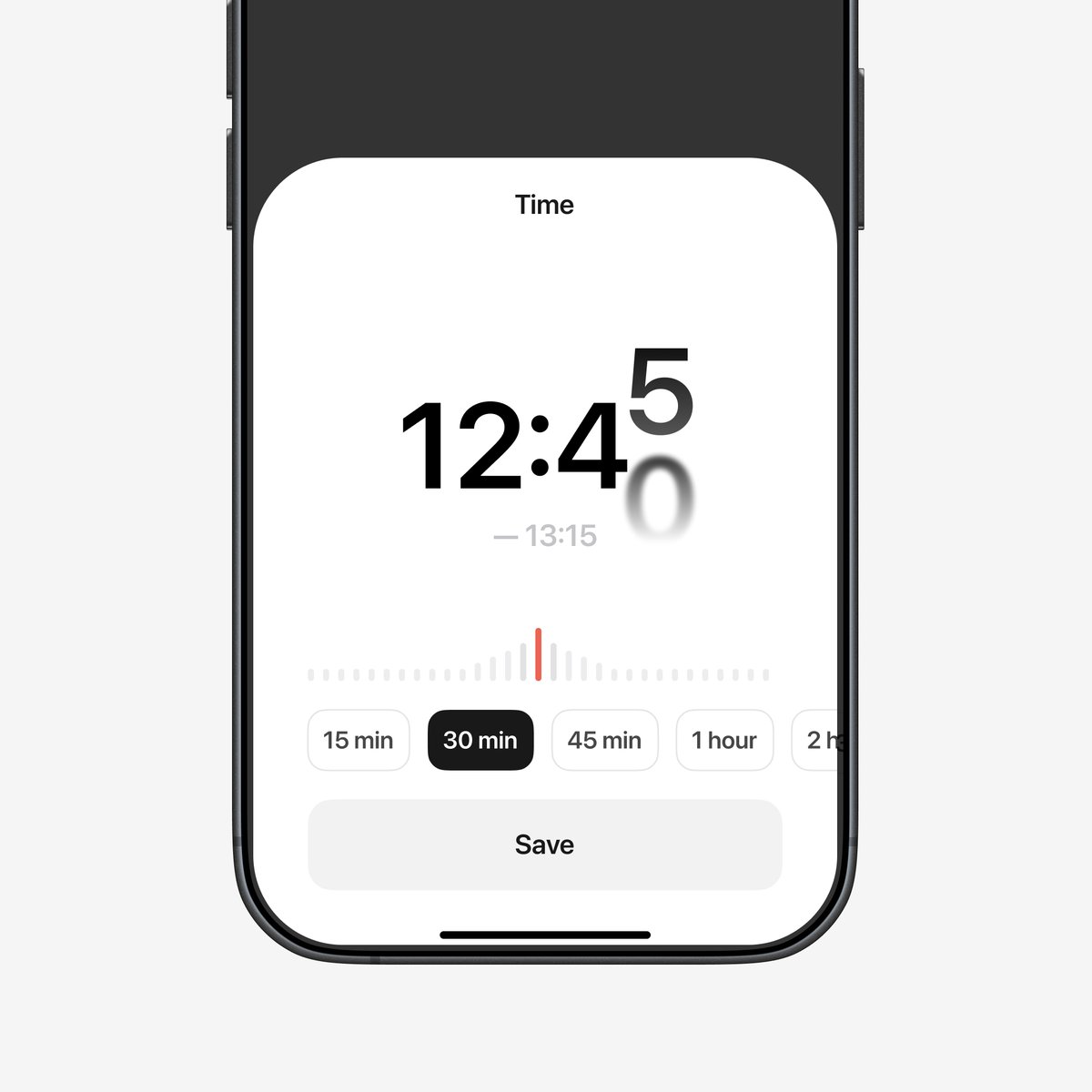
Playing with a subtle way to let people know their changes are being saved without pop-ups or noisy toasts. It shows things are saving and points to where the history lives. Over time, it would fade back to just the inline animation as people get familiar with the UI.
English
Made a prototype for an AI suggestion UI where you describe how an agent should behave, then ask AI to help polish it. Tried to keep things speedy while adding some subtle motion and satisfying reveals.
English

You get to request ONE new feature from us for 2026. What are you choosing?
Sketch@sketch
2025 was our biggest year yet. 3 major releases. Over 250 new features, improvements and fixes. Stack layout. Frames. Automatic concentric corners. Progressive blurs. Glass. A major redesign. MCP server. And so much more.
English

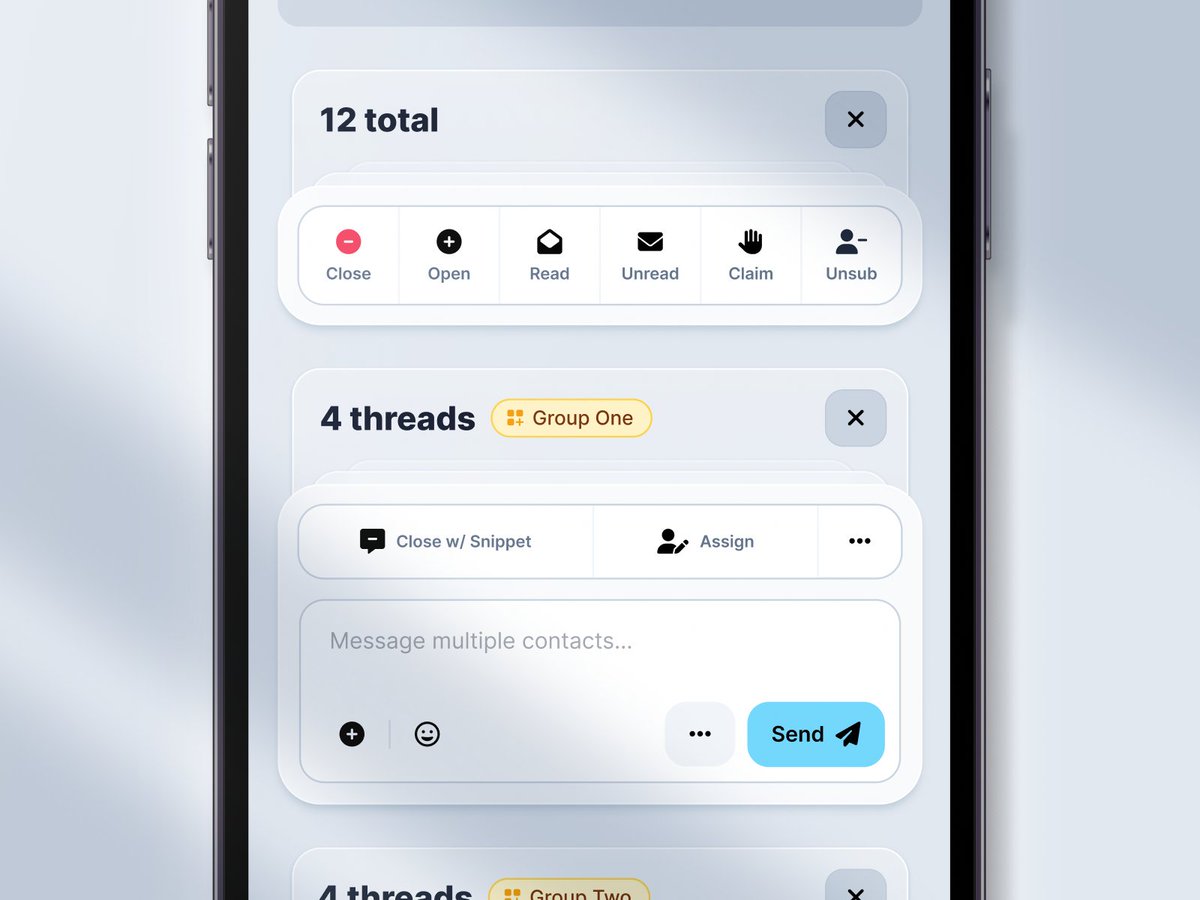
UI design for batch processing sms threads. This was done for an app that supports multiple outgoing phone numbers with different features so I needed a way to group the selected threads by those numbers while still allowing quick access to common actions.
English
Messing around with input validation styles. Can't decide if I like animating to normal state or shifting to success better.
English
Patrick Hill retweetledi


I like how the glass becomes frosted when the menu opens to increase readability
GIF
English
@sekachov @joisoftware looks cleaner without but more usable with. I'd take the usability win over the visuals.
English

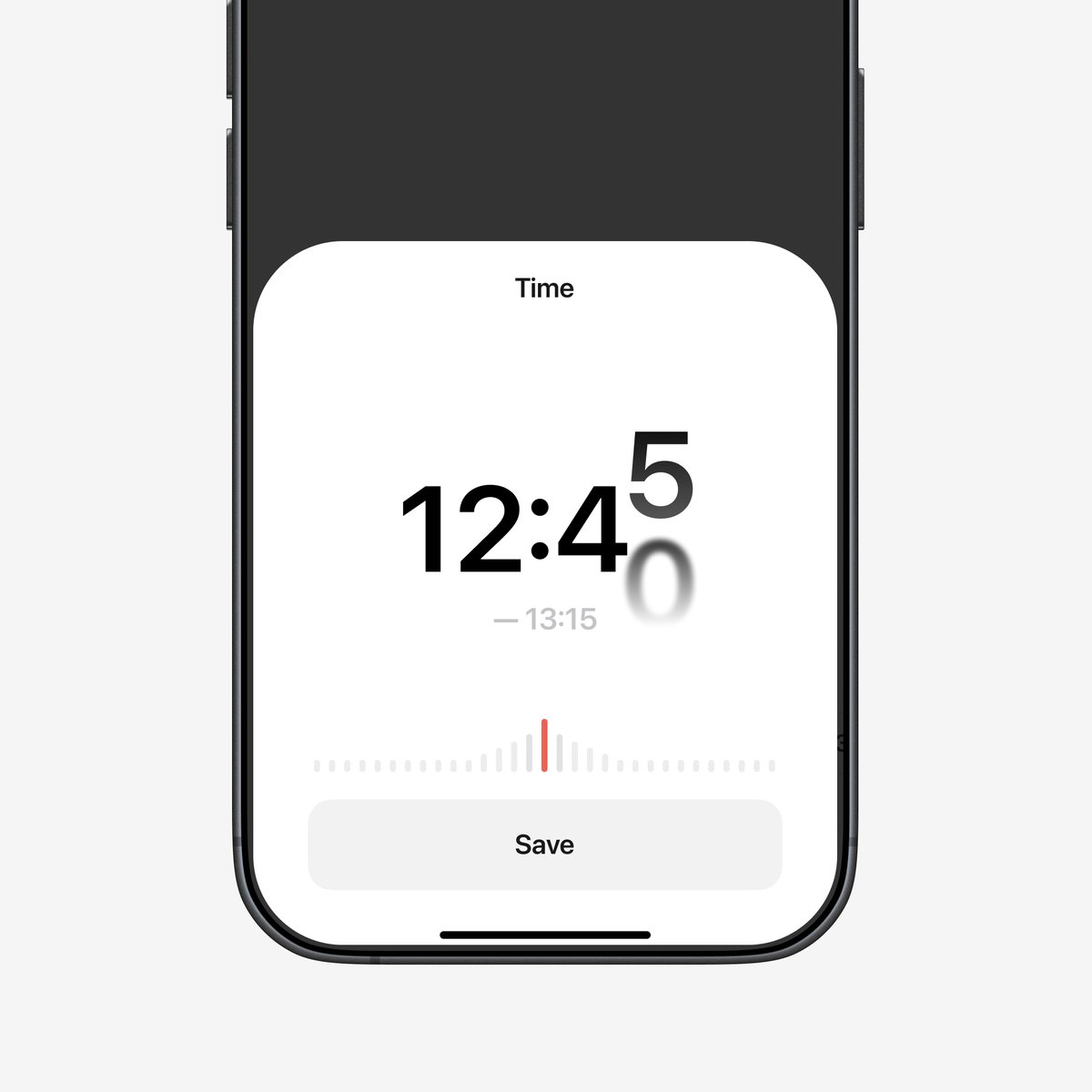
@thomaspaulmann @raycastapp Show previous command like launchbar so if you're doing something repetitive you don't have to search over and over
English

Ok, you can change one thing in @raycastapp, what is it?
English
Mobile version of a web app I've been working on. We tried platform specific versions for iOS and Android but ended up going with a unified design to keep a consistent user experience and simplify development.
#uidesign
English

@PatrickHill Good stuff! A quick way of making the differentiation clear is putting the underline on the redirects on hover
English
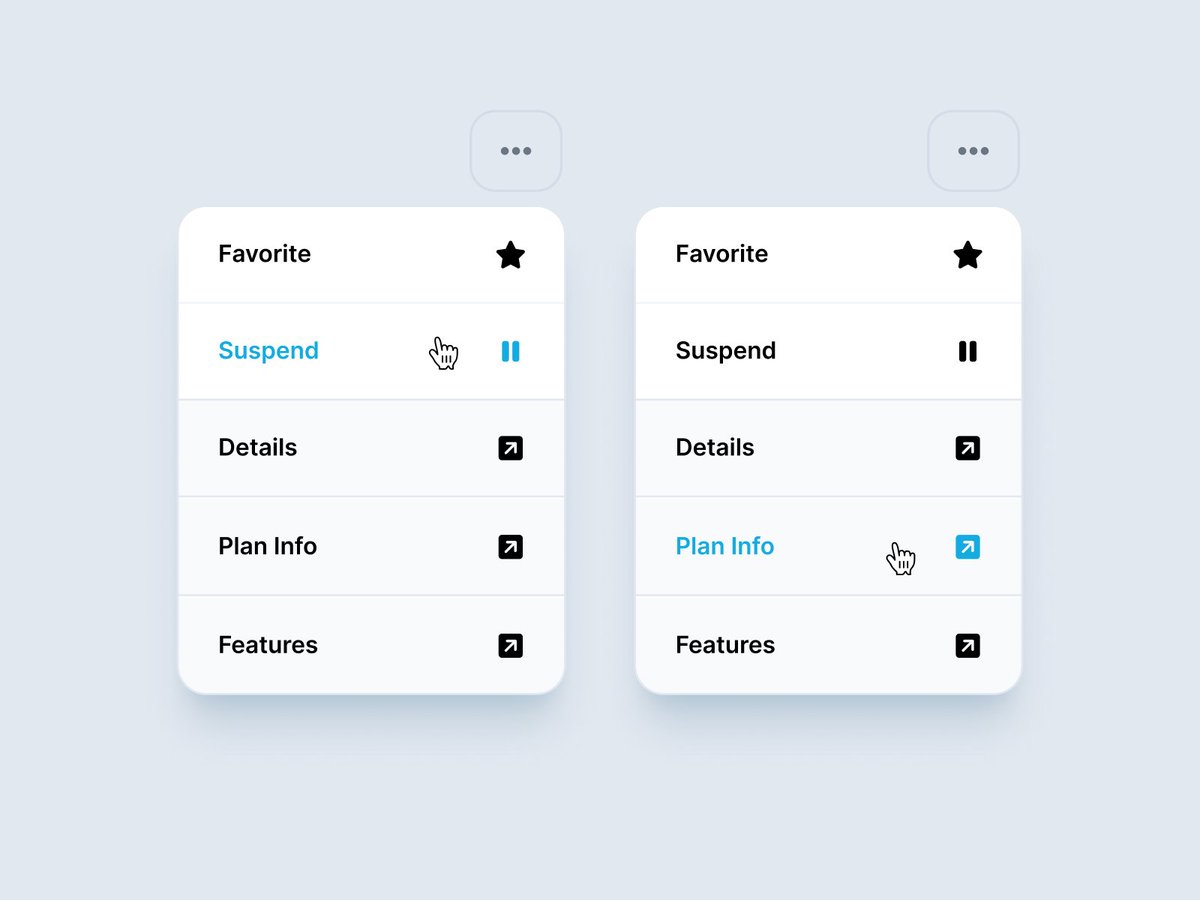
action menu work in progress
Trying to differentiate between direct actions and links to other pages. #uidesign
English
@designloomco the stripes on the page background give suck a nice, subtle texture. Almost looks like a solid color. 👏
English

