Gleek.io

274 posts

Gleek.io banner
Gleek.io

Gleek.io

@IoGleek

Striving to be the best diagramming tool for software professionals. Create UML class, sequence, entity-relationship diagrams. 🎬 https://t.co/LWF1G7vAFd


Entrou em Temmuz 2019
2.1K Seguindo999 Seguidores
Gleek.io
Gleek.io@IoGleek·
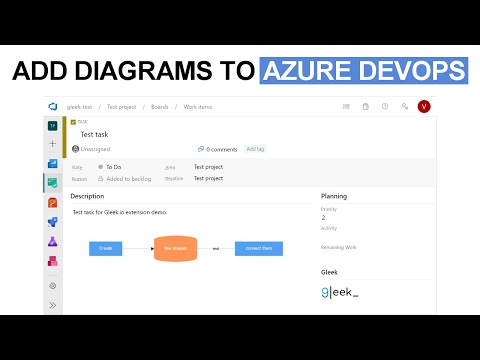
Exciting News!🎉 🤖 Our brand-new How-to video is live on YouTube! Discover how to design a University management system Class diagram using Gleek AI chat. Check it out now and share your feedback: bit.ly/46FfSyc #AI #Tutorial
English
0
0
1
130
Gleek.io
Gleek.io@IoGleek·
@sumitngupta @sujal Thank you, Sumit for the feedback. Let us know if you have questions regarding syntax or simply found a bug. Happy diagramming!🥳
English
0
0
0
0
Sumit Gupta
Sumit Gupta@sumitngupta·
I can't remember which Useful Clever post you did that talked about it @sujal but thank you for the @IoGleek rec. Just started using it for re-approaching some react component architecture and it's been what I'd describe as "wonderful".
English
1
0
2
0
Gleek.io
Gleek.io@IoGleek·
@ProductHunt ⌨️💦🔷. Diagramming tool named Gleek. "Spit the diagram out"
English
0
0
0
0
Gleek.io
Gleek.io@IoGleek·
@konradkokosa @inkscape Have you ever heard of Gleek.io? It differs from drag-and-drop tools by allowing you to create various types of diagrams using only the keyboard. Give it a try and let us know what do you think :)
English
0
0
1
0
Konrad Kokosa
Konrad Kokosa@konradkokosa·
Your favourite diagramming tool is..? I love @inkscape but sometimes would like to draw some graphs in a more ad hoc way...
English
10
0
8
0
Gleek.io
Gleek.io@IoGleek·
@MakadiaHarsh Have you ever tried Gleek.io? It is different from the tools you listed because it is a text-to-diagram app, so no drag and drop is allowed there. You can easily create a simple diagram using only your keyboard.⌨️ Let me know what you think!
English
0
0
0
0
Harsh Makadia
Harsh Makadia@MakadiaHarsh·
Top diagramming tools to share your ideas: 1. Excalidraw —Sketch diagram that has hand written feel. 2. Whimsical —Visual workspace. 3. Miro —Work the way you want. 4. Draw. io —Make diagrams in minutes. Draw, Express 10X Faster for Free.
English
15
89
376
0
Gleek.io
Gleek.io@IoGleek·
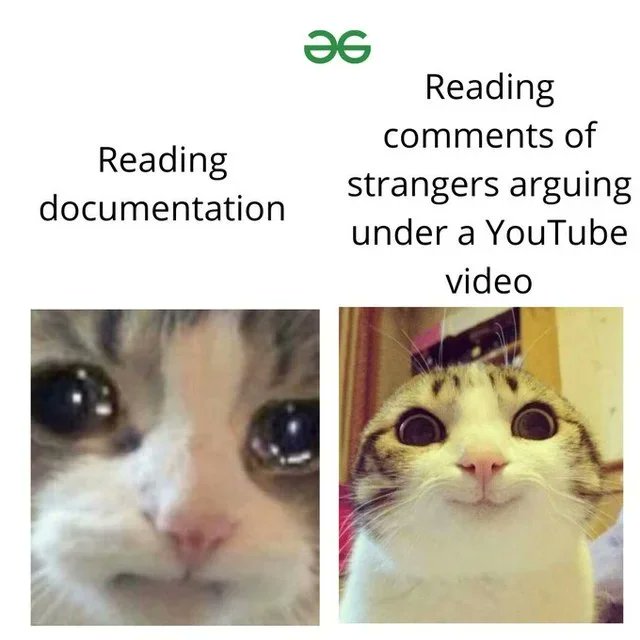
Ideal documentation: ❗️ Can be read in less than 15 minutes and generally saves your and team's time. ❗️ Explains the code on a high level and doesn't contain code description. ❗️ Has a level of detail based on the team's matureness. #documentation #developermemes
Gleek.io tweet media
English
0
1
3
0
Gleek.io
Gleek.io@IoGleek·
4/4 Other facts about Publisher mode: 🔍Publish mode works with all diagram types except sequence diagrams. 🔍Publish mode is a Premium feature. 🔍You can download diagrams in PNG and SVG and then exit Publish mode. Check out more Gleek V.3 Updates: 🔗gleek.io/blog/gleek-upd…
English
0
0
0
0
Gleek.io
Gleek.io@IoGleek·
3/4 Let's say you don't like some of the connections and want to change the placement of the objects. That's where Publisher mode is handy. A little bit of drag-and-drop and voilà! Now you can download your edited diagram. 🎞️ See for yourself:
English
1
0
0
0
Gleek.io
Gleek.io@IoGleek·
1/4 Gleek now offers a Publish mode. Want to learn more? 🧵 Read on:
English
1
0
0
0
Gleek.io
Gleek.io@IoGleek·
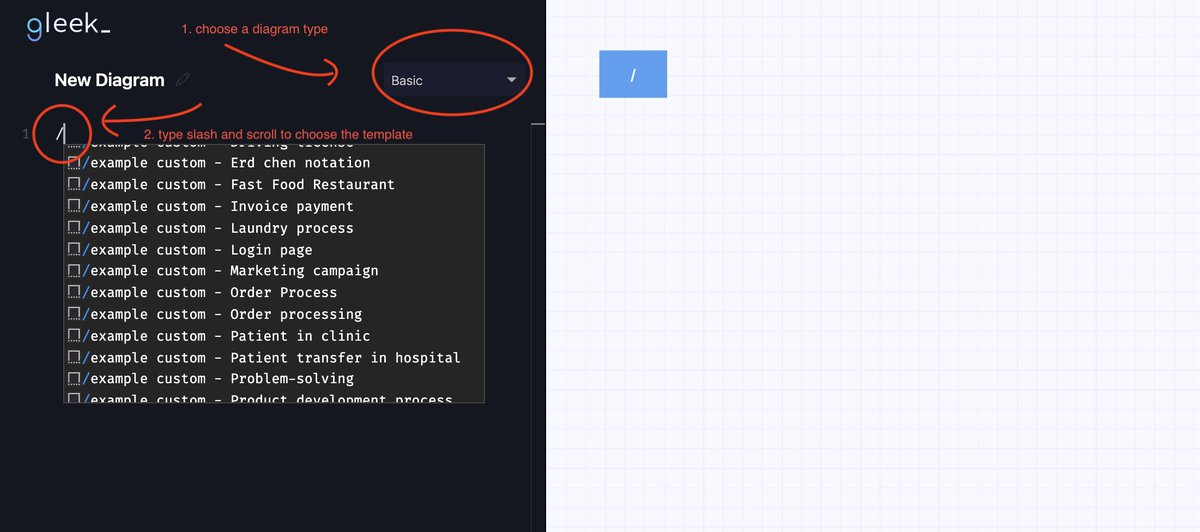
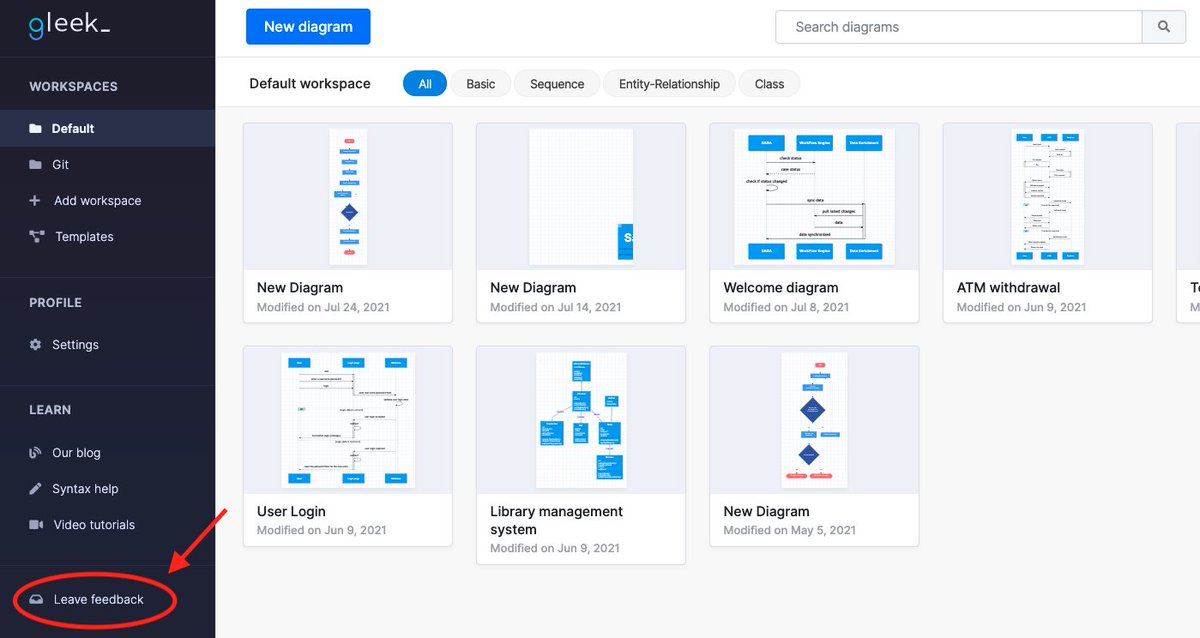
Found a bug or have a suggestion? We are always happy to receive any feedback! Contact us via the Feedback form, available from within the Gleek app. app.gleek.io
Gleek.io tweet media
English
0
0
0
0