
Padel Pointer retweetou

Working on a new onboarding for @padelpointer
Users will soon demo the Apple Watch app within the iPhone onboarding 👇
English
Padel Pointer
5 posts


@PadelPointer
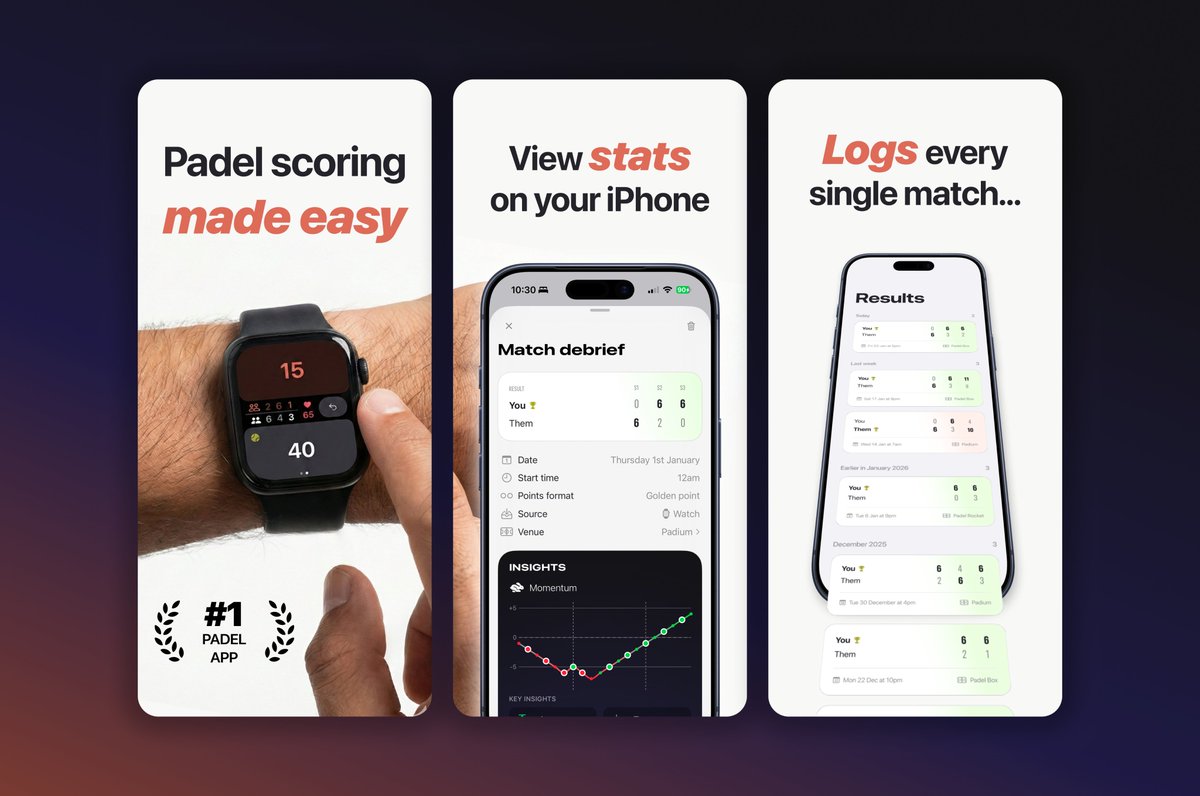
The padel app that helps you win. Track the score, view match momentum and find hidden insights across all your matches.
🍌 Nano Banana Pro is insane Some tips: - Use JSON format to describe the image you're trying to generate (subject, style, materials, background etc) - Provide one reference image if needed - Iterate your JSON description bit by bit (images for @padelpointer) Prompt below 👇

I'm about to release my first app having never coded before - it took about 2 weeks This is the optimal process for anyone looking to do the same: 1. Do Apple's Swift tutorial to understand the fundamentals (4-6 hours) 2. Download @antigravity 3. Create a PRD (product requirements doc) with Gemini 3 Pro - define the problem you're solving, the features and objectives - then save it as a .md file 4. Copy and paste the Swift build guide created by @twostraws as a custom instruction for the model 4. Start a new chat and select Claude Opus 4.5 Thinking 5. Ask the model to create a phased implementation plan for the entire project - all future conversations will anchor off this. Ask it to include a task list for each phase, and include instructions like asking you to build and run the app for testing. For these 'core' docs I also tell it we'll be working on the project across multiple conversations and days, and it'll need to pick up where it left off - it tends to then add a session log, capture decisions etc 6. Start a new chat (shorter chats = better focus from the model, and gives you runway to have longer chats if you're troubleshooting a bug) 7. Choose Opus 4.5 Thinking and ask it to start on Phase 1 8. Coach the model through, using @Xcode to build and test the app when it asks you to 9. Rinse and repeat through all the phases Main lessons: - Spend time upfront creating and refining documents and task lists; these keep the model focussed and ensure you know what's being built - Use .md files for planning work that takes multiple conversations/days and use Implementation Plans (Antigravity's native, rich artifacts, where you can give feedback, embed Figma designs etc) for stuff you can one-shot in a single convo - Start new conversations as often as possible; the model will perform better, and it'll give you runway for when you find a complex bug that needs lots of troubleshooting - In my experience, the models can't create genuinely great UX (yet); you should go in and fine-tune the UI and feel of the app to take it to the next level (ask the model to guide you in the code to apply refinements) I could keep going but hopefully that's helpful - good luck!