Tweet fixado
Clocker Support
214 posts

Clocker Support
@clocker_support
Helping you keep track of time!
Entrou em Temmuz 2016
14 Seguindo61 Seguidores

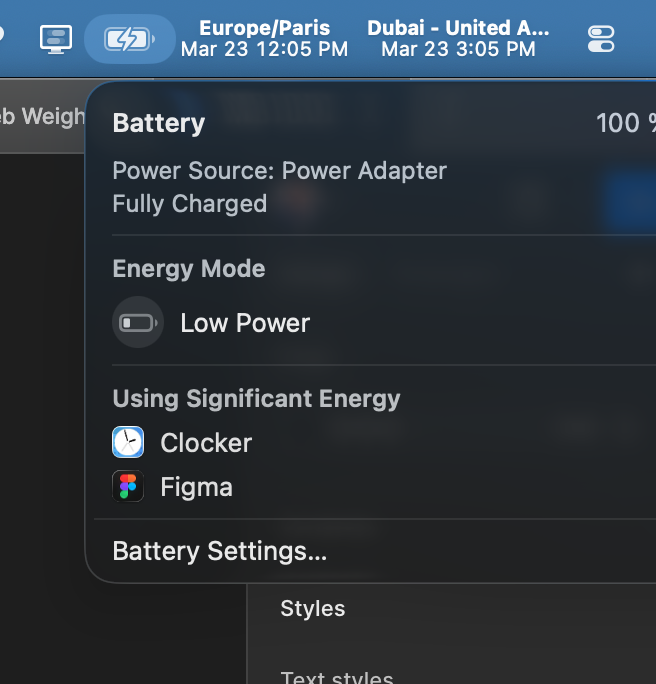
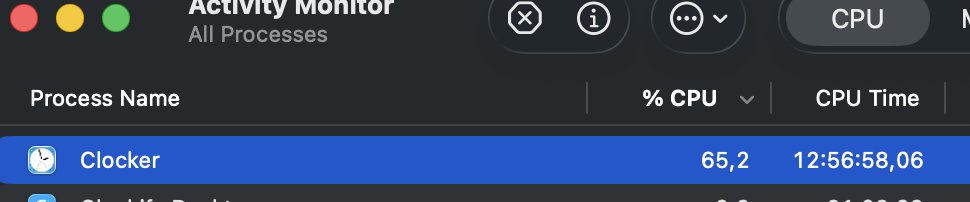
@clocker_support @clocker_support I think there's an issue with performance, clocker always appears as draining battery. It may be easy to fix


English

New review just dropped from Mac Gadget:
macgadget.de/News/2024/04/1…
English
Clocker Support retweetou

@mbrevda it's most like due to reasons here: abhishekbanthia.com/clocker/menuba…
English

@clocker_support any idea why Clocker disappears from the taskbar about once a day (generally after being asleep for the night)?
English

@jamesbender Can you answer the following questions:
- Do you see the Clocker icon in the menubar?
- Anything special about your favorites (for e.g. unique labels)
Can you send over feedback through the in-app window? This will capture more granular logs!
English

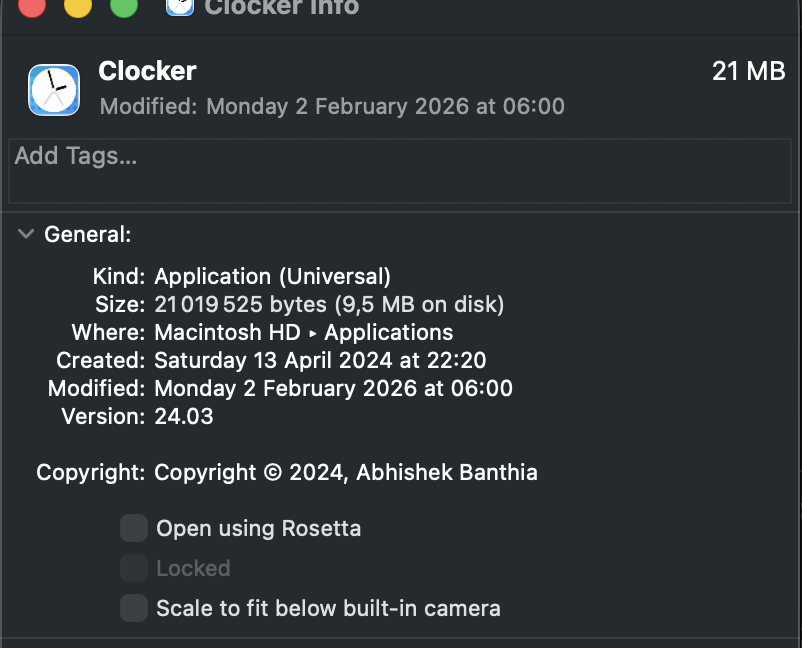
@clocker_support I just installed version 24.03 on my new MBP but it's not showing my favorites in the menu bar like on my old machine.
English
Clocker Support retweetou

@DanKulkov Clocker - adds multiple Timezones in the top bar of your Mac. Great for multi-region companies/offices

English

@nacho The location icon on the left of Europe/Paris indicates that Clocker is deriving its timezone from your Mac's timezone. This timezone will change whenever you travel. You can edit the location name to "Current" to label it better; or delete it and add "Paris" separately.
English

@inghamio hello, you can add a separate UTC entry, but there isn't a way to display utc alongside your existing timezones. Sorry.
English

@clocker_support hey, i'm guessing it doesn't do this by default, but is there any way to display UTC epoch time along side my other readable/formatted timezones? Thanks
English

@sarrahfanny hey - can you clarify which app version are you on?
English

@idleyst thanks for the detailed steps; will verify and make sure to fix it!
English

@clocker_support it’s fixed for now since i chose YES on the show next meeting title in menu bar option :)
English

@clocker_support new update doesnt display time and date fully on the menu bar. is there a way to fix this please? :(

English
Clocker Support retweetou

Clocker is one of my favorite menu bar apps as it helps me to be aware of my distributed coworkers and friends around the world
apps.apple.com/us/app/clocker…
English

Clocker v24.03 features a trimmer, fresher, HIG compliant icon thanks to @greglassale. Available as an update in App Store today!
English

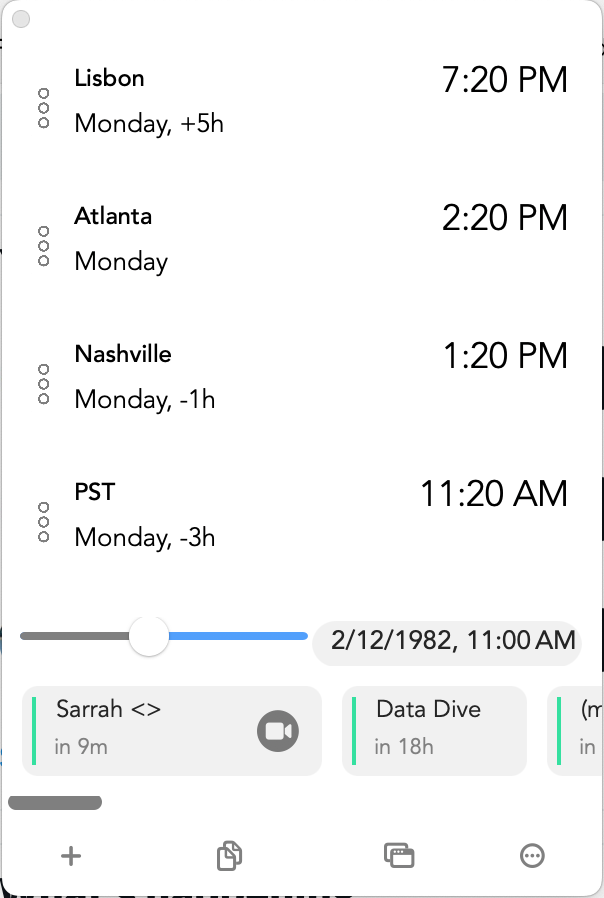
@clocker_support how do I get back the current time in the Time Scroller? In your most recent update it's showing relative time
English

@dreamxcape Unfortunately, there isn't a way to go back right now; i'll build this as a preference in the coming version!
English

@alexgiess Sorry! Can you reset your Clocker prefs please:
abhishekbanthia.com/clocker/reset-…
English


@simplyinquiring Unfortunately, it's a known issue; we have it on our radar to fix.
English

@clocker_support Hi, thank you for making Clocker! I love the app, but I’m having some problems with iCloud not syncing between my MacBooks. Where can I find more information on how to troubleshoot this issue?
English

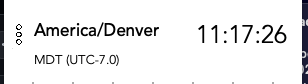
@clocker_support when I hover over timezones, they seem to erroneously show daylight saving label of CDT, MDT etc, even though we're in standard time at the moment.

English

@LukeWatsonNYC There are two alternative ways you can reach out:
1. In-app feedback window in the app available through Preferences
2. You can find our support email on the App Store page :)
English

@clocker_support This worked. Thanks. Sorry for the delayed response. I avoid logging into Twitter; I don't want to contribute to inflated MAU reports. I couldn't find an email for you, but I would kindly request that you provide one in the app for future support needs -- if you don't already.
English

@clocker_support Hi. I use this widget all day, every day -- so thank you. I'm experiencing an issue, though. My "time scroller" suddenly disappeared. I choose "Show" in the Appearance/Misc settings but it doesn't show. Any ideas how to get it back? This is my key feature.
English