
Закреплённый твит
Arvind
375 posts


Arvind
@arvtalkscloud
The "DevOps guy" ✦ Helping dev's understand Data and AWS, the easy way ✦ 3x AWS Certified ✦ Building Autolake, an Autonomous Data Lake platform ✦ Berkeley Alum
San Francisco, CA Присоединился Kasım 2024
548 Подписки557 Подписчики
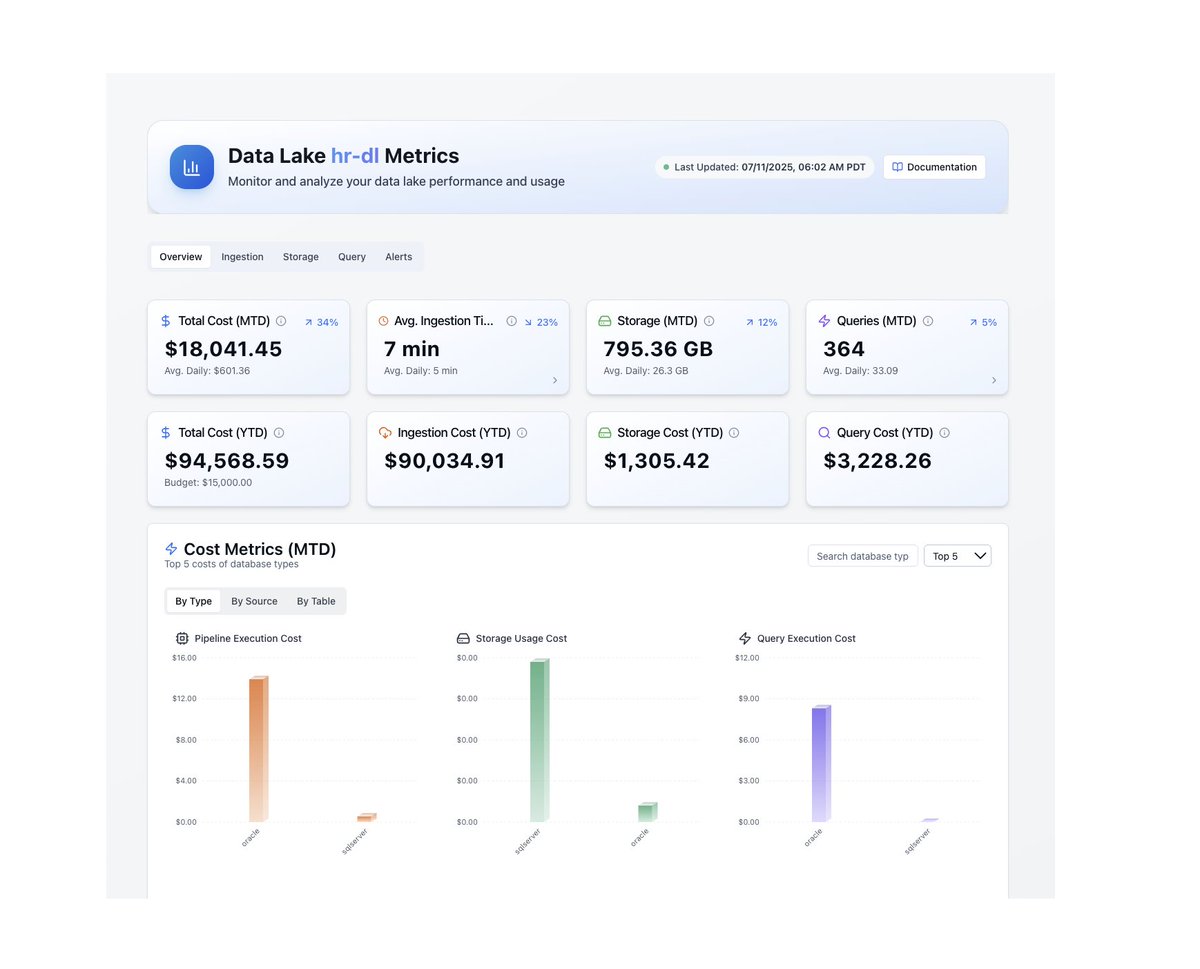

@arvtalkscloud I think I should actually change my LinkedIn to "senior Aws checkbox specialist"😂
English
CloudWatch Logs tip that'll save you real money:
every log group has a retention setting. the default?
never expire.
that means every lambda invocation, every API gateway request, every ECS container log -- stored forever haha.
at $0.03/GB/month.
go to CloudWatch → Log Groups right now and check.
i guarantee you have log groups from 2 years ago eating storage costs for no reason.
set retention to 30 or 90 days unless you actually need it longer. this takes 5 minutes and saves hundreds per year.
English
@arvtalkscloud AWS is the best platform to save money by ticking checkboxes😂
English
a sql performance trick that works in almost every query engine:
if you're joining a massive table to a small lookup table, filter BEFORE the join. not after.
most engines are smart enough to push predicates down but not all of them and not always.
explicitly filtering early can reduce the rows entering the join by 10-100x.
i've seen queries go from 45 minutes to 30 seconds just by moving a WHERE clause above a JOIN.
Sounds basic. saves hours of compute.
English
explaining one AWS service a day like you're 5
day 38: SageMaker
SageMaker is AWS's machine learning platform.
build, train, and deploy ML models in one place.
it gives you notebooks, training infrastructure, and endpoints for predictions.
biggest mistake: using SageMaker when all you need is a simple prediction API.
if your use case is basic sentiment analysis or text classification, you probably don’t need to train your own model.
SageMaker is for real custom ML work.
the simple fix: be honest about your ML needs. pre-trained APIs solve most use cases. SageMaker is for the rest.
incredibly powerful, but overkill for most people, B tier.
are you building any ML on AWS? 👇
bookmark this so you don't forget and stay followed for day 39.

English
Most teams don't realize this about S3:
PUT requests cost $0.005 per 1,000 requests. GET requests cost $0.0004 per 1,000. sounds like nothing.
But if your pipeline writes millions of tiny files daily, those PUT costs add up fast.
One team i talked to was spending more on S3 request fees than on actual storage.
They had no idea until they checked Cost Explorer → "S3-Requests-Tier1."
Writing fewer, larger files isn't just a performance optimization. it's a cost optimization too.
English
What we're building at Autolake in one sentence:
An autonomous lakehouse that runs on your cloud so your data team can stop maintaining and start building.
Guaranteed 2 weeks to production. governance from day 1. no vendor lock-in. no 2am pages.
if that sounds like something your team needs -- dms open. happy to chat.
English
explaining one AWS service a day like you're 5
day 37: X-Ray
X-Ray traces requests through your application.
a user makes an API call. X-Ray follows it through API Gateway, Lambda, DynamoDB, and back.
it shows you exactly where it slowed down or failed.
it’s like a GPS tracker for requests.
without it, debugging distributed systems is guesswork.
with it, you can pinpoint the bottleneck immediately.
biggest mistake: trying to debug microservices with only CloudWatch logs.
the simple fix: enable X-Ray on Lambda and API Gateway. low overhead, huge visibility.
turns "something is slow" into "this exact call is slow", A tier.
how are you debugging your distributed apps? 👇
bookmark this so you don't forget and stay followed for day 38.

English
A lambda cold start optimization that barely anyone uses:
Provisioned concurrency is the obvious answer but it's expensive.
The less obvious trick: keep your deployment package small. every MB of code and dependencies adds to cold start time.
but the REAL trick: use lazy imports in python lambdas.
don't import pandas/boto3/etc at the top of the file.
import them inside the handler function only when needed.
i've seen this alone cut cold starts by 40-60%.
no provisioned concurrency needed.
the cheapest optimization is the one you don't have to pay for.
English
Here's an AWS cost trap most data teams fall into:
Cross-AZ data transfer charges $0.01/GB in each direction. sounds tiny.
But if your app in us-east-1a is constantly talking to a database in us-east-1b, and you're moving 5 TB/month between them, that's $100/month just on internal traffic.
It shows up in your bill under "Data Transfer" not under EC2 or RDS btw, so most teams never notice it.
Keep dependent resources in the same AZ when you can. or at least know what you're paying for when you don't.
English
explaining one AWS service a day like you're 5
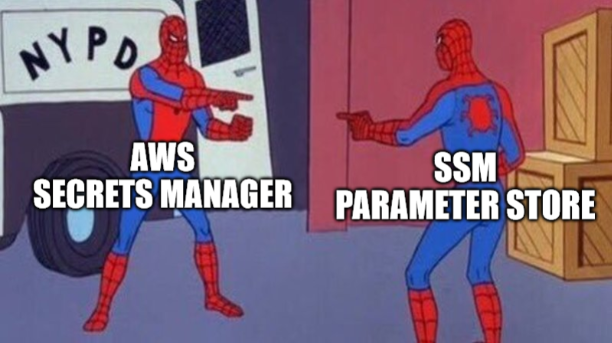
day 36: Systems Manager (SSM)
SSM lets you manage your EC2 instances without SSH.
run commands remotely. patch servers. store config. access instances through a browser. no port 22. no SSH keys.
Session Manager lets you open a terminal to an EC2 instance directly from the AWS console.
no bastion host needed.
biggest mistake: still SSH-ing into production servers with shared key pairs in 2025. SSM can be safer and leaves an audit trail.
the simple fix: use Session Manager instead of SSH. use Parameter Store for config values.
makes server management actually manageable, A tier.
are you still SSH-ing into everything? 👇
bookmark this so you don't forget and stay followed for day 37.
English
A team told me their overnight ingestion job went from 6 hours to 40 minutes after switching to Autolake.
They used to have someone check on it every morning. now nobody even thinks about it.
That's what i call boring infrastructure. the kind that works when it matters and automates your workflows.
English
Something that took me way too long to understand about data lake file formats:
parquet = a file format (how individual files store data)
iceberg = a table format (how you organize and manage collections of parquet files)
they're not competing. iceberg sits ON TOP of parquet.
parquet gives you columnar storage and compression.
iceberg gives you ACID transactions, helps with time travel, schema evolution, and partition management.
without iceberg (or delta/hudi), your "data lake" is just a bunch of parquet files in a bucket with no guarantees about anything.
that's the difference between a lake and a swamp.
English
explaining one AWS service a day like you're 5
day 35: ECR
ECR = Elastic Container Registry.
it stores your Docker images. that's it.
you build a Docker image. push it to ECR. then ECS or EKS pulls it from there when deploying.
think of it as a private Docker Hub inside your AWS account.
it scans your images for security vulnerabilities too. genuinely useful.
biggest mistake: using public Docker Hub for production images. slower pulls, rate limits, security concerns.
the simple fix: push images to ECR. enable image scanning. set lifecycle policies so old images get cleaned up.
not exciting but necessary if you're running containers, B tier.
where are you storing your Docker images? 👇
bookmark this so you don't forget and stay followed for day 36.
English
Most data lake failures aren't technical failures.
They're timeline failures.
When a project takes 18 months, priorities change. budgets get cut. champions leave. the org loses patience.
The data lake didn't fail because the tech was wrong. it failed because it took too long to prove value.
Speed of implementation is the most underrated feature in data infrastructure.
English
a parquet optimization most people don't know exists:
dictionary encoding.
when a column has low cardinality (like country codes or status fields), parquet stores a dictionary of unique values and replaces every occurrence with a tiny integer reference.
a column with 10 million rows but only 50 unique values becomes almost nothing on disk.
but here's the catch: if cardinality is too high, dictionary encoding falls back to plain encoding and you lose the benefit.
some writers don't handle this gracefully.
always check your parquet file metadata. you might be surprised what's happening under the hood.
English
explaining one AWS service a day like you're 5
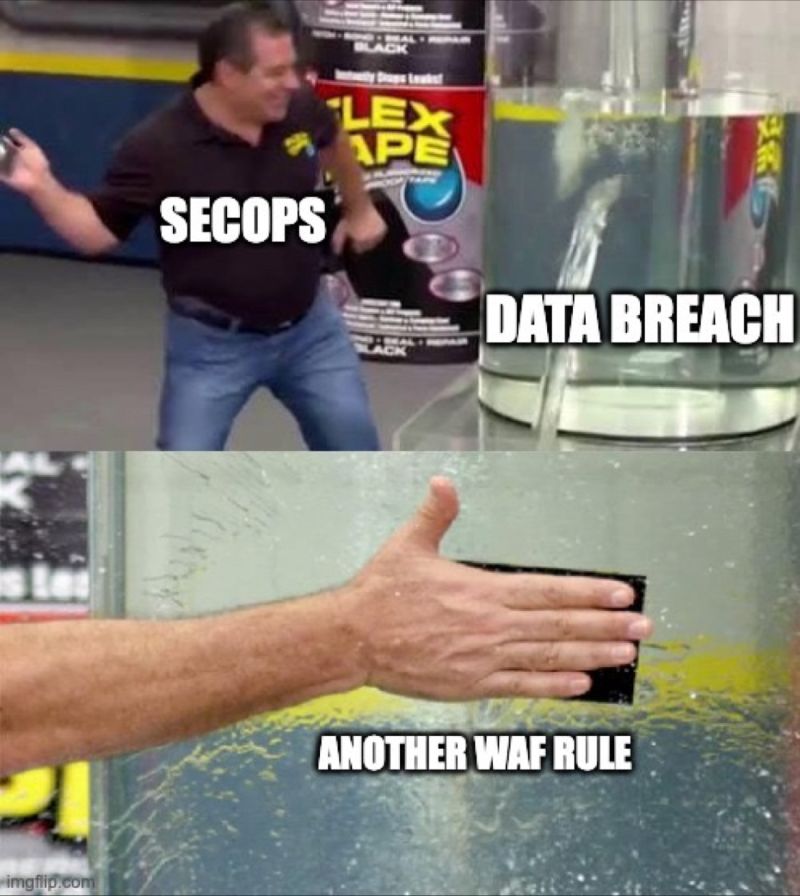
day 34: WAF
WAF = Web Application Firewall.
it blocks bad traffic before it reaches your app.
SQL injection? blocked. cross-site scripting? blocked. bot spam? blocked. that one IP hitting your API 50,000 times? blocked.
it sits in front of your app and filters out the garbage.
you can use AWS managed rules or write your own.
biggest mistake: not having any web protection at all. you'd be surprised how many production apps are running with zero firewall.
the simple fix: enable WAF on your ALB or CloudFront distribution. start with AWS managed rules. they cover 90% of common attacks out of the box.
basic protection that every production app needs and most don't have, A tier.
is your app running without a firewall right now? be honest 👇
bookmark this so you don't forget and stay followed for day 35.
English
explaining one AWS service a day like you're 5
day 33: CloudFormation CDK
CDK is CloudFormation but you write real code instead of YAML.
Python, TypeScript, Java -- pick your language. define your infrastructure in actual code. CDK converts it to CloudFormation templates under the hood.
same power. way better developer experience.
instead of 400 lines of YAML you write 30 lines of TypeScript. and you get autocomplete, type checking, and loops. actual programming constructs.
biggest mistake: still writing raw YAML CloudFormation in 2025 when CDK exists.
the simple fix: if you're already using CloudFormation just migrate to CDK, in my opinion. the learning curve is small and the payoff is massive.
what CloudFormation should've been from the start honestly, A tier.
are you using CDK or still writing YAML? 👇
bookmark this so you don't forget and stay followed for day 34.
English
explaining one AWS service a day like you're 5
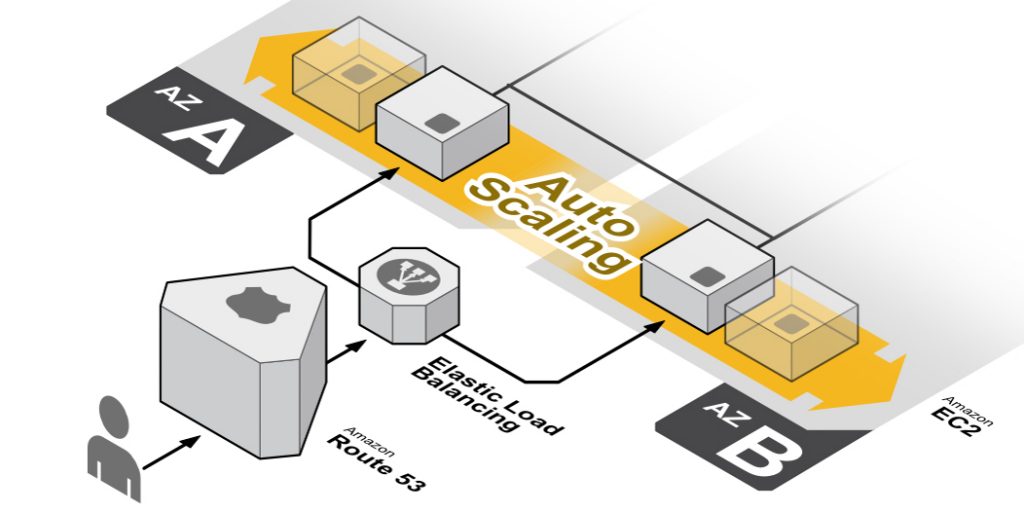
day 32: Auto Scaling
Auto Scaling automatically adds or removes servers based on demand.
traffic spikes at 9am? Auto Scaling launches more EC2 instances. traffic dies at midnight? it shuts them down.
you set the rules. "minimum 2 servers, maximum 10, scale up when CPU hits 70%."
Auto Scaling handles the rest. you don't touch anything.
this is how companies handle Black Friday without their site crashing. and without paying for 50 servers the other 364 days.
biggest mistake: not setting a maximum. without a cap one traffic spike can launch 100 instances and your bill goes nuclear.
the simple fix: always set min and max. scale on CPU or request count. pair with CloudWatch alarms. test your scaling policies before you need them.
the reason AWS bills go down and apps stay up, A tier.
what's the most instances you've auto-scaled to? 👇
bookmark this so you don't forget and stay followed for day 33.
English
PSA for anyone running EKS:
if your kubernetes version falls out of standard support (14 months after release), AWS automatically moves you to extended support.
extended support costs $0.60 per cluster per hour. that's up to 6x the normal price.
most teams don't even notice because the cluster keeps running. you just get a way bigger bill.
go check your EKS versions right now. upgrading is free. extended support isn't.
English