Sandheep G.R

186 posts

Sandheep G.R banner
Sandheep G.R

Sandheep G.R

@sandeepgr

Technologist, Co-founder, Blogger

Banglore, India Присоединился Aralık 2009
153 Подписки60 Подписчики
Sandheep G.R
Sandheep G.R@sandeepgr·
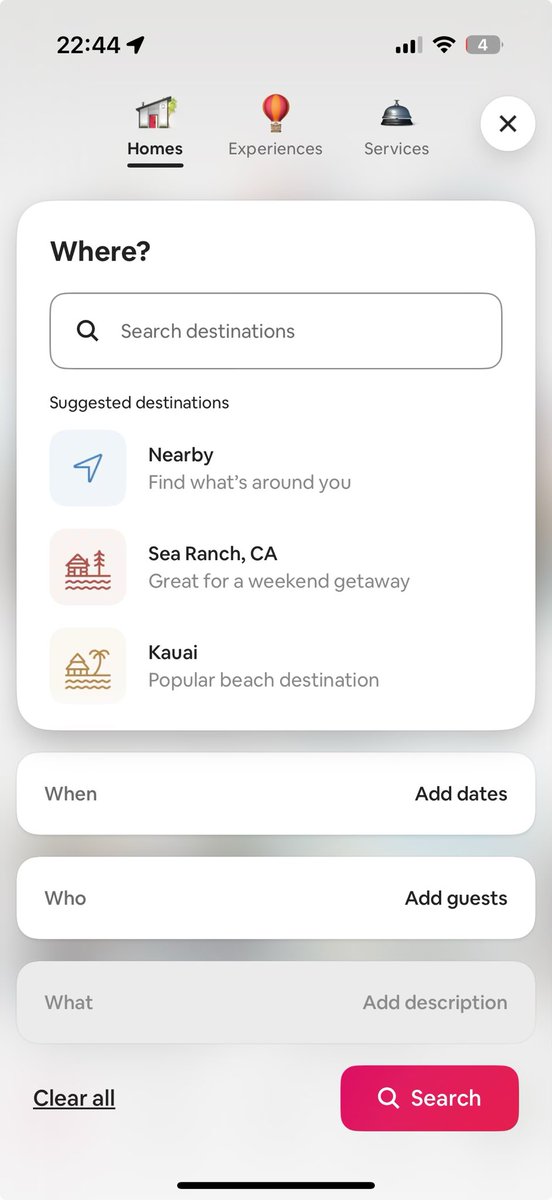
@bchesky @benhylak We have built a rich conversational interface that combines the familiar UI combined with conversational input for our campaign orchestration. You converse in NL and the Agent generates or makes the changes as required to the UI elements in a conversational flow. Below is an eg:
English
0
0
0
34
ben hylak
ben hylak@benhylak·
so instead of saying “funky cabins within 2 hour drive” i will have to keep filling out your patient intake form
ben hylak tweet media
Brian Chesky@bchesky

@benhylak The ChatGPT interface doesn’t work for this. We’ve already tried it.

English
75
10
1.3K
446.1K
Sandheep G.R
Sandheep G.R@sandeepgr·
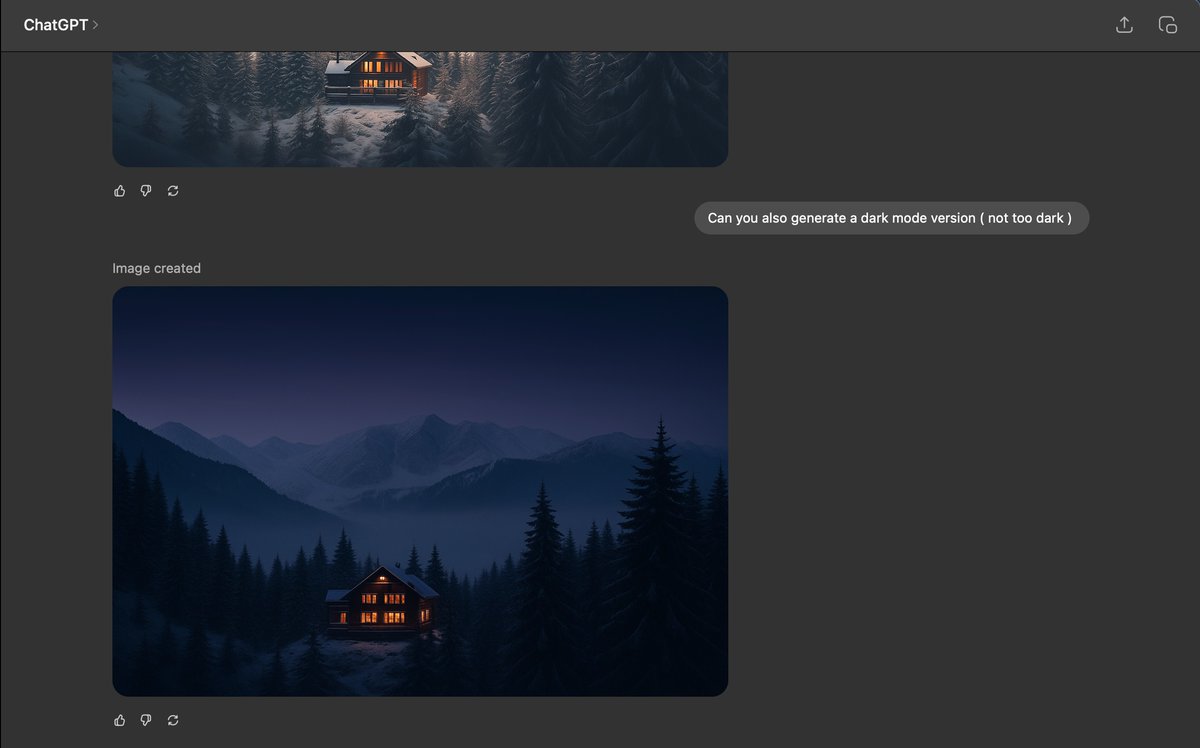
And @ChatGPTapp did that again for the dark mode image elegantly.
Sandheep G.R tweet media
English
0
0
0
24
Sandheep G.R
Sandheep G.R@sandeepgr·
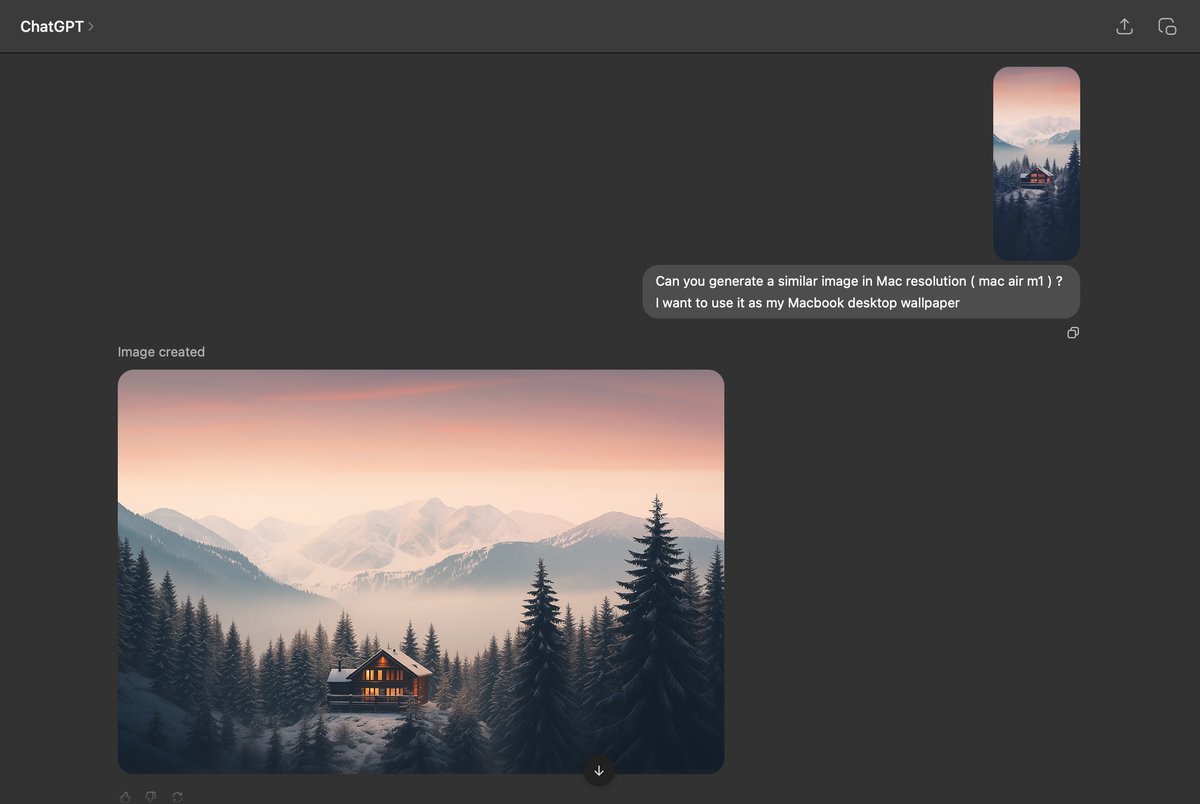
Same reference image and prompt I think @grok has got some catch up to do with @ChatGPTapp on this specific image generation use case. ChatGPT beautifully rendered 👏 @sama @elonmusk
Sandheep G.R tweet mediaSandheep G.R tweet media
English
2
0
0
45
Sandheep G.R ретвитнул
Orange Book 🍊📖
Orange Book 🍊📖@orangebook·
No one complains more loudly than someone who does nothing to improve their situation.
English
41
256
1.8K
92.8K
LIANDR
LIANDR@Liandrium·
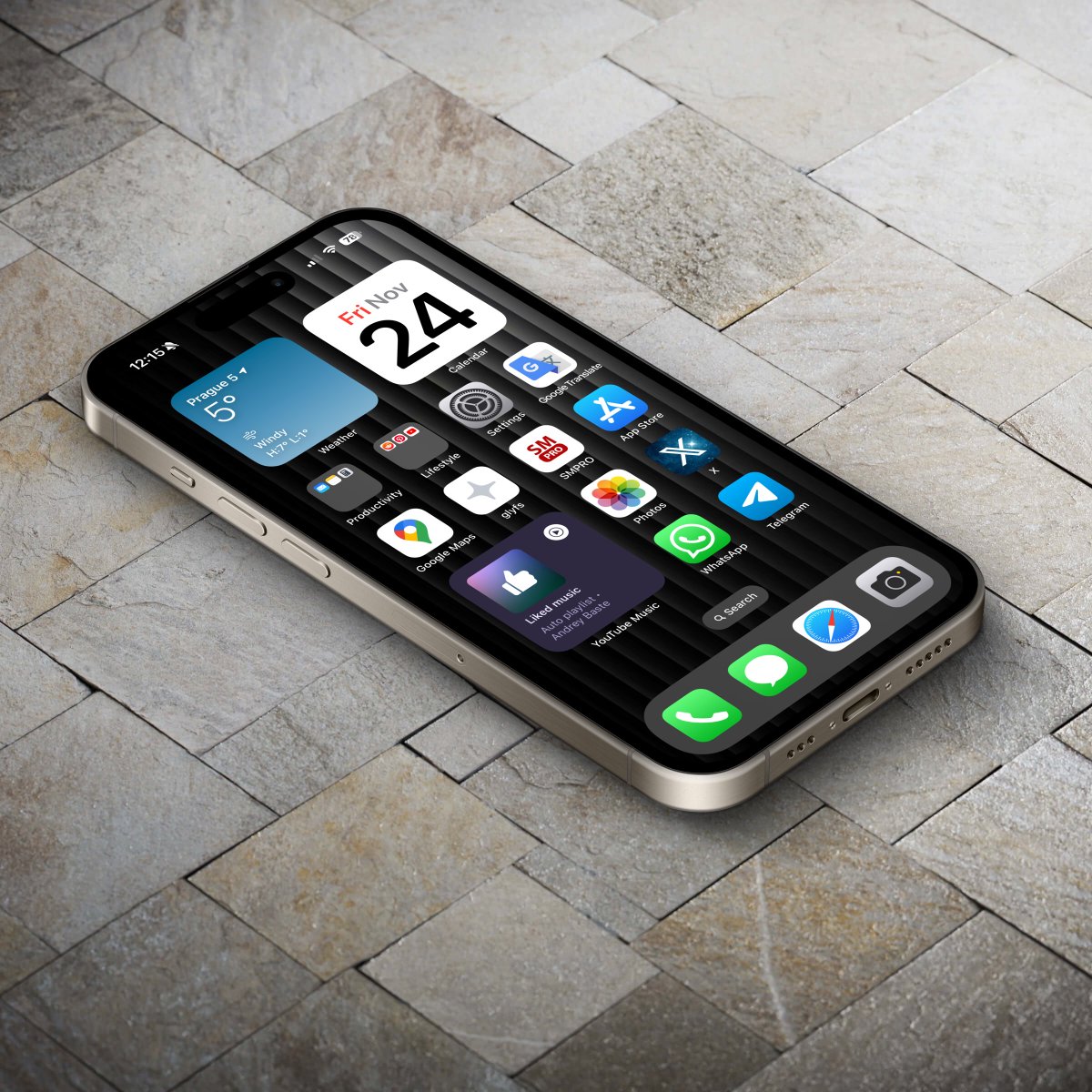
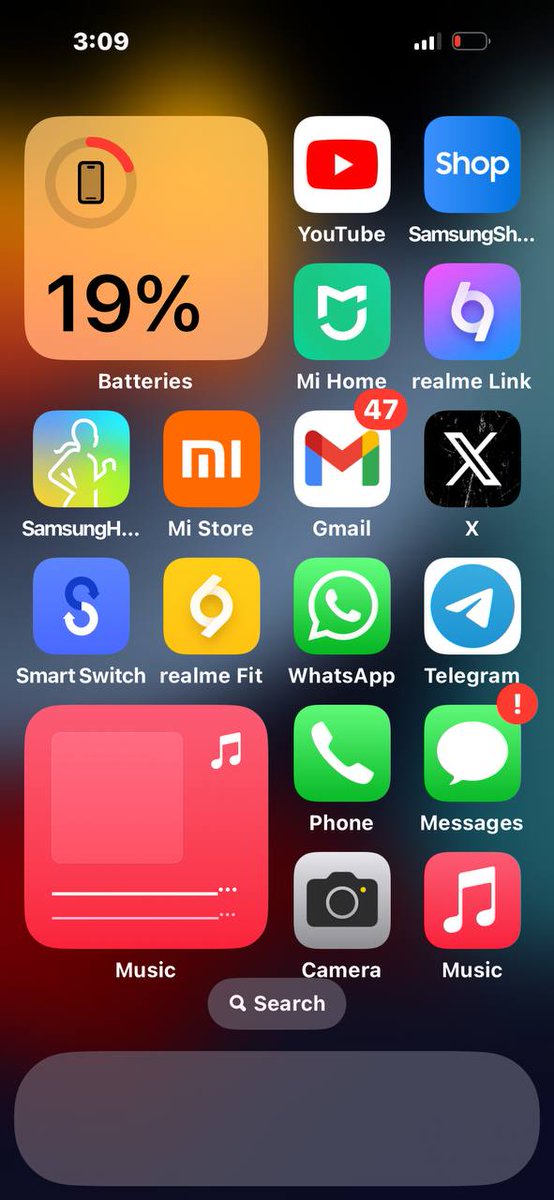
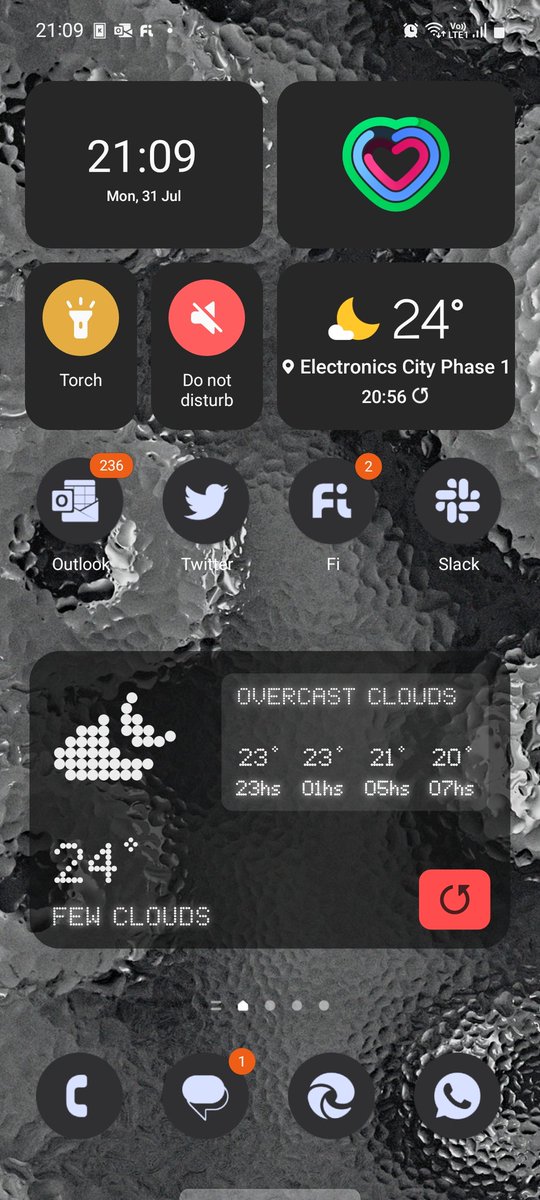
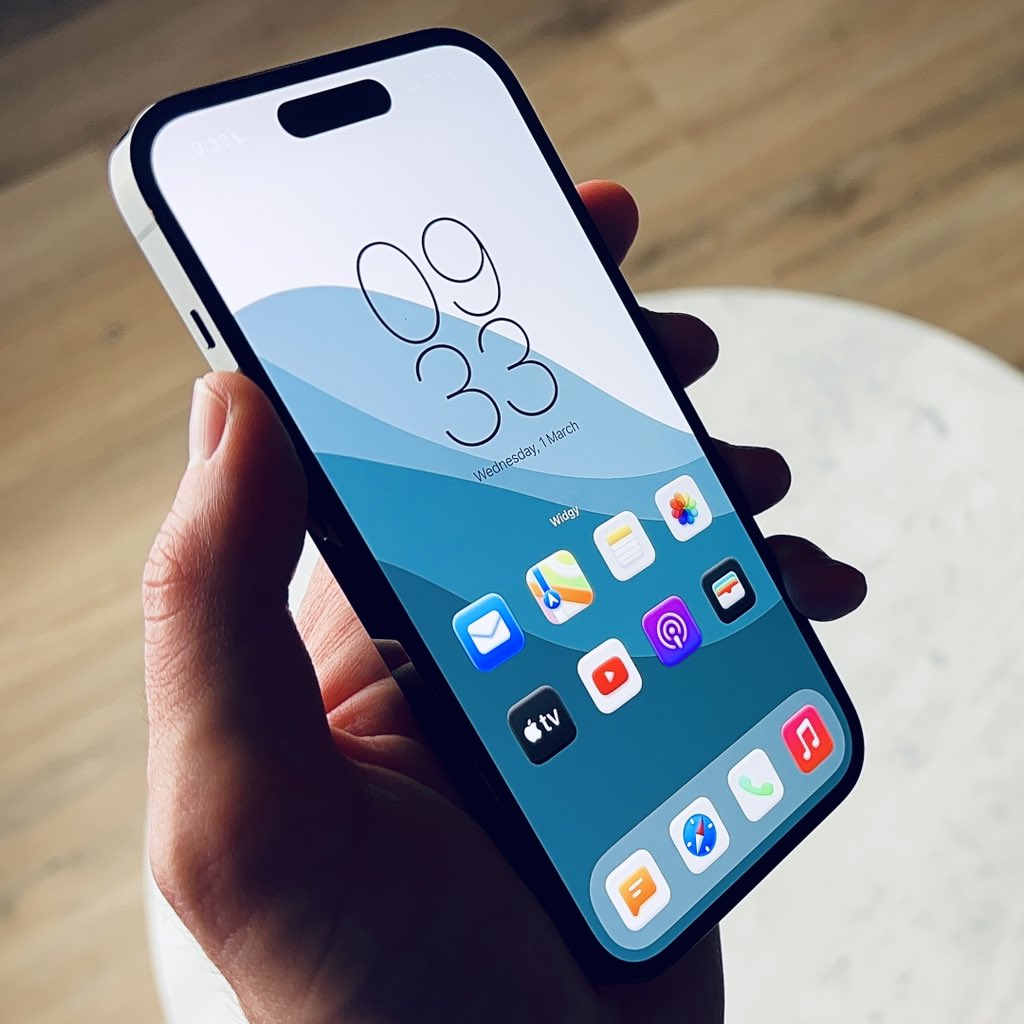
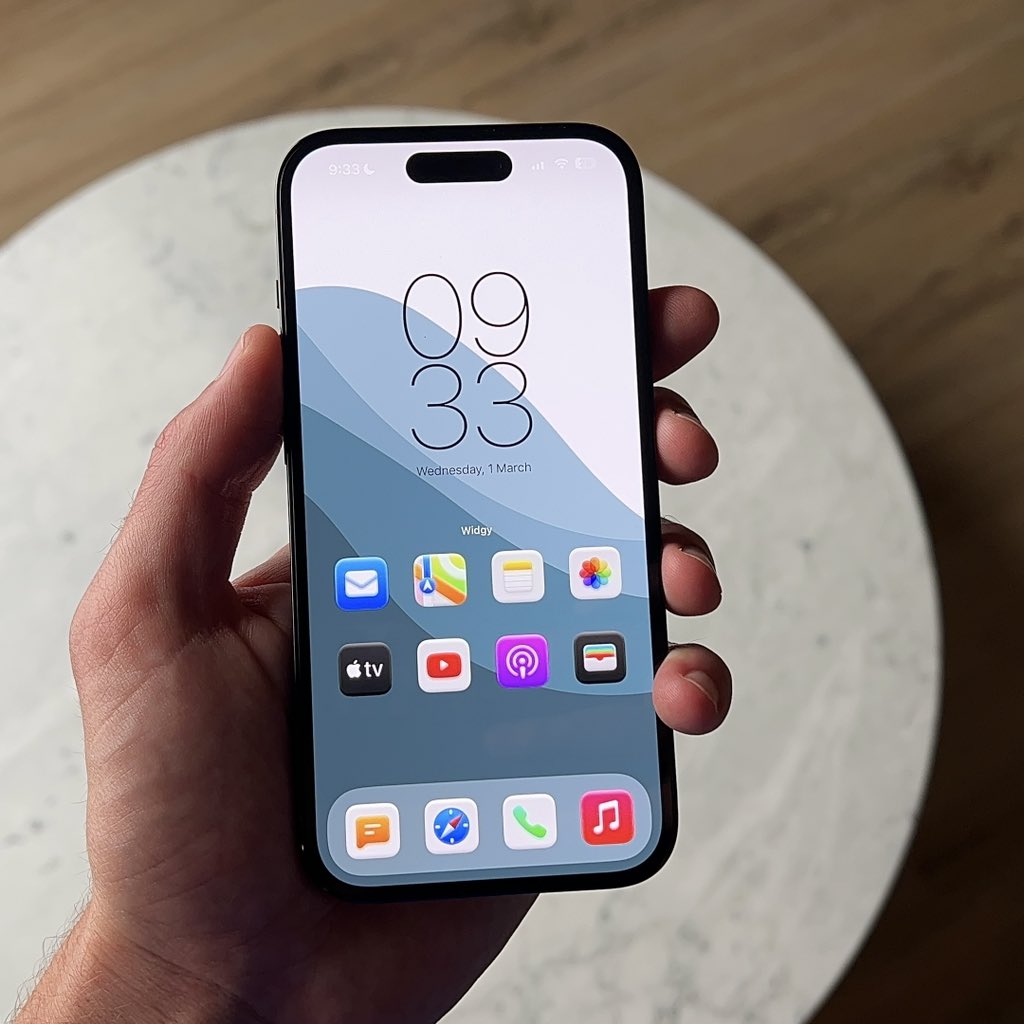
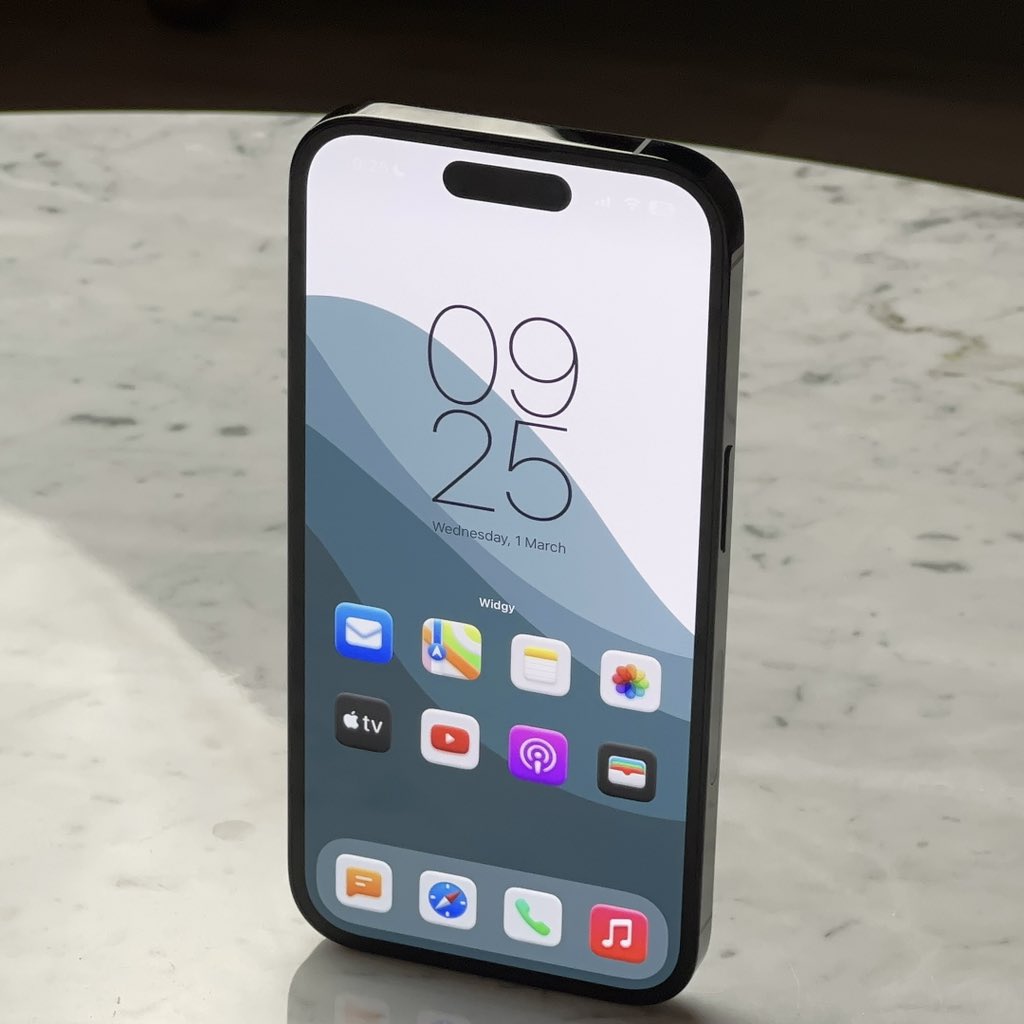
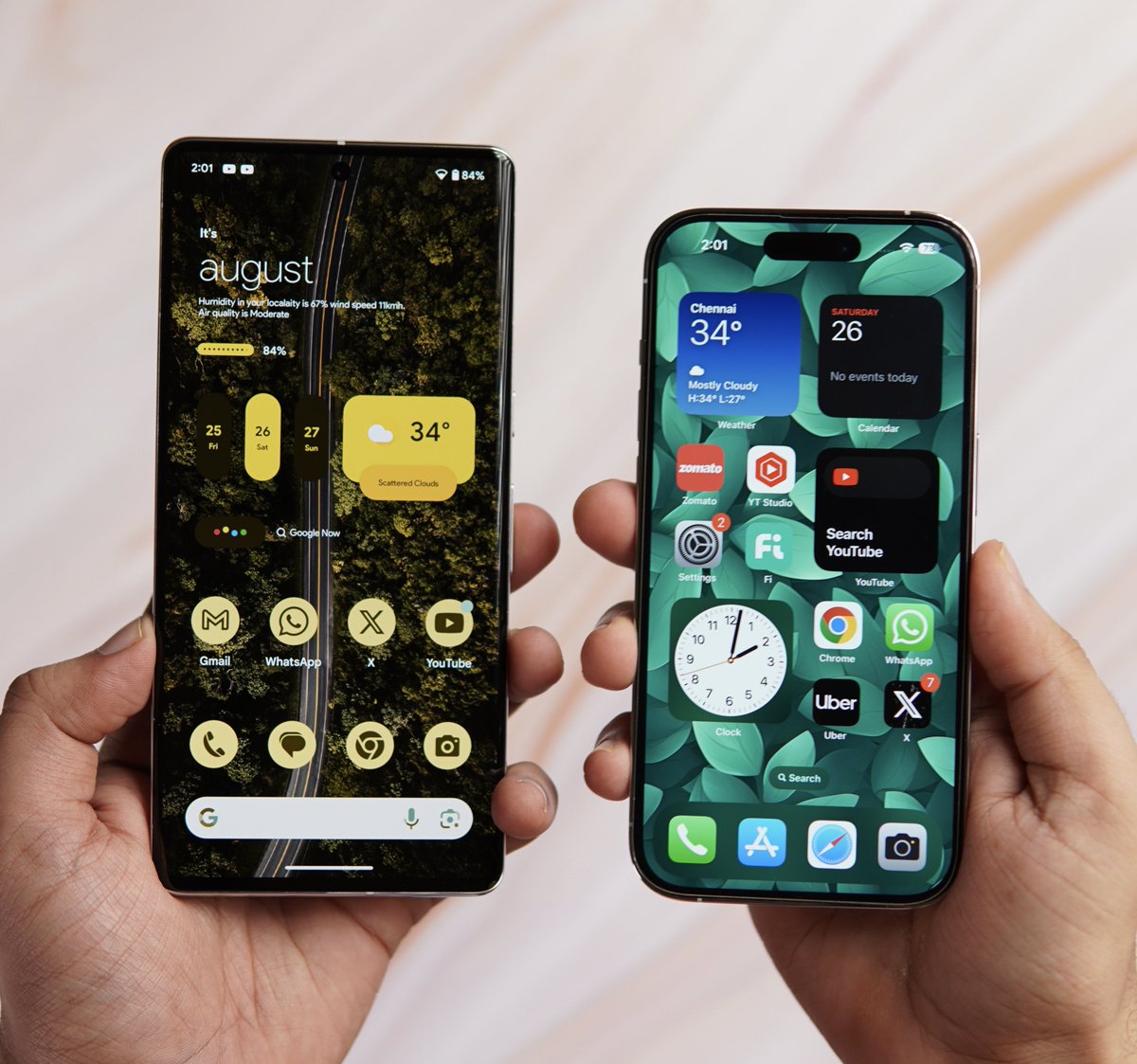
Share your Home Screen setups! Let’s see who is the Most Creative!
LIANDR tweet media
English
87
9
303
40.3K
Sandheep G.R
Sandheep G.R@sandeepgr·
@NotionHQ I like how you placed the "Work at Notion" context menu on the Code block actions. The perfect place to get the developer's attention 😁 Nicely done ✅ #notion #programming
Sandheep G.R tweet media
English
0
0
0
24
Sandheep G.R ретвитнул
Orange Book 🍊📖
Orange Book 🍊📖@orangebook·
Life is hard for people who only work hard when they think it benefits them. The best things in life come to you in unexpected ways. Put a lot of value out there, be useful to others, don't expect anything in return, you will get exactly what you deserve.
English
21
384
2.4K
161.2K
Mr Android FHD
Mr Android FHD@android_fhd·
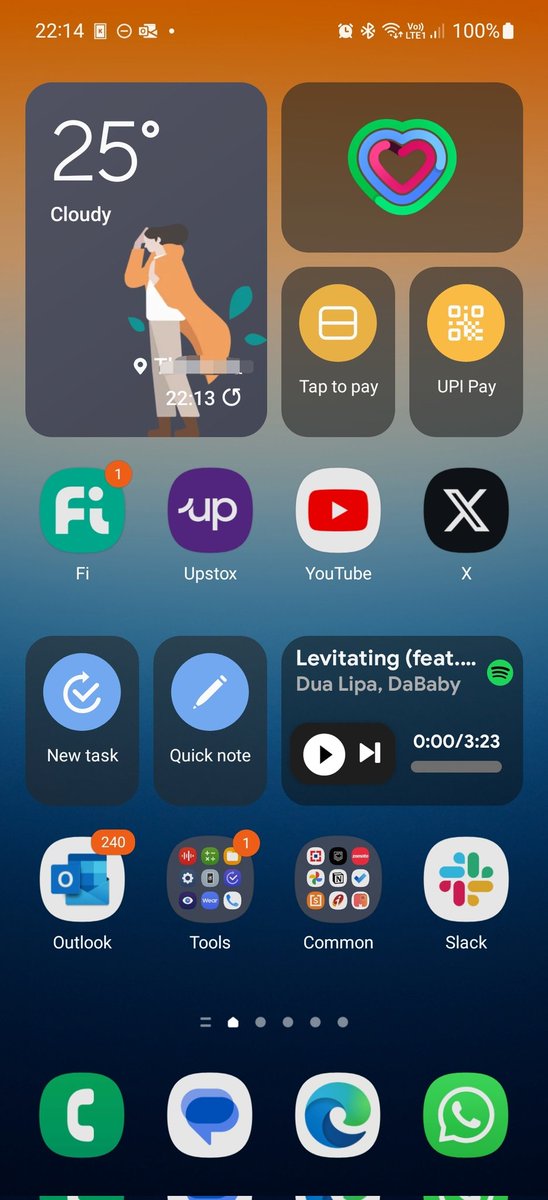
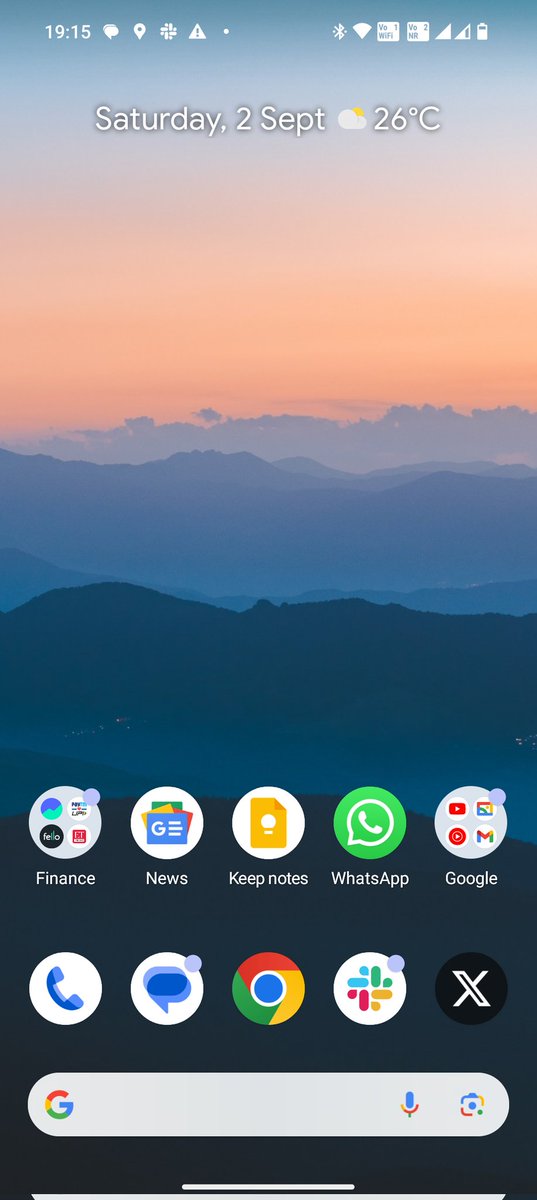
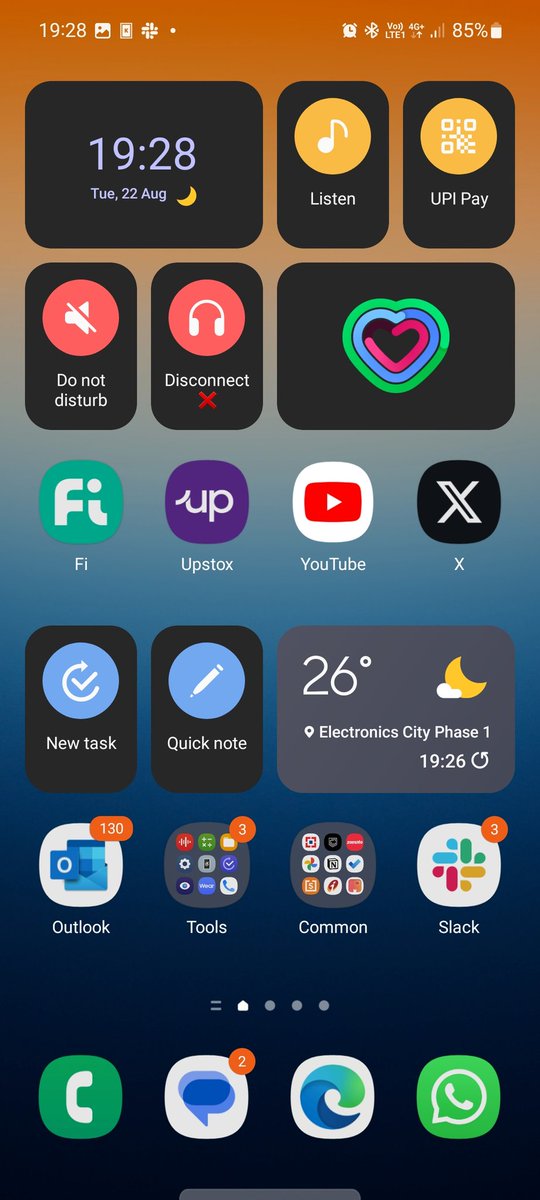
Show me your homescreen and lockscreen setup 👀 Here's mine
Mr Android FHD tweet media
English
277
39
974
114.5K
Shishir
Shishir@ShishirShelke1·
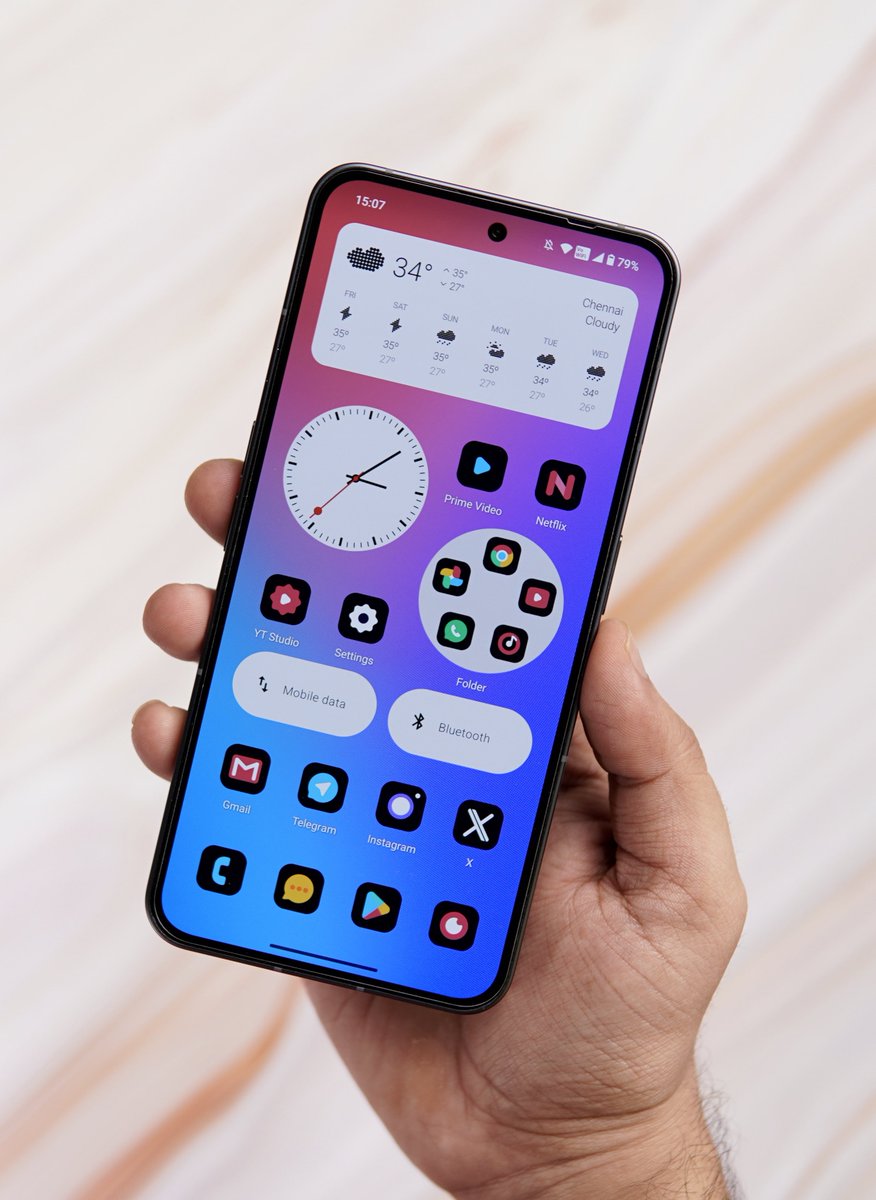
What does your Home Screen look like? Here’s mine ⬇️
Shishir tweet media
English
153
15
752
74.8K
Dex
Dex@dexdcklvr·
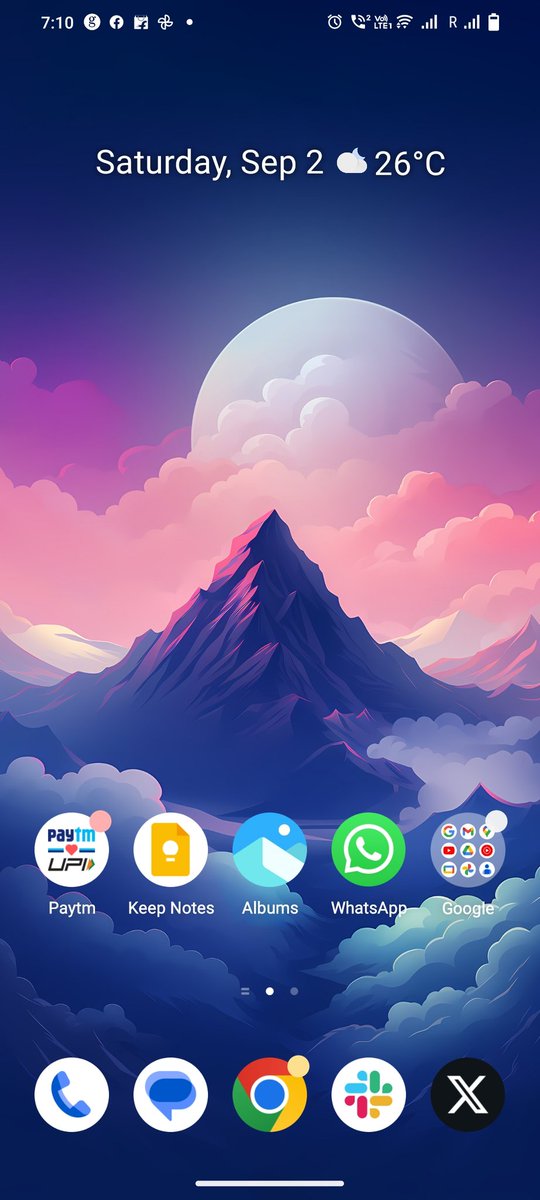
Reply with your Homescreen and I'll rate it 🙂 (pt 3)
Dex tweet media
English
400
8
373
50.6K
Andrew Clare
Andrew Clare@andrewjclare·
Let’s see your Home Screen Set Up!
Andrew Clare tweet media
English
290
99
2.9K
442.3K
Anir Chakraborty
Anir Chakraborty@encoword·
Show your homescreen🔥 Let's see who is more innovative Mine :-
Anir Chakraborty tweet media
English
231
12
215
56.3K
Mr Android FHD
Mr Android FHD@android_fhd·
It’s time to check out your homescreen Here’s mine :
Mr Android FHD tweet media
English
534
59
2K
157.3K
Abhishek Singh
Abhishek Singh@AbhishekMarkets·
Show your homescreen setup :)
Abhishek Singh tweet mediaAbhishek Singh tweet media
English
250
12
353
61.9K
Mr Android FHD
Mr Android FHD@android_fhd·
Android and iOS users, Show me how your homescreen looks like 👀 Let me start 🎬
Mr Android FHD tweet media
English
265
35
1.4K
117.2K
Sandheep G.R
Sandheep G.R@sandeepgr·
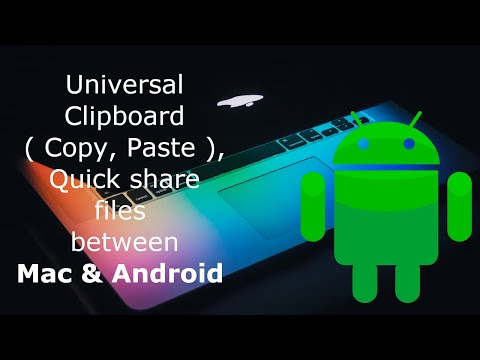
@MishaalRahman You could do two way file dropping using the kde connect in Android and soduto in Mac. You can see it in action below. As a cherry on the top, you can shared clipboard as well. youtu.be/lkoTj43l63M?si…
YouTube video
YouTube
English
0
0
1
542
Mishaal Rahman
Mishaal Rahman@MishaalRahman·
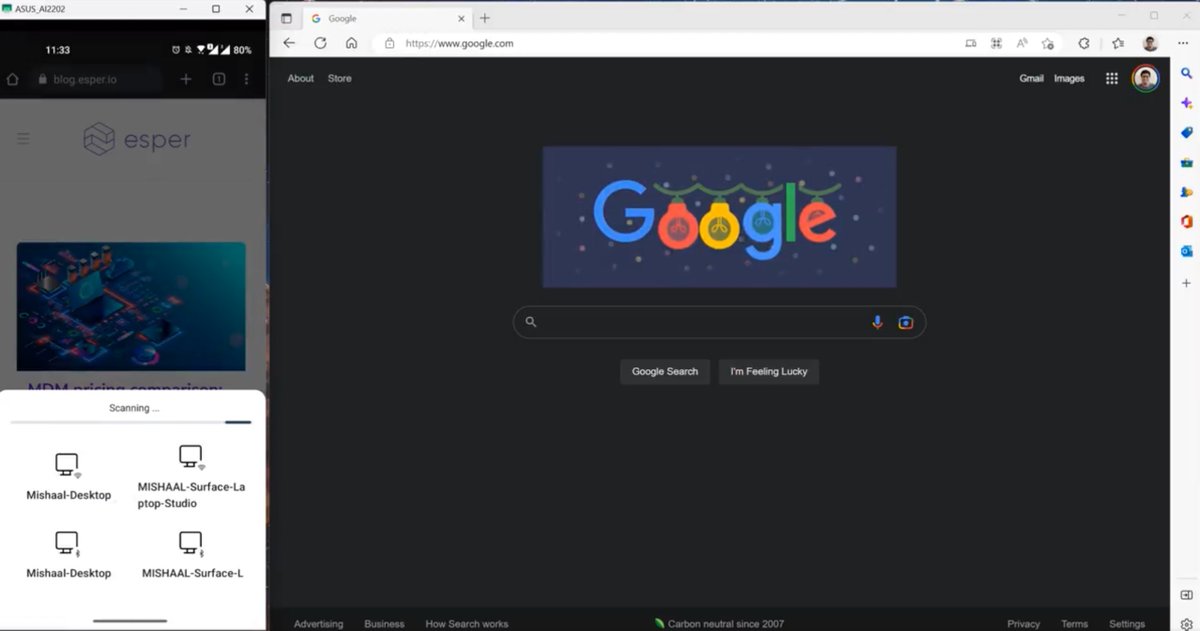
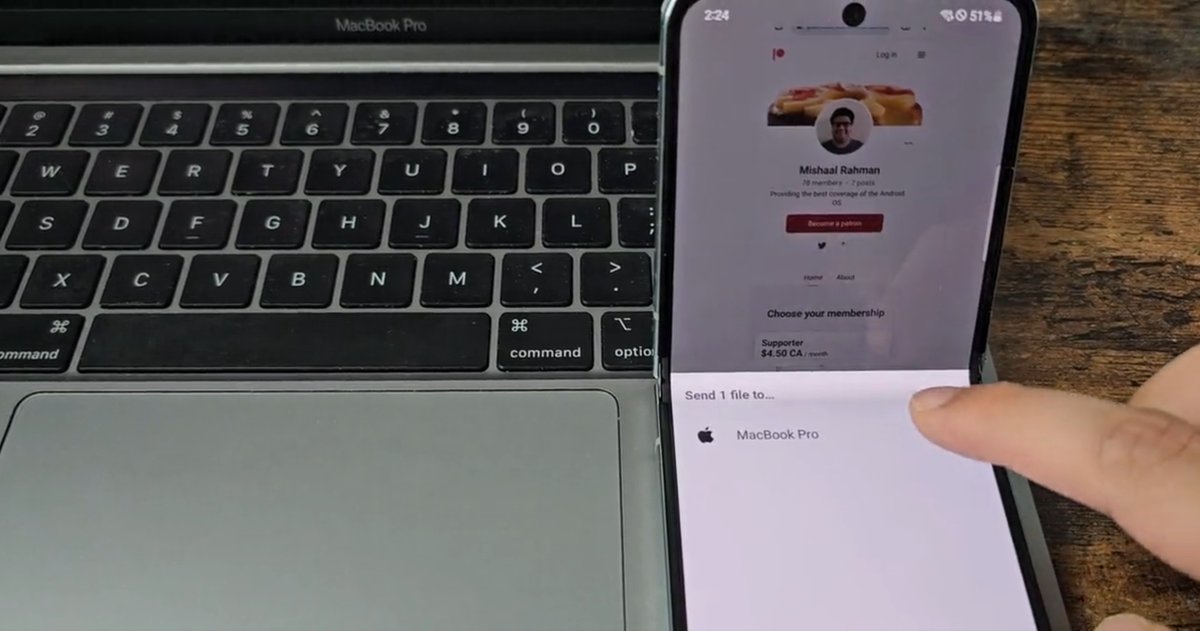
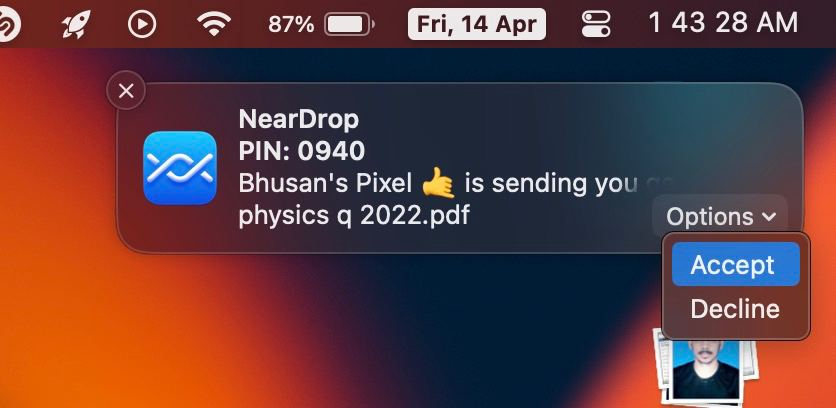
Absolutely blown away by the response to my post about WarpShare! It goes to show that: a) Apple-related posts are popular b) People REALLY want better cross-device file sharing services. With that in mind, here's a round-up of other Android --> PC file-sharing apps (links in the reply): 1) Android --> macOS: * WarpShare. This app uses Apple's AirDrop protocol, so you don't have to install anything on your Mac (you do need to set AirDrop discoverability to "everyone" though). You do have to install the WarpShare app on your phone, though, and then select it from the share sheet when sharing file(s). Does not support receiving files on Android. * NearDrop. This app uses Google's Nearby protocol, so you don't have to install anything on most Android phones since Nearby is built into Google Play Services. You do, however, have to install an app on your Mac in order to make it appear in the Nearby Share menu on your phone. Also does not support receiving files on Android. 2) Android --> Windows: * Nearby Share from Google: An official app made by Google that uses Google's Nearby protocol, so you don't have to install anything on your Android phone. You do, however, have to install the program on your Windows PC. Sending/receiving files works extremely quickly. * Nearby Sharing Windows 10/11: This app supports Microsoft's Nearby Sharing protocol so you don't have to install a program on your Windows PC. You do, however, need to install the app on your Android phone. Receiving files works, albeit very slowly as it's over Bluetooth. 3) Android --> Linux There are no apps (yet) that support Microsoft, Google, or Apple's wireless file sharing protocols, though one developer is attempting to port NearDrop to Linux. That project, CrossDrop, is still a WIP, though. Otherwise, KDE Connect is a good option. Requires installing an app on your phone and PC, though. ----- I am well aware that there are a LOT of other file sharing apps/services out there, some of which don't even require an app as they're PWAs. However, I made this thread mainly to highlight the few options that are compatible with one of Microsoft, Google, or Apple's wireless file sharing protocols. It's really a shame that all 3 companies have their own file transfer protocols that are all incompatible with one another, even though they're all based on Bluetooth/WiFi LAN/WiFi Direct communications under-the-hood. Microsoft has Nearby Sharing, Google has Nearby, and Apple has AirDrop. I'm not really sure who even uses Microsoft's, but Apple's is very widely used and Google is slowly catching up. Apple, however, has no incentive to support other platforms. Google, to their credit, open sourced its Nearby library and is even pushing its inclusion into AOSP so Android phone makers can build Nearby compatibility into their own file transfer services (eg. Samsung's Quick Share).
Mishaal Rahman tweet mediaMishaal Rahman tweet mediaMishaal Rahman tweet mediaMishaal Rahman tweet media
English
66
254
2.3K
443.6K
Johannes Schickling
Johannes Schickling@schickling·
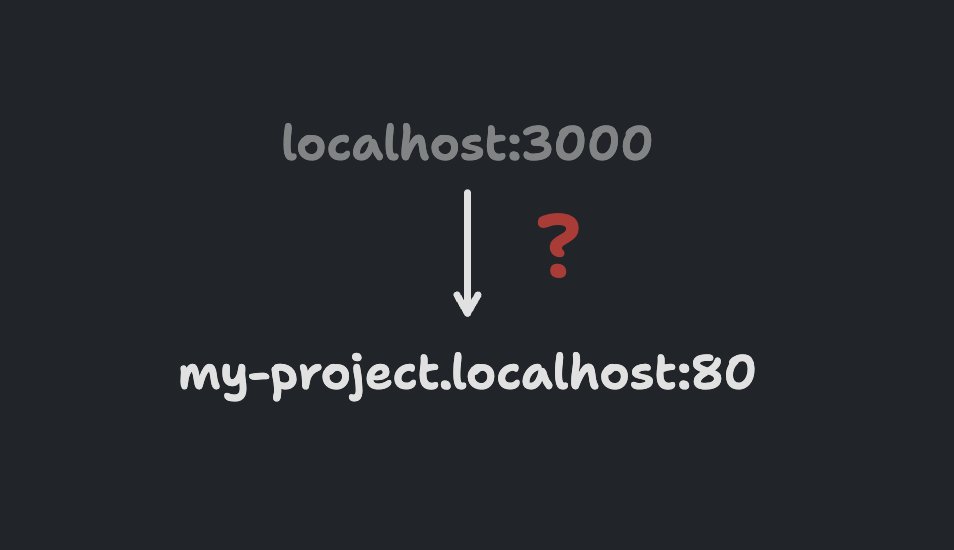
Is there an easy way for me to have `my-project.localhost:80` instead of `localhost:3000`?
Johannes Schickling tweet media
English
401
125
1.7K
638.5K