ᴇᴋʟᴇᴛʏᴄ®

158 posts

ᴇᴋʟᴇᴛʏᴄ® banner
ᴇᴋʟᴇᴛʏᴄ®

ᴇᴋʟᴇᴛʏᴄ®

@Ekletyc

Esports Team, Talent Agency. 🇮🇹 Where champions rise & creators thrive. 🏆3x WSOW Global Finals qualified 🏆Top Challengers Team

เข้าร่วม Haziran 2022
57 กำลังติดตาม463 ผู้ติดตาม
ᴇᴋʟᴇᴛʏᴄ® รีทวีตแล้ว
Pullze Check
Pullze Check@PullzeCheck·
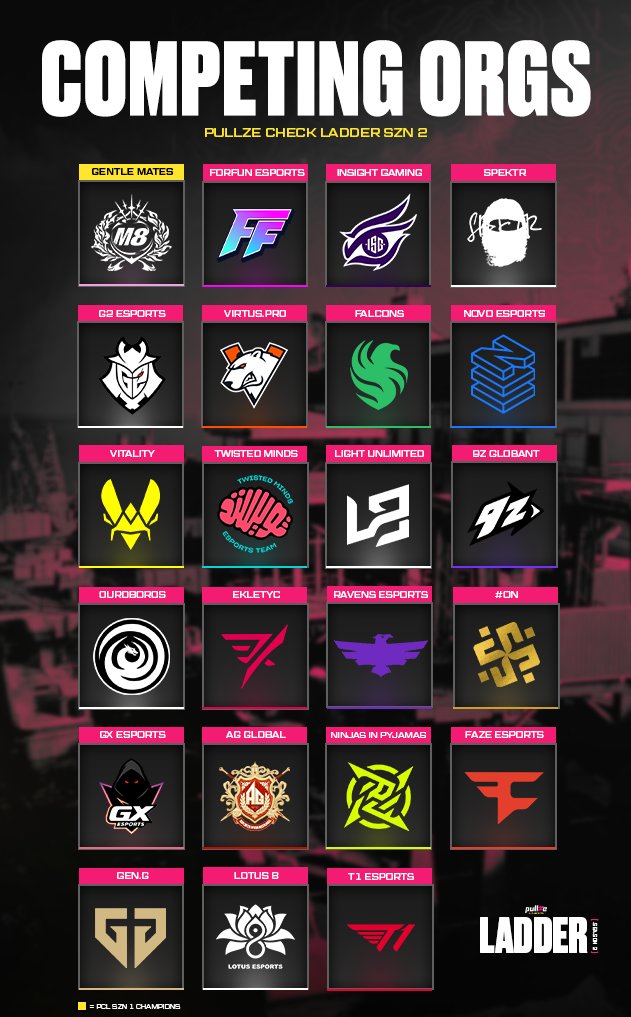
We have a STACKED line up of Orgs competing in PCL SZN 2 ✅ Will Gentle Mates defend their crown or will another org rise up to claim the title of PCL SZN 2 Champions? 👑
Pullze Check tweet media
English
8
27
259
52.2K
ᴇᴋʟᴇᴛʏᴄ® รีทวีตแล้ว
isFreddy
isFreddy@isfreddy_·
Holy passion🤌🏻
isFreddy tweet media
English
2
2
27
3.6K
ᴇᴋʟᴇᴛʏᴄ® รีทวีตแล้ว
Call of Duty Esports
Call of Duty Esports@COD_Esports·
The Final Leaderboard 👏 Congrats to the 5 squads who are advancing to @DreamHack Birmingham LAN Final. 🔥
Call of Duty Esports tweet media
English
5
10
115
64.6K
ᴇᴋʟᴇᴛʏᴄ® รีทวีตแล้ว
isFreddy
isFreddy@isfreddy_·
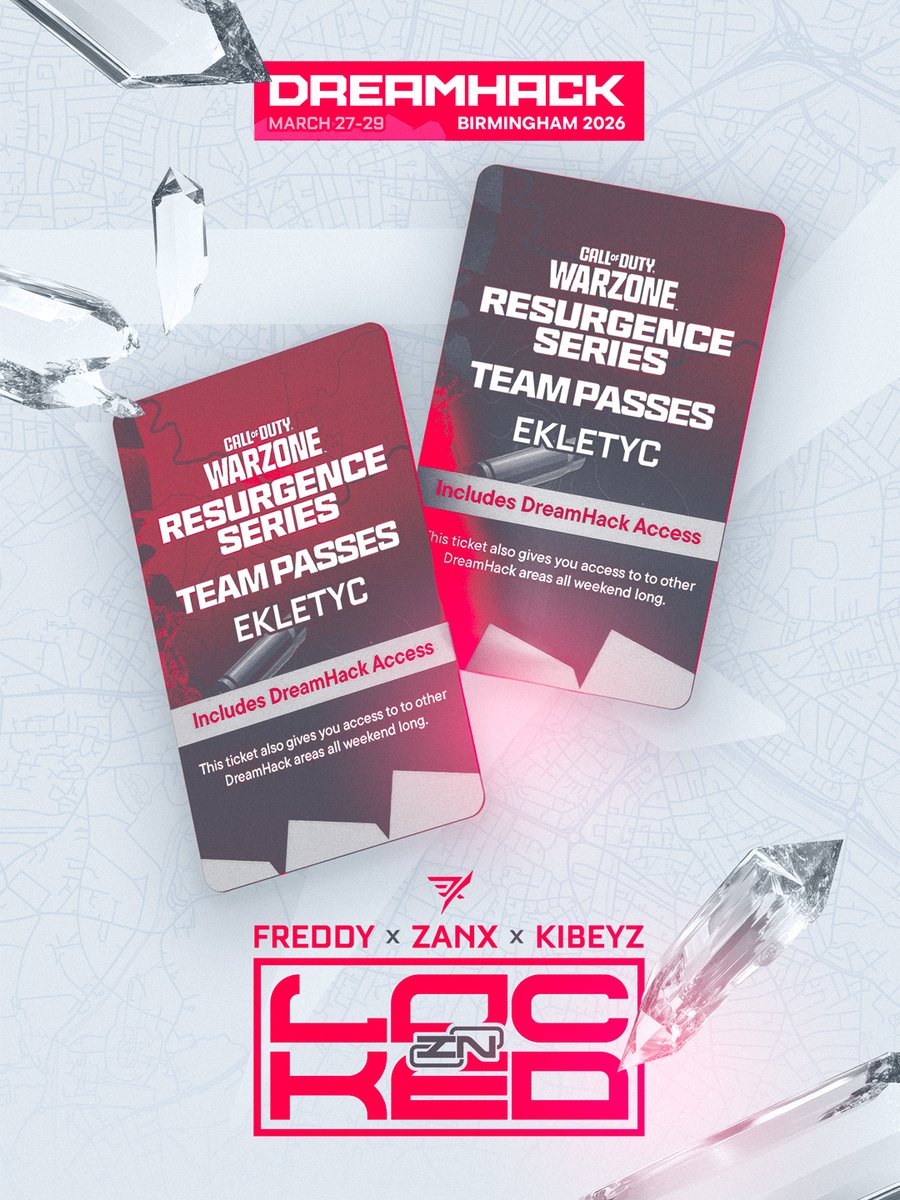
Qualled for the final, not a good performance but still in the top 8 with my bros @Kibeyz1 @ZANX_tv Now back in the lab 😤 @Ekletyc
isFreddy tweet media
English
1
1
15
2K
ᴇᴋʟᴇᴛʏᴄ® รีทวีตแล้ว
Pullze Check
Pullze Check@PullzeCheck·
Live Now For PCL Group Stage Day 2 🚨
Pullze Check tweet media
English
1
2
24
6.7K
ᴇᴋʟᴇᴛʏᴄ® รีทวีตแล้ว
Pullze Check
Pullze Check@PullzeCheck·
Pullze Check Ladder Groups Are Locked In 🚨 Which group do you think is the most stacked?
Pullze Check tweet media
English
9
6
81
16.1K
Pullze Check
Pullze Check@PullzeCheck·
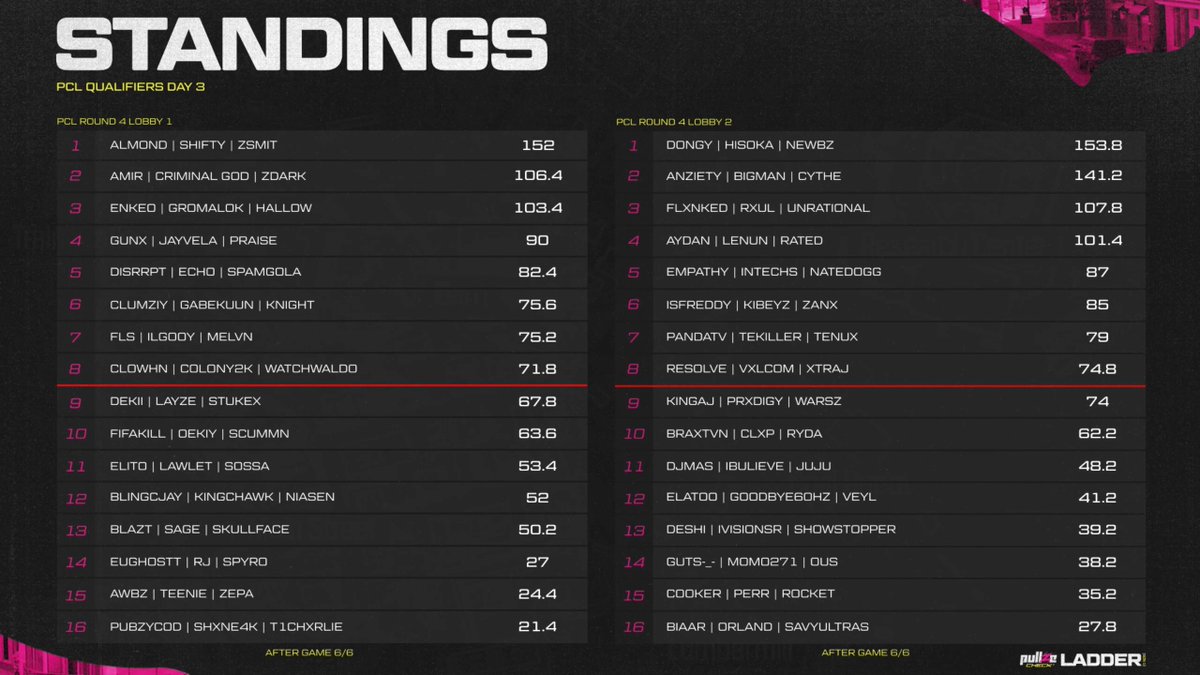
Final Standings For PCL Qualifiers Day 1 (Lobby 3 & 4) The top 8 teams from each lobby advance to Day 2 tomorrow and continue their fight to Group Stage.
Pullze Check tweet media
English
5
7
35
9.2K
Pullze Check
Pullze Check@PullzeCheck·
Final Standings For PCL Qualifiers Quarter-Finals (Lobby 3 & 4) The top 8 teams from each lobby advance to Lobby 2 of Qualifier Grand-Finals tomorrow.
Pullze Check tweet media
English
2
0
32
10.9K
Esports Nations Cup
Esports Nations Cup@ENC_EN·
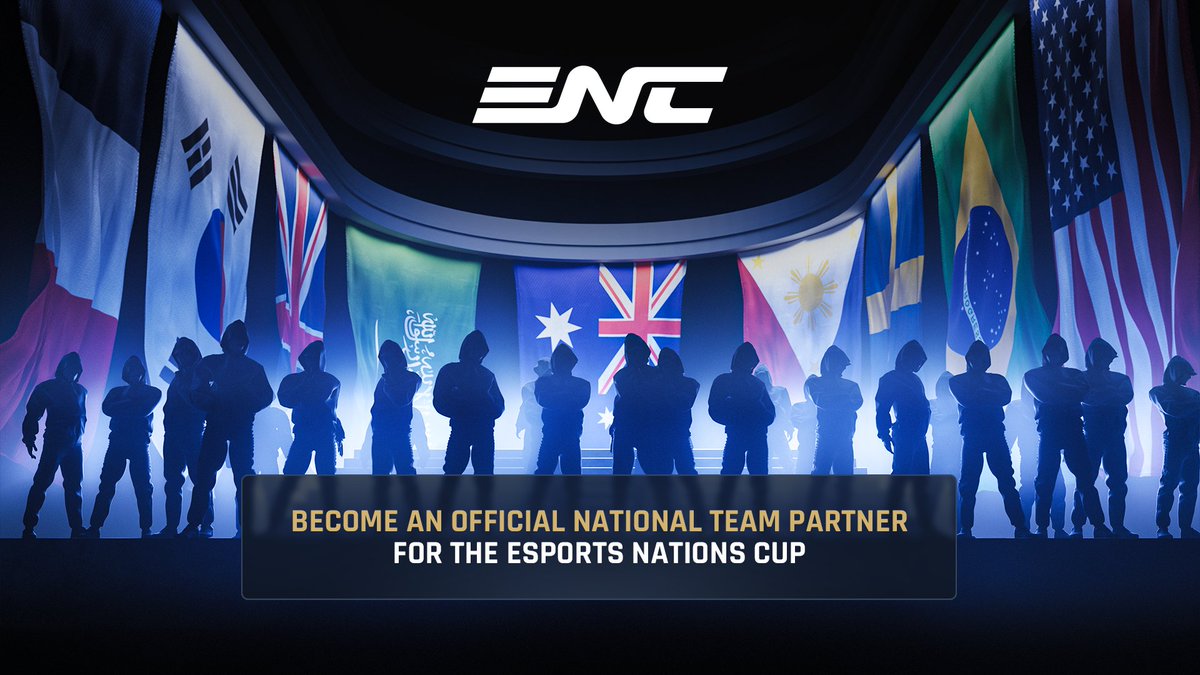
Are you interested in becoming an official National Team Partner or National Team Manager of ENC?
Esports Nations Cup tweet media
English
54
87
1.5K
310.2K
Esports Nations Cup
Esports Nations Cup@ENC_EN·
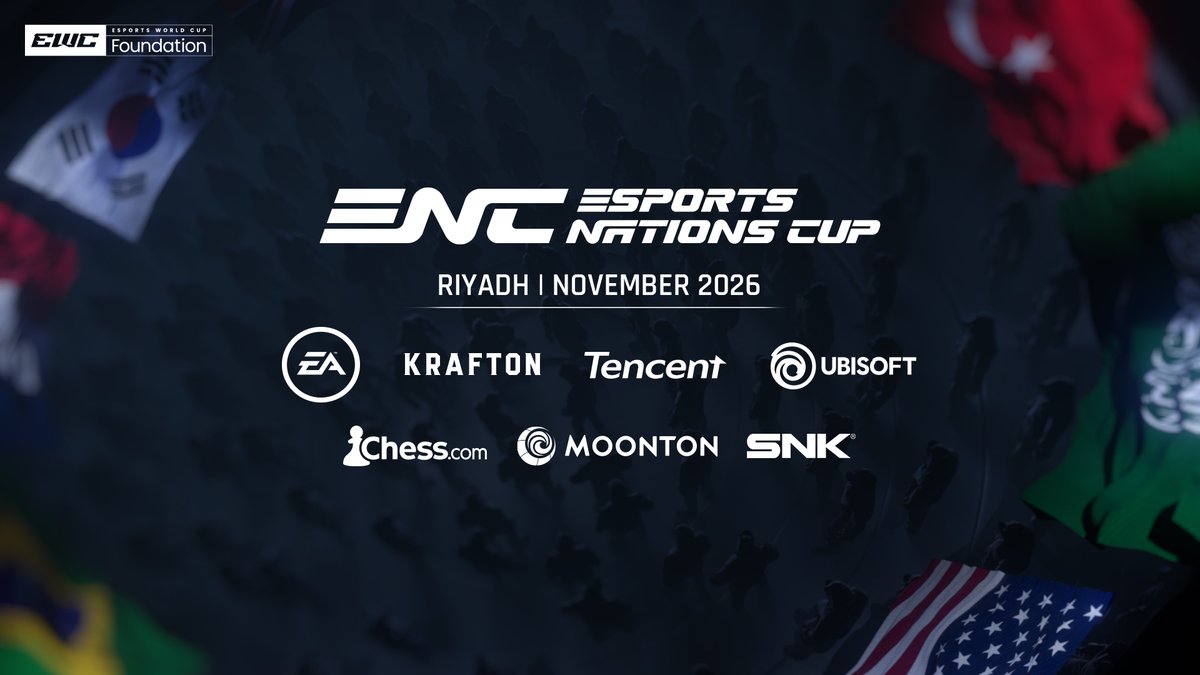
Every nation brings its own identity, passion and story. Today we are proud to welcome three new official publishers and video game companies on our mission - with more to come as we continue building a competition that unites communities across the globe.
Esports Nations Cup tweet media
English
39
210
3.1K
151.5K
Italian Tweaks®
Italian Tweaks®@ItalianTweaks·
Hello everyone. Many of you have seen discussions online about what’s going on with DLSS vs. FidelityFX CAS in the context of Call of Duty, and which option you should use. This article will explain the differences between them and help you decide. It will be long and detailed, but if you want the “too long; didn’t read” version, simply scroll down to the last paragraph. First, I want to explain what happened between Black Ops 6 and Black Ops 7 that suddenly made DLSS relevant, especially considering that in Black Ops 6 almost no one used DLSS and FidelityFX CAS was the default choice. Two things changed. 1. FidelityFX CAS, Nvidia Image Scaling, and even the “Off” option in the settings all rely on the game’s built-in Temporal Anti-Aliasing (TAA). TAA reprojects the previous frame, analyzes the motion between frames, and reconstructs the current image to make it more stable—meaning fewer jagged edges and less flickering on fine detail. However, TAA has a major drawback: it softens the image and can cause ghosting trails during fast motion. FidelityFX CAS is simply a sharpening tool meant to compensate for this softness. Games with flawed TAA implementations suffer more from its drawbacks, and Black Ops 7 unfortunately has a worse TAA implementation than Black Ops 6. The image in BO7 is noticeably softer, so FidelityFX CAS appears “worse,” when in reality the root problem is the game’s TAA. 2. DLSS (and now FSR 4) are essentially AI-powered versions of TAA. They also take the previous frame, analyze motion, and reconstruct the new frame, but their reconstruction algorithm is powered by machine learning rather than a static formula. This makes them vastly superior to the game’s native TAA in clarity, sharpness, and ghosting control—at least on paper. Additionally, Black Ops 7 finally includes the newest version of DLSS, the DLSS Transformer model, instead of the older CNN model used in previous Call of Duty titles. The Transformer model is a massive improvement over DLSS CNN, addressing its biggest weaknesses, especially ghosting. In Black Ops 6, DLSS CNN was only worth using at native resolution—what Nvidia calls “DLAA”—which destroyed FPS. But in Black Ops 7 the new Transformer model greatly reduces these issues, making DLSS a real option for the first time. However, there is still one major drawback. DLSS Transformer’s main downside: performance cost The Transformer model requires significantly more compute power and is only recommended for RTX 40- and 50-series GPUs. Its performance cost is a fixed render-time penalty, meaning even if DLSS reduces the render load, you still add roughly 0.5–0.7 ms (on RTX 40/50). At extremely high framerates (250–300+), this fixed penalty may outweigh the benefits of the reduced render resolution. Example: Native: 300 FPS ≈ 3.33 ms per frame DLSS Quality internal render: ~2.9 ms (≈ 344 FPS) Add DLSS Transformer cost: +0.6 ms → final = 3.5 ms (≈ 280 FPS) So despite lowering input render resolution, you may actually lose FPS because the DLSS overhead exceeds the gains. Using Nvidia Reflex’s PC Latency Analyzer, DLSS adds a very small extra input delay—about 0.5 ms. This is negligible for almost all players, but ultra-competitive players may want to consider it. Recommendations 1. FidelityFX CAS This should be your default option. It offers: Best performance Lowest latency No AI overhead Try it first. If you find the image quality acceptable, stick with it. 2. DLSS Transformer Model (RTX 40/50 only) Use this if: You want a clearer and sharper image You are willing to sacrifice a bit of performance and ~0.5 ms latency Recommended settings: Balanced → best compromise Performance → more FPS, slightly lower quality 3. DLSS on RTX 20/30 Series Avoid it entirely. These GPUs do not have enough AI compute power for the Transformer model. The render-time penalty will exceed 1 ms, making performance losses severe and unjustifiable. 4. AMD GPUs RX 7000 series or older: stick with FidelityFX CAS. RX 9000 series (9070XT, 9070, 9060XT): Use FSR 4, enabled in your drivers, to override the game’s built-in FSR 3.1. Image quality approaches DLSS Transformer with much lower overhead—but only on RX 9000 series. TL;DR Version RTX 40/50 series: Try FidelityFX CAS first. If the image looks too soft, use DLSS Transformer Balanced, or Performance for more FPS. RTX 20/30 series: Avoid DLSS completely. Stick to FidelityFX CAS. AMD GPUs 7000 or below: Use FidelityFX CAS. AMD RX 9000 series: Use FSR 4 via drivers; it's close to DLSS Transformer in quality. Thank you for reading, and have a great day. ItalianTweaks support: @InsuredFrames @WheelySZN @Onlyboost_tweak @diegorangel010
English
25
29
249
48.2K