
Recall:
9 posts


Recall: ری ٹویٹ کیا

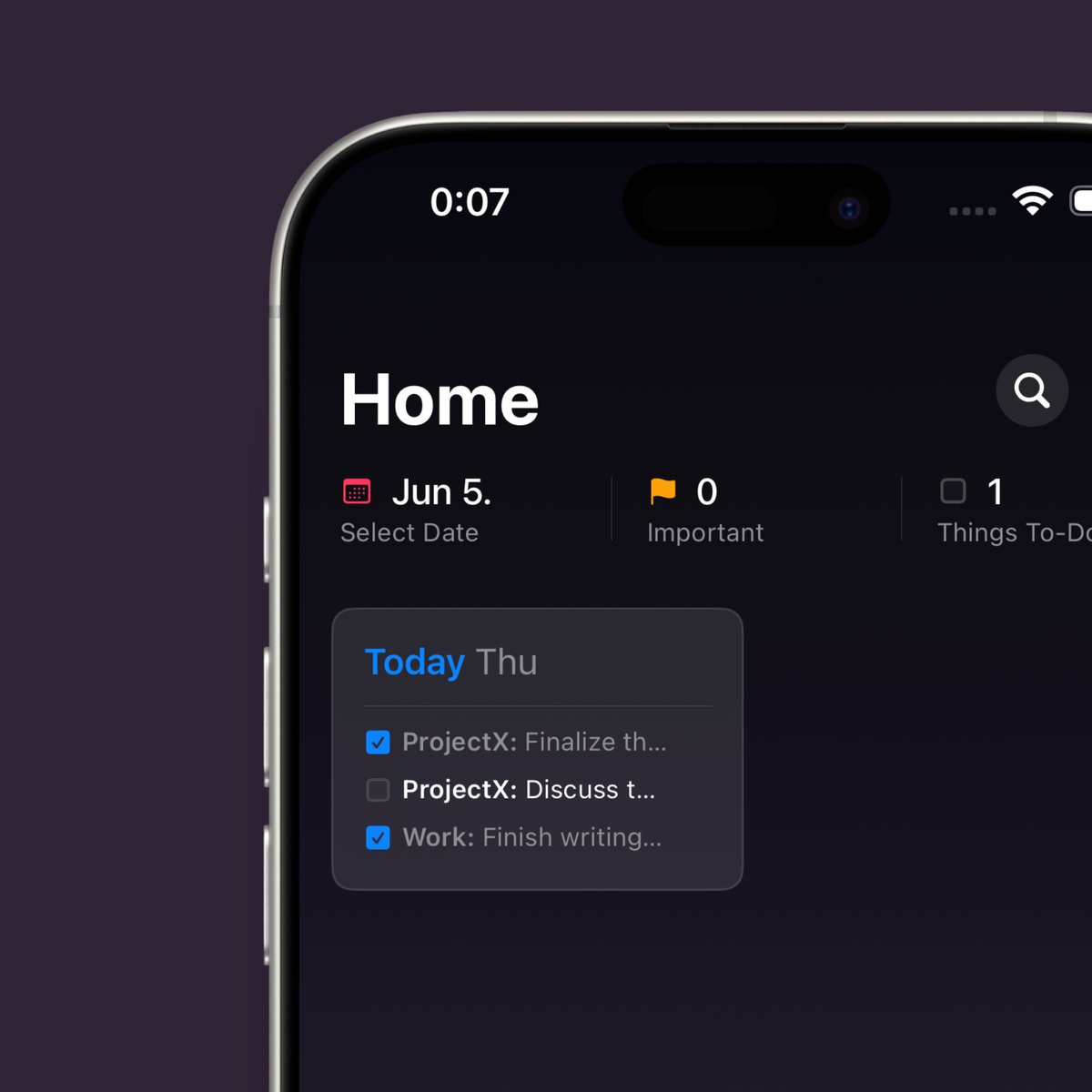
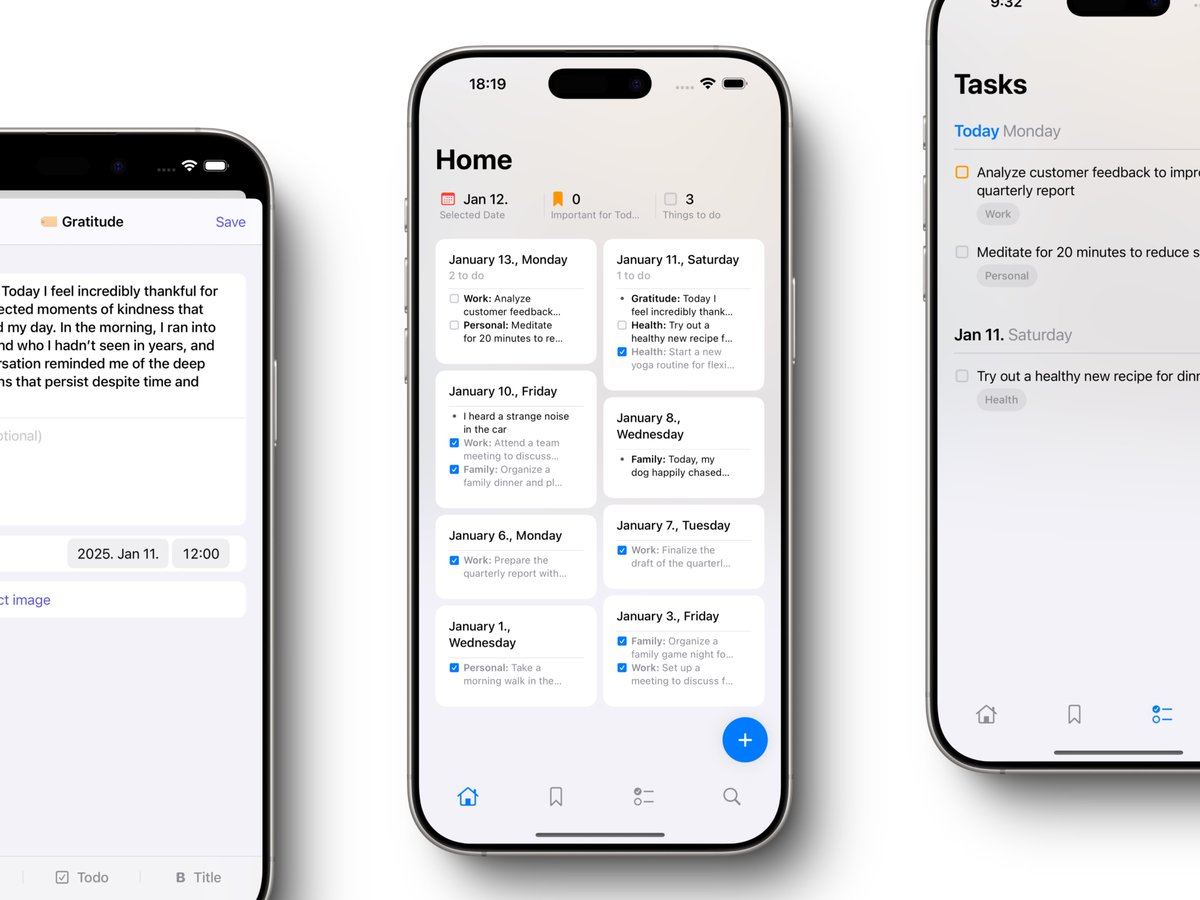
The biggest @getRecallApp update is here—let me show you how I use it as my second brain to capture all my fleeting thoughts
🧵👇
English
Recall: ری ٹویٹ کیا
Recall: ری ٹویٹ کیا

Recall: ری ٹویٹ کیا

Recall: ری ٹویٹ کیا
Recall: ری ٹویٹ کیا
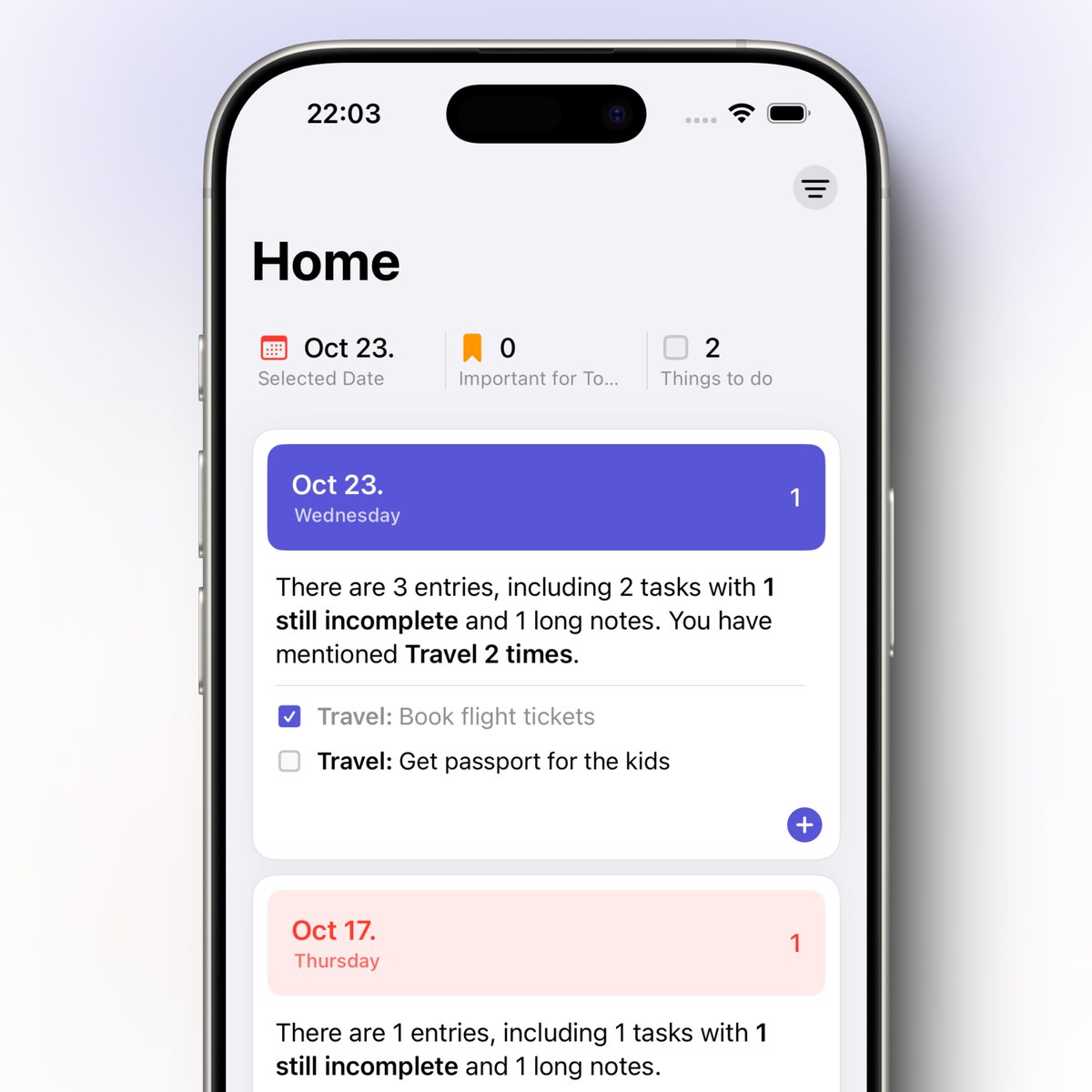
Introducing Recall: a new approach to daily note-taking that nearly eliminates the time spent on organizing your notes.
(Giveaway for @tryTodayApp users below!)
Recall was created because I personally take a lot of daily notes and like to jot down my thoughts quickly, but ideas and notes saved in traditional note-taking apps often get lost.
Here’s how Recall helps you stay efficient and organized:
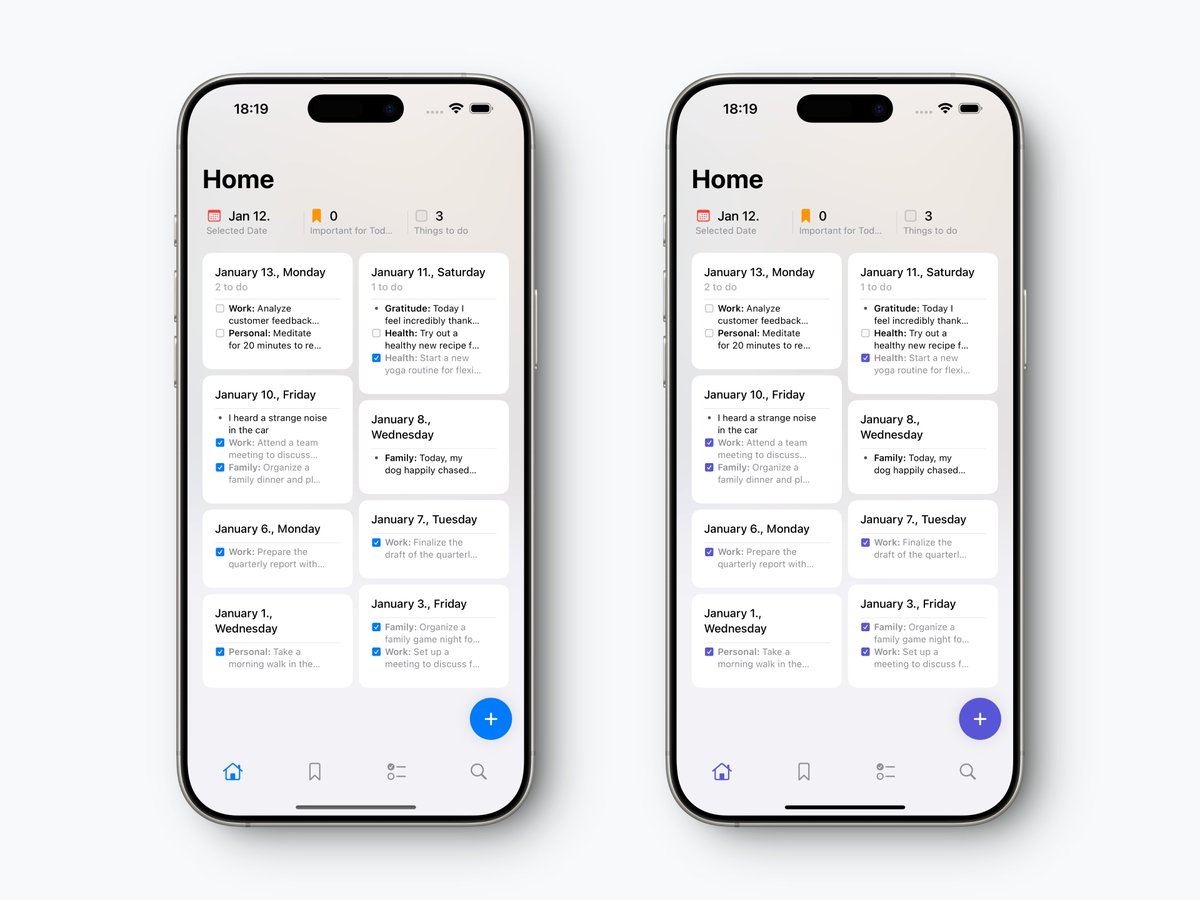
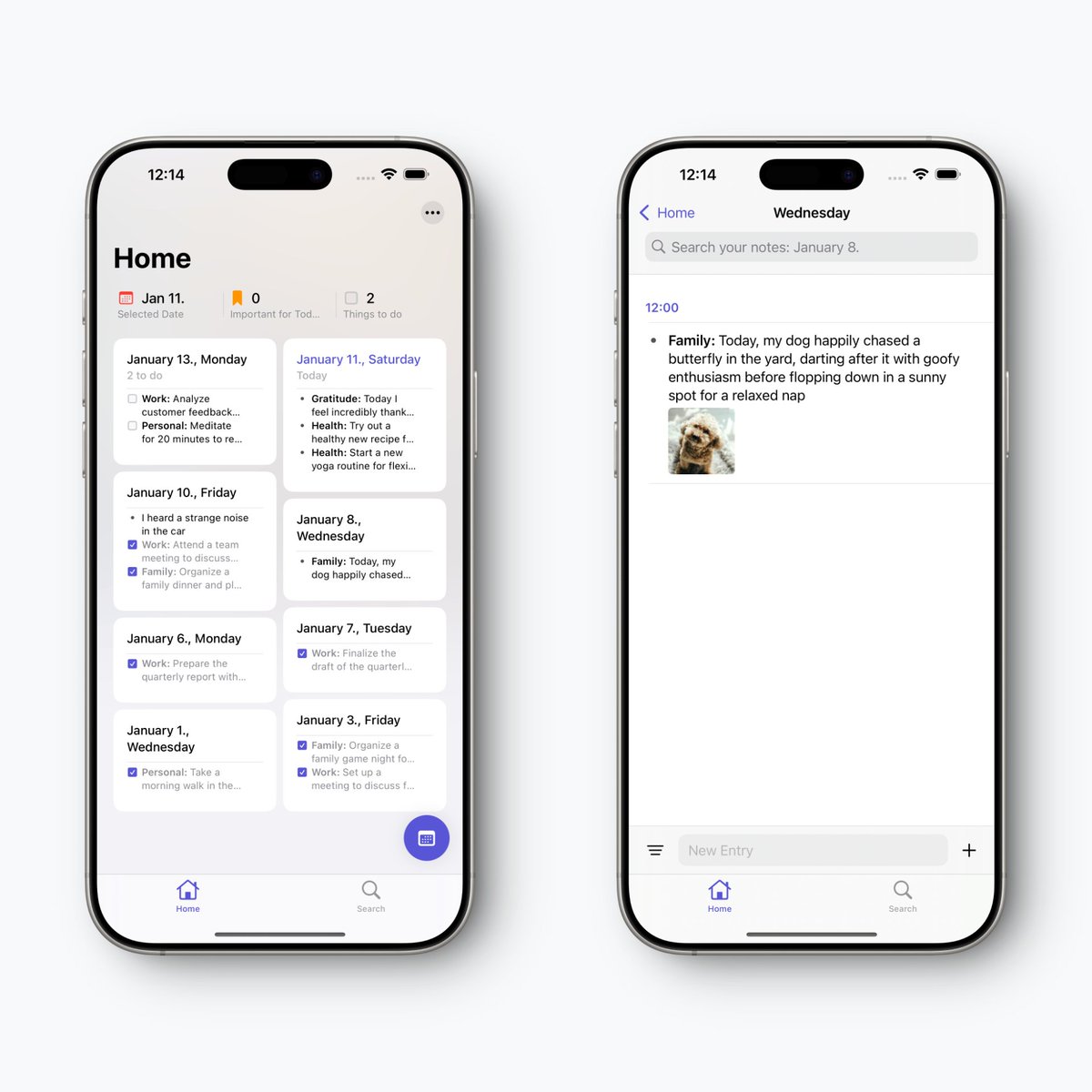
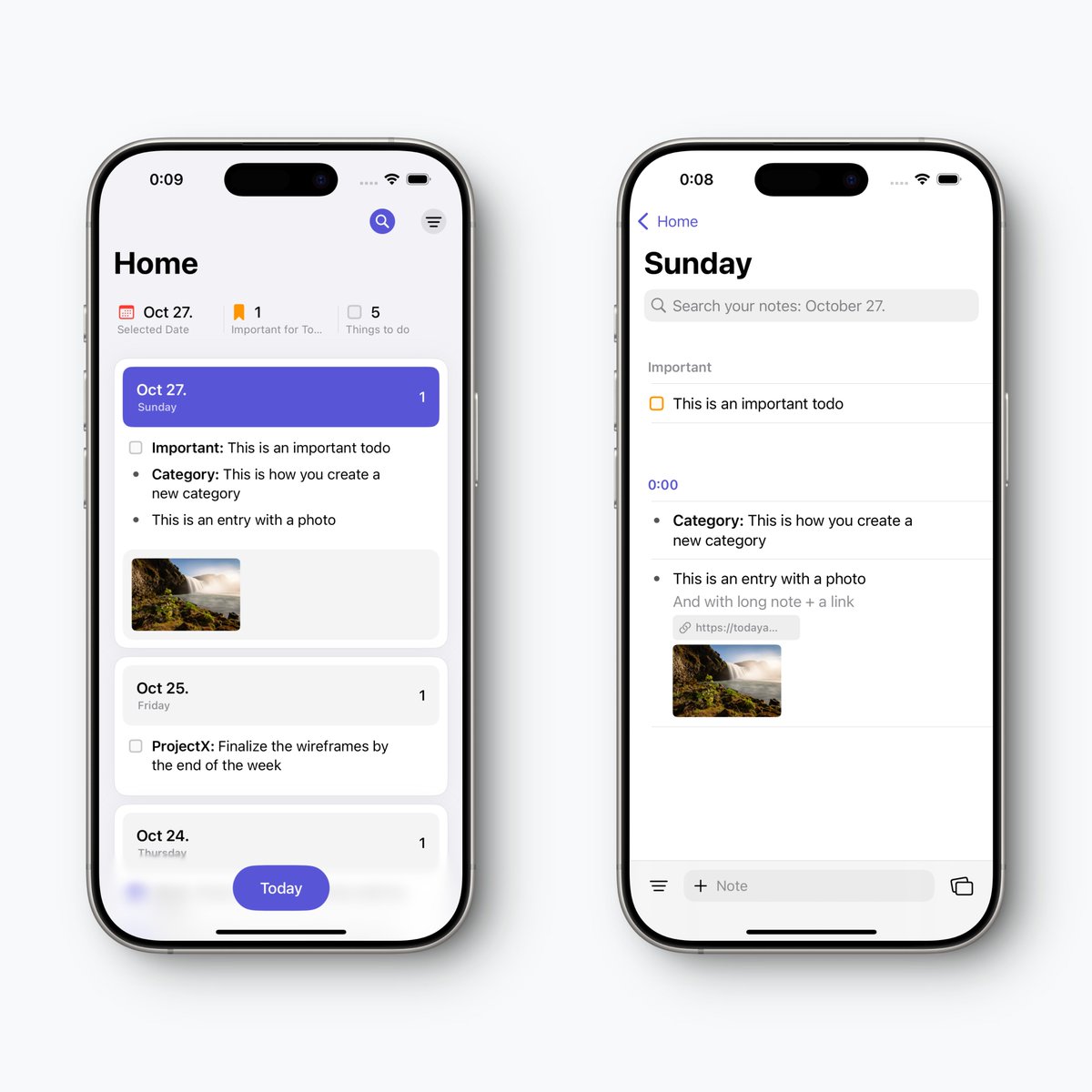
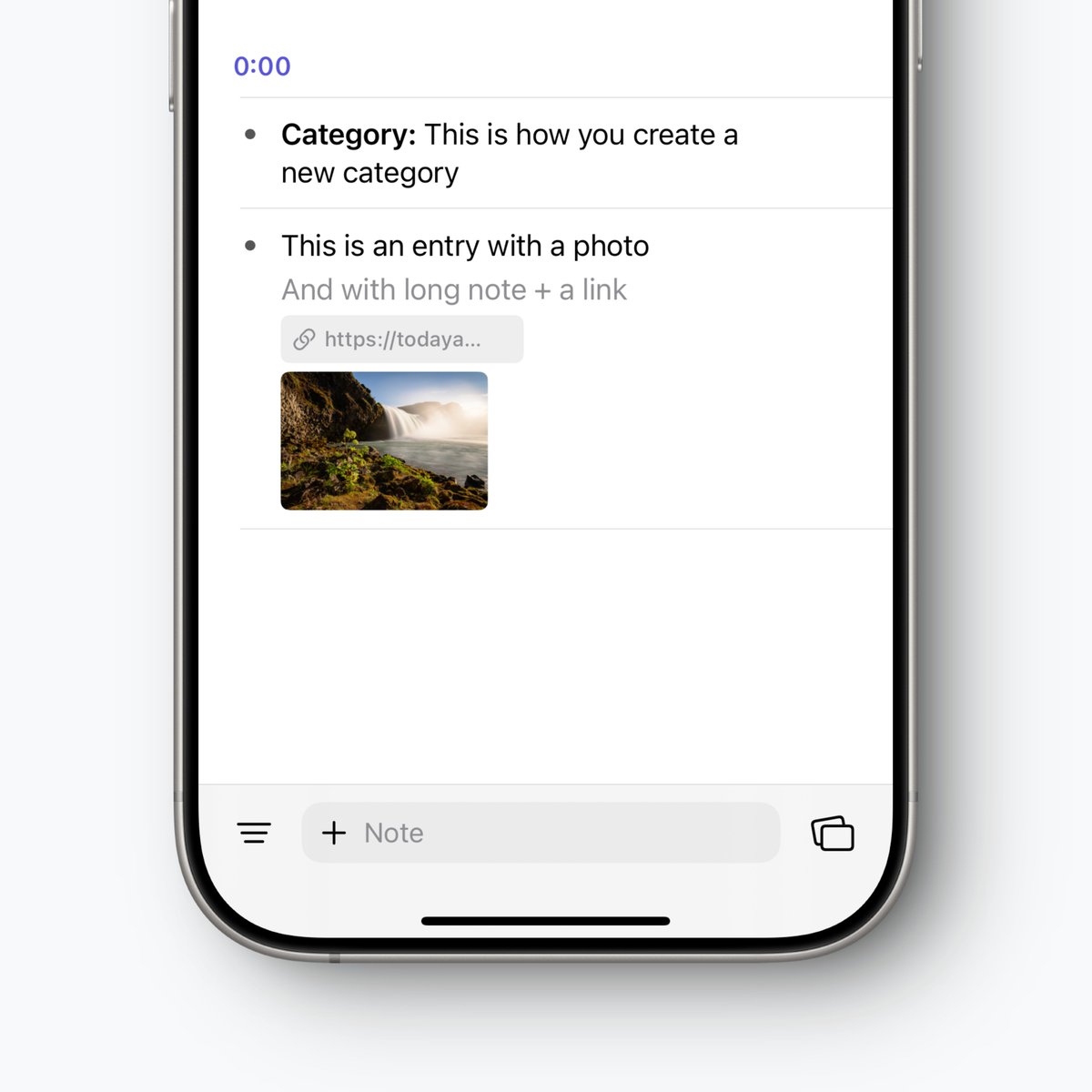
• Recall displays your notes on a timeline and automatically categorizes them based on what you write while creating the entries, saving you the hassle of organizing your notes afterward
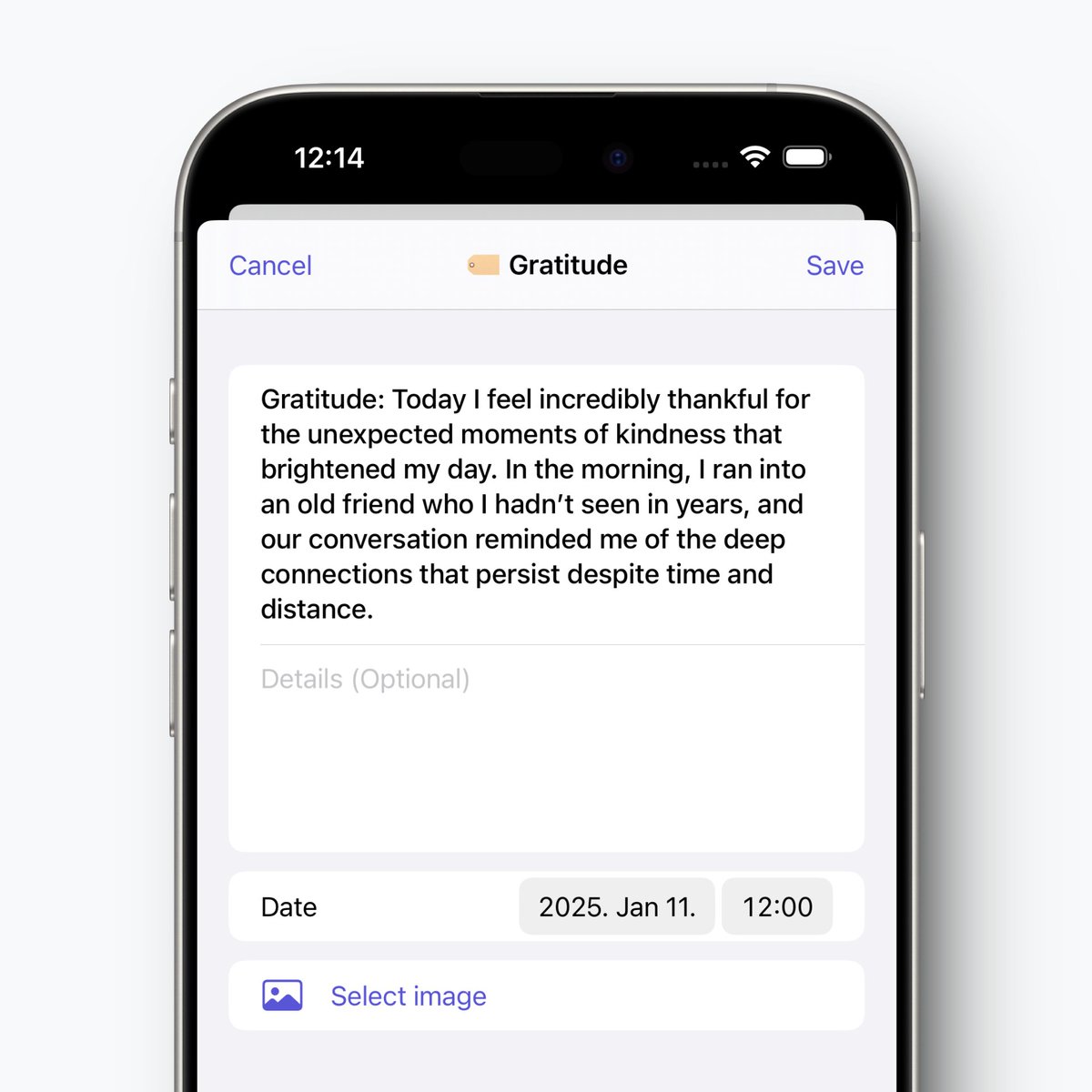
• Creating categories is simple: just add a colon after the first word of your entry. For example, a categorized entry looks like this -> Home: Don’t forget to water the plants tomorrow morning
• You can create three types of entries: Note, Title, and To-Do
• Not only can you browse your organized notes within the automatically created folders, but you can also create custom smart folders, called Recalls, that organize entries based on up to 5 keywords you choose. This makes it easy to review and track your thoughts
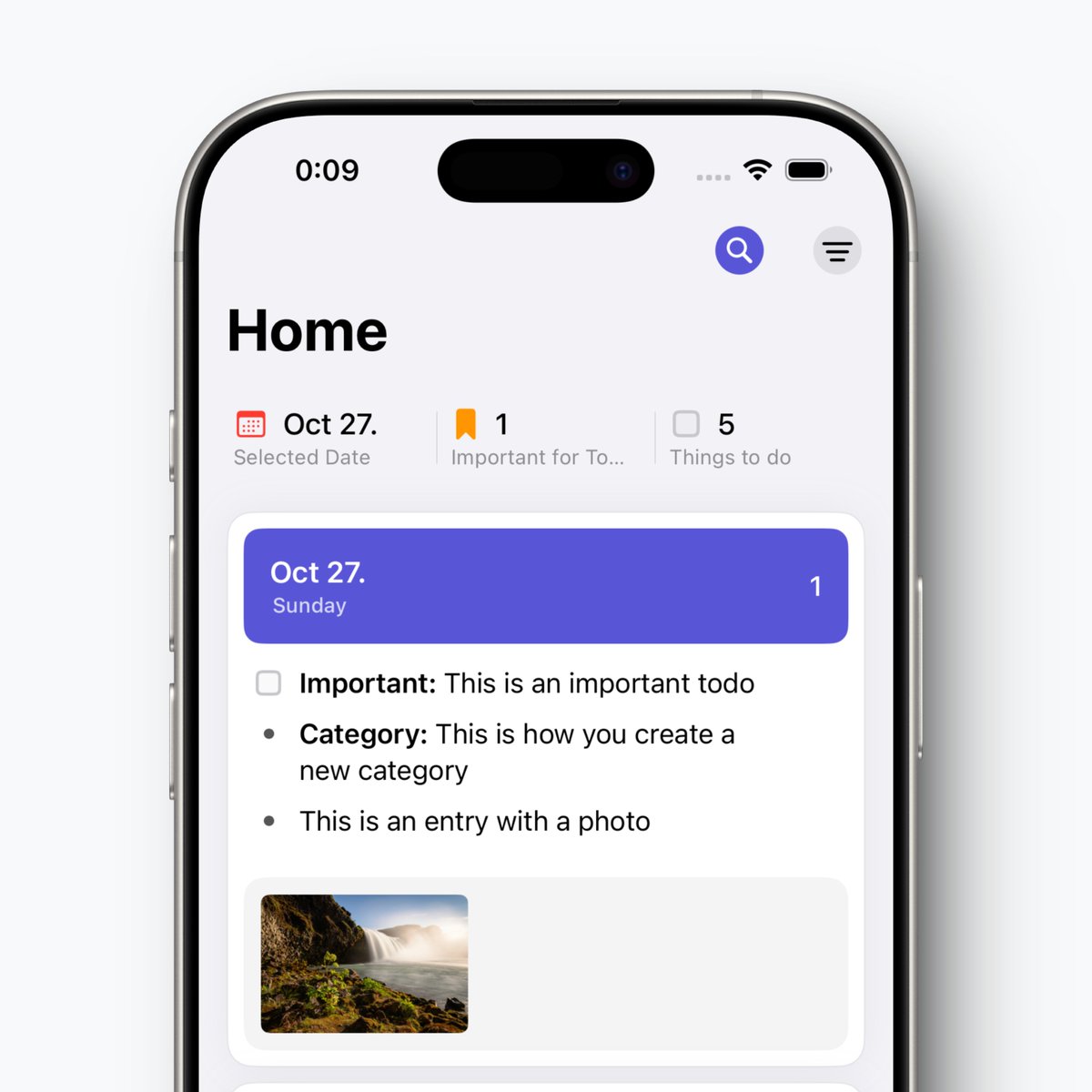
• In the main view, with just one tap, you can filter and see your day organized. You can also view your tasks separately, and don’t worry, you won’t miss any previous tasks either because the app will show you overdue tasks as well
In short, Recall is a simple-to-use note-taking, to-do, and productivity app that gives you complete clarity over your own thoughts.
Today App users: if you’ve previously subscribed to any plan in the Today App, share this post and comment below. I’ll randomly send 3-month, 1-year, and lifetime subscriptions to participants.

English