
پن کیا گیا ٹویٹ
j
332 posts


QME
j ری ٹویٹ کیا

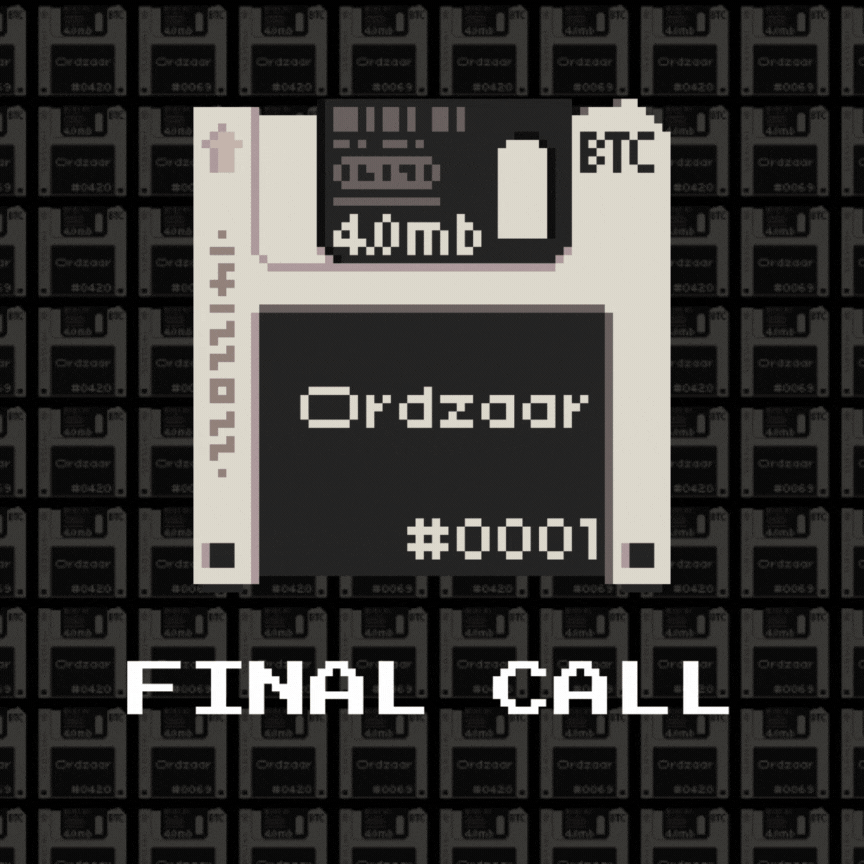
💾FINAL CALL💾
Missed out the giveaways?
Calling out the holders of:
- Bitcoin Puppets by @lepuppeteerfou
- @quantumcats
- @Nodemonkes
- @OrdinalMaxiBiz
- @rune_coin
- Runestone by @LeonidasNFT
🚨 NOW IS YOUR CHANCE TO GRAB THE FINAL FCFS SPOTS! 🚨
Head to discord.com/invite/Ordzaar NOW!
SEND ZAAR! 💾
English
💾IMPORTANT NOTICE💾
- Due to the nature of our CURSED inscription collection, we strongly recommend using
@xverse
wallets for the sale/mint and to subsequently store your cursed ODZR Pass inscriptions to prevent potential loss.
- Here’s a guide on how to download & setup
@xverse
wallet: xverse.app/blog/how-to-se…
Importing Your Wallet into Xverse:
1. Download brave.com and set up a brand new user profile.
Alternatively, you can simply set up a brand new google chrome user profile and proceed with the steps below.
2. Download Xverse: Start by downloading the Xverse wallet application.
Link: xverse.app/download
3. Import Using Seed Phrase: Open the wallet app that you wish to import from and use your seed phrase to import that wallet from E.g - Unisat and/or other wallet providers.
4. Transfer BTC (if applicable): If your Unisat wallet contains BTC in Taproot, Native SegWit, or Legacy addresses, transfer it directly to your Xverse BTC address to complete the setup.
We strongly recommend joining our discord for more information and announcement updates:
Official Discord: discord.com/invite/ordzaar
GIF
Ordzaar@ordzaar
IMPORTANT NOTICE: - Due to the nature of our CURSED inscription collection, we strongly recommend using @xverse wallets for the sale/mint and to subsequently store your cursed ODZR Pass inscriptions to prevent potential loss. - Here’s a guide on how to download & setup @xverse wallet: xverse.app/blog/how-to-se… Importing Your Wallet into Xverse: 1. Download brave.com and set up a brand new user profile. Alternatively, you can simply set up a brand new google chrome user profile and proceed with the steps below. 2. Download Xverse: Start by downloading the Xverse wallet application. Link: xverse.app/download 3. Import Using Seed Phrase: Open the wallet app that you wish to import from and use your seed phrase to import that wallet from E.g - Unisat and/or other wallet providers. 4. Transfer BTC (if applicable): If your Unisat wallet contains BTC in Taproot, Native SegWit, or Legacy addresses, transfer it directly to your Xverse BTC address to complete the setup. We strongly recommend joining our discord for more information and announcement updates: Official Discord: discord.com/invite/ordzaar
English

j ری ٹویٹ کیا

Introducing 🌇 ReneCity 🏗️ The ReneVerse Showcase Game!
ReneCity is a browser-based game that demonstrates the immersive branding solutions ReneVerse offers and is incorporated into numerous games from our partners of the ReneVerse Pilot.
The Borderless Ads & Branded Assets in ReneCity are LIVE ads, tracking real impressions. That means visitors who play the game can EARN Pilot Points toward the Pilot Airdrop – REAL rewards for REAL impressions.
Check it out at reneverse.io/game-demo! 🕹️
English

🔳 Eighth Wave of Partnerships Announced 🔳
@btcordinal: BTC MACHINE 🔶 Building SATORIA MMORPG🔹
$ZBIT Migration to runes coming soon!
[BEEP BOOP] 🤖 (1/12) 👇
x.com/btcordinal/sta…
BTC MACHINE🤖 - BTC VIRUS🦠@btcordinal
We’re excited for an upcoming collaboration with @ordzaar for Ordzaar Pass!
English
j ری ٹویٹ کیا
j ری ٹویٹ کیا
j ری ٹویٹ کیا

I was blind, but now I see.
The future is #UNCHAINED
Encrypted data:
mn/0llnpw00vs:=vv,0qn,:p,u5+6ounwn1ypuwuwv9qy8+;,&6o?.s18v64(s!-33 x.com/ExtraordinalBT…
ExtraOrdinals@ExtraordinalBTC
You say the word, but you don't understand what it means to be #UNCHAINED. I will show you... a glimpse of endless possibilities👇 ordinals.com/content/132b0a… Time is ticking⌛️
English
j ری ٹویٹ کیا

You say the word, but you don't understand what it means to be #UNCHAINED.
I will show you... a glimpse of endless possibilities👇
ordinals.com/content/132b0a…
Time is ticking⌛️

English
j ری ٹویٹ کیا

fmb feriha maxi biz
wen: tba
time: tba
supply: 2100
where: tba
price: 0.00033 BTC
English