

Deva Ramadhani
285 posts

Deva Ramadhani
@I0Deva
Keep Smile $FAR
Indonesia Tham gia Mayıs 2018
304 Đang theo dõi46 Người theo dõi
Nexira@NexiraDAEP
🎼 And now the end is near ... - Complete Pre-TGE Missions to allocate all boxes in RC. - Unlock your boxes as scheduled. - Do whatever you want at TGE. Piece of cake! 😊 🎵 Yes it was our way. PS. Don't forget 50 real Mini Warlord robots & secret bonuses for top participants (most referrals & completed tasks) are still up for grab. 👉 nexira.ai/airdrops/campa… #NexiraDAEP #TGE #Web3Gaming $NEXI
QME
10/ Wait a few moments for the transaction to be confirmed on-chain
Once it goes through, your $LUME is officially staked.
You’re now supporting the network and participating in the testnet like a pro.
English
8/ Confirm the staking amount (you can adjust it here if needed). Tick the terms/confirmation box, then press “Stake.”
9/ Your wallet will pop up again asking you to approve the transaction
Review the details and confirm.
English
How to stake your test $LUME using Lumera Hub 👇
If you're on Lumera testnet and want to put your $LUME to work, here’s a simple step-by-step guide.
1/ Head over to hub.testnet.lumera.io
This is the official Lumera Hub interface for the testnet.
English
Unbelievable! @NexiraDAEP 3X airdrop rewards, even if you missed SS1! Claim NOW 👇
🔥Join now: nexira.ai/airdrops?refid…
#Nexira #RubyUprising #3XRewards #LastChance $NEXI
#NexiraSeason2
x.com/NexiraDAEP/sta…
Nexira@NexiraDAEP
Ho ho ho! Season 2 has arrived. ❄️ You guys know what to do... 💪 But something crazy... 🤯 We are TRIPLING the rewards. YES, 3X. Bc we still have more to distribute based on allocated reward boxes. 🎁 Missed Season 1? NP. But this is your last chance. ❤️ Make sure you follow all & complete Season 2 Tasks. 📝 Let's go! Ain't got much time left. ⏳ 👉 nexira.ai/airdrops PS. To be fair, we will re-verify all X-follows & tasks at unlock. ONLY for the loyals. #Nexira #RubyUprising #3XRewards #LastChance $NEXI
English
Step 5: Final Fee Approval
Approve the last transaction for the network fee.
Step 6: Wait for Completion
After processing finishes, your file will be uploaded privately.
English
Step 3: Choose Private
Select Private as the file type. Confirm it is set correctly.
Step 4: Approve Wallet Requests
Your wallet will ask for three approvals. Accept all of them.
English
Guide to Uploading Files with Cascade on @lumera Hub
This guide explains how to upload a file using Cascade on Lumera Hub, even if you are new to crypto and wallet transactions.
Cascade requires wallet approvals because your upload is recorded through blockchain transactions.

English
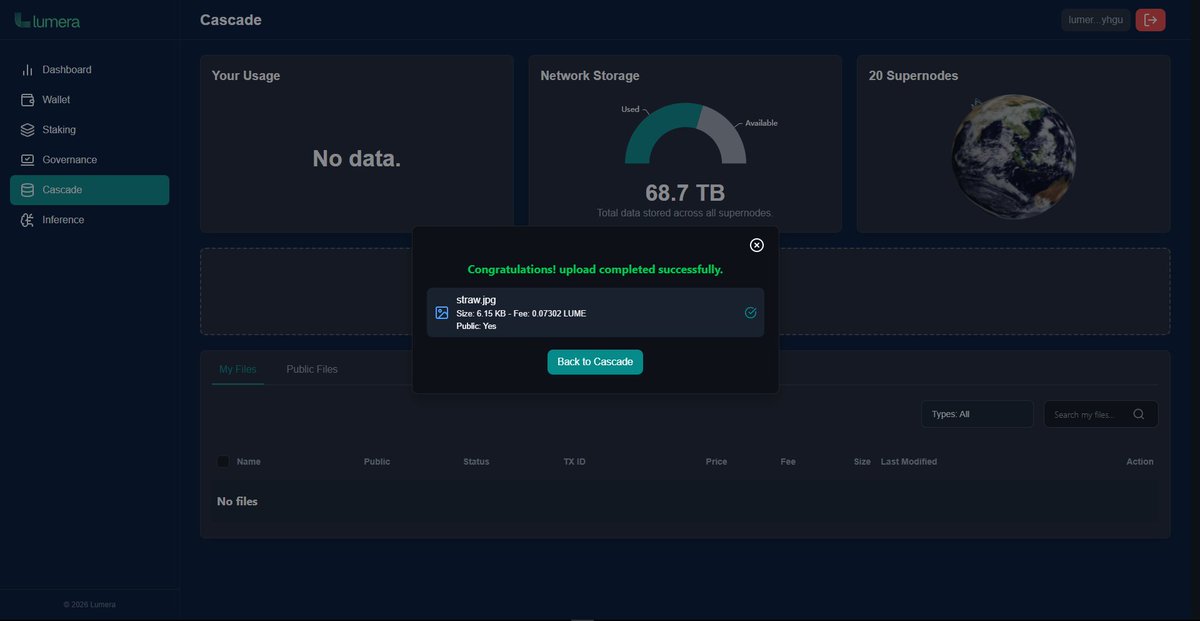
Public file successfully stored on Lumera @lumera verifiable, accessible, and decentralized by design. Leveraging Cascade architecture for efficient, scalable data availability without relying on centralized storage.
hub.testnet.lumera.io/tx/B048DC9919D…
#Lumera #Cascade
English
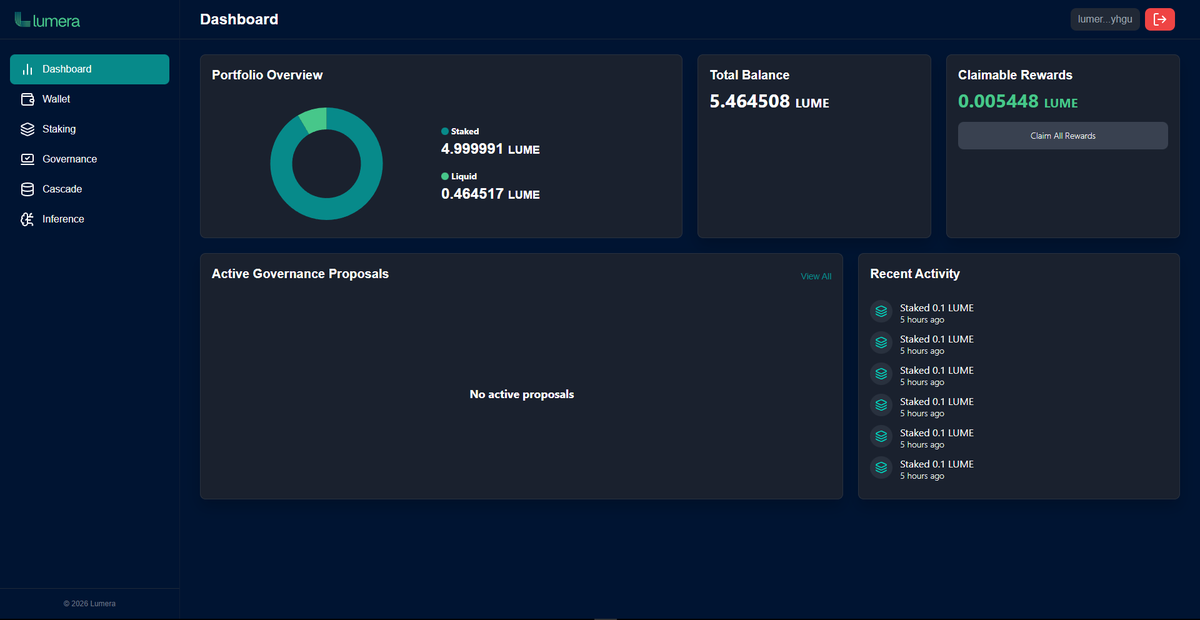
5️⃣ You’re Connected ✅
Once approved, your wallet address will show as connected on Lumera Hub.
Now you can interact with the testnet features using that wallet.
Tip: Always make sure you’re on the correct URL before connecting your wallet to avoid phishing sites.
English
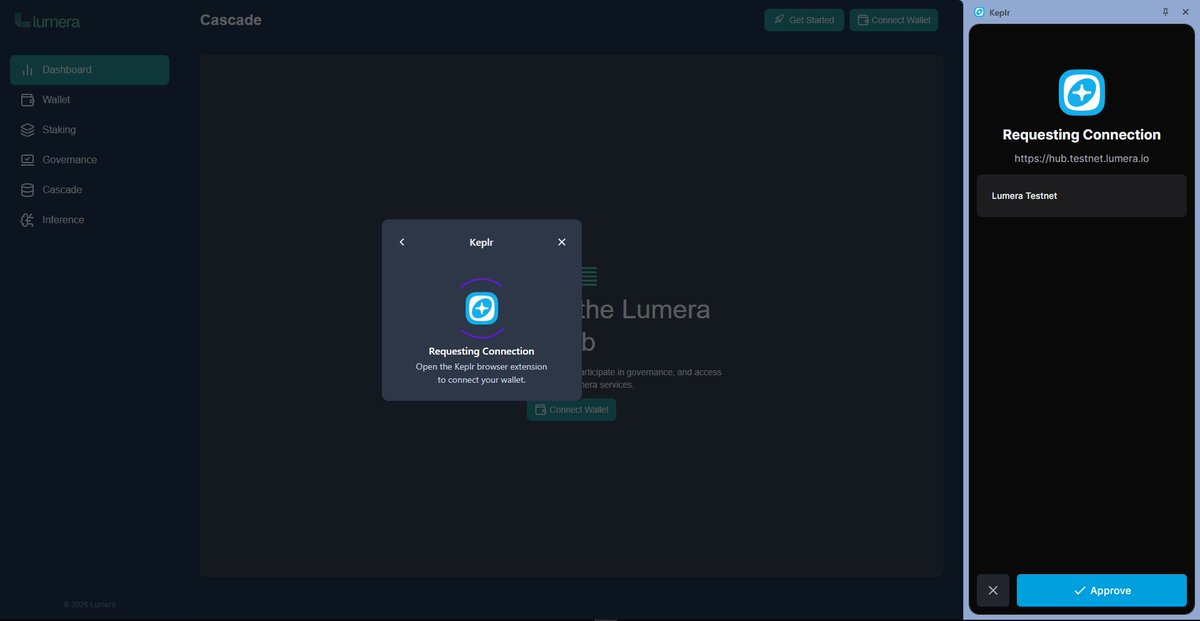
4️⃣ Approve the Signature Request
Your wallet will ask you to sign a message.
This does NOT spend tokens or give away control it’s just a secure way to confirm:
✔ You own the wallet
✔ You allow the site to read your public address
Click Approve.
English
How to Connect Your Wallet to Lumera Hub (Testnet)
Connecting your wallet to Lumera Hub lets the platform recognize your address so you can interact with features on the Lumera testnet (like dashboards, tasks, staking, governance, or future tools) ⬇️
English