Tweet ghim

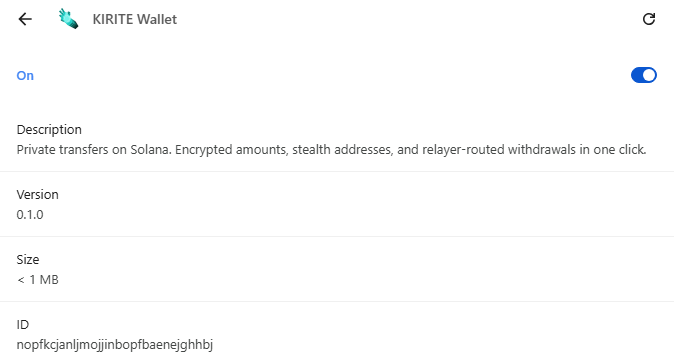
KIRITE is delivered as a Chrome extension, much like Phantom or MetaMask. You install it, click the icon in the toolbar, and use it as a normal Solana wallet. The only difference is that every transfer can go through the privacy layer.
You don't need to know what a deposit, pool, or nullifier is to use it. Turn on privacy, paste the recipient's address, press send. That is all you have to do.
The amount is encrypted, so no one outside can see it. The recipient's address is replaced with a one-time stealth address, so the real recipient is never exposed.
A transfer happens in two steps. First, you send funds to a relayer. Then the relayer forwards them to the recipient. Because the two steps are signed by different signers, a block explorer cannot directly link "who sent to whom".
English