
Post



@CodeByNZ Visual studio code is a text based cross platform code editor
Visual studio is a fully fledged IDE for code compilation and debugging
English





@CodeByNZ Wait till you find out there's a VSC insiders edition and it's green
English





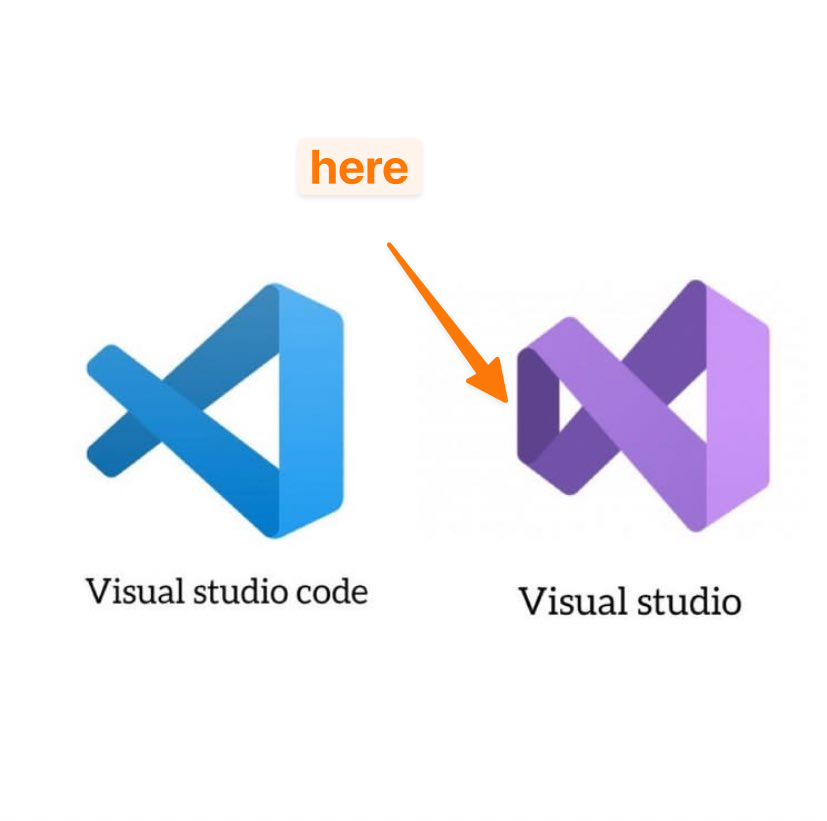
@CodeByNZ Visual Studio → ❌ Not open source (closed logo)
Visual Studio Code → ✅ Mostly open source (left side it’s open)
🤣🤣😂😂
English


@CodeByNZ One is just a lot heavier than the other. Visual Studio is for the "hard" code in my opinion. Assembly, C, C#, things that need compiling and detailed profiling.
English



@CodeByNZ The only have the name in common. Visual Studio is enterprise level IDE, it’s just badass, but unfortunately only runs on Windows. I have a huge respect for VS Code, use it on a daily basis but Visual Studio is a world class IDE. I’m a dinosaur and Visual Studio 10 is my fav
English

@CodeByNZ Visual Studio is the OG IDE that has support for complex projects etc (and overkill for 99% of todays projects). Still useful for instance for games development, C++ etc.
VSCode is the lightweight rewrite useful for the 99% other projects.
English


@CodeByNZ You need the purple one to compile stuff on Windows whether or not you use the blue one as the editor
English


@CodeByNZ go ahead and try to create windows application in vscode using .NET
you’ll know the difference immediately
English



@CodeByNZ VS Code represents variety of tools and Microsoft Visual Studio was for .NET development :P
Doesn't matter, i guess it's where your development efforts are focused and which tech components are best available for your applications that will make the difference.
English





@CodeByNZ Look carefully, one is an open loop and the other is a closed loop ♾️
English


@CodeByNZ Visual Studio is a full IDE with compiler support and build tools
VSCode is a text editor with a GUI and extensions that you can use to make it come closer to an IDE
English