Post
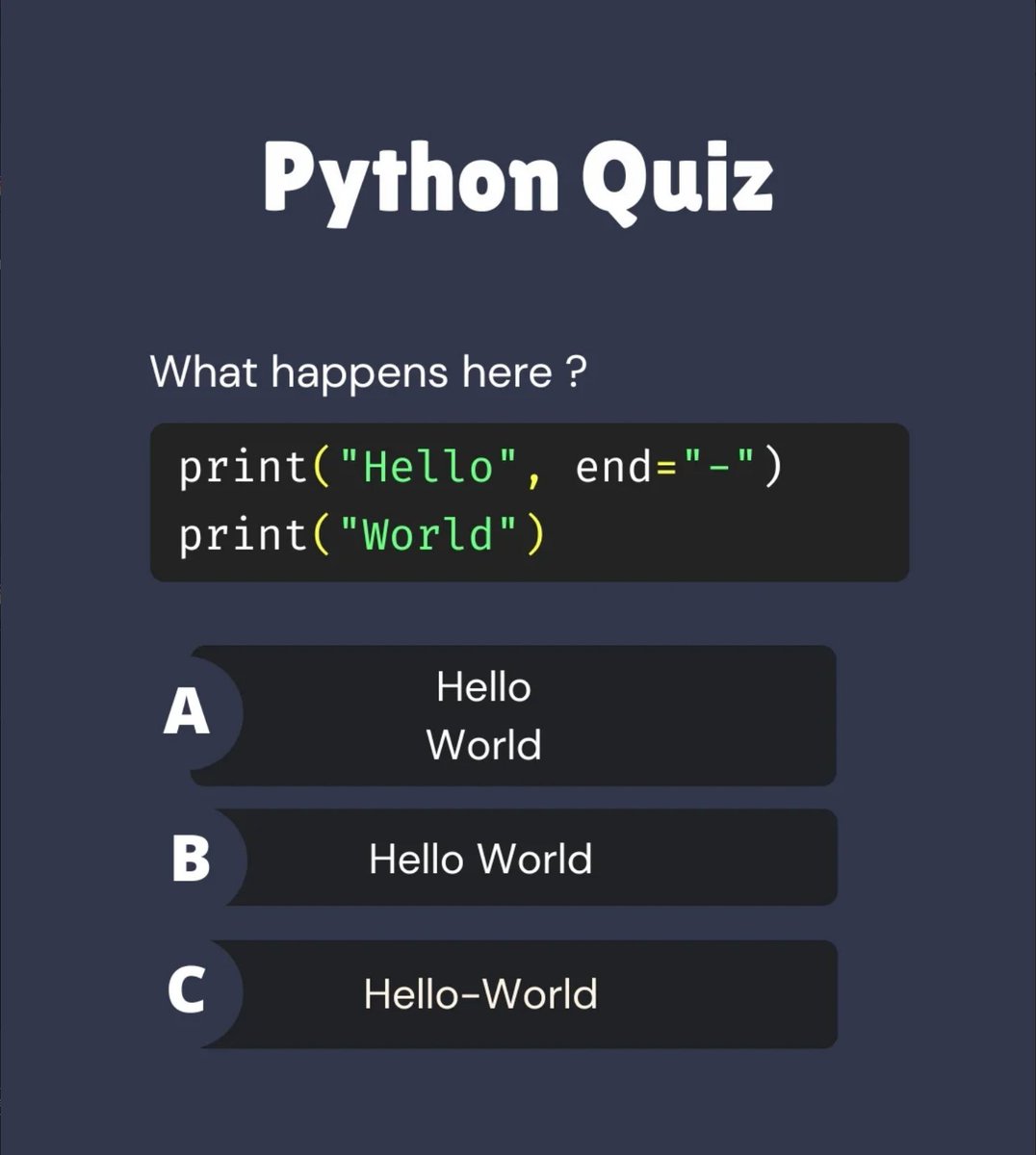

@Python_Dv Output: C) Hello-World ✅
Explanation:
print("Hello", end="-") prints Hello and replaces the default newline with -.
print("World") continues on the same line and prints World.
Final output: Hello-World
English

@Python_Dv Answer: (c) Hello-World
The print() function in Python normally adds a newline character at the end of its output. However, the first print() statement uses the end="-" argument to replace the default newline with a hyphen (-).
The first print("Hello",
English


@Python_Dv C. Hello-World
The end= function adds the hyphen to the end of the first word resulting in “Hello-World”
English

@Python_Dv C.
end="-" replaces the newline, so both prints stay on the same line → Hello-World.
English


@Python_Dv I didn't know about the end="-" but it seems logical. Thanks for the clue
English







@Python_Dv "Quick Python tip: If you want to print multiple items on the same line without a newline, just use the end parameter!
Example: print('Hello', end='-') followed by print('World') gives you Hello-World. What’s your favorite hidden print() parameter?"
English


@Python_Dv C. end: String appened after the last value, default a new line.
English