
Quick update from last week's release:
API to Customize Expression Syntax
If you've used SurveyJS expressions before, you're probably used to writing things like: {age} >= 18, or using dynamic text like: Hello, {firstName}. Until now, that syntax was fixed. With this release, you can fully customize how those expressions are written globally.
1. Change variable delimiters
By default, SurveyJS uses {} to reference variables.
Now you can switch to any format that fits your project:
🔹{{variable}}
🔹{% variable %}
🔹%variable%
2. Change or disable $ for element property access
SurveyJS recently added the ability to access element properties inside expressions. Now you can:
🔹Replace $ with something else (e.g. @)
🔹Or disable this feature entirely
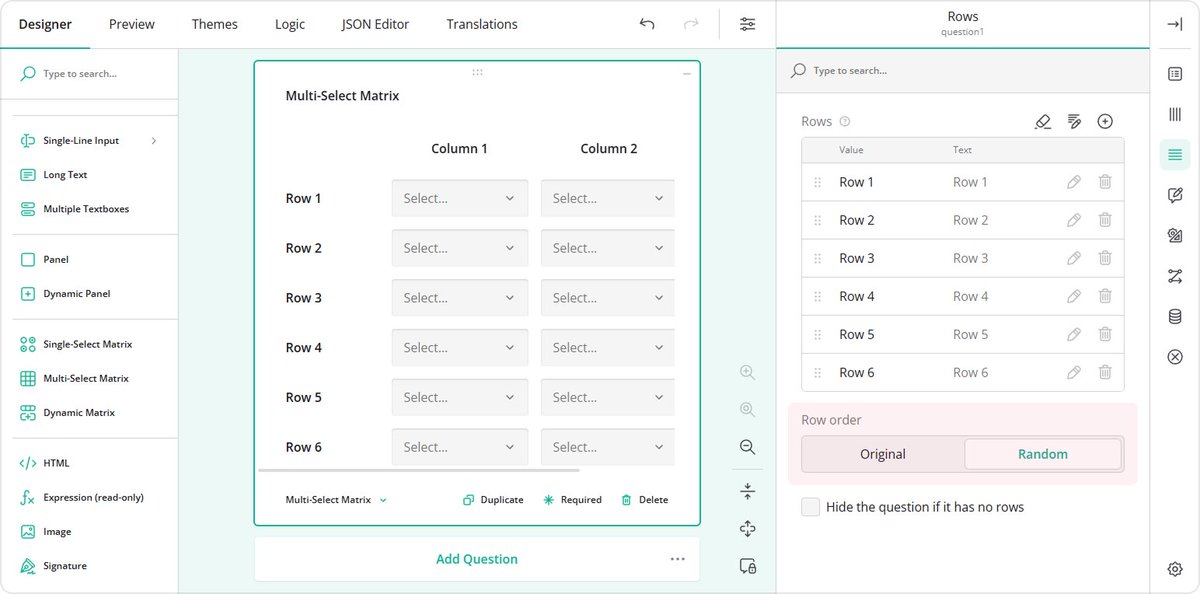
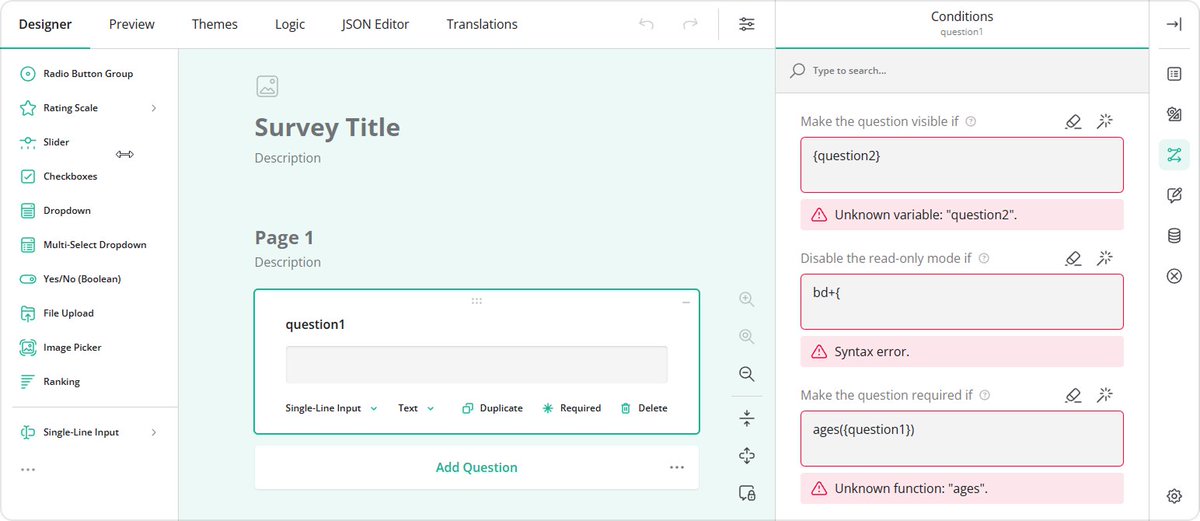
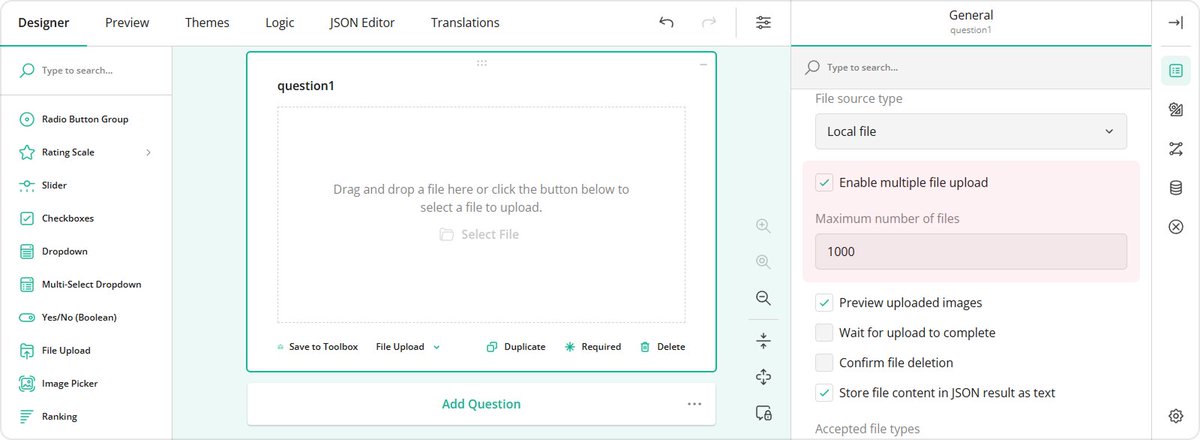
Survey Creator: Invalid Values Are Now Preserved
Previously, if you entered an invalid value in the Property Grid, it would just get cleared. Now:
🔹Invalid values are kept
🔹You can fix them later without losing progress
🔹They’re stored temporarily and not added to the JSON until valid
New Help Topic
How to create a custom Thank You page
👉 Full Release Notes for SurveyJS v2.5.15: surveyjs.io/stay-updated/r…
English