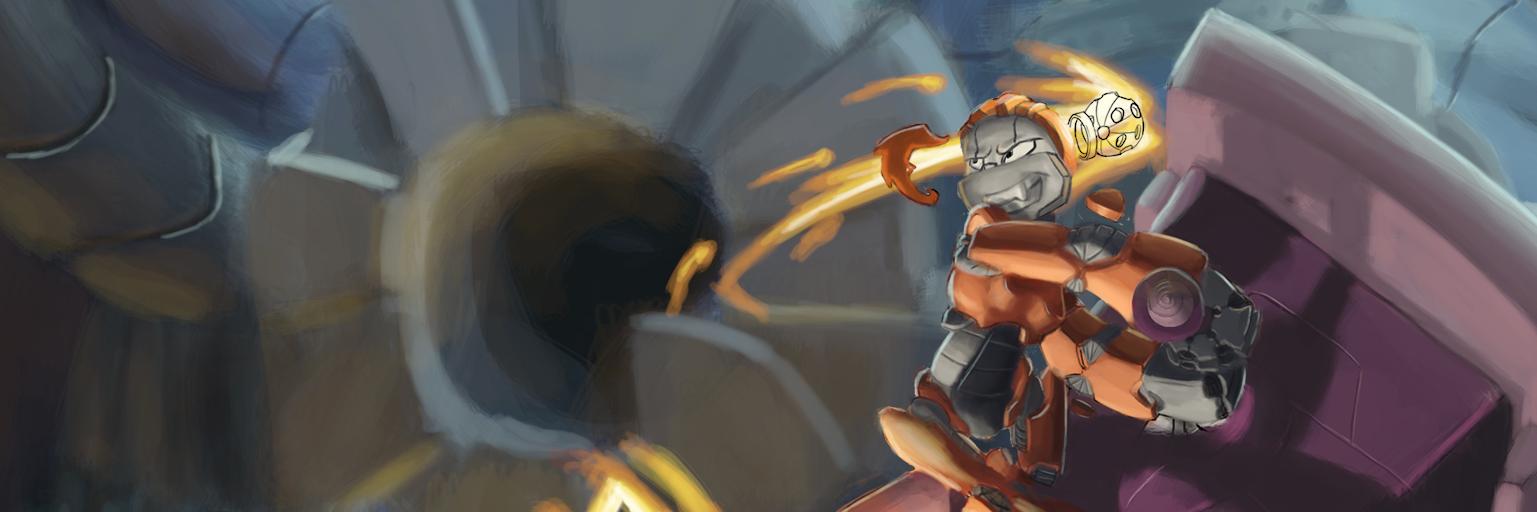
Been a while since I animated something just for myself 💃
I love dancing yosakoi so much I wanted to animate it, this song/dance is called Sakase ya Sakase [咲かせや咲かせ] I hope you enjoy it🫶🎵
Rig: @mega_bubu
@WaysteLAN oh thanks! It's neat kinda knowing how websites work. I can press F12 and start messing around with things. A little bonus thing it taught me.
Learned the basics of making websites (though I was learning it for a different reason) so that's neat.
These are the finished steps in the Khan Academy course.
Thanks to @issork I've been making progress learning how to connect @Twitch to the @godotengine .
I've only just begun, but I'm excited to continue learning more.
@meotis_fr@passivestar_@Raven67854@MV_Raffa Wait, unless you mean choose between Maya and Blender? That's a bit tougher. Even if money wasn't a thing, it would all boil down to whatever pipeline you'd want to work with. For my own projects, I know I want to learn blender more.
@meotis_fr@passivestar_@Raven67854@MV_Raffa I've animated a LOT more in maya than in blender. I don't think I know blender well enough to really say. But I can share what tool in maya I like a lot. I'm a big fan of Studio Library and animBot. Though if I had to choose... animBot just does so many things!
🧵1/5
I made something a while ago but didn't make the time to post it... until today! Thank you @passivestar_ for the help on reflections! It led me down a rabbit hole of info.
@passivestar_@Raven67854@MV_Raffa 🧵5/5
And here's an update on the robot! I got a new simple animation, and the screen's reflective now! Thanks in big part to everyone's help and tutorials.
I'm not sure what I plan to do next, but I do plan to post about my little projects a little more often here.
@passivestar_@Raven67854@MV_Raffa 🧵4/5
This is the environment I made! Not gonna use it for anything other than learning though. The environment was HEAVILY inspired by @MV_Raffa's tutorial, so it wouldn't feel fair to use it anywhere else. It taught me the basics of a lot of different things though!
@AstroDunes oh heck yeah! You've been working real hard on these for a while! They look great. I'm sure the miniature community will appreciate the files when they're out!
Hey @JoltJab, I got curious and made some quick glass panels in godot
You're right, godot uses the screen texture for refraction, and it seems to work best on highly curved surfaces. On flat surfaces I found it's best to keep the refraction scale to the minimum
One thing I found that helps a bit to make glass look a little better is to make it not fully transparent, as if it absorbs some light
I also put some noise into the roughness map to make it look a little dirty. Ideally you'd open substance and bake it into cavities, but for quick results this is better than nothing
For reflections to appear you need reflection probes, or VoxelGI, or SDFGI in your scene. I'm using VoxelGI in the video
You can also try putting a little bit of perlin noise into the refraction map to warp it for interesting effect
I got my little dude all made! The glass screen and eyes were an interesting challenge, but I talk more about that in a response to this post.
#Robots#GODOT#gamedevelopment
@senorDane It's the same in Blender? I didn't realize! It looks like I got a lot more to learn about how glass is created in these different softwares. Thanks for telling me :)
@JoltJab Actually, the render mode you're using in Blender also uses the screen, however, seems like godot is picking things infront of the glass to refract, unlike blender that falls back into the cubemap when it doesnt find a refraction in the screen texture