cemre güngör

8.7K posts

cemre güngör banner
cemre güngör

cemre güngör

@gem_ray

product @browsercompany · #anjunafamily

San Francisco, CA Se unió Nisan 2009
744 Siguiendo8K Seguidores
Tweet fijado
cemre güngör
cemre güngör@gem_ray·
we should name re-orgs like we do for hurricanes
English
11
112
1.4K
0
cemre güngör retuiteado
Shreyas Doshi
Shreyas Doshi@shreyas·
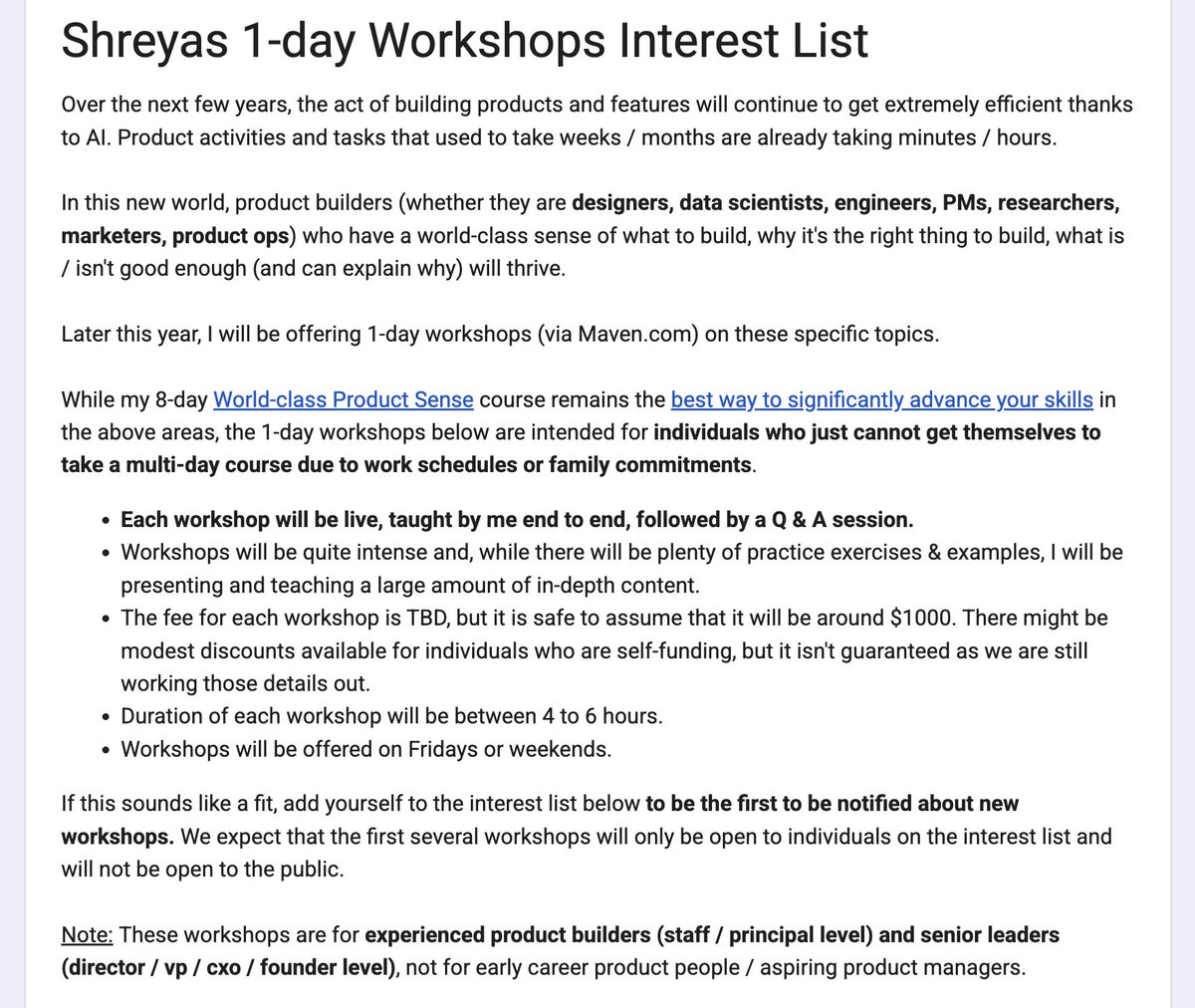
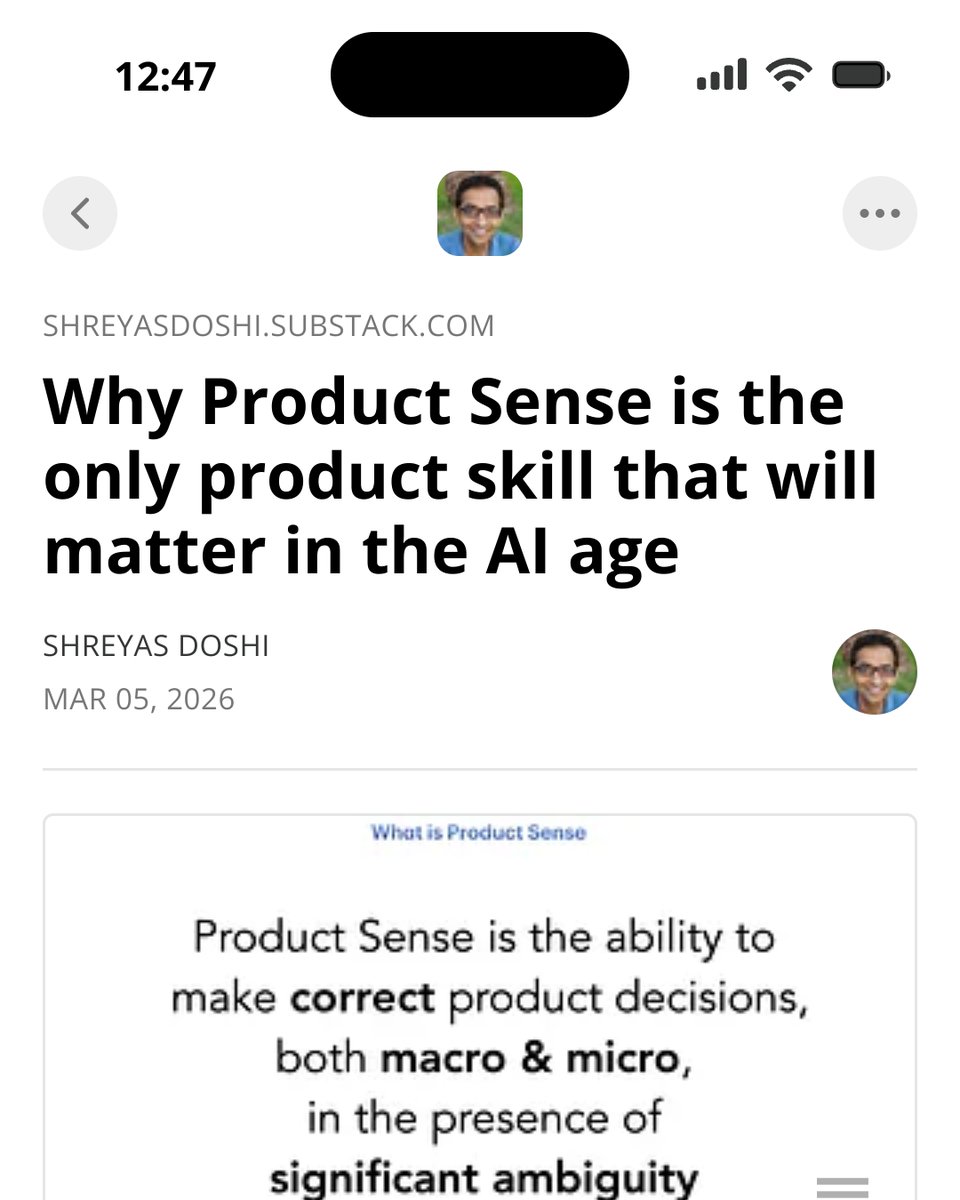
✨ Some news: I will soon be offering 1-day workshops on - Product Taste - Product Strategy - Product Creativity - Customer Empathy To get notified when these workshops open, let me know here: bit.ly/shreyas-worksh… (follow this link for details on fees, format, audience, etc)
Shreyas Doshi tweet media
English
9
14
96
21.5K
cemre güngör retuiteado
Charlie Deets
Charlie Deets@charliedeets·
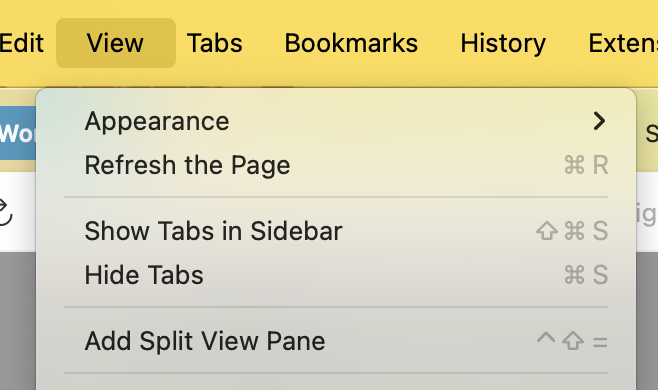
If you notice a difference between these two examples, you will enjoy the rest of Dia as well.
Dy ✻@evowizz

So... Vertical tabs are out in @googlechrome. I thought it would make me switch back to it, I really thought it was the one thing I needed in Chrome. I currently use @diabrowser , but here's the thing. In comparison, the implementation of vertical tabs in Chrome is just awful. It barely changed since I saw it in beta. I thought it would greatly improve during the beta phase, but it did not. So here's everything I dislike about it compared to Dia: 1. It's super laggy. 2. When collapsed, the sidebar moves down, meaning the position of the expand/collapse button shifts down too, making it much harder to find. (I ironically couldn't find the first few seconds of the video specifically because of that) 3. No keyboard shortcut to expand/collapse. 4. Collapsed doesn't move the tabs out of view, they are just tiny. 5. The amount of tabs per line in the grid of pinned tabs is not adjusted depending on the number of tabs. 6. In collapsed mode, all the pinned tabs are now in a column, which can push the actual tabs quite far down. ----- It's just awful. It was built into Chrome as a way to just say "hey we also have vertical tabs!" But the UX is simply awful. This has to be the worst implementation of vertical tabs I've seen so far yet, sadly. For comparison, I'm also showing how @diabrowser handles vertical tabs.


English
8
3
110
21K
claire vo 🖤
claire vo 🖤@clairevo·
@DannyFMartinez I would have loved an AI generated message because at least AI would do the basic decency of opening up my linked in or googling me and adding 4 words of personalization.
English
2
0
11
1.1K
claire vo 🖤
claire vo 🖤@clairevo·
One of the top exec recruiting firms for tech companies cold texts my personal phone pitching a CPTO role. 3 paragraph message (boomer coded) about the recruiter, the firm, the company hiring. Zero about me, or why I personally would be a match. I write back “I’m running my own company, is that in your data?” Zero response. Has gone cold for days. This is who you are paying 6 figs to recruit the very best talent for you.
English
14
2
158
21.6K
cemre güngör
cemre güngör@gem_ray·
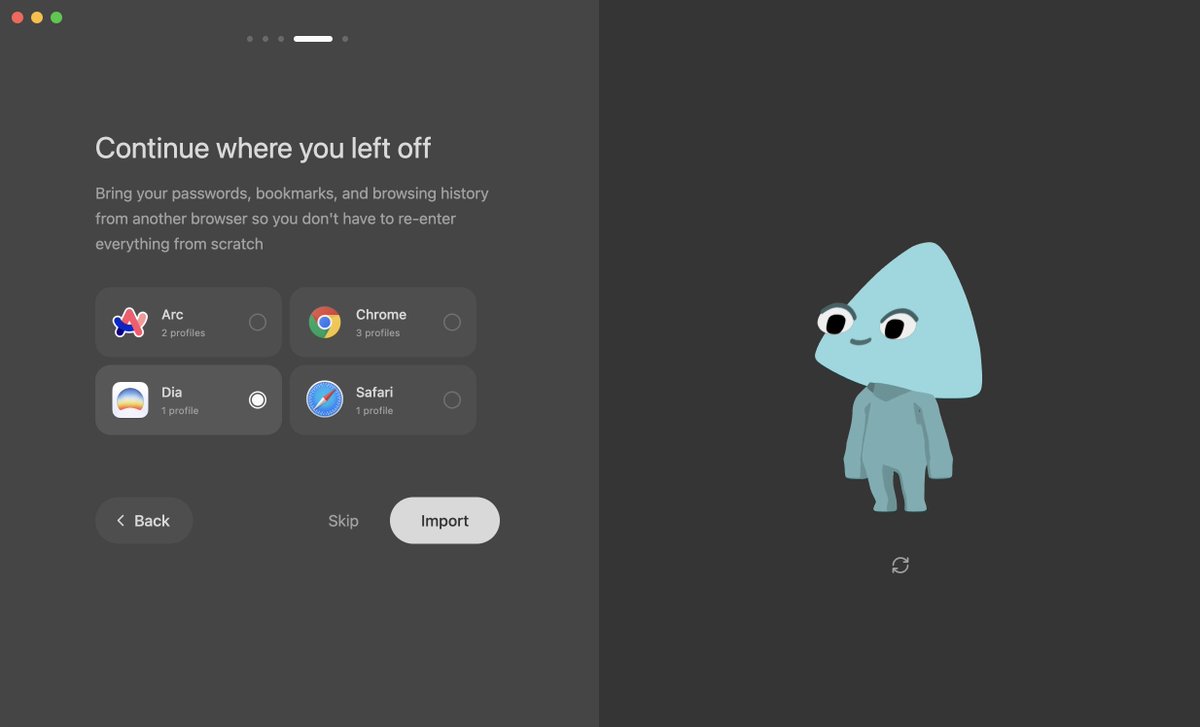
@hiclemi_x @strawberry what's your linkedin research use case? i'd agree we're not great at it right now. also chuckling at how strawberry literally 1:1 copied that onboarding screen design
English
1
0
1
63
Patrick Han
Patrick Han@hiclemi_x·
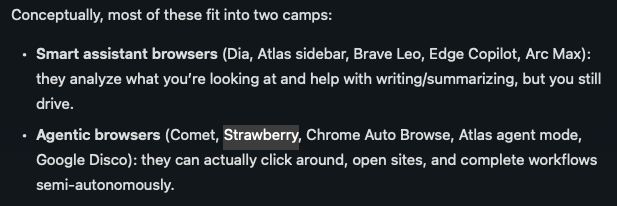
might move to Strawberry Browser. @strawberry i’m an avid Arc/Dia user - not because of the AI, but because of the design, the vertical tabs on the left, and the fact that many of my developer peers use it. i use Claude Code for local AI, but the downside is that it can’t operate inside my browser. my work is probably 70% local, 30% in the browser. so I tried using Dia for LinkedIn research, but I couldn’t really handle doing everything one by one while thinking together. then I remembered Strateweeby and realized it’s a bit different. just trying it out now and will share what I learn.
Patrick Han tweet mediaPatrick Han tweet media
English
2
0
0
190
cemre güngör retuiteado
cemre güngör
cemre güngör@gem_ray·
Notion AI can already do inline edits! It can edit databases too. This is a way better solution than a generic Browser Agent. It's secure, way faster at editing and can also search across the instance.
Olivia Moore@omooretweets

Killer use case of AI browsers (ex. ChatGPT Atlas) - editing long-form text. It's so much easier to do this when AI can see your screen + the most recent text vs. copy/pasting back endless versions as you make changes. Next step feels like agents that can leave inline edits...

English
0
0
3
1.1K
Mehul Fanawala
Mehul Fanawala@MehulFanawala·
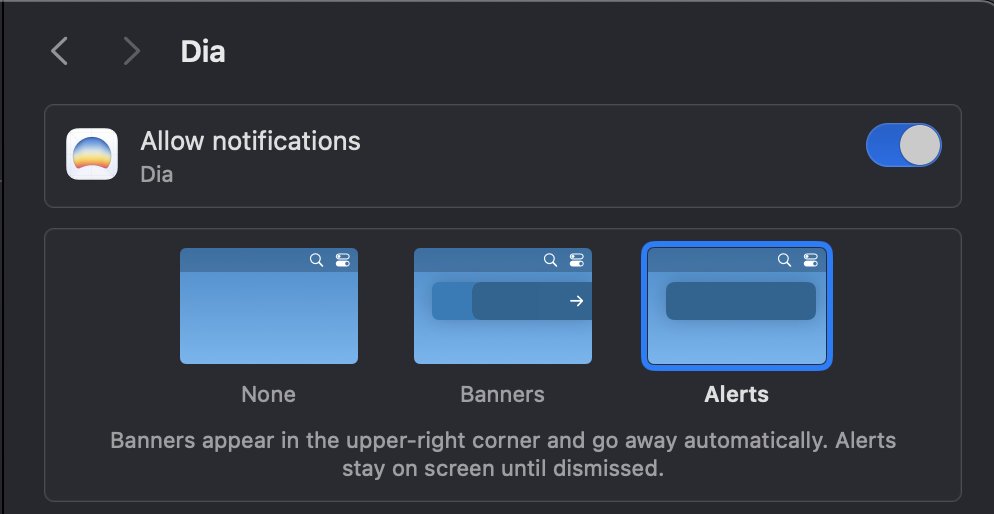
I am 99% on it, the main reason I am yet to make it my default browser is, Google Calendar meetings notifications come and disappear without giving an option to snooze and at the time of meeting it doesn't stay, it just disappears. This is the only reason Chrome is still my default browser.
English
1
0
2
113
Benny Bowden
Benny Bowden@itsMeBennyB·
The real reason @diabrowser is winning the browser wars: They're being more thoughtful and reserved with agentic features compared to competitors. @browsercompany was successfully prototyping agents forever ago, so it's not about whether they can do it or not. What's out there already is underwhelming and they know rushing things to be first isn't worth it.
English
19
2
139
11.4K
cemre güngör
cemre güngör@gem_ray·
@petergyang dia uses computer use models in an extremely limited fashion for this specific reason. openAI does more to prevent prompt injections than perplexity but it's a natural problem. it's surprising to me folks use these with work data linkedin.com/posts/the-brow…
English
1
0
2
122
Peter Yang
Peter Yang@petergyang·
Ok I just came across this post and this is pretty concerning for AI browsers? Basically any malicious website can inject a prompt into your browser's AI agent to make it do stuff. Have the top AI browsers (Atlas, Comet, Dia) addressed this directly?
Brave@brave

Last week we reported similar prompt injection flaws we discovered in AI browsers Perplexity Comet and Fellou: brave.com/blog/unseeable… In each case, we disclosed vulnerabilities to affected browser vendors before publishing our findings so that they could fix these issues.

English
10
2
36
11.8K
Peter Yang
Peter Yang@petergyang·
What’s your favorite AI app or tool that you used recently and why was it useful or good? Rules: 1. You can’t promote your own tool 2. Would love to try some lesser known ones (not ChatGPT)
English
58
5
80
17.3K
cemre güngör
cemre güngör@gem_ray·
@petergyang yea if you connect your slack... notion AI's search of slack is better than slack itself
English
0
0
1
161
cemre güngör
cemre güngör@gem_ray·
i’ve lived in sf 10+ years and i’m surprised it took me this long to be shocked by a tech billboard
cemre güngör tweet media
English
0
0
9
1K
mert can demir
mert can demir@validatedev·
for sure, happy to share a screen capture. you can see the white flash in three cases (website-agnostic) where chrome doesn’t have it: opening a site in a new tab from search/chat or bookmarks. opening a site in a new tab from another site (different domains). navigating back/forward across different domains (using trackpad in recording, but i remember it happens also with mouse's back-forward buttons, does not happen with cmd+left/right arrow keys).
English
1
0
0
149
Josh Miller
Josh Miller@joshm·
Starting today, the @browsercompany is back to shipping weekly updates. October's Dia releases include: • More powerful memory (of your tabs) • Redesigned Dia Skills • Arc's Focus Mode (CMD-S) All landing in @diabrowser this month. Oh, we removed the waitlist today too 🤗
English
130
39
858
154.4K
Capless
Capless@capless_anon·
@diabrowser Guys, you aren’t being serious right now. Most dia users are probably straight from Arc, and all are used to the vertical bar. You continue to ship agentic crap without first shipping the bare minimum for Arc users, the vertical bar. I know it’s coming, but hurry up.
English
5
0
28
1.1K
Dia
Dia@diabrowser·
Call the right context, at the right moment. Memory Search is now live in Dia 🔎
English
30
34
500
55.3K
mert can demir
mert can demir@validatedev·
@joshm @browsercompany @diabrowser One pinpoint that annoys me a lot: I’m a dark mode user and whenever I load a web page on a new tab, while loading Dia shows a blank white page first, then loads the page. It really hurts my eyes tbh. Need to close my eyes when clicking a bookmark
English
1
0
8
2.2K
cemre güngör
cemre güngör@gem_ray·
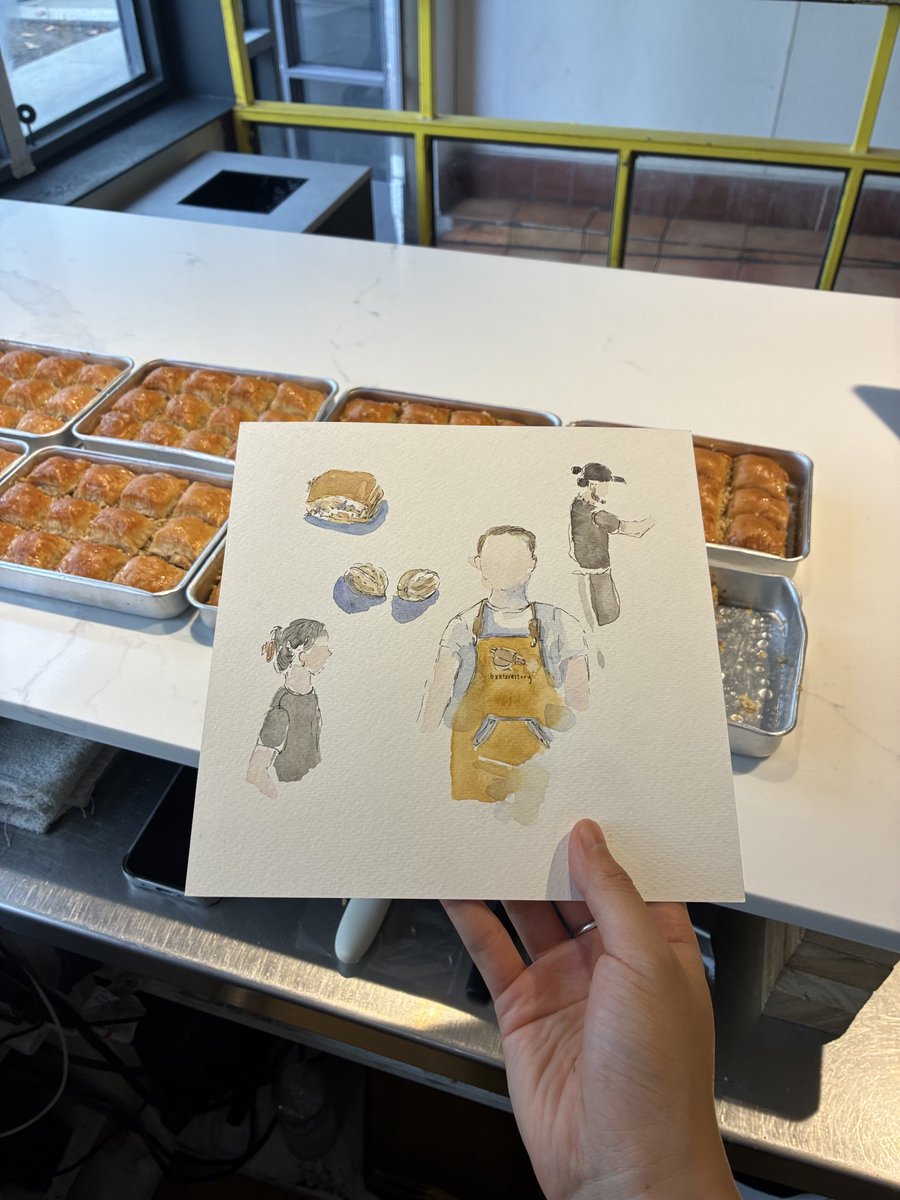
@sha_zng baklava story right i'm turkish, it was the best i've had in my life. blown away
English
0
0
2
269
shani 🌱 (sf)
shani 🌱 (sf)@sha_zng·
psa: there’s a man in sf who traveled the world for 4 years learning how to make the best baklava & it is indeed the best baklava
shani 🌱 (sf) tweet mediashani 🌱 (sf) tweet media
English
171
333
11.5K
855.7K
Sho Kuwamoto
Sho Kuwamoto@skuwamoto·
It looks like 2 is winning so far, but I wanted to clarify point number 1. Have you ever... * Opened a Figma file and wondered OMG how is this the AL in this file arranged? * Tried to drag something around only to find it completely messed up your design? * Started making a complex design and thought to yourself "oh no now I have to make hundreds of boxes with precise AL settings" So my question is about designer use cases, not beginner / non-designer use cases.
Sho Kuwamoto@skuwamoto

Hi folks. Quick @figma question. If you had to choose, would you rather us work on... 1) Making auto layout easier to understand and use 2) Adding features to make auto layout more powerful (e.g., proportional sizing of children)?

English
30
1
27
10.1K
joowon
joowon@n0w00j·
please shut the fuck up
joowon tweet media
English
162
47
2.1K
176.9K