Figblox

41 posts

Figblox banner
Figblox

Figblox

@FigbloxDev

Design in Figma. Build in Roblox. Coming soon. https://t.co/Pf819loQKs

Inscrit le Nisan 2026
186 Abonnements146 Abonnés
Tweet épinglé
Figblox
Figblox@FigbloxDev·
Stop rebuilding your Figma designs by hand. Figblox exports to JSON and imports directly into studio. Coming soon.​​​​​​​​​​​​​​​​ #robloxui #robloxdev #figma
English
18
12
412
18.8K
Rillw
Rillw@ezvlap·
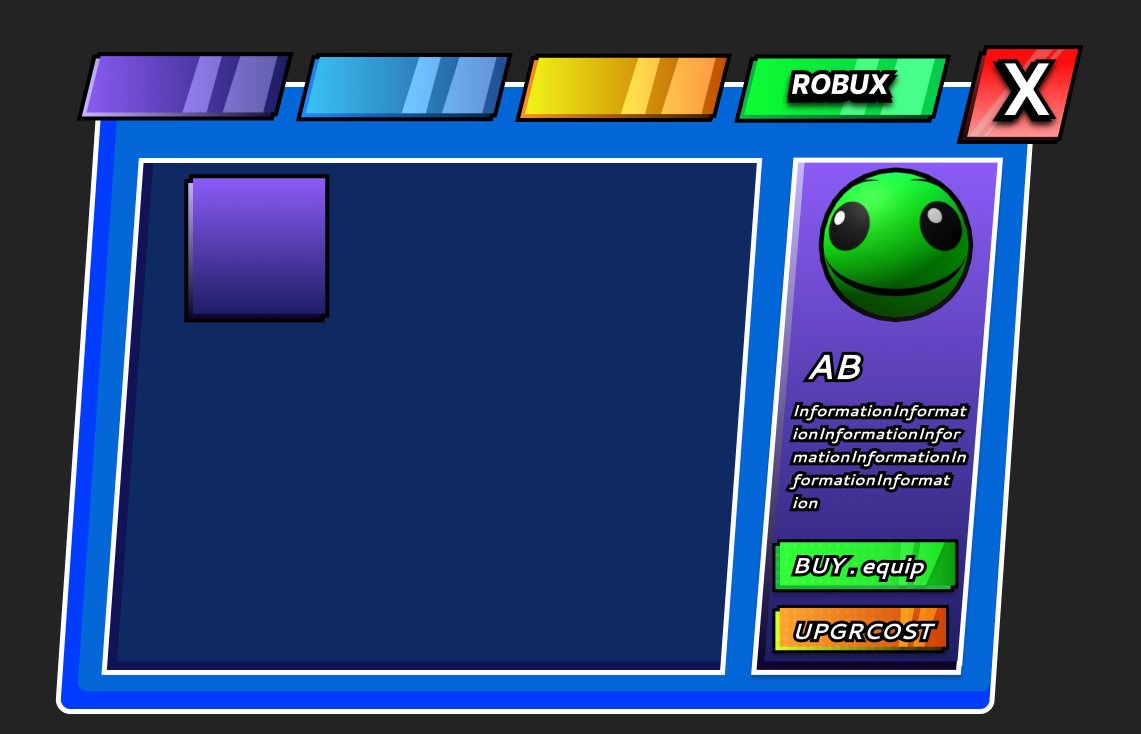
One of my first uis made with FIGMA, this ui will be used in my upcoming roblox game stay tuned :) (text is placeholders) #robloxdev #roblox #figma
Rillw tweet media
English
1
0
6
211
Jaaay64
Jaaay64@jaaay64·
I’m genuinely, so, so excited to launch this game 🥹
English
5
4
109
3.1K
Figblox
Figblox@FigbloxDev·
Another Figblox import flow: Make Raster, Clear Raster, import into Studio, then run To Scale, Lock Text, and Lock Stroke. Matching raster layers are detected by their properties and reused, so duplicate images are not exported again. #robloxui #robloxdev #figma
English
3
0
27
1.3K
Erzak
Erzak@dimaerzak·
recent frames from theintro for client🔥looking for a Roblox / Rivals / Gaming video editor? my DMs are open. Let's work!
English
10
0
41
617
Figblox
Figblox@FigbloxDev·
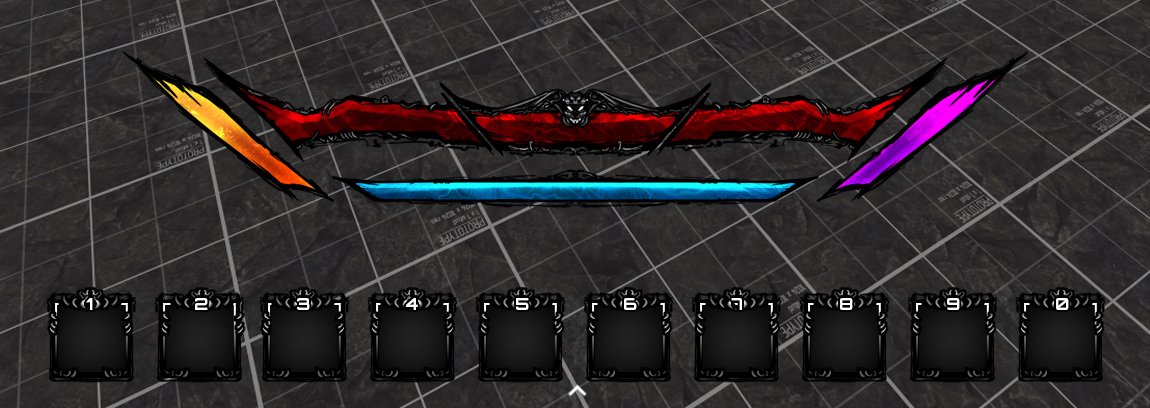
@askfalse Sorry for the confusion. That also works now! The prefixes are there for when you want to mark it explicitly, but it can be as simple as this with the parent having the overflow.
Figblox tweet media
English
0
0
0
32
false
false@askfalse·
@FigbloxDev still not sure im understanding, what's the point of the separate .scrollingframe & .scrollviewport frame? in which cases are the built-in properties insufficient?
English
1
0
0
49
Figblox
Figblox@FigbloxDev·
Figblox is a two-plugin system for moving UI from Figma into Roblox Studio. Here’s a quick example of how .scrollingframe and .scrollviewport work. #robloxui #robloxdev #figma
English
12
26
464
21.5K
Figblox
Figblox@FigbloxDev·
@askfalse The prefix is there for explicit detection. Instead of guessing which frame should be treated as the scroll viewport, Figblox uses .scrollviewport so the import stays predictable. Otherwise, it’s automatically detected.
English
1
0
0
269
false
false@askfalse·
@FigbloxDev why not use the scroll behavior of the frame itself? having to rename the frame feels a little odd
English
1
0
0
322
Forge AI
Forge AI@forgeai_loop·
@FigbloxDev ngl this is so clean, figma to roblox pipeline hits different fr
English
1
0
3
175
Figblox
Figblox@FigbloxDev·
@Nuck48874 There’s no official release date. I’m finalizing a few things for release and waiting for Figma’s approval for the plugin!
English
0
0
0
381
Nuck
Nuck@Nuck48874·
@FigbloxDev When will this plugin be released?
English
1
0
1
443
Figblox
Figblox@FigbloxDev·
@KinderDev That’s fair, but Figblox already translates Figma auto layout into Roblox layout objects like UIGridLayout where it makes sense, without AI. It is not just copying raw JSON directly into Studio.
English
0
0
6
400
Kinder
Kinder@KinderDev·
@FigbloxDev Personally not a big fan of the way these tools work because they are directly converting a json instead of using AI to come up with the best possible solution for implementing it into studio A lot of times the best practices for studio UI is different from the Figma UI
English
2
0
1
589
Figblox
Figblox@FigbloxDev·
@Chosen_Apes Not released yet! Hopefully in the coming weeks!
English
0
0
4
543
The Chosen Ape
The Chosen Ape@Chosen_Apes·
@FigbloxDev Has anyone tried this yet to see if its consistent/good quality? Having a pain in the ass creating every frame by hand right now.
English
1
0
5
656
Figblox
Figblox@FigbloxDev·
@KinderDev We actually have this! Figblox detects Figma auto layout and converts it to a UIListLayout automatically. Vertical stack in figma comes in as a UIListLayout with the right fill direction, spacing and padding in studio.
English
1
0
0
44
Kinder
Kinder@KinderDev·
@FigbloxDev An example is a UI designer positioning 3 frames vertically manually and in studio you would use a UI list layout vertically
English
1
0
2
110