Legend Tweaks
174 posts

Legend Tweaks
@Legend_Tweaks
We offer the best pc optimizations and overclocks for gamers
Inscrit le Eylül 2025
42 Abonnements124 Abonnés


The recommended prefetcher settings are:
"L1 Stream HW Prefetcher" = Enable, Enabled
"L2 Stream HW Prefetcher" = Disable, Disabled
"L1 Stride Prefetcher" = Enable, Enabled
"L1 Region Prefetcher" = Enable, Enabled
"L1 Burst Prefetch Mode" = Disable, Disabled
"L2 Up/Down Prefetcher" = Disable, Disabled
Don't trust other tweakers in this scene. 99% of them have no clue what they are talking about.
x.com/Legend_Tweaks/…
Legend Tweaks@Legend_Tweaks
nice tool u got there 😼
English

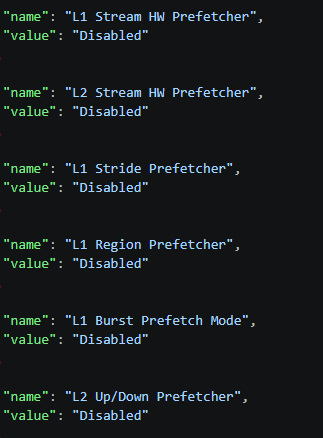
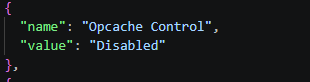
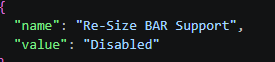
@xPajam well test if its bad for u then disable not that hard
English

@Legend_Tweaks Resize bar fucks framepacing when fps is super high in cpu bound games. Mouse feels weird.
English


@Legend_Tweaks congrats, bro, except for the fact that this is not my tool and I don't set the settings like that, but okay, nice try I guess?
English
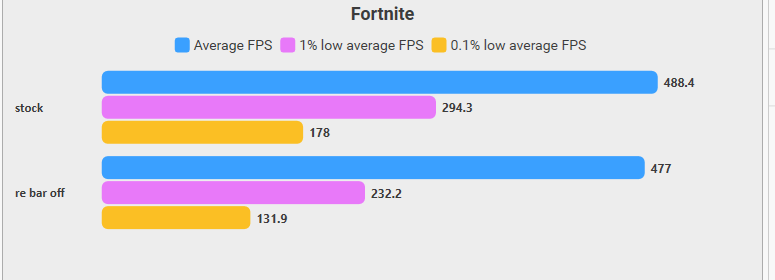

@Legend_Tweaks re-size bar isn't a one and done holy grail lmao it can be counter-intuitive for multiple games
English
@axeyFN1 no thats only couple of settings that are wrong anyways and its called exposing we got a whole server about it
English

@lkz_r98 no its bad to enable it it doesnt do what the name says
English



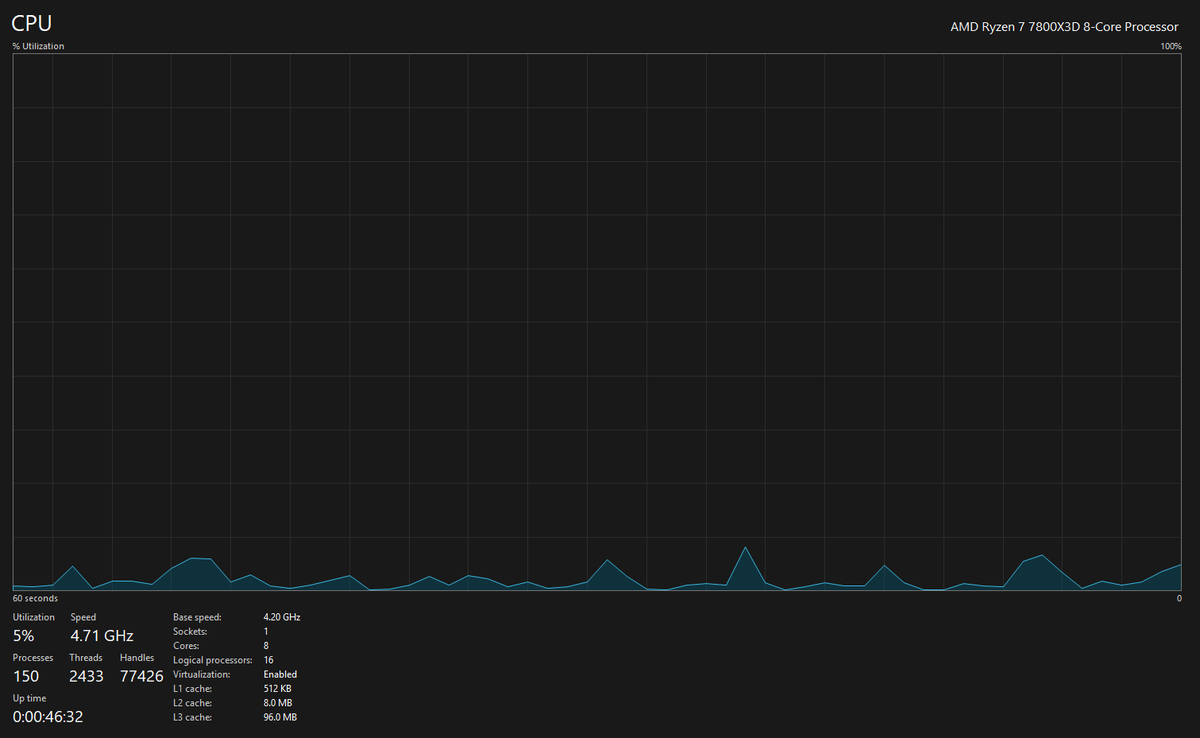
I'm constantly running 120-160 fps in game someone please help me
7800X3D
RX 7800 XT
32gb ddr5 6400(on 4800)
Samsung 2tb NVMe
English
@soph_setup how did u know its the gpu?
what exactly happens
English

@Legend_Tweaks Already wiped and re installed the drivers once before
English

this guy doesnt know the diff between Hexadecimal and Decimal lmao🤣🤣
it should be A for Hex and 10 for Dec
Mason George@MasonReact
Has your game been feeling delayed recently? Set: HKEY_LOCAL_MACHINE\SOFTWARE\Microsoft\Windows NT\CurrentVersion\Multimedia\SystemProfile ➡️ SystemResponsiveness = 10 This lowers input delay, helps your games run smoother, and more responsive.
English