@davidjkenny Correct, still no Mac version, however we have a prototype of a web app that captures various kinds of requirements. Feel free to check it out and let us know what you think: specit.io
Did you know? You can show the ID of each item in the project browser. Toggle them on and off by clicking the ID button located at the top of the project browser.
Why might you want to show packages in a filter you ask? One reason is to update a custom field for multiple packages in one fell swoop. BTW if you didn't know already, here's how you can update multiple items simultaneously: casecomplete.zendesk.com/hc/en-us/artic…
The latest Pro 14 update has a couple nice new features: a revamped "Create Use Cases from Goals" dialog, and the ability to filter packages in a filter tab. Check it out. casecomplete.com/releasehistory
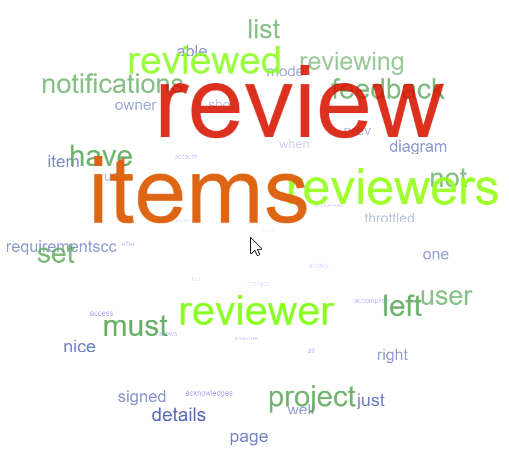
The sample app that demonstrates the requirements.cc API is back online. Give it a try - you can generate a 3-D rotating word cloud using words found in your project. api.requirements.cc/WordCloud
Another new feature in CaseComplete 14: expanded support for Microsoft @AzureDevOps (the product formerly known as TFS). Now you can upload your use cases too (in addition to test cases and user stories). Attached diagrams and images also get uploaded.
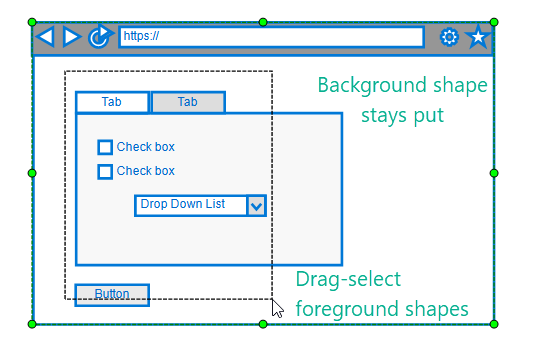
More goodness in CaseComplete 14: lock a shape's position. Now you can select foreground shapes using mouse drag without moving the background shape. Great for creating screen mock-ups.