Sketch@sketch
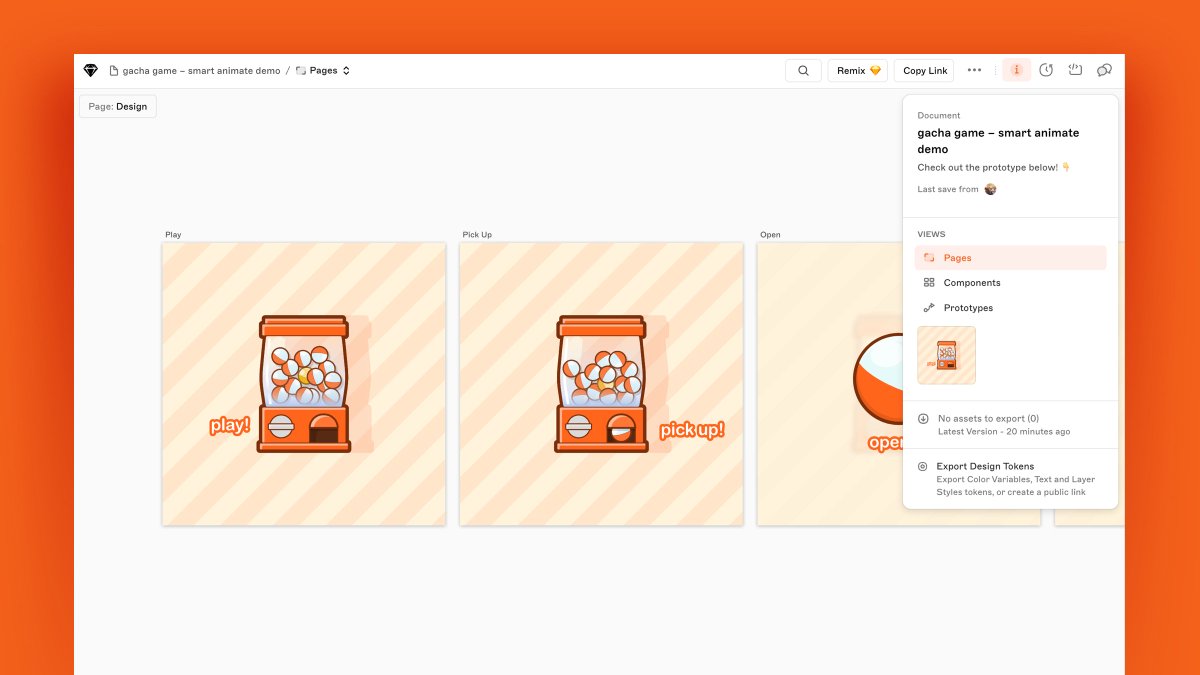
🆕 in Sketch: Smart Animate, easy Library replacements, better PDF exports, all-new web app UI, better dev handoff, and so much more!
Our latest update brings a bunch of new features and improvements, starting with a new Prototyping feature…
Smart Animate
We’ve had plenty of requests to bring animation to Prototyping — so we’ve done just that.
Smart Animate looks for layers with the same name across different Artboards and animates the changes between them. If you’ve used Magic Move in Keynote, you’ll find this pretty familiar!
If you want to see Smart Animate in action, check out our blog post where we’ve run through a few examples of how you can bring it into your designs: skt.ch/9fs8fDj
As part of Smart Animate, we’ve added easing and duration options for transitions, and introduced a new transition — dissolve.
Easy Library swaps
You now have a couple of ways to swap the underlying Library and replace the Components in your document.
You can choose to replace all Components, a single Component type or your own custom selection of specific Components. This one is super handy if you’re doing things like theming, or designing for dark and light modes.
Color Variables in gradients
We know, this one has been a long time coming. There’s not much more to say on this one, but we’re glad it’s here now — and we hope you are too!
Better PDF exports
You can now choose which Artboards to export, optionally add Artboard titles and render Artboards as bitmaps for more precision. Also, for Workspace documents, you can include all comments in your PDF or as a separate CSV file.
Sketch en español
Di ‘hola’ a diseñar en español. A partir de ahora, podrás usar Sketch en español e interactuar con la interfaz de manera más familiar e intuitiva. (For non-Spanish speakers: That’s us explaining you can now use Sketch in Spanish.)
All-new web app UI
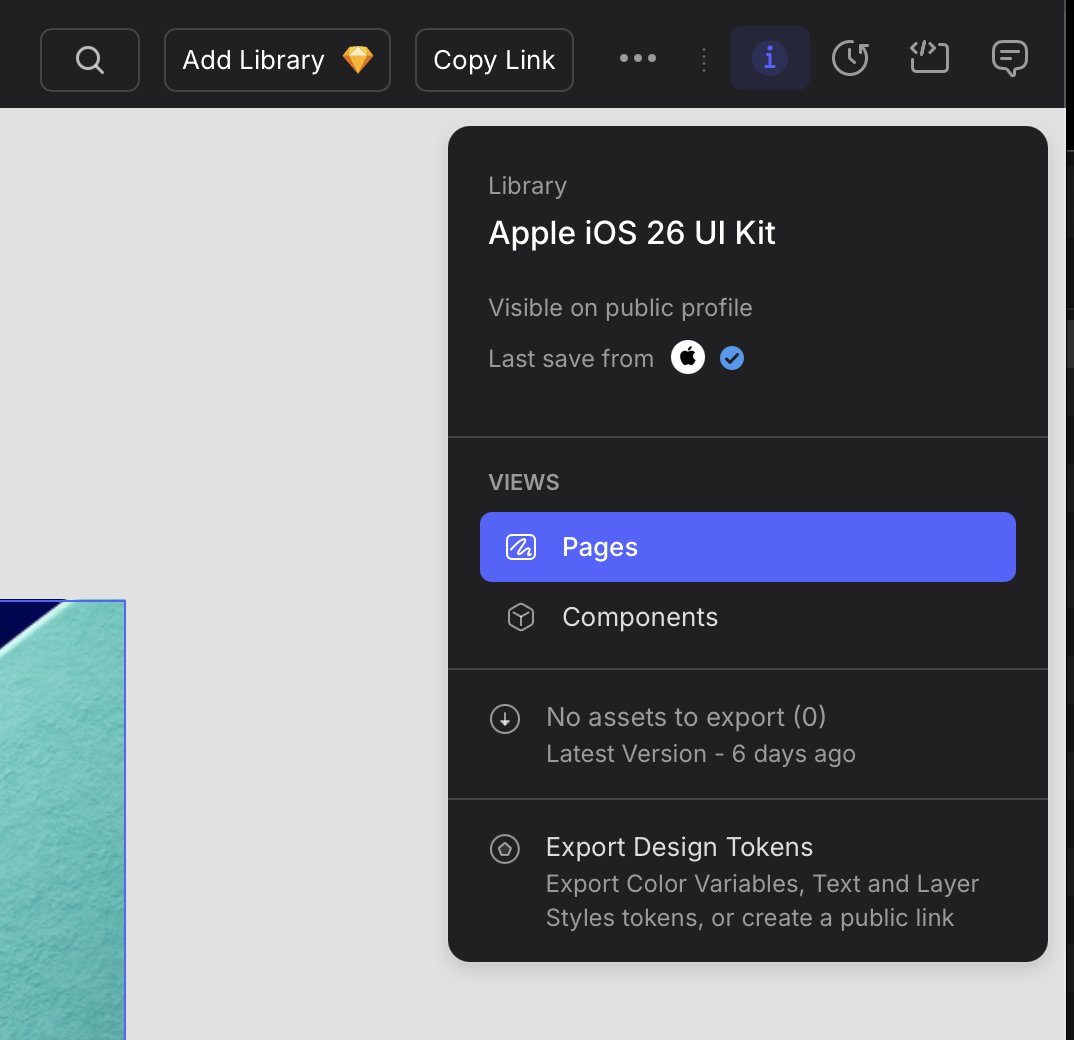
Following on from our document view refresh, we’ve given the rest of the web app’s UI an overhaul. There’s a new font (Inter, in case you’re wondering), new iconography, and new thumbnail styling for a greater sense of hierarchy.
Better developer handoff
Developers using the web app for handoff can now export any layer in a document without it being set to export in the Mac app first. You can set your export size/scale, format and filename prefix/suffix — all within the browser.
…and so much more
There’s a bunch more improvements in the Mac app, like renaming Artboards on the Canvas, HEIC exports, and click-and-drag support for scrolling areas in prototypes. And of course, a few bug fixes, too.
Find out more at skt.ch/updates or open the Mac app now to update!